



 Shopping Cart
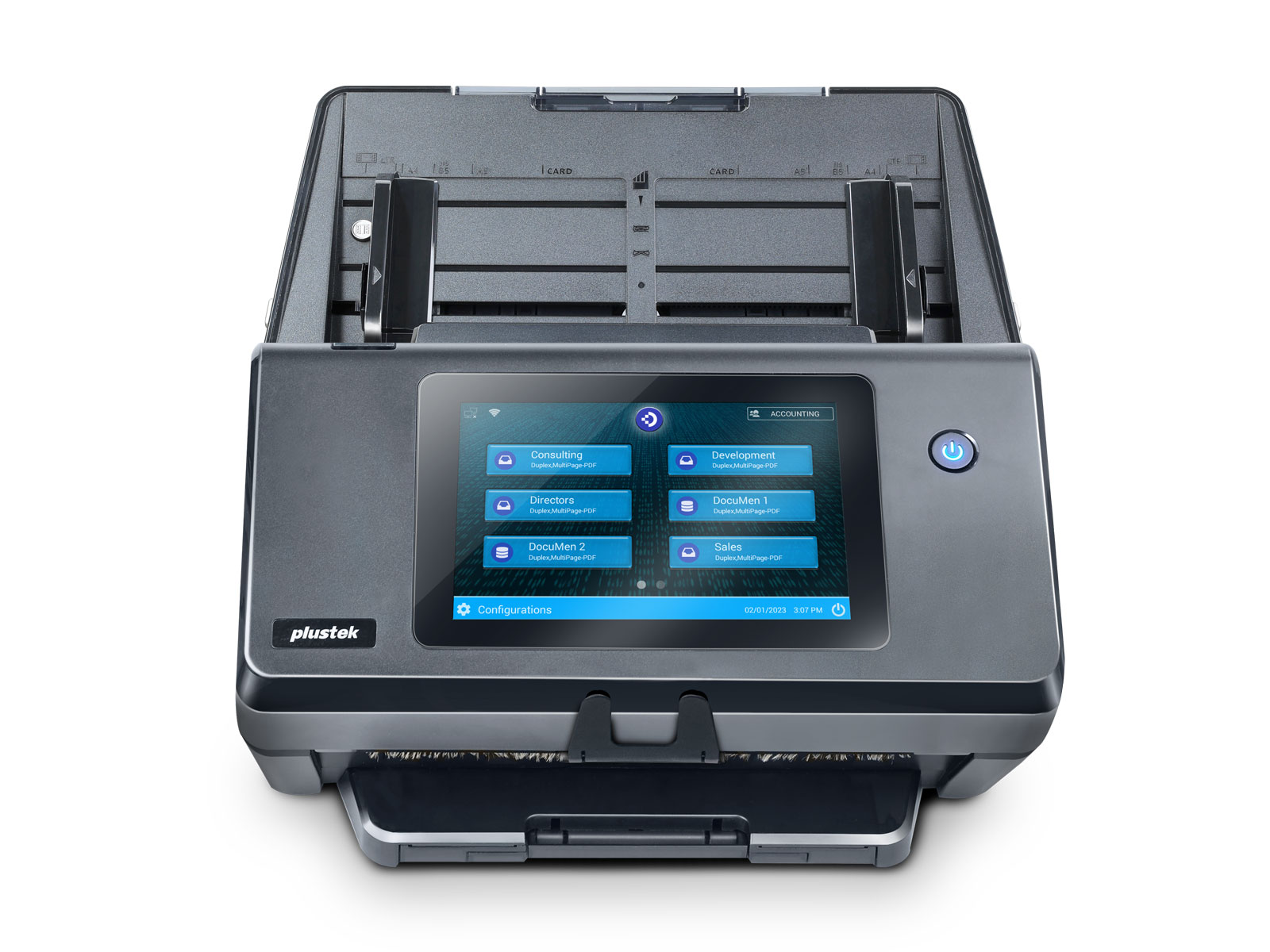
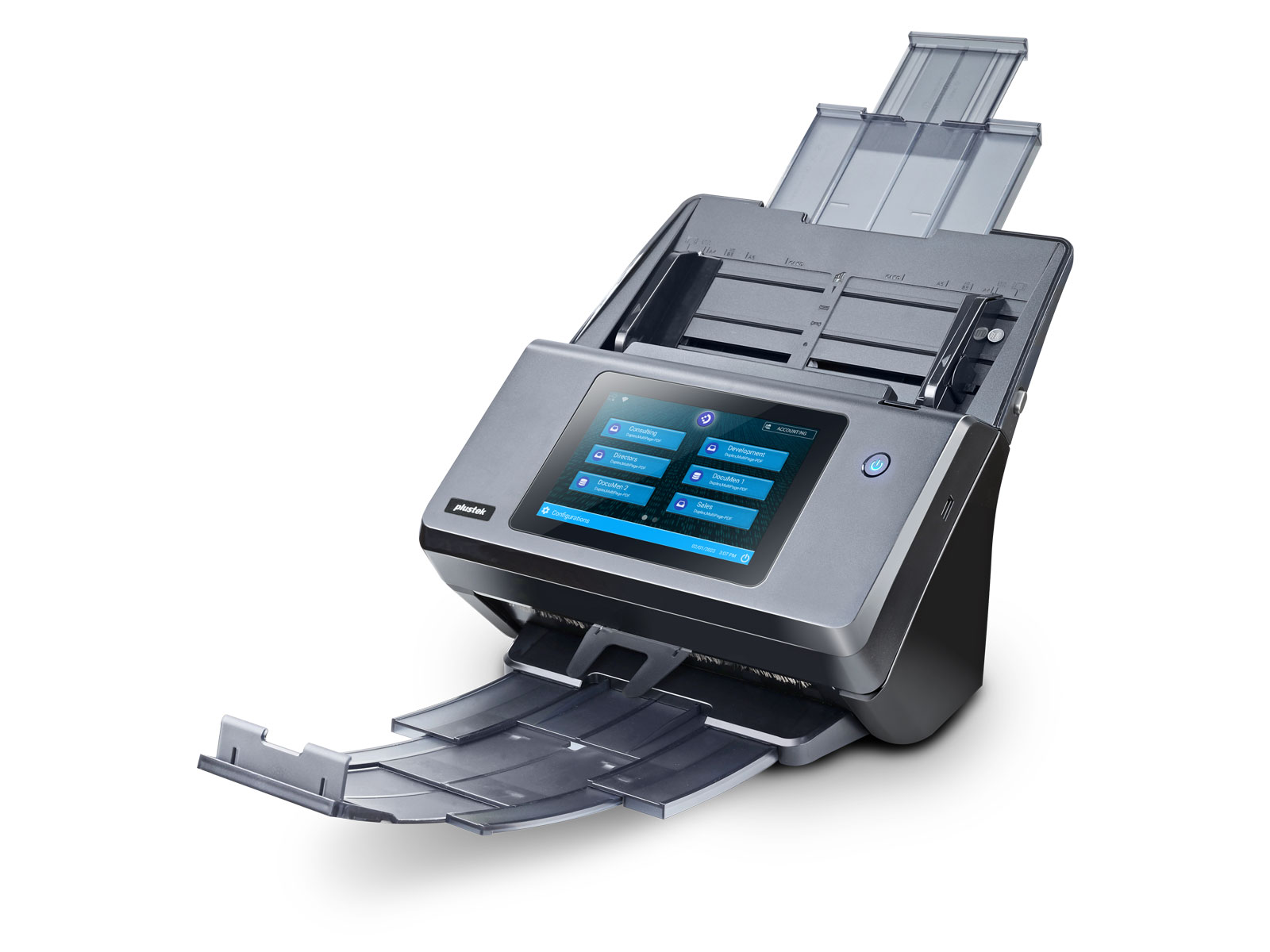
 Plustek eScan A450 DocuWare Network Scanner



Product Details
Specifications
Accessories
Reviews
Product Details
Main Features
- Office network scanner
- Effortless scanning and file transfer
- Daily duty cycle of 8000 sheets
- 60 ppm scanning in 300 dpi color mode
- 2-sided scanning
- Supports long paper scanning up to 200”
- 100-page ADF capacity
- Direct document indexing for DocuWare
- Built in preview and editing tool
- No PC required
- 7-inch large touchscreen
Specifications
General Specifications
| Image Sensor | CIS x 2 (Duplex Scanner) |
|---|---|
| Light Source | LED |
| Optical Resolution | 600 dpi |
| Hardware Resolution | 600 x 600 dpi |
| Scan Modes | Color: 48-bit input, 24-bit output Grayscale: 16-bit input, 8-bit output B/W: 1-bit |
| ADF Capacity | 1. 100 sheets (A4/ Letter, 70 g/㎡ or 18 Lbs) 2. 30 sheets (Business Cards, landscape feeding) 3. Plastic Card, Max. thickness under 1.2 mm landscape feeding 4. Passport: Less 4.0 mm (0.15 in.) thickness (including carrier sheet) Note: To prevent passport damage, please scan with carrier sheet when scanning a passport. Maximum ADF capacity varies, depending upon paper weight. |
| Scanning Speed ( ADF ) | 60 ppm/ 120 ipm (Color/ Gray/ B/W, 300 dpi, A4 Portrait) |
| Scanning Area (W x L) | Max: 216 x 5080 mm (8.5” x 200”) Min: 13.2 x 13.2 mm (0.52” x 0.52”) |
| Acceptable Paper Sizes (W x L) | Max: 244 x 5080 mm (9.65” x 200”) Min: 50.8 x 50.8 mm (2” x 2”) |
| Acceptable Paper Weight (Thickness) | 27 to 413 g/㎡ (7.2 to 110 Lbs) |
| Multi-feed Detection | With ultrasonic technology |
| Daily Duty Scan ( Sheets ) | 8,000 |
| Separate Roller Lifetime (Scans) | 300,000 |
| Pick Roller Lifetime (Scans) | 300,000 |
| Friction Roller Lifetime (Scans) | 100,000 |
| Action Button | Power |
| Power Supply | 24 Vdc/ 2.7 A |
| Network Functions | Scan to FTP (Supports FTP/SFTP/FTPS) Scan to USB Scan to Email (SMTP) Scan to Network (SMB 2.0/3.0) Scan to DocuWare *based on eScan DocuWare model only |
| Interface | USB 2.0 x 2, USB 2.0 (Host) x 1, RJ45 (network connection) x 1 |
| Net Weight | 4.1 Kgs (9.04 Lbs) |
| Dimensions (W x D x H) | 319.9 x 298.2 x 236.6 mm (12.59" x 11.74" x 9.32") |
| Operation Panel | Display: 7" 1280x800 pixels with IPS wide view multi-touch screen |
| Protocol | Network TWAIN Compliant TWAIN Compliant |
| Built-in OCR | Built-in OCR |
Accessories

Reviews


If you get a ‘Scanner Access failed’ or a ‘Scanner not found’ message on your scanner, check that the SCSI cable is well connected from the card to the scanner.
To get the best scan possible, make sure your scanner settings are set correctly for that particular image type e.g. colour or b/w.
Clean your scanner glass every so often with a glass cleaner.
MY ACCOUNT
INFO & POLICIES
SHOP EASY
PAYMENT OPTIONS



* Images are for illustration purposes only.