



 Shopping Cart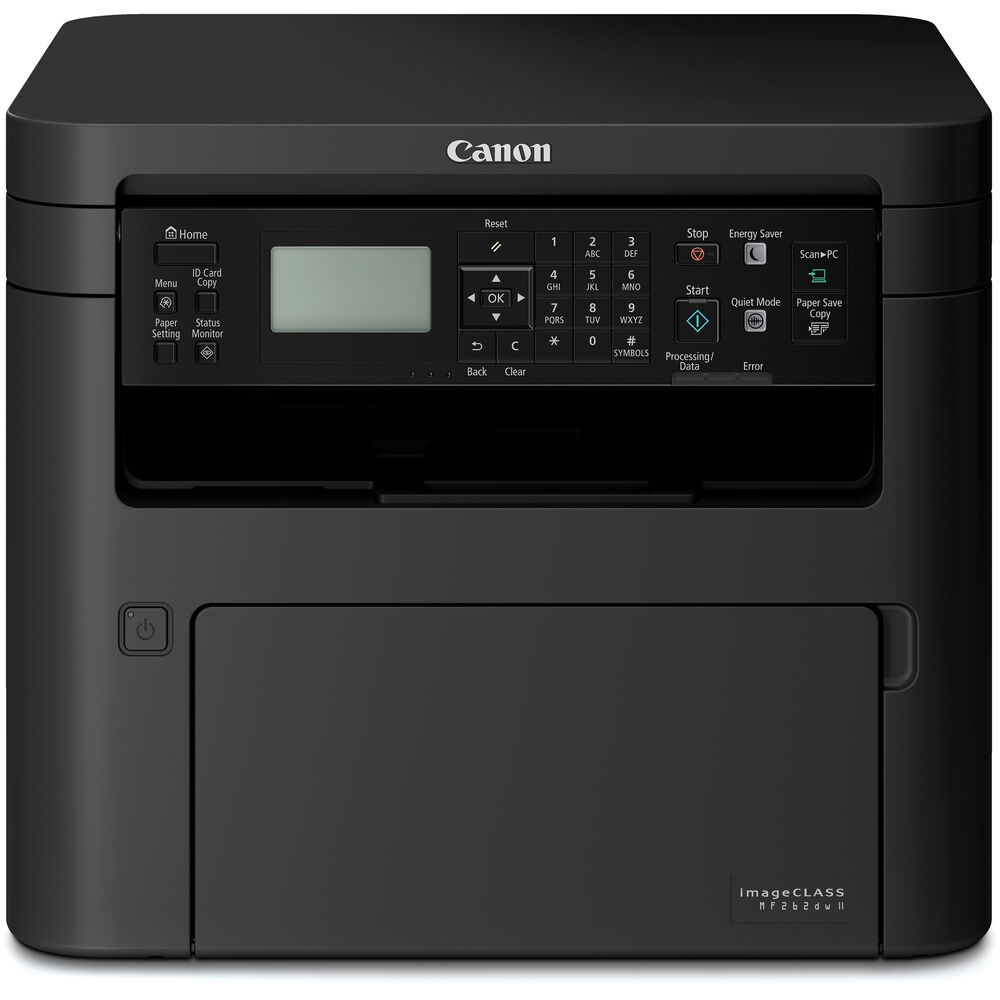



*** ALL TONERS AND SUPPLIES ARE IN STOCK AT DISCOUNTED PRICING , CALL +18882983095.
All reconditioned printers do not include supplies - toners , drums (Imaging Units) (where applicable) , printer cables , manuals , consumables, trays (where applicable). Power cables are included. Drivers can be downloaded . Power cables are included.
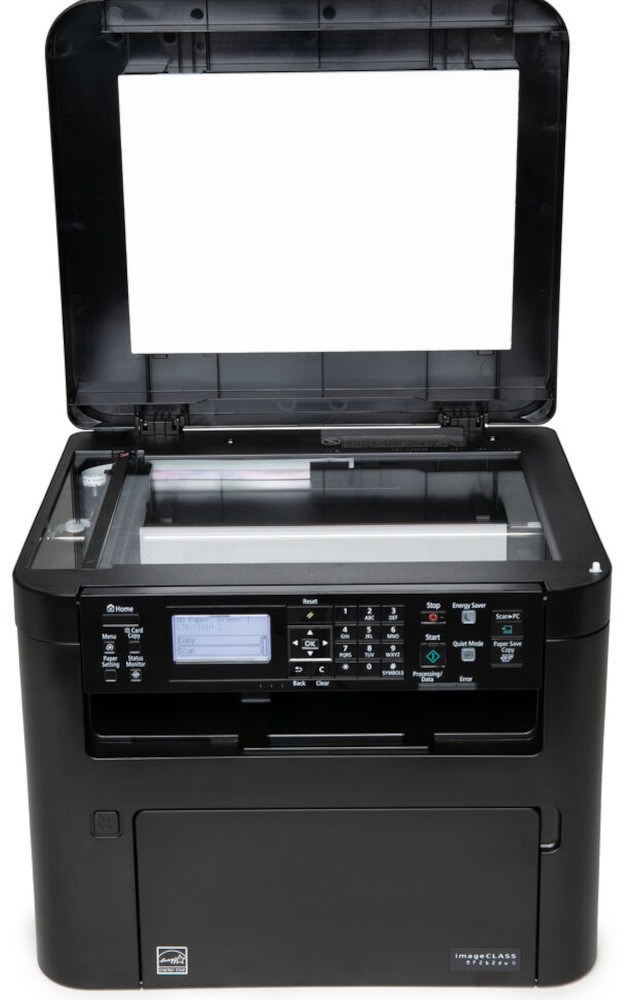
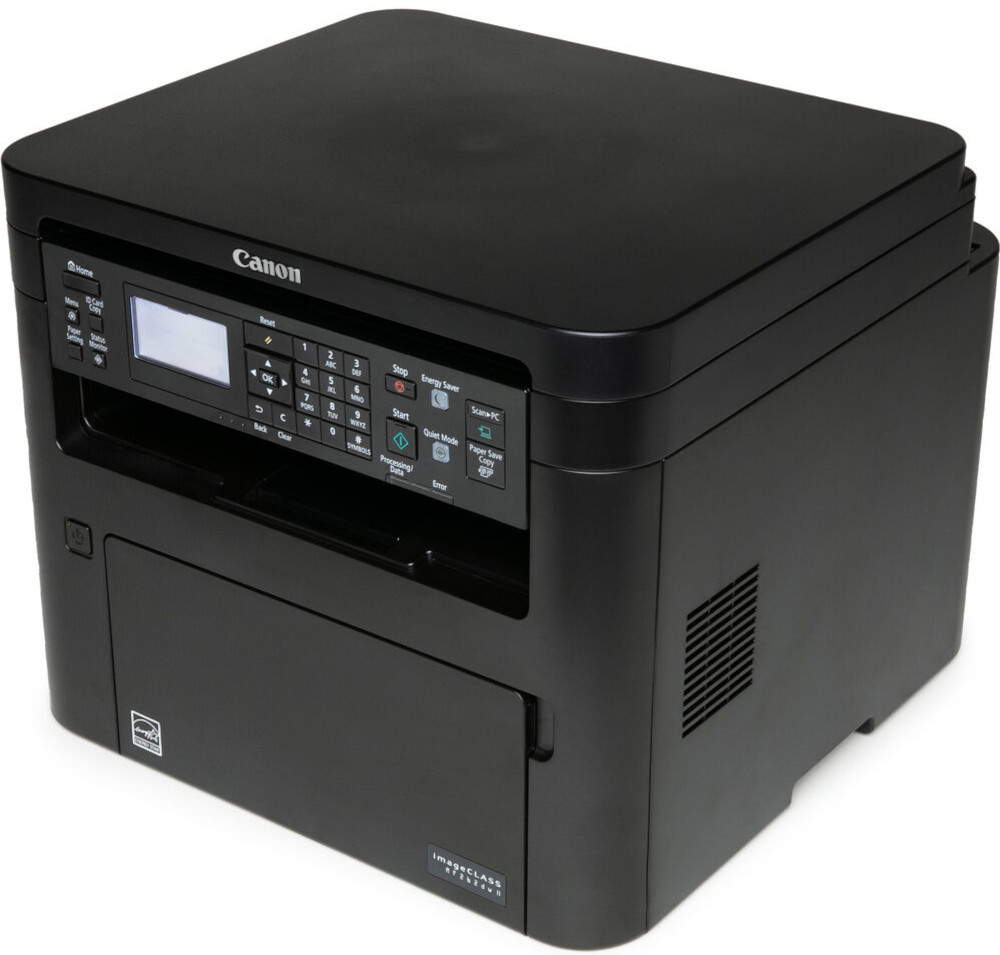
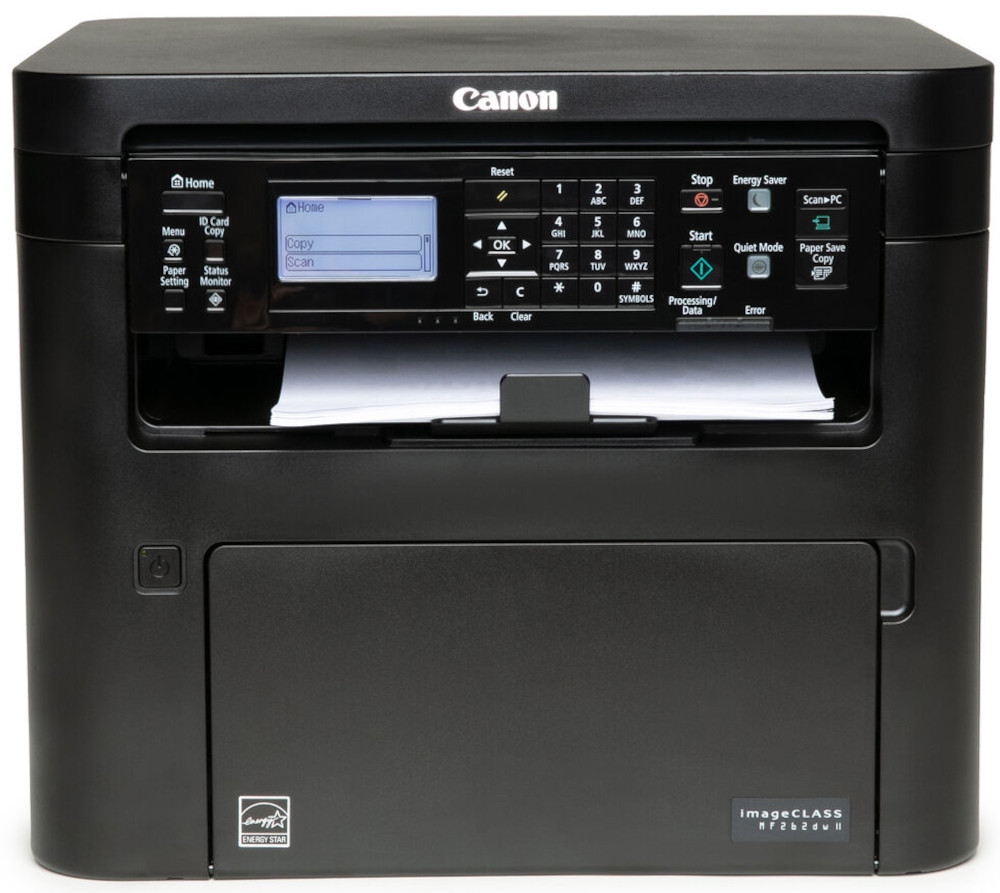
Images are for illustration purposes only and do not necessarily reflect the actual product.Product Details
Specifications
Accessories
Reviews
Product Details
Main Features
- Connectivity: Wi-Fi, Ethernet & USB
- Print, scan and copy capabilities
- Speedily prints up to 30 pages per minute
- Duplex prints
- Recommended Monthly Print Volume: 250 - 2,500 Pages
- 5 Line LCD screen
- Paper size: letter (8.5" x 11") and legal sized paper (8.5" x 14")
- Black and white printing
- First print-out time as fast as 5.1 seconds
- Print resolution: 600 x 600 dpi
Specifications
General Specifications
| unctions | Print, Scan, Copy (3 in 1) |
| Print Speed | Up to 30 ppm (Letter); Up to 24ppm (Legal) |
| Document Feeder | No Document Feeder |
| First Print Out Time | Approx. 5.1 Seconds |
| Print / Copy Resolution | Up to 600 x 600 dpi |
| Scan Resolution | Up to 600 x 600 dpi |
| Print / Copy Memory | 256 MB |
| Printer Language | UFR II-LT, PCL6, PCL5e |
| Network Security | Authentication Standard: Department ID Authentication. IP/MAC Address Filtering, IPSEC, TLS Encrypted Communication, SNMP V3.0, IEEE 802.11b/g/n, IPv6, SMTP Authentication, POP Authentication before SMTP |
| Connectivity | USB 1.1 Full Speed, 2.0 High Speed, 100 Base-TX/10 Base-T (IEEE 802.3), 802.11bgn |
| Operating Systems | Windows 8.1 / 10, Windows Server 2012 R2/ 2016 / 2019, Mac OS X v10.12 (or later) |
| Paper Capacity | Standard: 250-Sheet Standard Cassette, 1-Sheet Stack Bypass |
| Maximum Monthly Duty Cycle | 30,000 pages |
| Recommended Monthly Print Volume | 250 - 2,500 Pages |
| Min / Max Paper Size | Platen: Up to Letter (8.5" x 11"); ADF: Up to Legal (8.5" x 14") |
| USB Direct Print | JPG, TIFF, PDF |
| Display Panel | 5 line black and white LCD screen |
| Energy Consumption | Approx: 1080 W (Max., w/o Accessories), 340 W (Average), 0.7 W (Energy Saver / Sleep Mode) |
| ENERGY STAR | Yes |
| EPEAT | Silver |
 Download Manufacturer Specifications
Accessories

Reviews


Paper jam? The best way to remove jammed paper is to gently pull the paper in the direction of the paper path - with power off, of course. Do not pull the paper backwards - you could damage your printer forever by doing so.
Printer not working? The printer memory could be full and not getting prints or the prints may be stuck in the print queue. Turn-off the printer, wait a few seconds and turn it back on.
After installing a printer, go to the Windows dialog box and check the settings, so you won't be surprised by what happens the first time you print.
MY ACCOUNT
INFO & POLICIES
SHOP EASY
PAYMENT OPTIONS



