



 Shopping Cart



*** ALL TONERS AND SUPPLIES ARE IN STOCK AT DISCOUNTED PRICING , CALL +18882983095.
All reconditioned printers do not include supplies - toners , drums (Imaging Units) (where applicable) , printer cables , manuals , consumables, trays (where applicable). Power cables are included. Drivers can be downloaded . Power cables are included.
Images are for illustration purposes only and do not necessarily reflect the actual product.Product Details
Specifications
Accessories
Reviews
Product Details
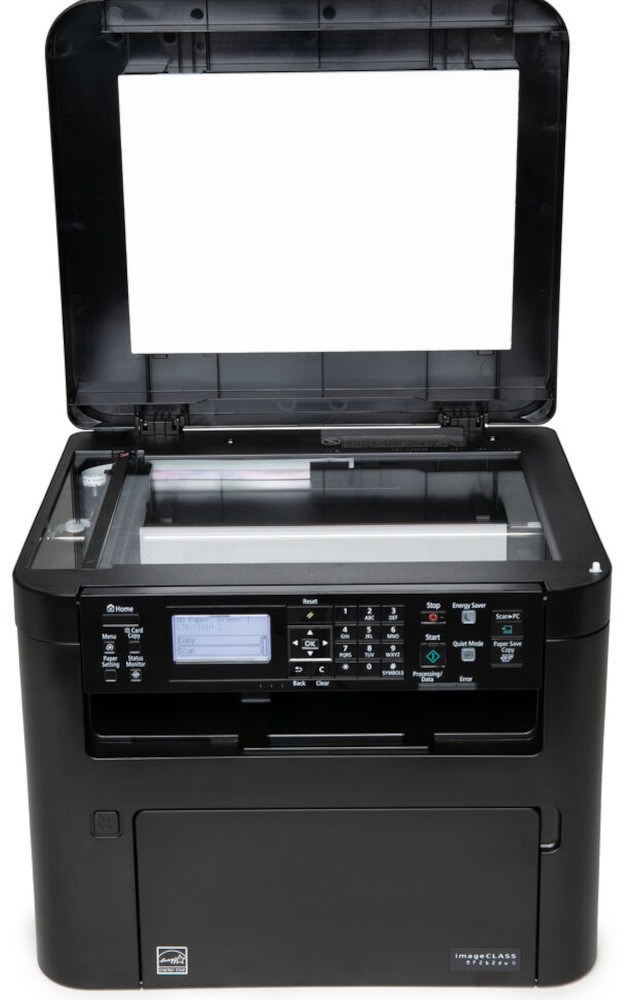
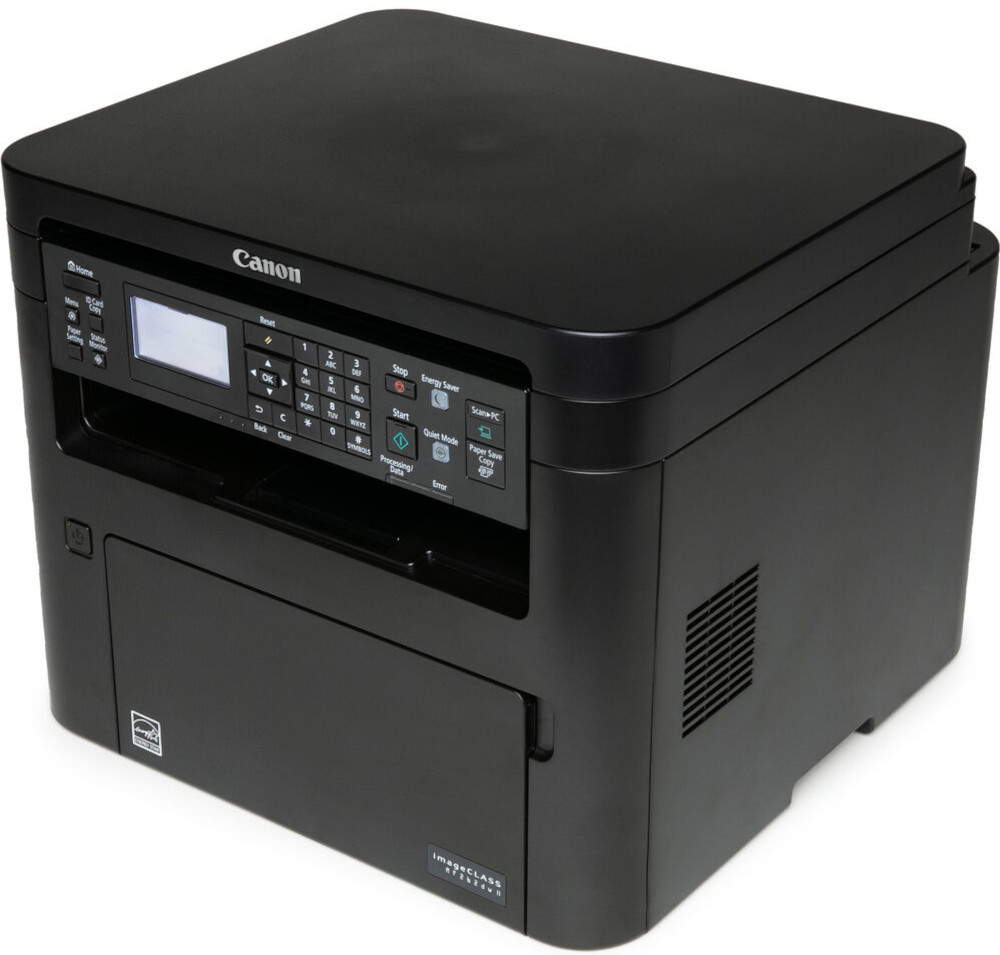
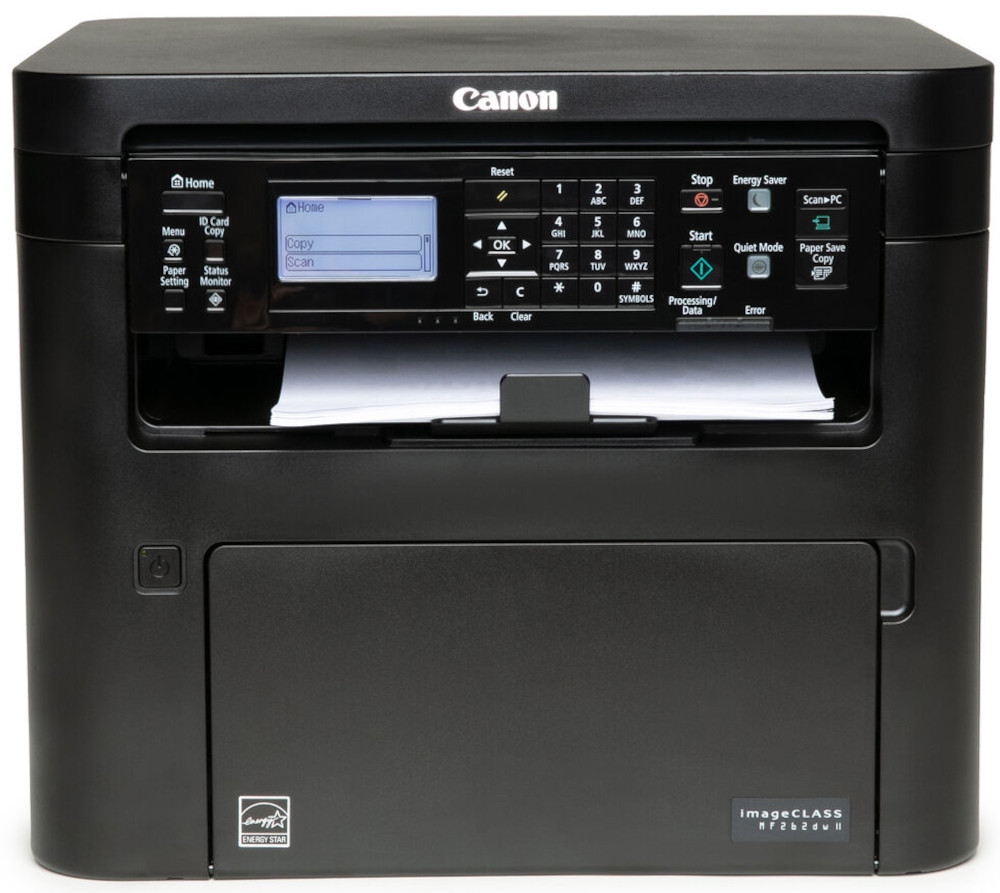
Main Features
- Connectivity: Wi-Fi, Ethernet & USB
- Print, scan and copy capabilities
- Speedily prints up to 30 pages per minute
- Duplex prints
- Recommended Monthly Print Volume: 250 - 2,500 Pages
- 5 Line LCD screen
- Paper size: letter (8.5" x 11") and legal sized paper (8.5" x 14")
- Black and white printing
- First print-out time as fast as 5.1 seconds
- Print resolution: 600 x 600 dpi
Specifications
General Specifications
| unctions | Print, Scan, Copy (3 in 1) |
| Print Speed | Up to 30 ppm (Letter); Up to 24ppm (Legal) |
| Document Feeder | No Document Feeder |
| First Print Out Time | Approx. 5.1 Seconds |
| Print / Copy Resolution | Up to 600 x 600 dpi |
| Scan Resolution | Up to 600 x 600 dpi |
| Print / Copy Memory | 256 MB |
| Printer Language | UFR II-LT, PCL6, PCL5e |
| Network Security | Authentication Standard: Department ID Authentication. IP/MAC Address Filtering, IPSEC, TLS Encrypted Communication, SNMP V3.0, IEEE 802.11b/g/n, IPv6, SMTP Authentication, POP Authentication before SMTP |
| Connectivity | USB 1.1 Full Speed, 2.0 High Speed, 100 Base-TX/10 Base-T (IEEE 802.3), 802.11bgn |
| Operating Systems | Windows 8.1 / 10, Windows Server 2012 R2/ 2016 / 2019, Mac OS X v10.12 (or later) |
| Paper Capacity | Standard: 250-Sheet Standard Cassette, 1-Sheet Stack Bypass |
| Maximum Monthly Duty Cycle | 30,000 pages |
| Recommended Monthly Print Volume | 250 - 2,500 Pages |
| Min / Max Paper Size | Platen: Up to Letter (8.5" x 11"); ADF: Up to Legal (8.5" x 14") |
| USB Direct Print | JPG, TIFF, PDF |
| Display Panel | 5 line black and white LCD screen |
| Energy Consumption | Approx: 1080 W (Max., w/o Accessories), 340 W (Average), 0.7 W (Energy Saver / Sleep Mode) |
| ENERGY STAR | Yes |
| EPEAT | Silver |
 Download Manufacturer Specifications
Accessories

Reviews


Is your printer feeding in the whole paper stack rather than just one piece at a time? Fan the paper before putting it in the tray to help separate the sheets. Also, store your paper in a cool, dry place as humidity can contribute to this problem.
Set your printer to maximum dpi setting to obtain the best image quality.
Flashing light on your printer? Each printer has a different reason for a blinking or orange light but in general it is due to a paper jam, an empty paper tray, a printer cartridge problem or a problem with the printer hardware.
MY ACCOUNT
INFO & POLICIES
SHOP EASY
PAYMENT OPTIONS



