



 Shopping Cart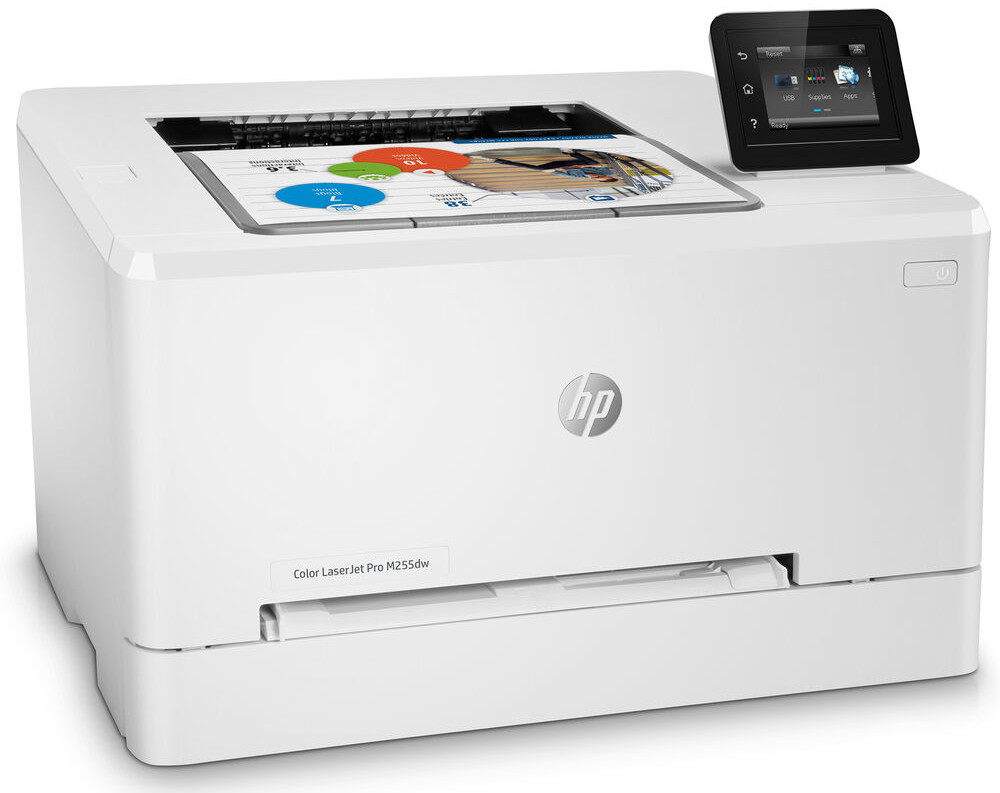



*** ALL TONERS AND SUPPLIES ARE IN STOCK AT DISCOUNTED PRICING , CALL +18882983095.
All reconditioned printers do not include supplies - toners , drums (Imaging Units) (where applicable) , printer cables , manuals , consumables, trays (where applicable). Power cables are included. Drivers can be downloaded from the manufacturers website. Please verify that drivers available are compatible with your software on the manufacturers site.
Product Details
Specifications
Accessories
Reviews
Product Details
Main Features
- Print Speed: Up to 22 pages per minute
- Print resolution: 600 x 600 dpi
- Print in color and black and white
- Automatic two-sided printing
- Prints first page in as fast as 10.2 seconds
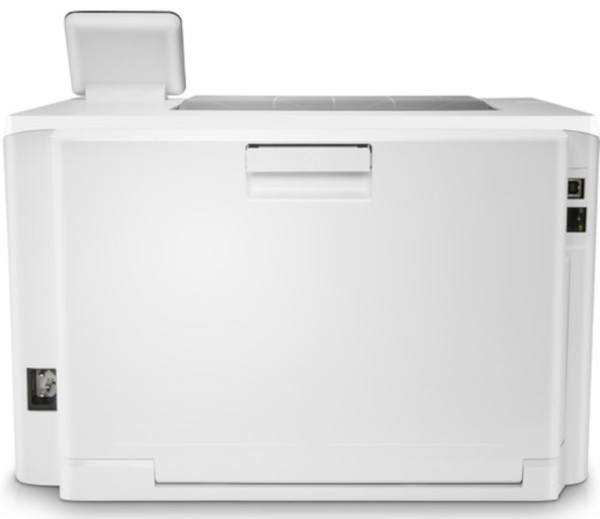
- Connectivity: USB, Wireless and Ethernet
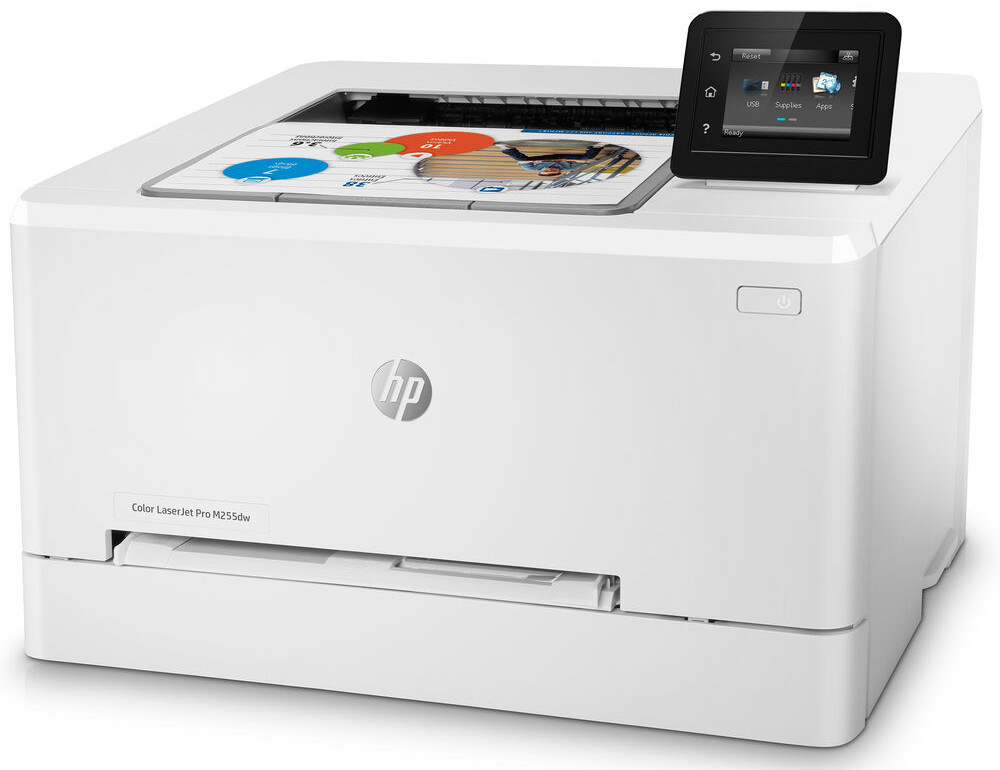
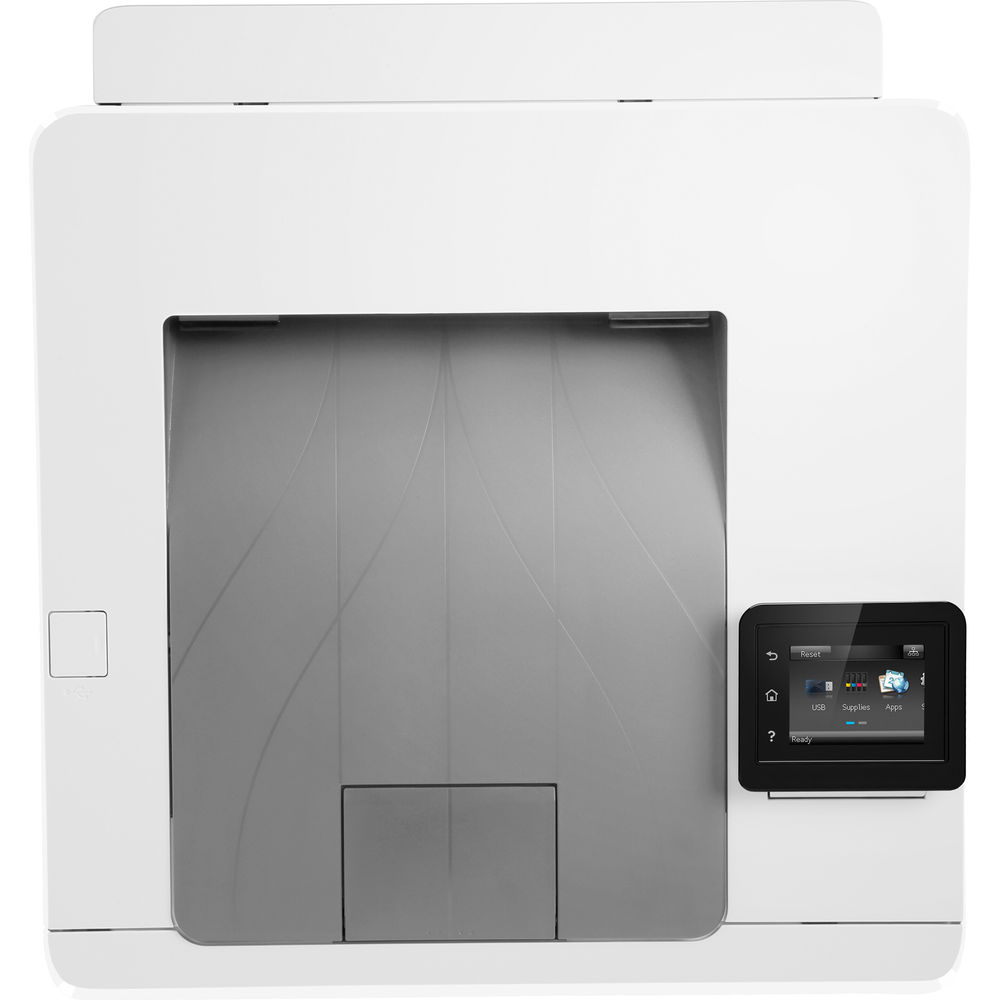
- 2.7'' color touchscreen
- Mobile printing: HP ePrint, Apple AirPrint, Mobile Apps, Wi-Fi Direct, and Mopria
- Supports legal and letter sized documents
- 250 sheet paper tray
Specifications
General Specifications
| Printing Technology | |
| Color Type | |
| Print Resolution | |
| Borderless Printing | |
| Duplex Printing | |
| Printer Language | |
| Print Speed (By Time) | |
| First Print Out Time | |
| Monthly Duty Cycle |
| Media Handling | |
| Media Sizes | |
| Media Weight | |
| Paper Capacity | |
| Special Media Support |
| Inputs/Outputs | |
| Wireless | |
| Direct Printing | |
| Internal Memory | |
| Mobile App Compatible | |
| OS Compatibility |
| Operating Temperature | |
| Operating Humidity |
| Display Size | |
| Display Type | |
| Power Source | |
| Battery | |
| AC Input Power | |
| Power Consumption | |
| Dimensions (W x H x D) | |
| Weight |
 Download Manufacturer Specifications
Accessories

Reviews


Most printers have a built-in diagnostics program which can be very useful for troubleshooting problems and test-printing without a computer. They are usually initiated by pressing a button or two while turning on the printer.
Set your printer for the proper paper type and weight. Fine art papers are heavier than ordinary inkjet or bond papers so set the printer to thicker paper settings.
After installing a printer, go to the Windows dialog box and check the settings, so you won't be surprised by what happens the first time you print.
MY ACCOUNT
INFO & POLICIES
SHOP EASY
PAYMENT OPTIONS



