



 Shopping Cart
 Kodak S2050 Document Scanner for Government GSA
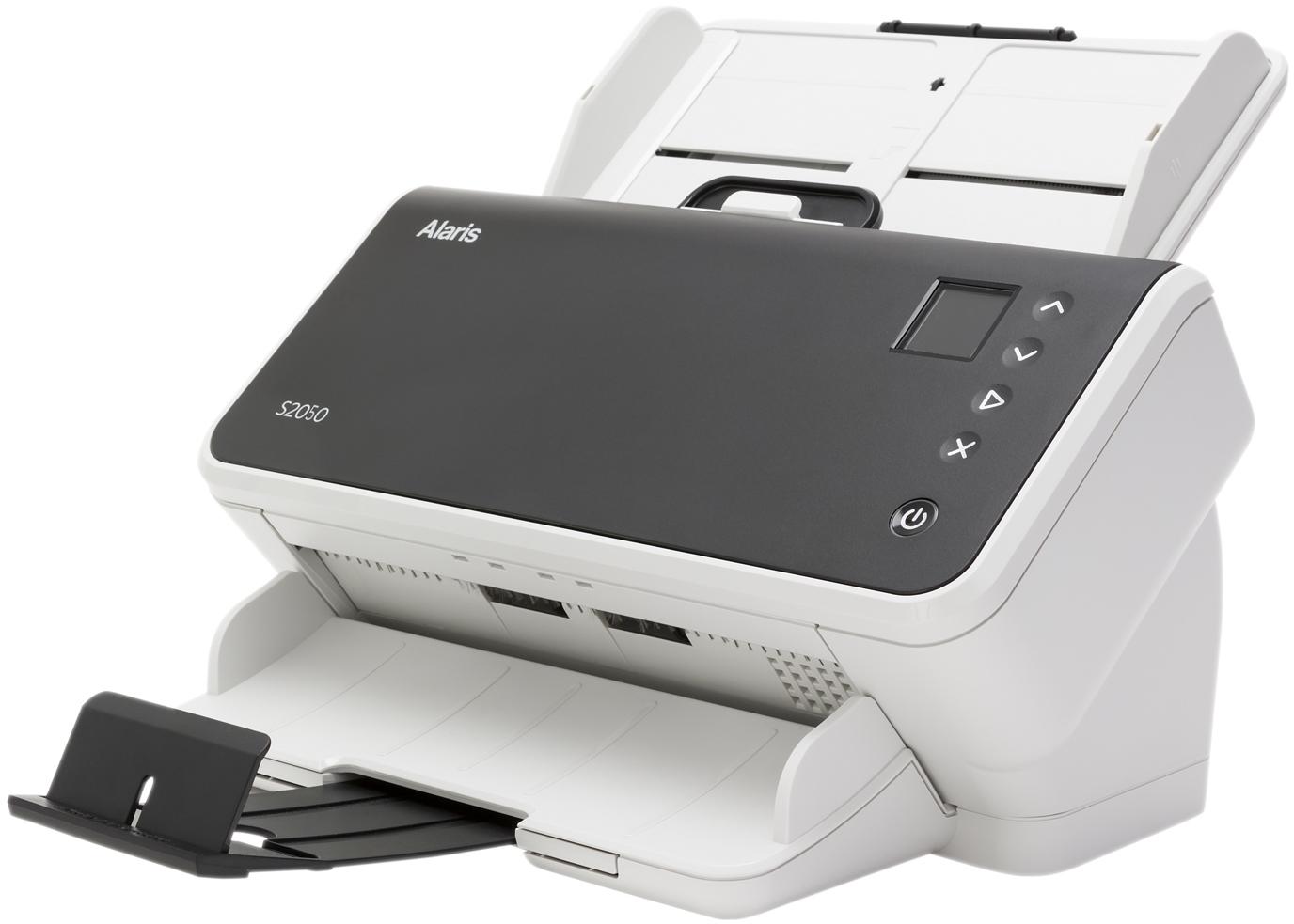


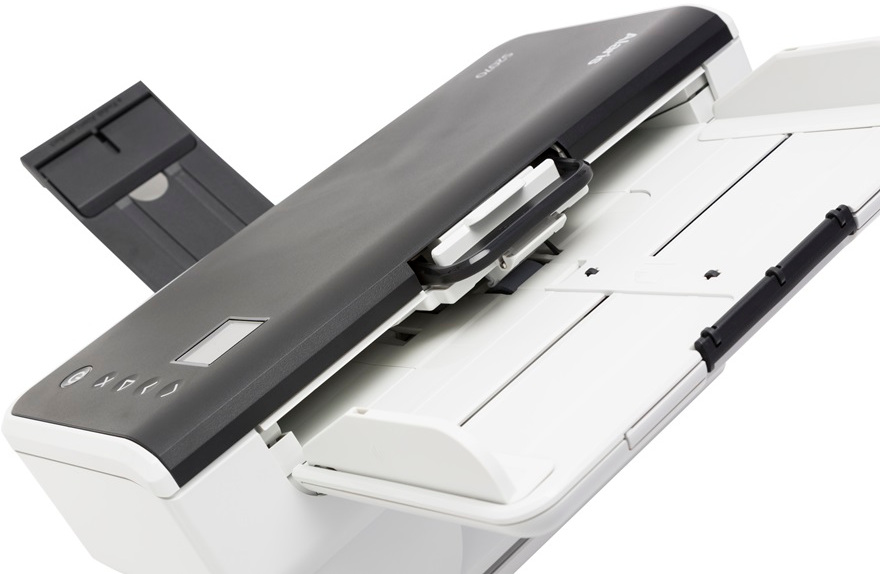

Images are for illustration purposes only and do not necessarily reflect the actual product.
Product Details
Specifications
Accessories
Reviews
Product Details
Main Features
- Scan speed: 50 pages per minute/ 100 images per minute
- Daily duty cycle: Up to 5,000 pages
- Handles small documents such as ID cards, embossed hard cards, business cards, and insurance cards
- Intuitive color display
- Embedded image processing delivers crisp, high-quality images
- Multi-Feed detection
- Feeder capacity: Up to 80 sheets
- Government compliant
- Compact size
- Perfect page technology
Specifications
General Specifications
| Product Name | Kodak S2050 Scanner for Government- 50ppm |
| Manufacturer Part Number | 1015031 |
| Product Type | Sheetfed Scanner |
| USB | Yes |
| Product Family | S2000 |
| Large Format | No |
| Energy Star | Yes |
| Optical Resolution (dpi) | 600 |
| Environmentally Friendly | Yes |
| Scan Color | Color |
| Grayscale Depth | 8-bit |
| Maximum Mono Scan Speed (ppm) | 50 |
| Maximum Color Scan Speed (ppm) | 50 |
| Maximum Mono Scan Speed (ipm) | 100 |
| Maximum Color Scan Speed (ipm) | 100 |
| Country of Origin | United States |
| Height | 7.2" |
| Width | 12.3" |
| Depth | 8" |
| Product Series | S2000 |
| Color Depth | 24-bit |
| Product Model | S2050 |
 Download Manufacturer Specifications
Accessories

Reviews


Make sure the scanning glass is clean and has no dust on it before you start scanning.
Use the gray scale or line art option when you scan black and white images.
Most MFPs are designed for scanning documents and so are best to avoid if you're looking for photo scanning. The few exceptions can be recognized if they feature scanning options that are clearly meant for photos, such as a color restore feature.
MY ACCOUNT
INFO & POLICIES
SHOP EASY
PAYMENT OPTIONS



* Images are for illustration purposes only.