



 Shopping Cart




*** ALL TONERS AND SUPPLIES ARE IN STOCK AT DISCOUNTED PRICING , CALL +18882983095.
Printers do not include supplies - toners , drums (Imaging Units) (where applicable) , printer cables , manuals , consumables , trays (where applicable). Power cables are included. Drivers can be downloaded from the manufacturers website. Please verify that drivers available are compatible with your software on the manufacturers site.
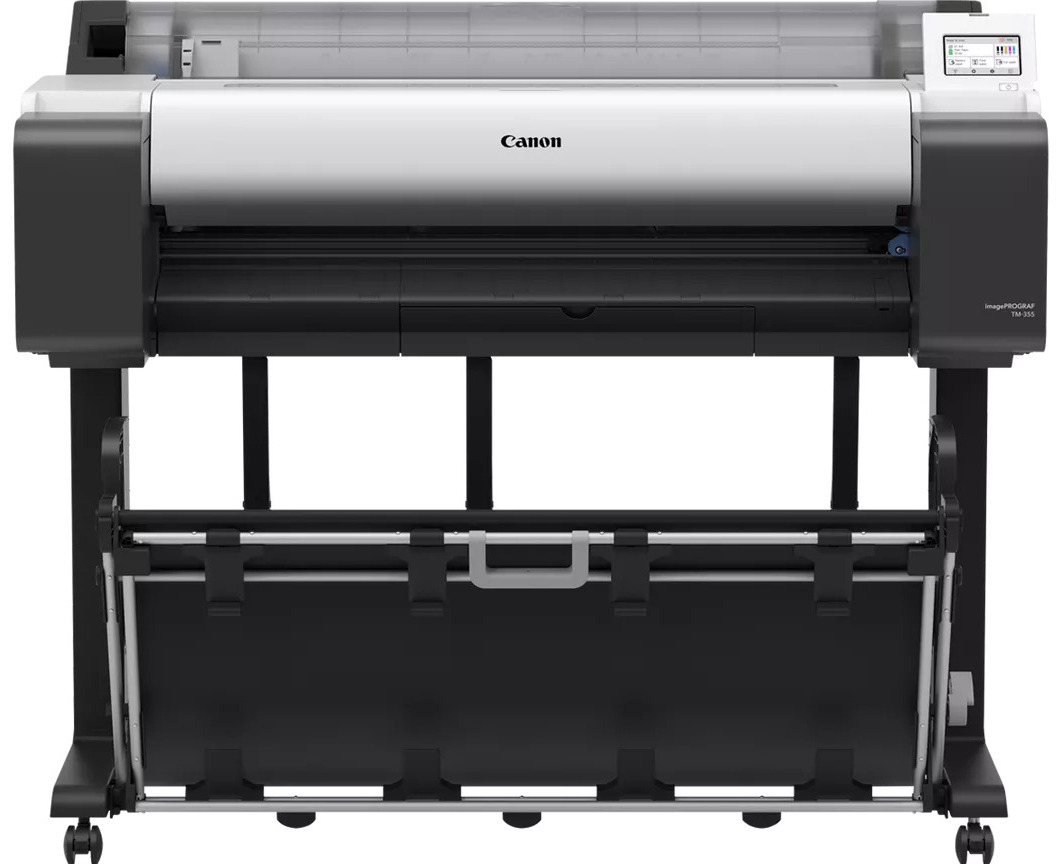
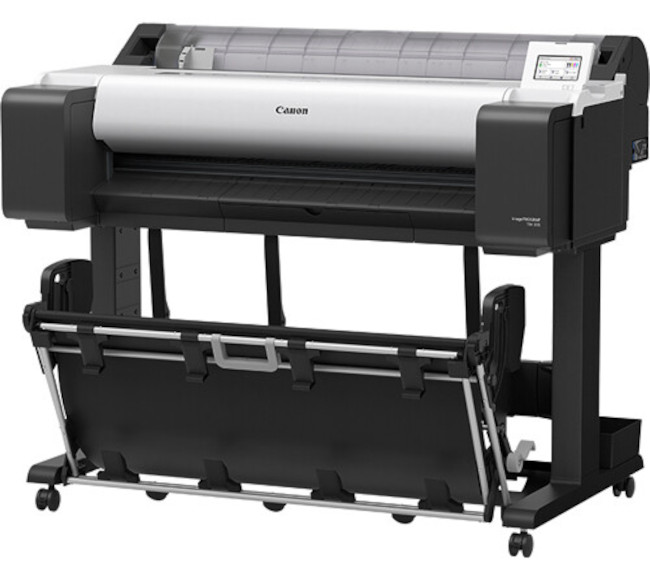
Images are for illustration purposes only and do not necessarily reflect the actual product.Product Details
Specifications
Accessories
Reviews
Product Details
Main Features
- Suitable for AEC offices and the retail and education sector
- Produce A1 CAD prints in just 17 seconds, or A1 posters in 22 seconds
- 4.3” touch screen
- Auto-detection of the media type and the remaining amount
- 500GB hard disk drive
- Get quick access to roll paper through the flat top cover
- Save time trimming posters with borderless printing
- Print resolution: 2,400 x 1,200 dpi
- USB, Ethernet, and wireless connectivity
- Media feed capacity: 1 roll of paper, 1 cut sheet
Specifications
General Specifications
| Printing Technology | |
| Color Type | |
| Print Resolution | |
| Printer Language | |
| Line Accuracy | |
| Minimum Ink Droplet Size |
| Media Handling | |
| Media Sizes | |
| Media Thickness | |
| Media Roll Diameter |
| Inputs/Outputs | |
| Wireless | |
| Hard Drive | |
| Internal Memory | |
| Mobile App Compatible | |
| OS Compatibility |
| Operating Temperature | |
| Operating Humidity |
| Display Size | |
| Display Type | |
| Power Source | |
| Battery | |
| AC Input Power | |
| Power Consumption | |
| Certifications | |
| Dimensions (W x H x D) | |
| Weight |
 Download Manufacturer Specifications
Accessories

Reviews


Not all drivers are pre-installed on all operating systems and as new operating systems are released, you will need to install drivers yourself. Make sure to consult your printer manual.
What is Tray Capacity? Tray Capacity or Paper Capacity is the maximum number of pages that can be stored in the printer before you have to refill it.
Paper coatings are designed to control ink absorption and spread, producing brilliant, sharp images with less ink.
MY ACCOUNT
INFO & POLICIES
SHOP EASY
PAYMENT OPTIONS



