



 Shopping Cart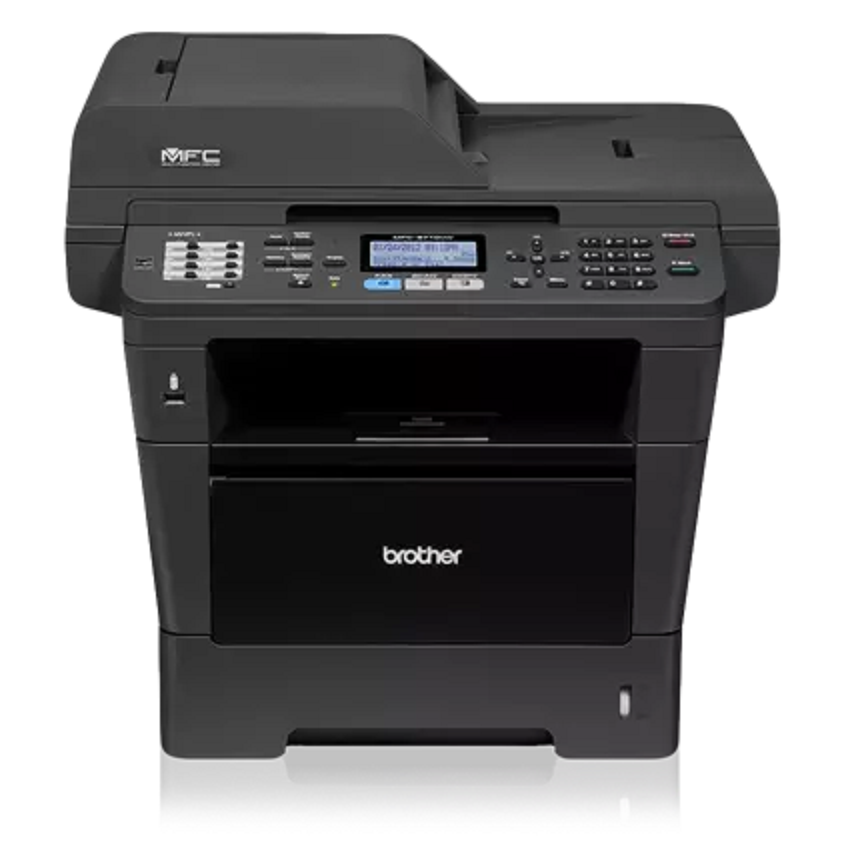

*** ALL TONERS AND SUPPLIES ARE IN STOCK AT DISCOUNTED PRICING , CALL +18882983095.
All reconditioned printers do not include supplies - toners , drums (Imaging Units) (where applicable) , printer cables , manuals , consumables, trays (where applicable). Power cables are included. Drivers can be downloaded from the manufacturers website. Please verify that drivers available are compatible with your software on the manufacturers site.
Product Details
Specifications
Accessories
Reviews
Product Details
Main Features
- Monochrome Laser Printer
- Print Speed: 30 ppm
- Print Resolution: 1200 x 1200 dpi
- Standard Paper Capacity: 300 sheets
- Maximum Paper Capacity: 800 sheets
- Flexible paper handling
- One-touch job cancel button
Specifications
 Download Manufacturer Specifications
Accessories

Reviews


What is RAM? RAM or Buffer Memory holds the graphic information on the printer while the file is on its way to be printed. The larger the RAM, the faster the printer can print complex graphics.
Out of a color cartridge? Many printer drivers include an option to print using black only, or equivalent options to override the refusal to print.
Printer not working? Check that the ink and toner are there and properly filled.
MY ACCOUNT
INFO & POLICIES
SHOP EASY
PAYMENT OPTIONS



