



 Shopping Cart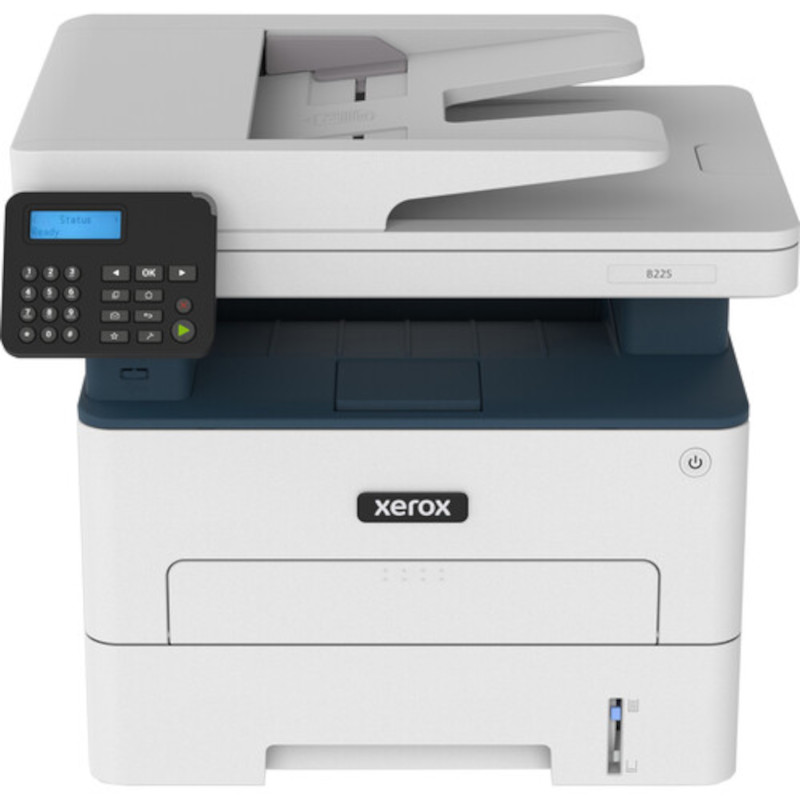



*** ALL TONERS AND SUPPLIES ARE IN STOCK AT DISCOUNTED PRICING , CALL +18882983095..
Printers do not include supplies - toners , drums (Imaging Units) (where applicable) , printer cables , manuals , consumables , trays (where applicable). Power cables are included. Drivers can be downloaded at www.hp.com. Please verify that drivers available are compatible with your software on HP’s site.
Product Details
Specifications
Accessories
Reviews
Product Details
Main Features
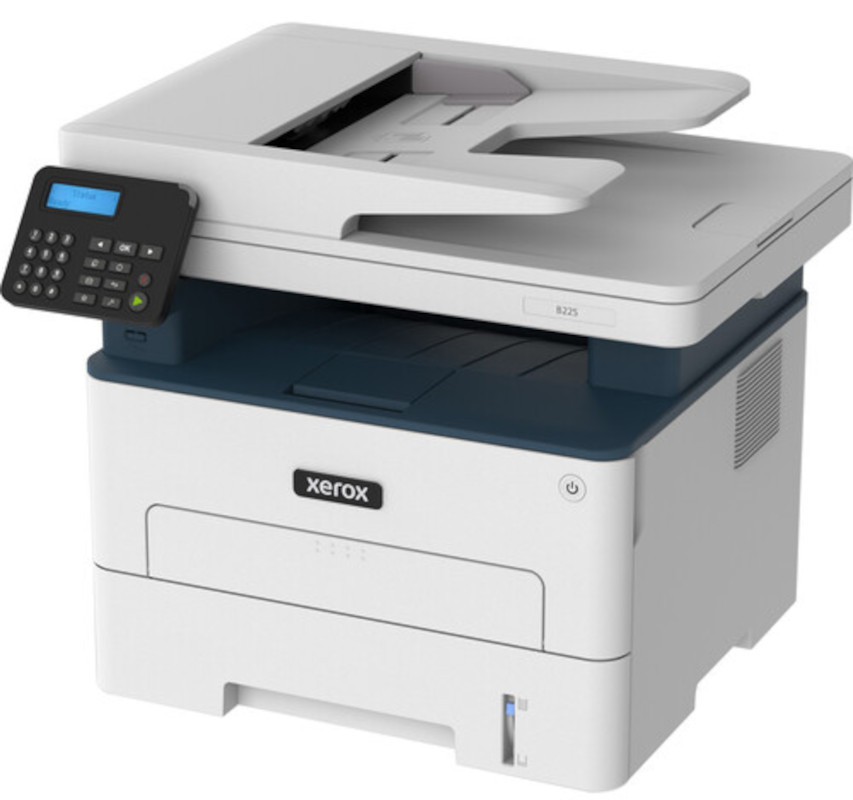
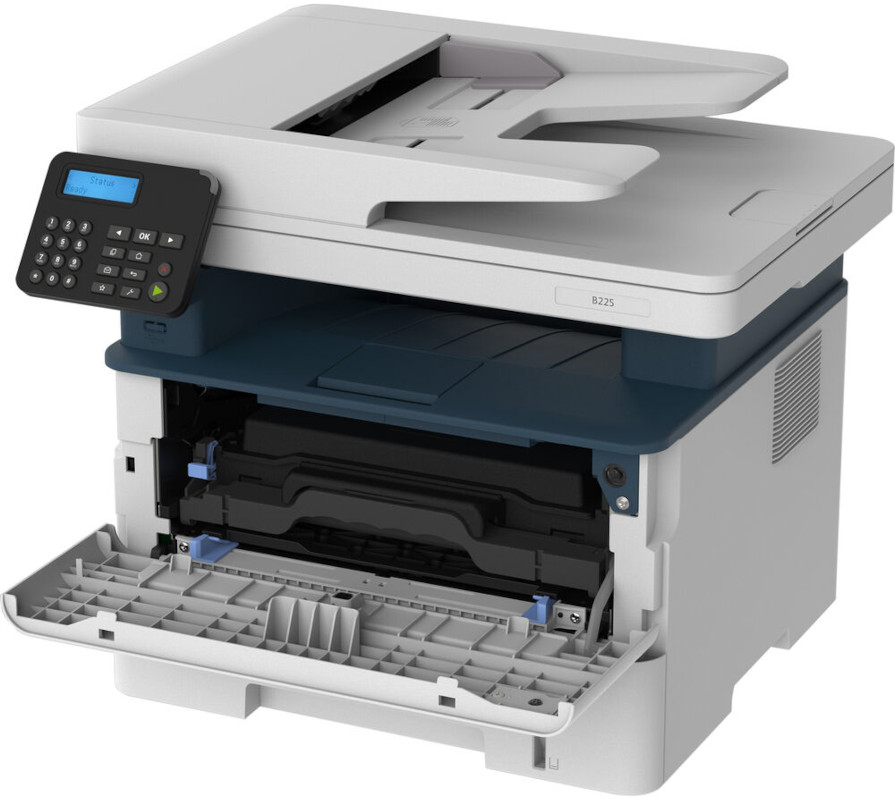
- Scan, print and copy functions
- Flatbed Scanner with automatic document feeder
- Print and copy resolution: 600 x 600 dpi
- Print speed up to 36 pages per minute
- Recommended monthly print volume: 2,500 pages
- Automatic 2 sided prints
- Quiet operation
- Product dimensions (L*W*H): 14.20 x 16.40 x 13.90 Inches
Specifications
General Specifications
| Printing Technology | Laser |
| Color Type | Black |
| Configuration | 1 x Toner |
| Print Resolution | 600 x 600 dpi |
| Duplex Printing | Yes |
| Print Speed (By Time) | 36 ppm (Black) |
| First Print Out Time | 6.4 Seconds |
| Monthly Duty Cycle | 30,000 Pages |
| Paper Handling | 1 x Input Tray, Manual Feed |
| Media Sizes | Input Tray 1 Minimum: 4.1 x 5.9" / 10.5 x 14.9 cm Maximum: 8.5 x 14" / 21.6 x 35.6 cm Manual Feed Minimum: 3 x 5" / 7.6 x 12.7 cm Maximum: 8.5 x 14" / 21.6 x 35.6 cm |
| Paper Capacity | Input Tray 1: 250 x Sheet |
| Type | Flatbed Scanner with Automatic Document Feeder (ADF) |
| Maximum Resolution | 1200 x 12,000 dpi (Hardware) |
| Duplex Scanning | Yes |
| Scan Sizes | Not Specified by Manufacturer |
| Duplex Copying | Yes |
| Copy Resolution | 600 x 600 dpi |
| Inputs/Outputs | USB-B, RJ45 |
| Wireless | Wi-Fi |
| Direct Printing | Android, Apple AirPrint, Mopria, Wi-Fi Direct |
| Processor Speed | 1 GHz |
| Internal Memory | 512 MB |
| OS Compatibility | Windows iOS *As of April, 2022: Check with manufacturer for the most up-to-date compatibility |
| Power Source | AC Adapter |
| Battery | None |
| Certifications | ENERGY STAR, EPEAT *as per Manufacturer |
| Dimensions (W x H x D) | 16.3 x 13.9 x 14.2" / 41.5 x 35.2 x 36 cm |
| Weight | 22 lb / 10 kg |
 Download Manufacturer Specifications
Accessories

Reviews


Are your printer nozzles getting clogged? Try adding a humidifier to the room where you keep your printer.
When power is applied, you should hear the print mechanism initialize and most printers have at least one light which will be illuminated when it is on.
Paper jam? The best way to remove jammed paper is to gently pull the paper in the direction of the paper path - with power off, of course. Do not pull the paper backwards - you could damage your printer forever by doing so.
MY ACCOUNT
INFO & POLICIES
SHOP EASY
PAYMENT OPTIONS



