



 Shopping Cart
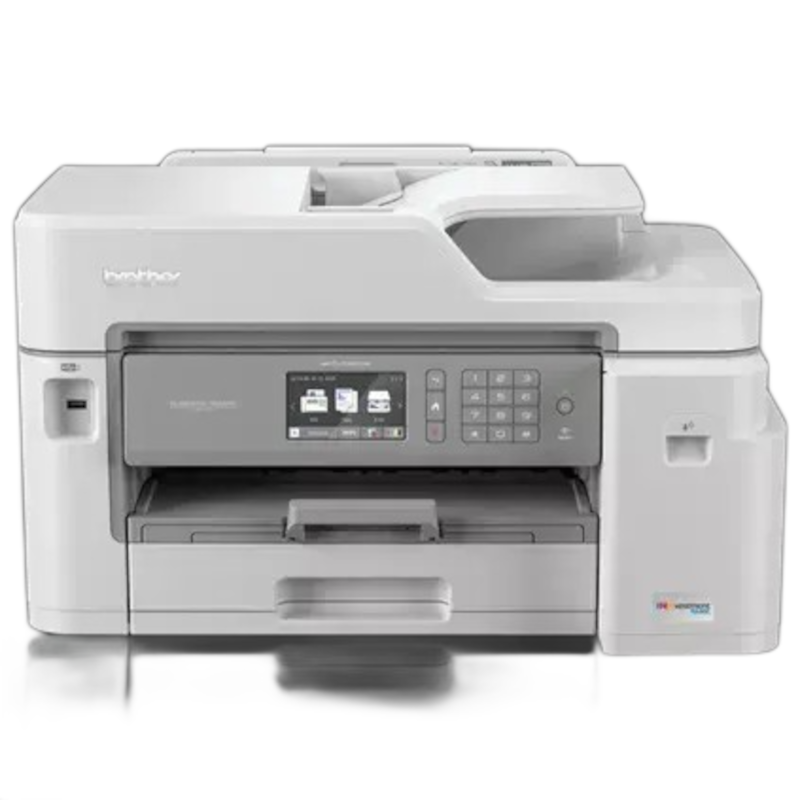
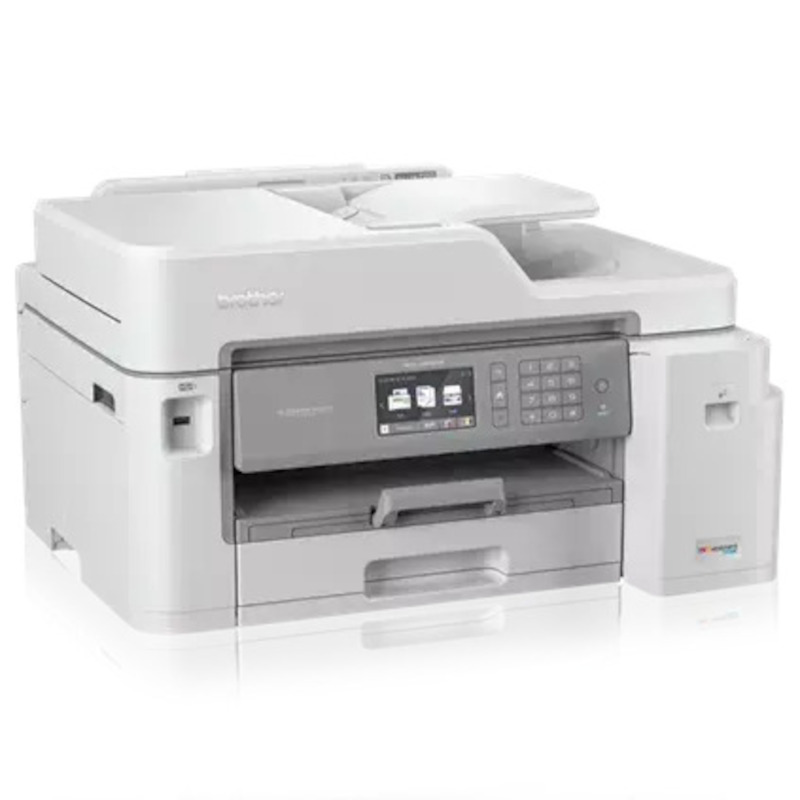
 Brother MFC-J5845DW Inkjet All-in-One Printer



Images are for illustration purposes only and do not necessarily reflect the actual product.
Product Details
Specifications
Accessories
Reviews
Product Details
Main Features
- Color Inkjet printer
- Print, copy, scan, fax
- Print Speed: 22ppm (b/w), 20 ppm (color)
- Print Resolution: Up to 4800 x 1200 dpi
- Maximum Monthly Duty Cycle: 30,000 Pages
- Duplex Printing
- Automatic Document Feeder
- Wireless
- Mobile Device Compatibility
- INKvestment Tank for uninterrupted printing
- Paper Handling up to 11” x 17”
- 3.7" Color Touchscreen Display
Specifications
 Download Manufacturer Specifications
Accessories

Reviews


After installing a printer, go to the Windows dialog box and check the settings, so you won't be surprised by what happens the first time you print.
Printing photos? Make sure that they are of print quality - meaning 300dpi. Anything lower than this will appear pixelated and lower than photo quality.
Store your laser printer in a properly ventilated area where temperature and humidity do not change frequently. Avoid areas with heavy dust buildup.
MY ACCOUNT
INFO & POLICIES
SHOP EASY
PAYMENT OPTIONS



* Images are for illustration purposes only.