



 Shopping Cart
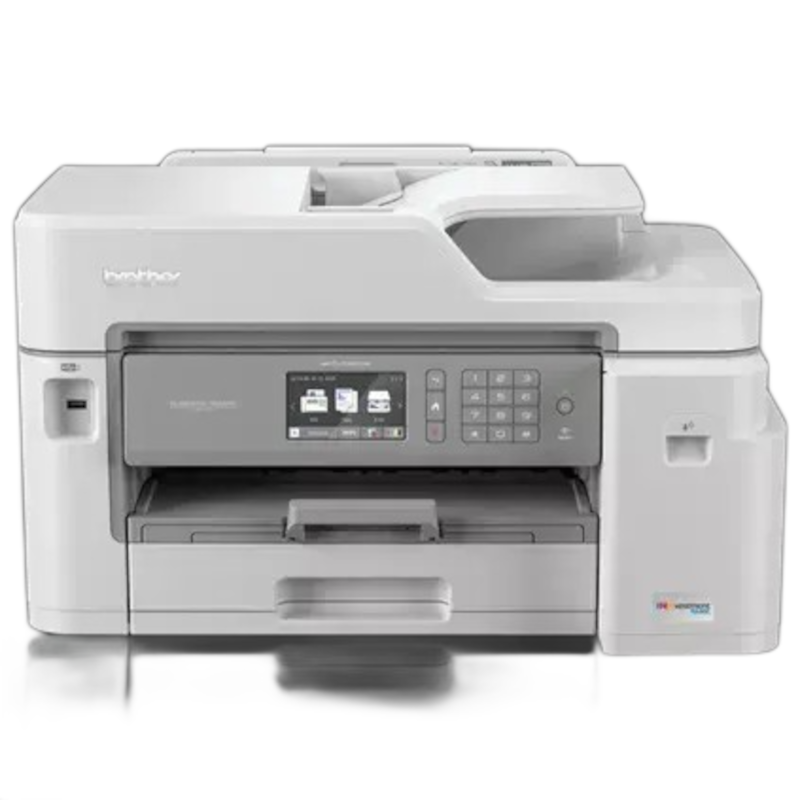
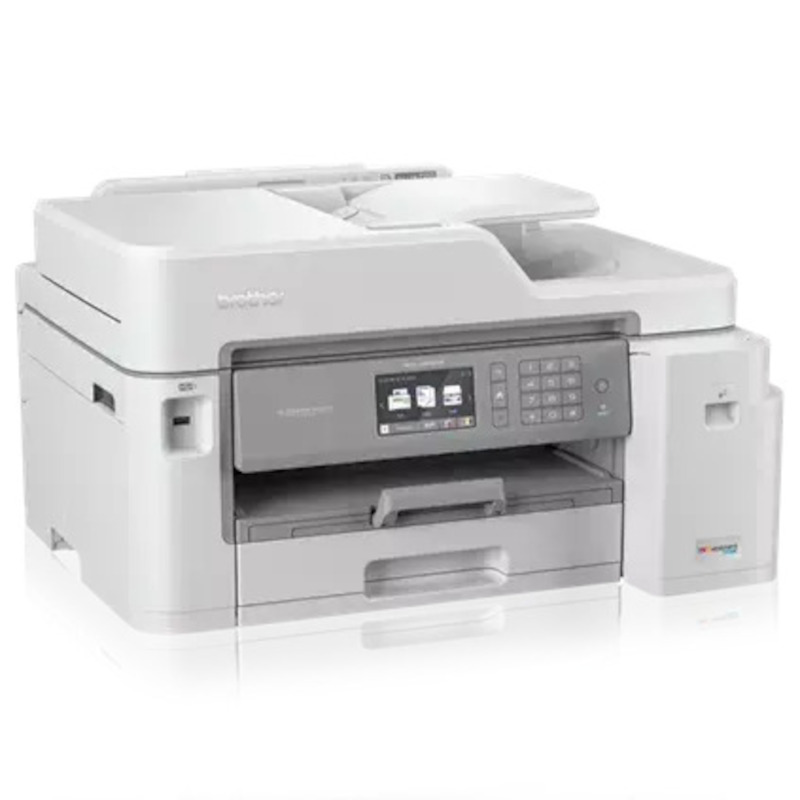
 Brother MFC-J5845DW Inkjet All-in-One Printer



Product Details
Specifications
Accessories
Reviews
Product Details
Main Features
- Color Inkjet printer
- Print, copy, scan, fax
- Print Speed: 22ppm (b/w), 20 ppm (color)
- Print Resolution: Up to 4800 x 1200 dpi
- Maximum Monthly Duty Cycle: 30,000 Pages
- Duplex Printing
- Automatic Document Feeder
- Wireless
- Mobile Device Compatibility
- INKvestment Tank for uninterrupted printing
- Paper Handling up to 11” x 17”
- 3.7" Color Touchscreen Display
Specifications
 Download Manufacturer Specifications
Accessories

Reviews


If you are printing on photo paper, make sure you have set the printer to this setting and have not left it on the regular printer setting.
What is dpi? Dpi is used to describe the resolution number of dots per inch in a digital print. The higher the numbers, the more detailed the print image is.
Getting blank pages after you installed a new cartridge? Check that the sticker from the cartridge was properly removed. Alternatively, run the clean print head function to make sure all air bubbles are removed. Do not remove the cartridge once it has been installed.
MY ACCOUNT
INFO & POLICIES
SHOP EASY
PAYMENT OPTIONS



* Images are for illustration purposes only.