



Contact Us
FAQ |
We will match any price
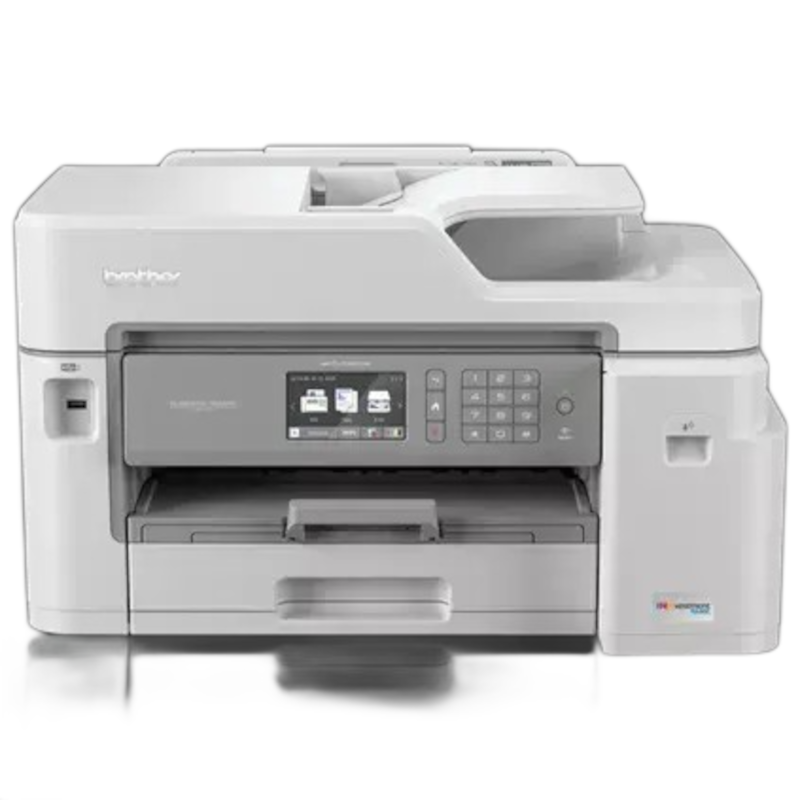
Brother MFC-J5845DW Inkjet All-in-One Printer
previous image next image
  • Brother MFC-J5845DW Inkjet All-in-One Printer
  • Brother MFC-J5845DW Inkjet All-in-One Printer
  • Brother MFC-J5845DW Inkjet All-in-One Printer
customers choose us for our low prices

Brother MFC-J5845DW Inkjet All-in-One Printer
  • Printer
  • Copier
  • Scanner
  • Fax
  • 22
  • Color
  • Download Spec Sheet

Model No.:MFC-J5845DW

Condition:New

Availability: Out Of Stock

Shipping:Ask About Free Shipping!

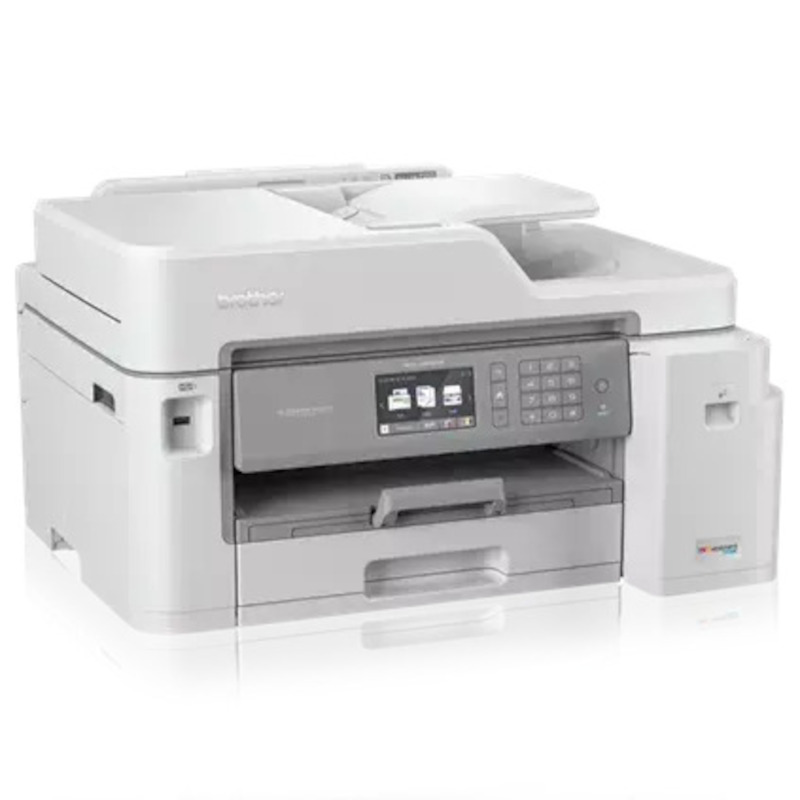
The Brother MFCJ5845DW Printer is an all-in-one color inkjet printer that will print, copy scan and fax. The Brother MFC-J5845DW Inkjet Printer is designed to increase productivity for the small or home office and will deliver professional results at a speed of 22 pages per minute. With INKvestment Tank cartridges, the Brother MFC J5845DW All-in-One Printer will deliver uninterrupted printing for up to a year without the need to purchase ink.

Please click here for a replacement product.

1 1 N/A N/A
Product Image Brother MFC-J5845DW Inkjet All-in-One Printer Brother 732-832-7744 310 Park Avenue Lakewood, NJ 08701

$319.00

Product Details

Specifications

Accessories

Reviews

Product Details

Main Features

  • Color Inkjet printer
  • Print, copy, scan, fax
  • Print Speed: 22ppm (b/w), 20 ppm (color)
  • Print Resolution: Up to 4800 x 1200 dpi
  • Maximum Monthly Duty Cycle:  30,000 Pages
  • Duplex Printing
  • Automatic Document Feeder
  • Wireless
  • Mobile Device Compatibility
  • INKvestment Tank for uninterrupted printing
  • Paper Handling up to 11” x 17”
  • 3.7" Color Touchscreen Display

Specifications

Accessories

Reviews

  • Are you getting diminished color and print quality? If all your images start to look a bit purple, blue or orange, one of your ink wells may be running low. Replace the whole printer ink cartridge, unless you can refill the individual ink wells.

  • If debris is the primary cause of failures, toner is the primary cause of debris. All toner cartridges release a small amount of toner powder into the machine. This is why it's important to clean the machine when you change the cartridge.

  • Make sure to keep your printer up to date by downloading drivers and patches from the manufacturer's site. Most manufacturers provide driver updates for their units which include patches that add fonts or fix incompatibilities.

* Images are for illustration purposes only.
CopyFaxes.com
Coupon Code

Enter this coupon code at checkout
to save $10:

10OFF


To get $10 off the customers have to spend a minimum of $150

Happy Shopping,

The CopyFaxes Team
