



 Shopping Cart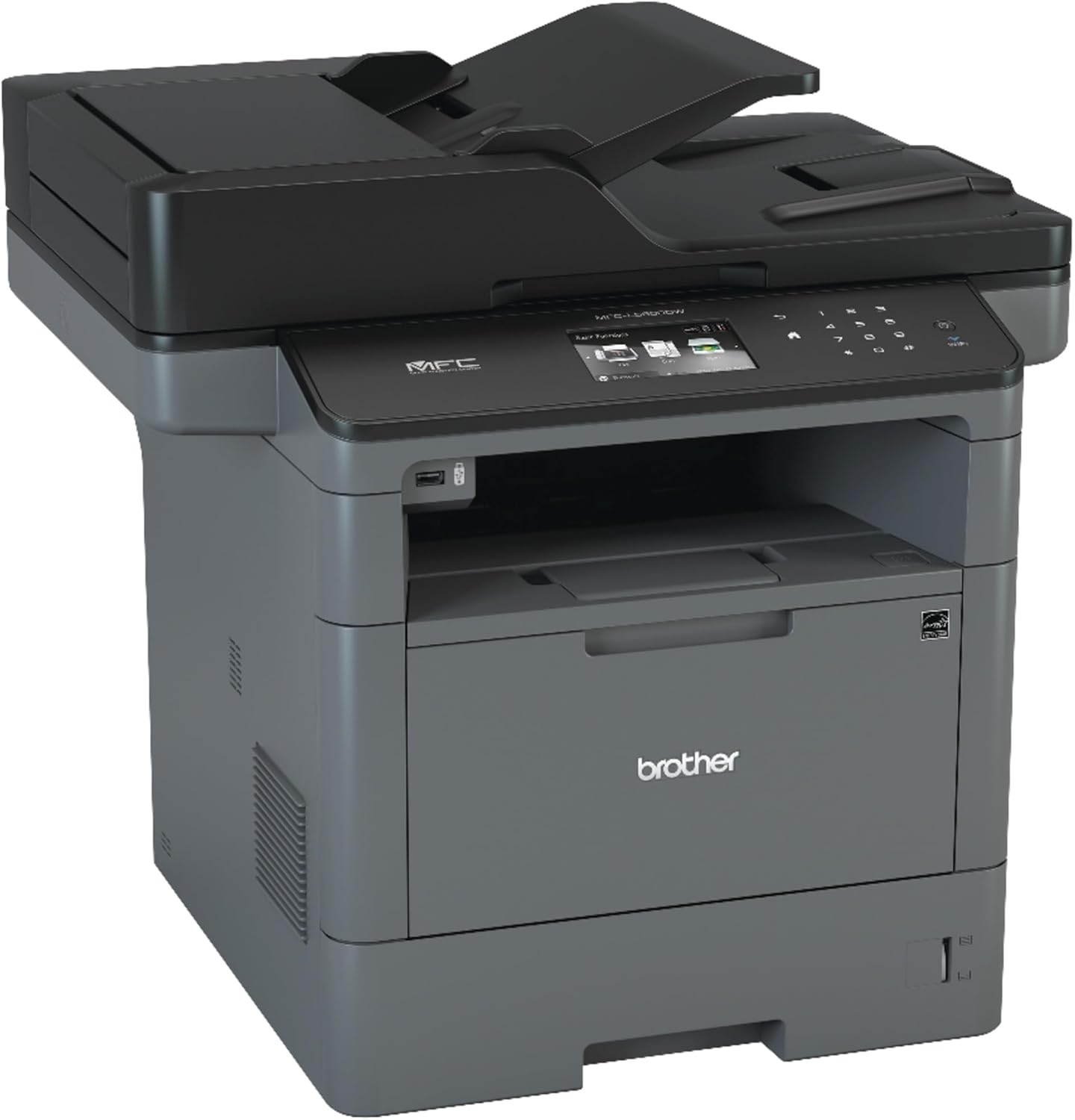


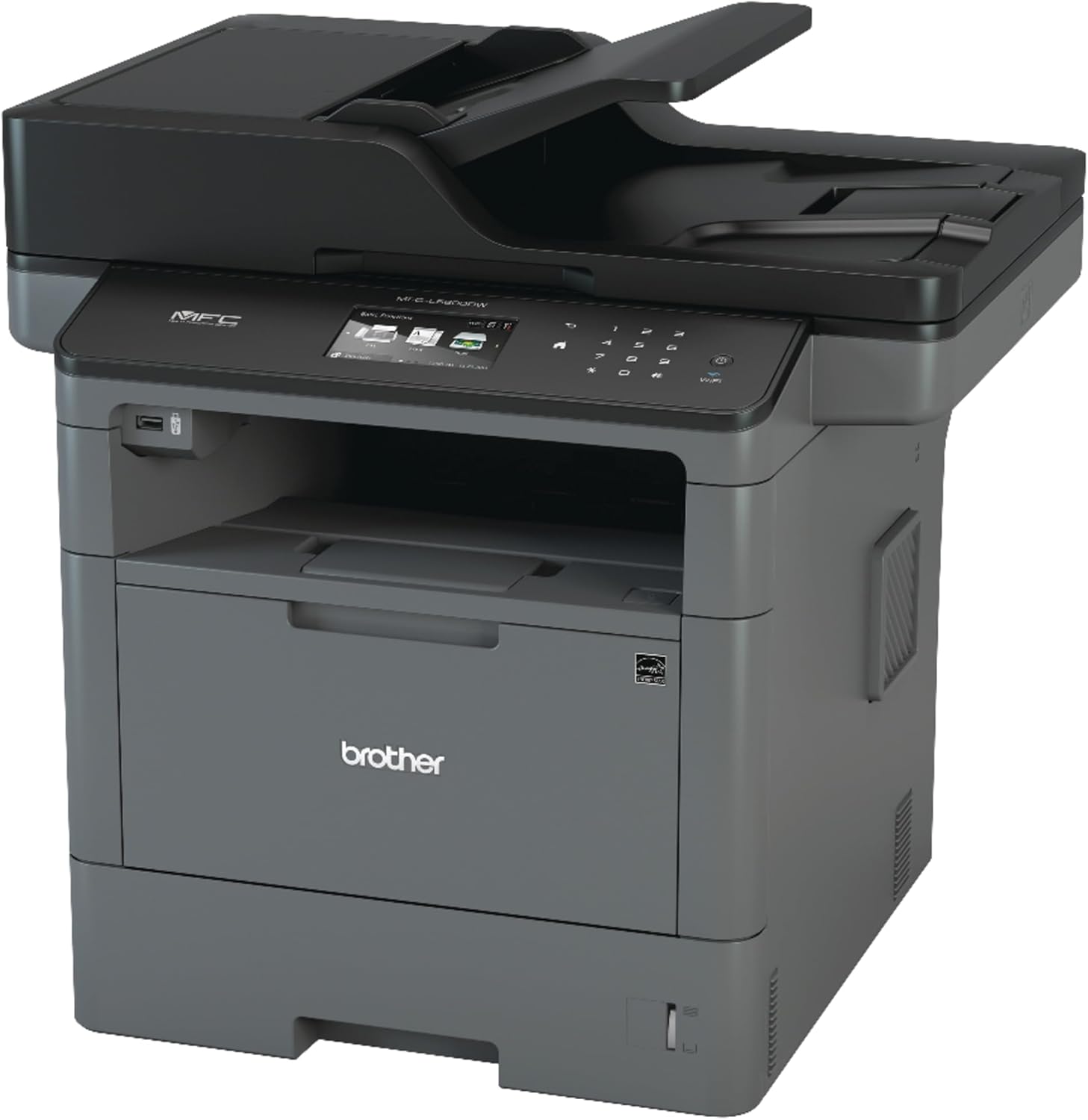
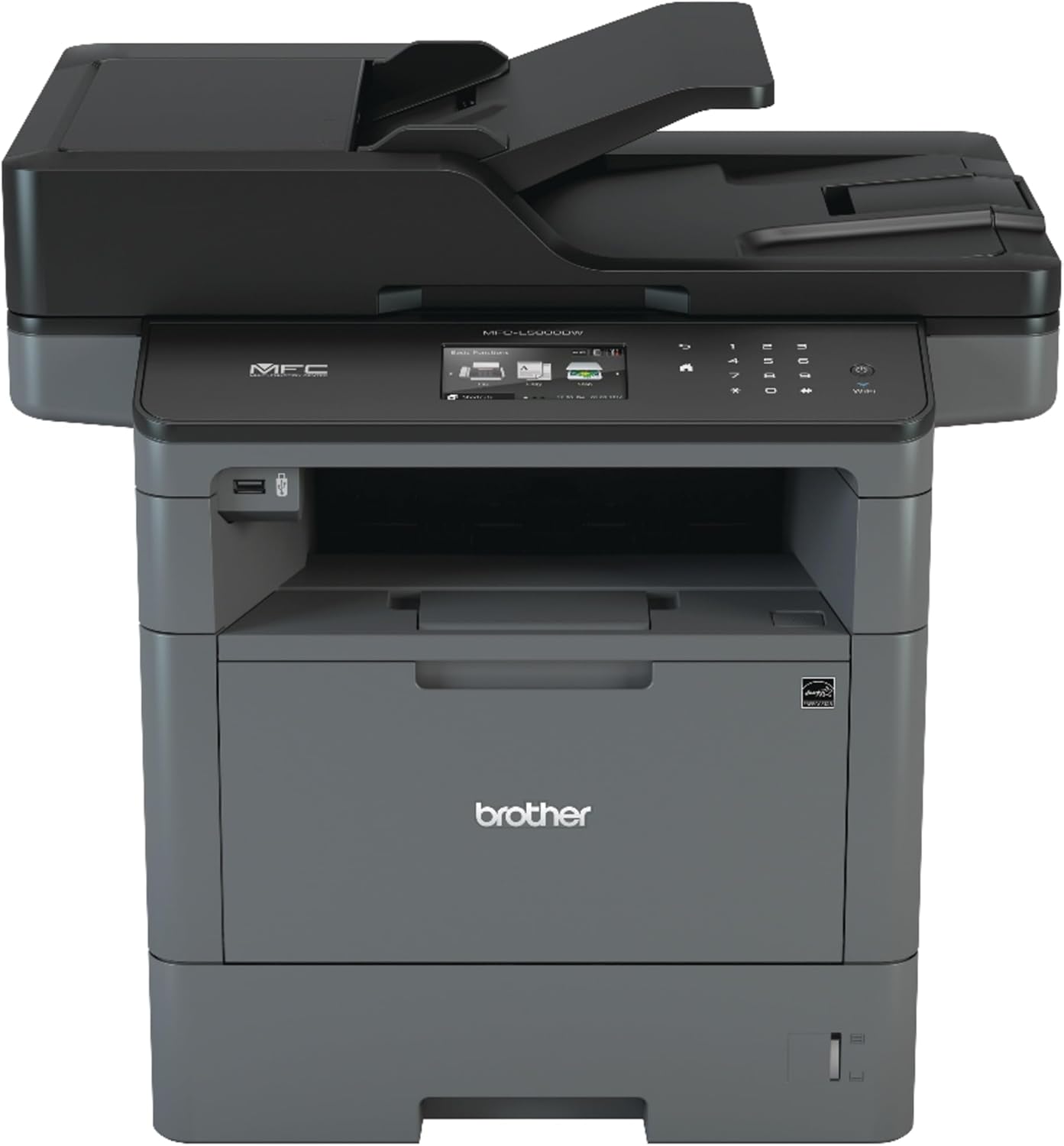

Product Details
Specifications
Accessories
Reviews
Product Details
Main Features
- Black and white
- Print, copy, scan and fax
- Print speed of 42 pages per minute
- 3.7" LCD touchscreen display
- Automatic duplex printing
- USB port
- Web connectivity
- Mobile device connectivity
Specifications
General Specifications
|
Print Technology |
Electrophotographic Laser |
|
LCD Display (type/size) |
3.7” Colour Touchscreen |
|
Paper Size (maximum) |
Up to 8.5” x 14” (legal) |
|
Print Speed (maximum) |
Up to 42ppm |
|
Print Resolution (maximum) |
Up to 1200 x 1200 dpi |
|
Emulations |
PCL6, BR-Script3♦, IBM Proprinter, Epson FX, PDF version 1.7, XPS Version 1.0 |
|
Memory (std. / max.) |
256MB / 256MB |
|
Automatic Duplex |
Yes |
|
Paper Input Capacity (maximum)∞ |
250-sheet capacity paper tray, 50-sheet capacity multi-purpose tray |
|
Optional Input Capacity (maximum)*∞ |
1,340 sheets via optional trays |
|
Output Capacity (maximum)∞ |
150 sheets (face down), 1 sheet (face up) |
|
Auto Document Feeder∞ |
Up to 70 pages |
|
Standard Interfaces |
Wireless 802.11b/g/n, Ethernet, Hi-Speed USB 2.0 |
|
USB Host |
Yes, front |
|
Copy Speed / Copy Resolution (maximum) |
Up to 42cpm / Up to 1200 x 600 dpi |
|
Copy Options |
Sorting, N-in-1, Multi-copying (up to 99), ID Copy, Reduce/Enlarge 25 - 400% in 1% increments |
|
Scan Speed (maximum)© |
Simplex: Up to 28ipm (black) / 20ipm (colour) |
|
Document Glass Size |
8.5” x 14” (legal) |
|
Scan Resolution (maximum) |
Optical: Up to 1200 x 1200 dpi (from document glass) Interpolated: Up to 19200 x 19200 dpi |
|
Scan to Capability |
File, Image, E-mail, OCR, FTP, SSH Server (SFTP), USB▲, SharePoint®, CloudΔ (Web Connect), E-mail Server1, Network Folder (CIFS), Easy Scan to E-mail |
|
Web ConnectΔ |
GOOGLE DRIVE™, EVERNOTE®, ONEDRIVE®, ONENOTE®, DROPBOX, BOX, FACEBOOK™, FLICKR®, PICASA Web Albums™ |
|
Fax Modem / Fax Page Memory (maximum) |
33.6K bps / Up to 500 pages |
|
PC Fax Capability3 |
Yes |
|
Operating Systems Compatibility○ |
Windows®: XP Home / XP Professional / XP Professional x64 Edition / Windows Vista®/ Windows® 7, 8, 8.1, 10 / Windows Server® 2003 / 2003 R2 (32/64 bit) / 2008 / 2008 R2 / 2012 / 2012 R2 Mac® OS X® v10.8.5, 10.9.x, 10.10.x Linux |
|
Mobile Device Compatibility□ |
AirPrint™, Google Cloud Print™ 2.0, Brother iPrint&Scan,Cortado Workplace, Mopria®, Wi-Fi Direct® |
|
Security Features |
Secure Function Lock, Active Directory, Enterprise Security (802.1x), Lock Slot, Secure Print, SSL/TLS, IPSec |
|
Maximum Monthly Duty Cycle◊ |
Up to 50,000 pages/month |
|
Recommended Monthly Volume▪ |
Up to 3,500 pages/month |
 Download Manufacturer Specifications
Accessories

Reviews


Not all drivers are pre-installed on all operating systems and as new operating systems are released, you will need to install drivers yourself. Make sure to consult your printer manual.
Don't move a print head unless the instructions direct it. You can damage the belt or other parts.
Printer not working? Be sure the paper is installed correctly and there is enough of it.
MY ACCOUNT
INFO & POLICIES
SHOP EASY
PAYMENT OPTIONS



