



 Shopping Cart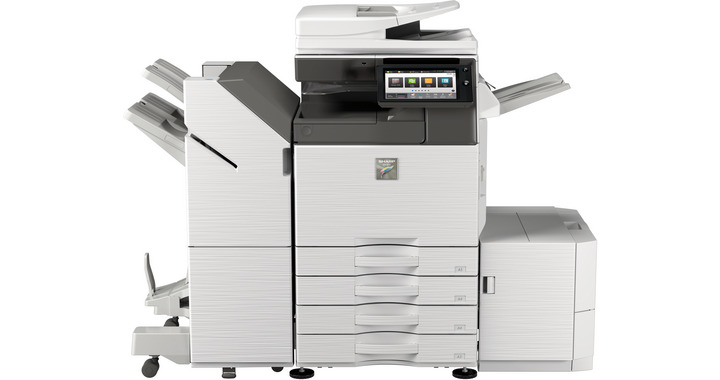


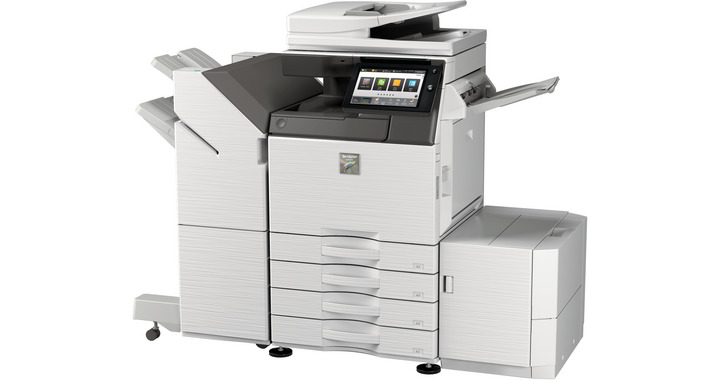
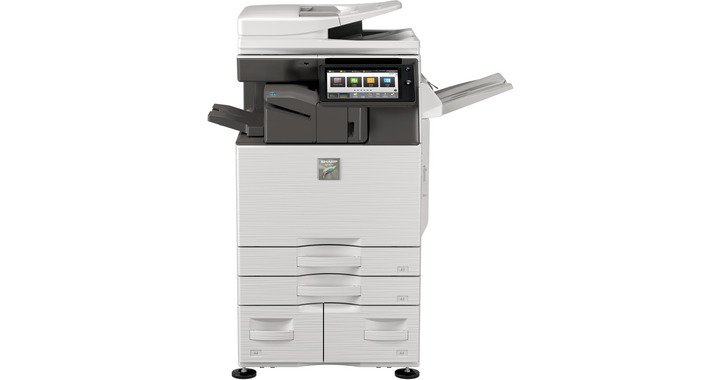
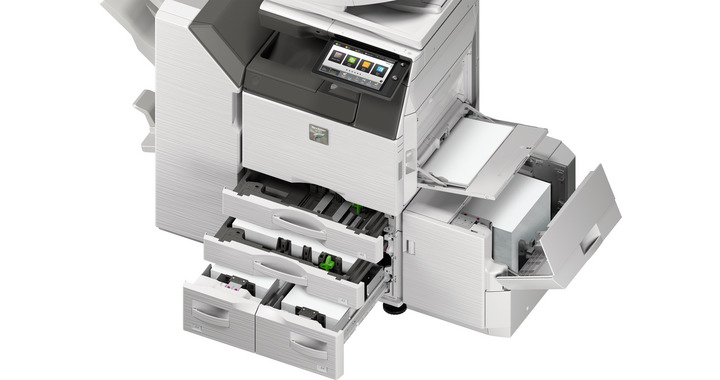


Product Details
Specifications
Accessories
Reviews
Product Details
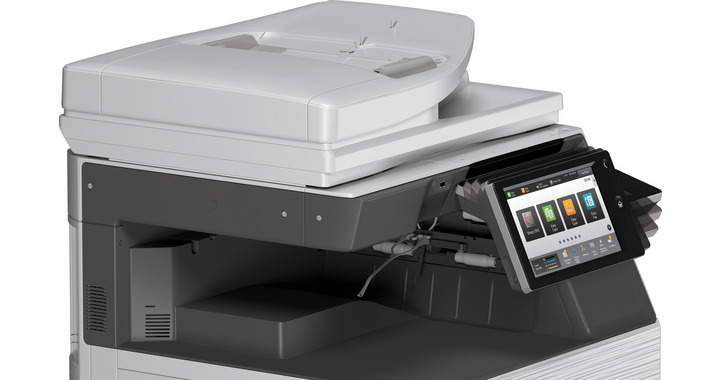
Main Features:
- Print, Copy, Scan, Fax, File
- Color and Black/White
- Print Speed of 40 pages per minute
- Paper capacity of 6300 sheets
- Multi-layered security features
- Short warm up time for reduced energy consumption
- Converts scanned files to MS Office files or PDFs
Specifications
General Specifications:
| Engine speed color ppm (A4) | 40 |
| Engine speed color ppm (A3) | 20 |
| Paper size: Min.-Max. | A5 - SRA3 |
| Paper weight (g/m2) | 60 - 300 |
| Paper capacity:Std (sheets) | 650 |
| Paper capacity: Max. (sheets) | 6300 |
| Warm Up Time (sec.) | 20 |
| Memory general min/max (GB) | 5 |
| Harddisk | STD |
| Harddisk capacity (GB) | 500 |
| Duplex | STD |
| Power requirements - rated local AC voltage (Hz) | 200 - 240V, 50 / 60Hz |
| Power consumption (kW) | 1.84 |
| Dimensions (mm) | 616 x 660 x 838 |
| Weight (kg) | 79 |
 Download Manufacturer Specifications
Accessories
*** ALL TONERS AND SUPPLIES ARE IN STOCK AT DISCOUNTED PRICING , CALL +18882983095
Reviews


Flashing light on your printer? Each printer has a different reason for a blinking or orange light but in general it is due to a paper jam, an empty paper tray, a printer cartridge problem or a problem with the printer hardware.
Your printer is not a dumping ground. Don't pile documents or other things on top of it, as they could cause damage. Your printer could overheat and this could result in malfunctioning and even a reduction in the printer's life.
Most printers will beep once or twice during or after initialization. If it beeps more than that or beeps constantly, it is telling you that something is wrong. Most printers beep when out of paper or out of ink.
MY ACCOUNT
INFO & POLICIES
SHOP EASY
PAYMENT OPTIONS



