



 Shopping Cart
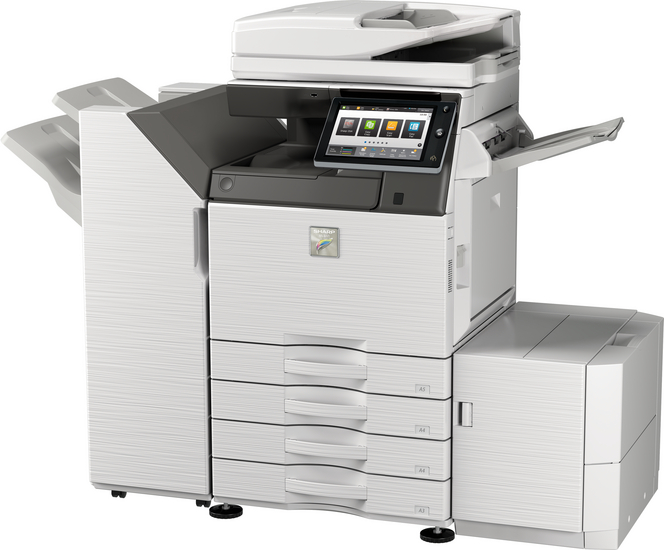
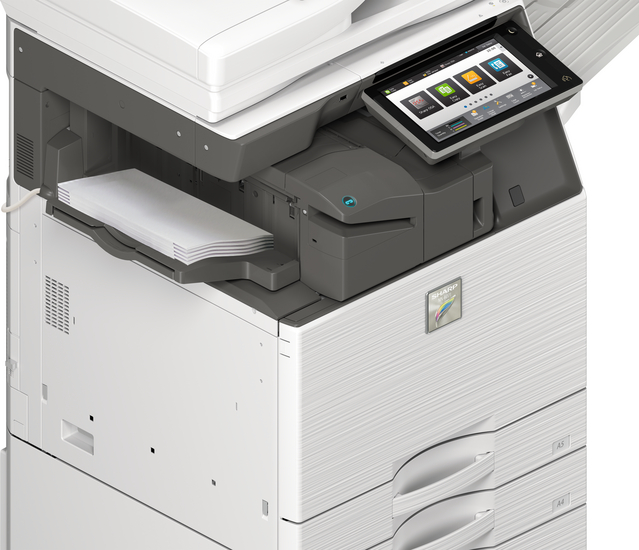
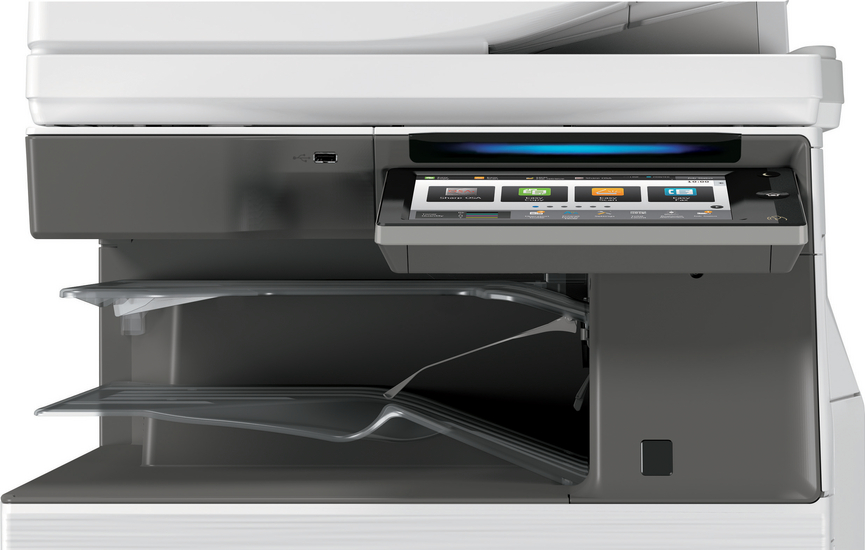
 Sharp MX-3571 Color Multifunction Printer




Product Details
Specifications
Accessories
Reviews
Product Details
Main Features:
- Print, Copy, Scan, Fax, File
- Print Speed of 35 pages per minute
- Color and Black/White
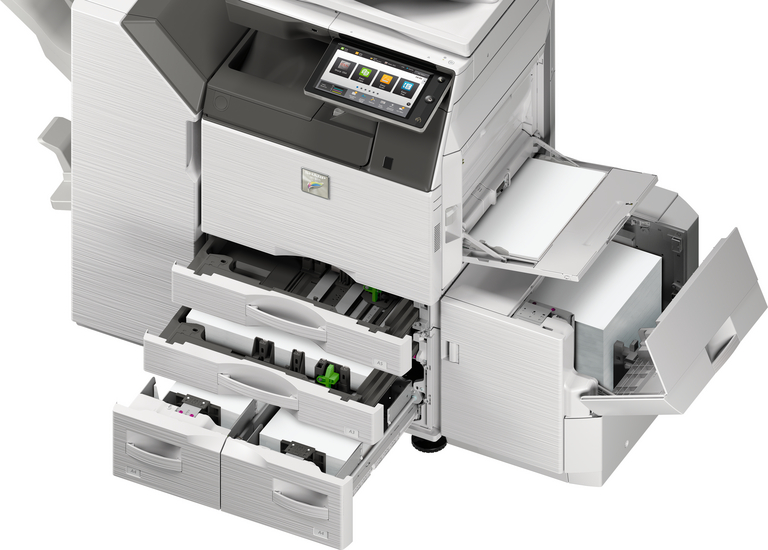
- Paper capacity: Std 650 Max 6300 sheets
- Single sign-on for easy access to public cloud storage
- Short warm up time for immediate operation
- Converts scanned files to MS Office files or PDFs for easy searching and editing
Specifications
General Specifications:
| Engine speed color ppm (A4) | 35 |
| Engine speed color ppm (A3) | 18 |
| Paper size: Min.-Max. | A5 - SRA3 |
| Paper weight (g/m2) | 60 - 300 |
| Paper capacity:Std (sheets) | 650 |
| Paper capacity: Max. (sheets) | 6300 |
| Warm Up Time (sec.) | 20 |
| Memory general min/max (GB) | 5 |
| Harddisk | STD |
| Harddisk capacity (GB) | 500 |
| Duplex | STD |
| Power requirements - rated local AC voltage (Hz) | 200 - 240V, 50 / 60Hz |
| Power consumption (kW) | 1.84 |
| Dimensions (mm) | 616 x 660 x 838 |
| Weight (kg) | 88 |
 Download Manufacturer Specifications
Accessories
*** ALL TONERS AND SUPPLIES ARE IN STOCK AT DISCOUNTED PRICING , CALL +18882983095
Reviews


Is your printer smearing immediately after changing a cartridge? Check that the protective tape over the nozzles is completely removed.
If you are printing on photo paper, make sure you have set the printer to this setting and have not left it on the regular printer setting.
Most printers will beep once or twice during or after initialization. If it beeps more than that or beeps constantly, it is telling you that something is wrong. Most printers beep when out of paper or out of ink.
MY ACCOUNT
INFO & POLICIES
SHOP EASY
PAYMENT OPTIONS



* Images are for illustration purposes only.