



 Shopping Cart
 Konica Minolta Bizhub 300i Multifunction Copier


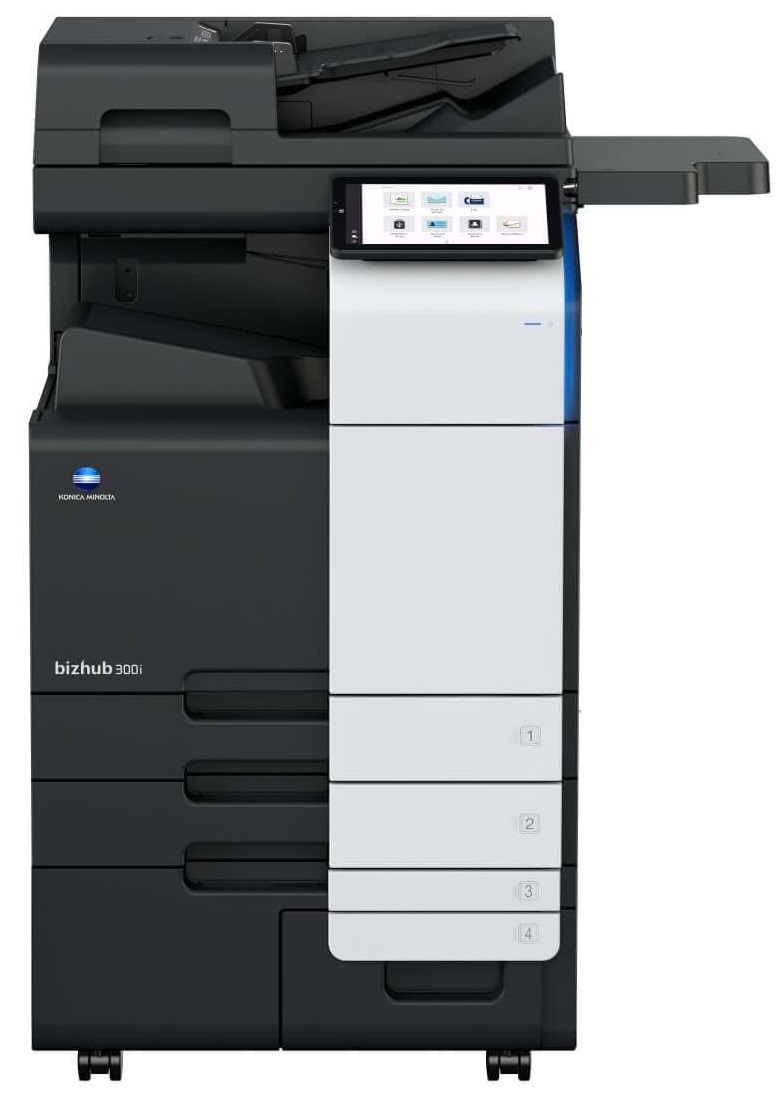
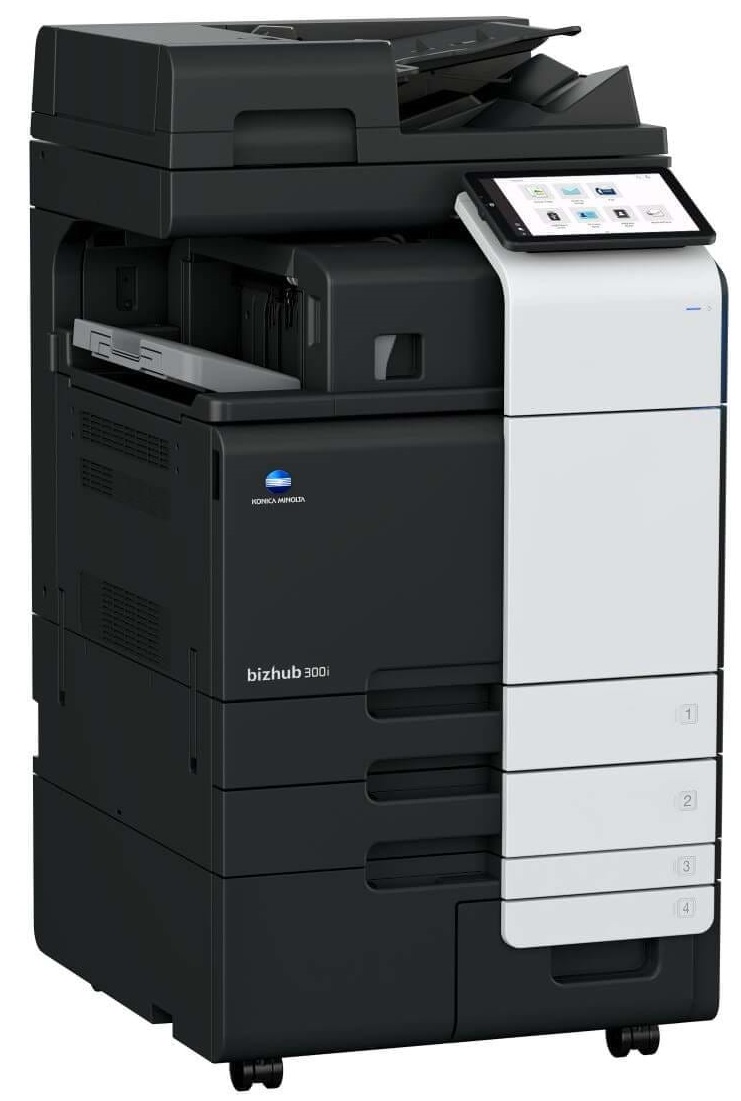
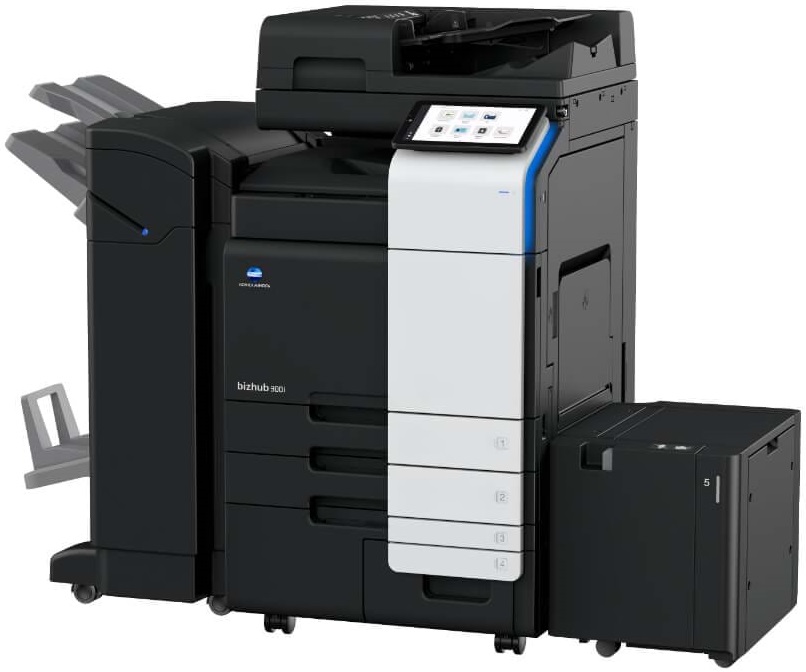
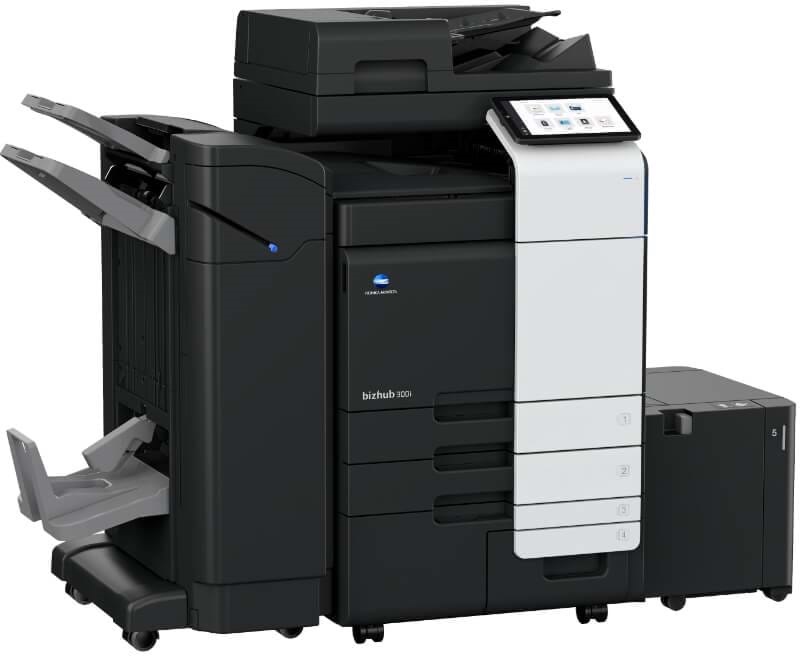


Images are for illustration purposes only and do not necessarily reflect the actual product.
Product Details
Specifications
Accessories
Reviews
Product Details
Main Features
- Copy, print, scan and fax functions
- Black and white printouts
- Print Speed: 30 pages per minute
- 10.1 inch tiltable screen
- Flick, scroll and enlarge on the control panel just like your smartphone
- Voice recognition software
- Low power consumption
- Finishing options including stapling, punching and letterfolding
- Paper formats: A6-SRA3, custom formats and banner format of up to 1.2 metres length
Specifications
 Download Manufacturer Specifications
Accessories

Reviews


Is your copy image too light? Manually adjust the copy density to a darker setting.
The best way to store paper for copying is in its wrapper. This will prevent it absorbing moisture from the air which would make it damp.
Make sure to include a stapling option if you need stapled copies.
MY ACCOUNT
INFO & POLICIES
SHOP EASY
PAYMENT OPTIONS



* Images are for illustration purposes only.