



 Shopping Cart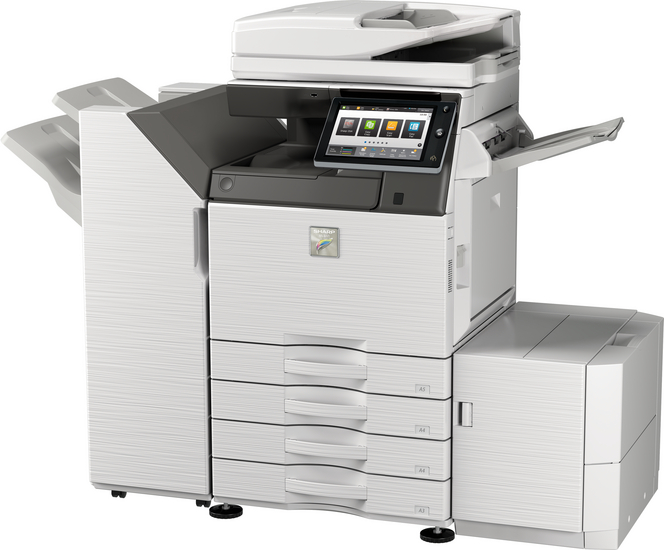


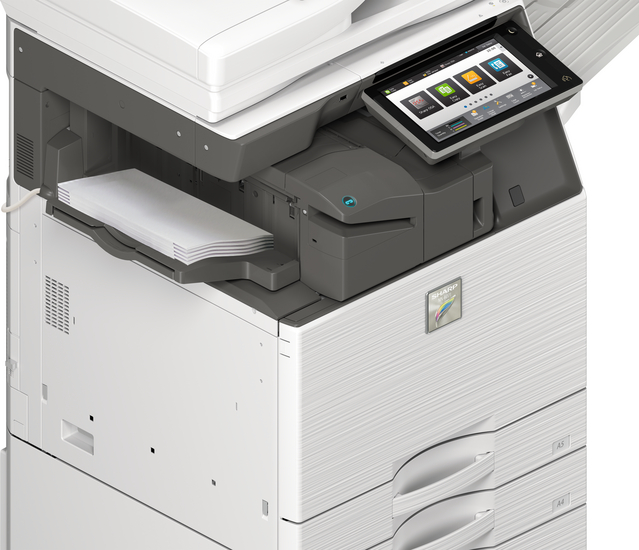
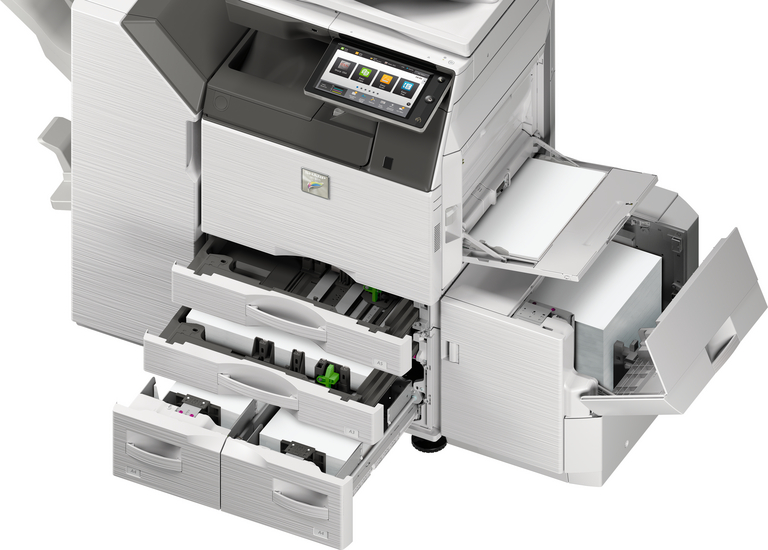
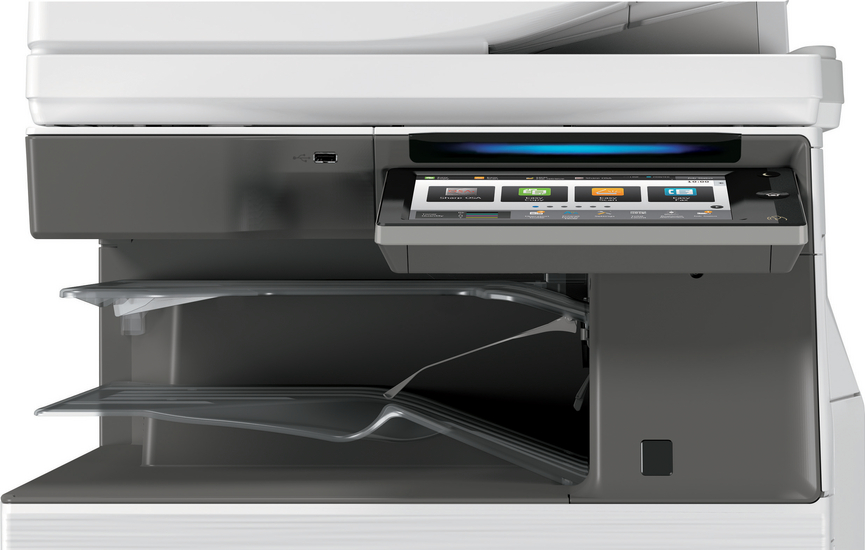


Product Details
Specifications
Accessories
Reviews
Product Details
Main Features:
- Print, Copy, Scan, Fax, File
- Print Speed of 35 pages per minute
- Color and Black/White
- Paper capacity: Std 650 Max 6300 sheets
- Single sign-on for easy access to public cloud storage
- Short warm up time for immediate operation
- Converts scanned files to MS Office files or PDFs for easy searching and editing
Specifications
General Specifications:
| Engine speed color ppm (A4) | 35 |
| Engine speed color ppm (A3) | 18 |
| Paper size: Min.-Max. | A5 - SRA3 |
| Paper weight (g/m2) | 60 - 300 |
| Paper capacity:Std (sheets) | 650 |
| Paper capacity: Max. (sheets) | 6300 |
| Warm Up Time (sec.) | 20 |
| Memory general min/max (GB) | 5 |
| Harddisk | STD |
| Harddisk capacity (GB) | 500 |
| Duplex | STD |
| Power requirements - rated local AC voltage (Hz) | 200 - 240V, 50 / 60Hz |
| Power consumption (kW) | 1.84 |
| Dimensions (mm) | 616 x 660 x 838 |
| Weight (kg) | 88 |
 Download Manufacturer Specifications
Accessories
*** ALL TONERS AND SUPPLIES ARE IN STOCK AT DISCOUNTED PRICING , CALL +18882983095
Reviews


Your printer is not a dumping ground. Don't pile documents or other things on top of it, as they could cause damage. Your printer could overheat and this could result in malfunctioning and even a reduction in the printer's life.
Allow ink to dry completely to avoid smudging. The time will vary based on the ink and paper quality used as well as the temperature and humidity conditions.
Getting blank pages after you installed a new cartridge? Check that the sticker from the cartridge was properly removed. Alternatively, run the clean print head function to make sure all air bubbles are removed. Do not remove the cartridge once it has been installed.
MY ACCOUNT
INFO & POLICIES
SHOP EASY
PAYMENT OPTIONS



