



 Shopping Cart
 Ricoh ScanSnap ix1400 Scanner
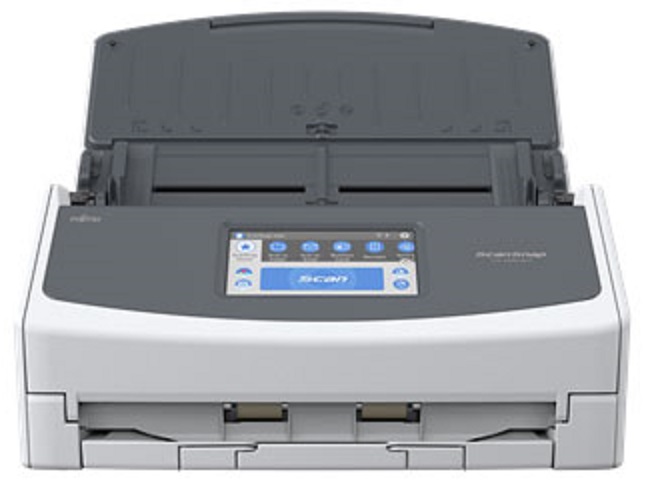

Images are for illustration purposes only and do not necessarily reflect the actual product.
Product Details
Specifications
Accessories
Reviews
Product Details
Main Features
- $20 INSTANT REBATE VALUE
- Scan Speed: 40 ppm/80 ipm
- Optical Resolution: 600 dpi
- Simple one button operation
- 50 sheets Automatic Document Feeder (ADF)
- Receipt Guide provides stable scanning for inconsistent paper sizes
- Streak Reduction producing clean images
- USB Connectivity
Specifications
 Download Manufacturer Specifications
Accessories

Reviews


If your scanner gives a ‘Scanner Access failed’ or a ‘Scanner not found’ message it may be because your scanner wasn't switched on before you started your computer.
Backlight correction, featured on some scanners, can automatically improve photos that were taken with a bright light behind the person.
If you get a ‘Scanner Access failed’ or a ‘Scanner not found’ message on your scanner, check that the SCSI cable is well connected from the card to the scanner.
MY ACCOUNT
INFO & POLICIES
SHOP EASY
PAYMENT OPTIONS



* Images are for illustration purposes only.