



 Shopping Cart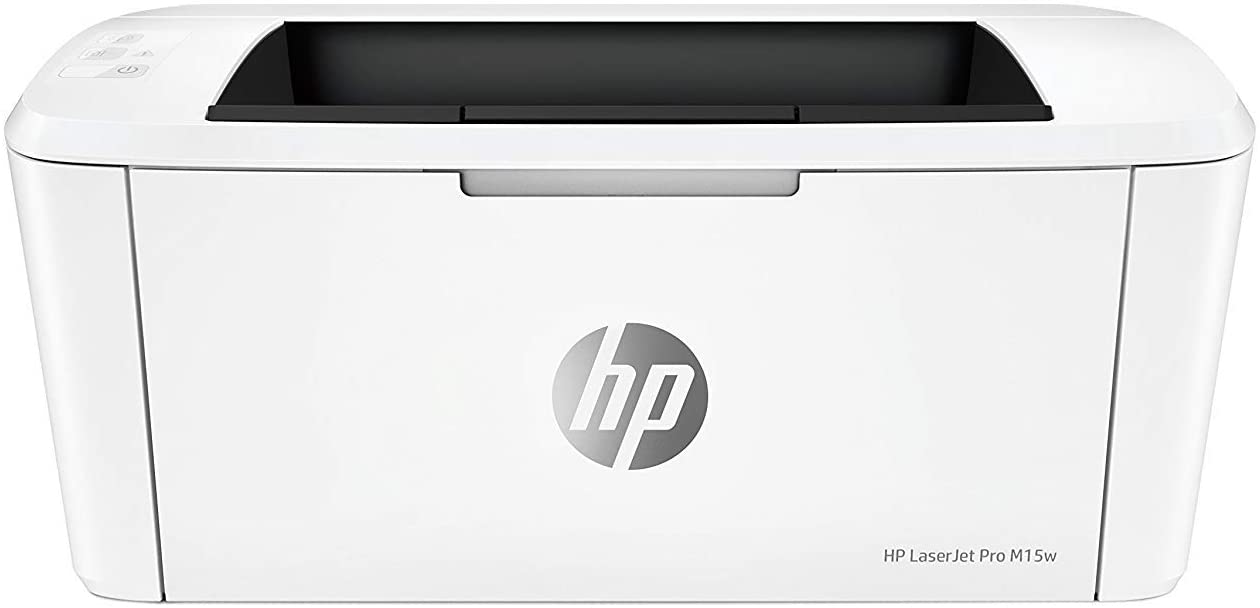


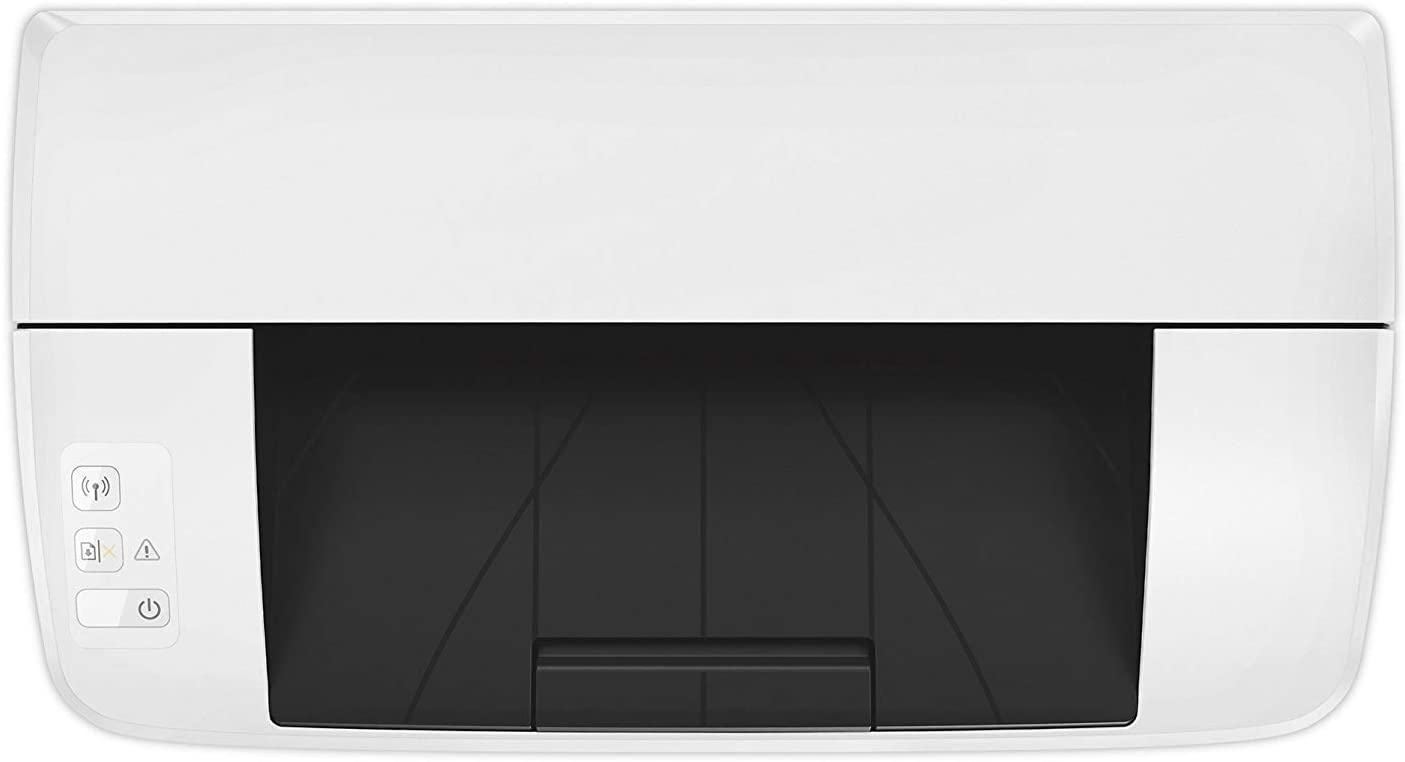
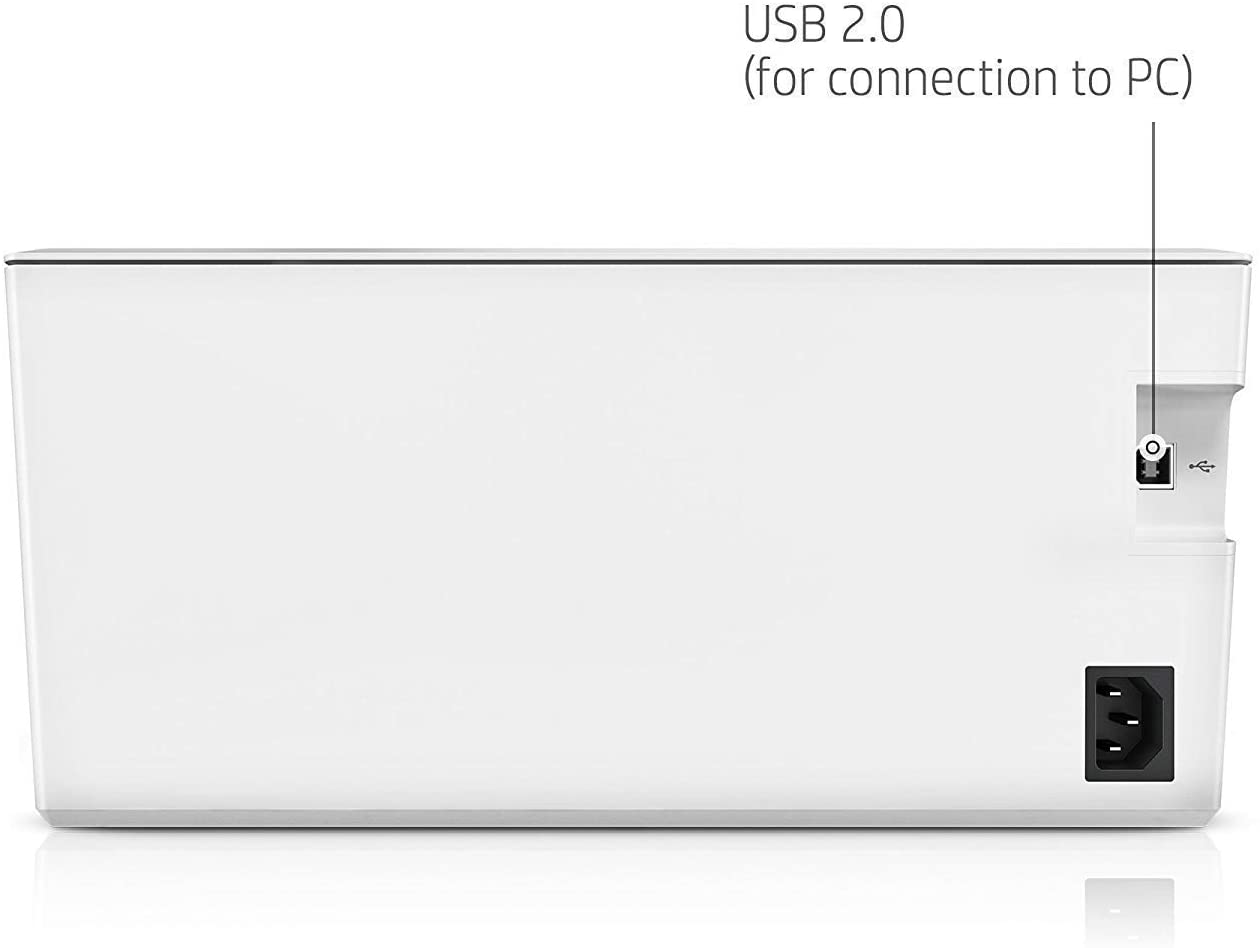
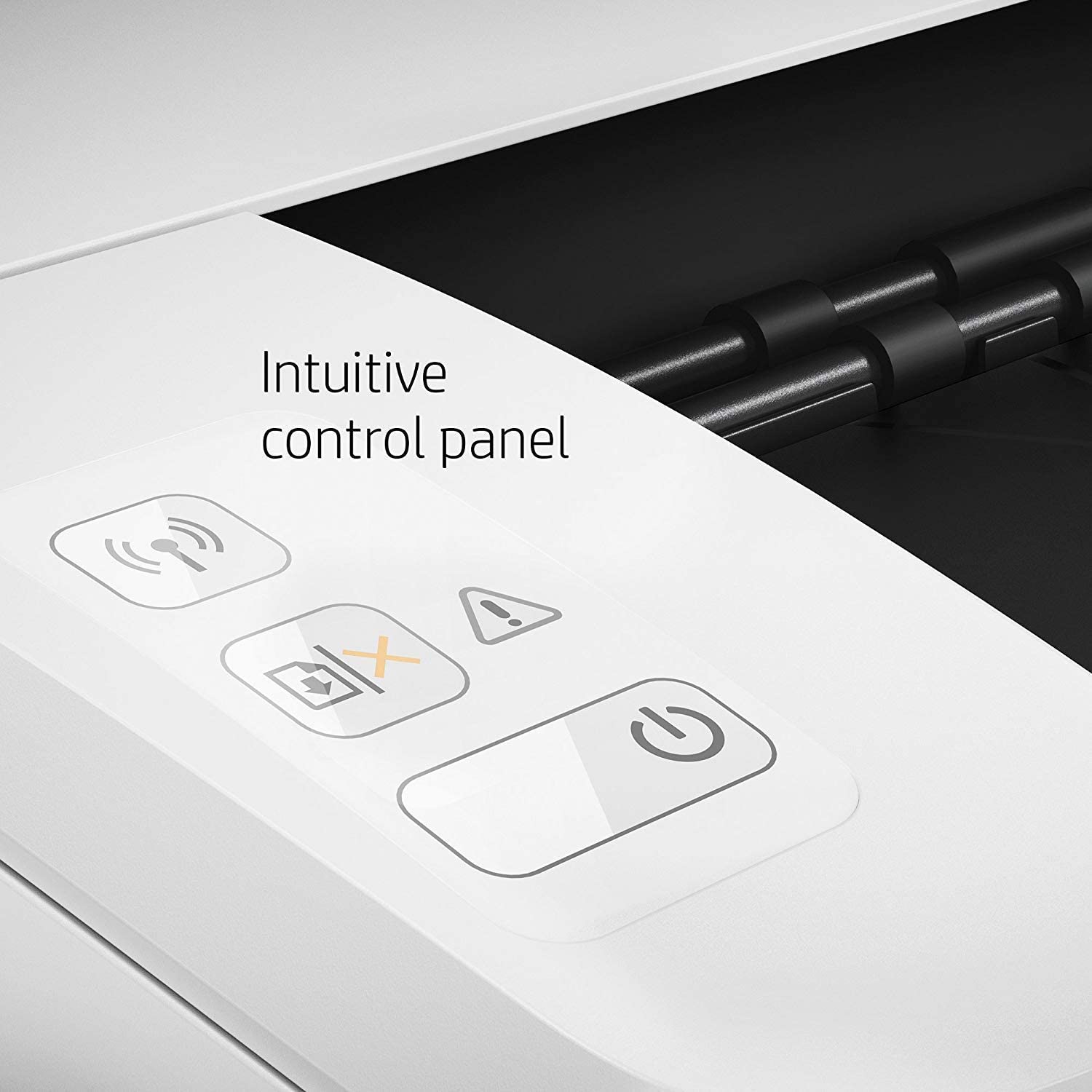


*** ALL TONERS AND SUPPLIES ARE IN STOCK AT DISCOUNTED PRICING , CALL +18882983095.
All reconditioned printers do not include supplies - toners , drums (Imaging Units) (where applicable) , printer cables , manuals , consumables, trays (where applicable). Power cables are included. Drivers can be downloaded from the manufacturers website. Please verify that drivers available are compatible with your software on the manufacturers site.
Product Details
Specifications
Accessories
Reviews
Product Details
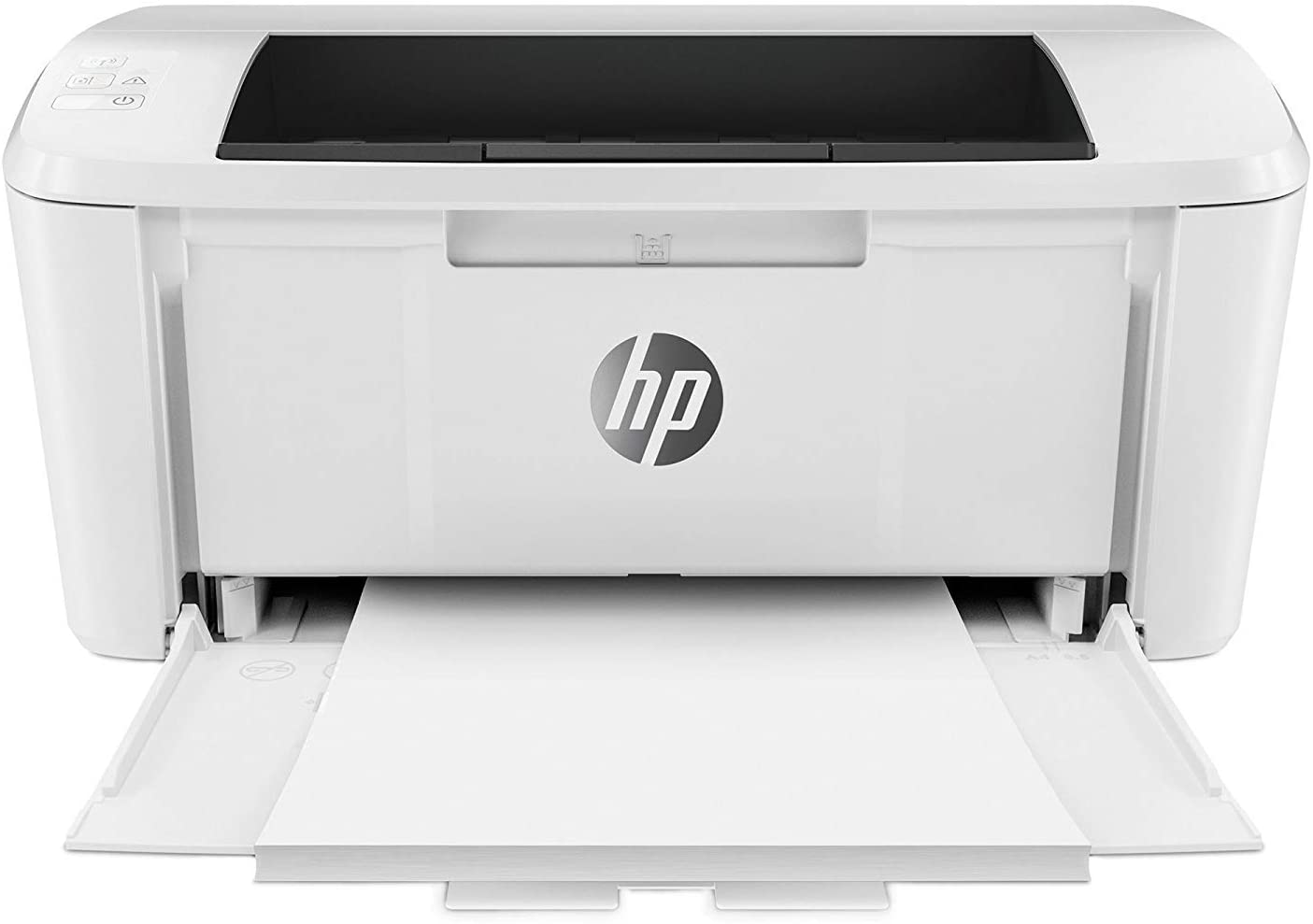
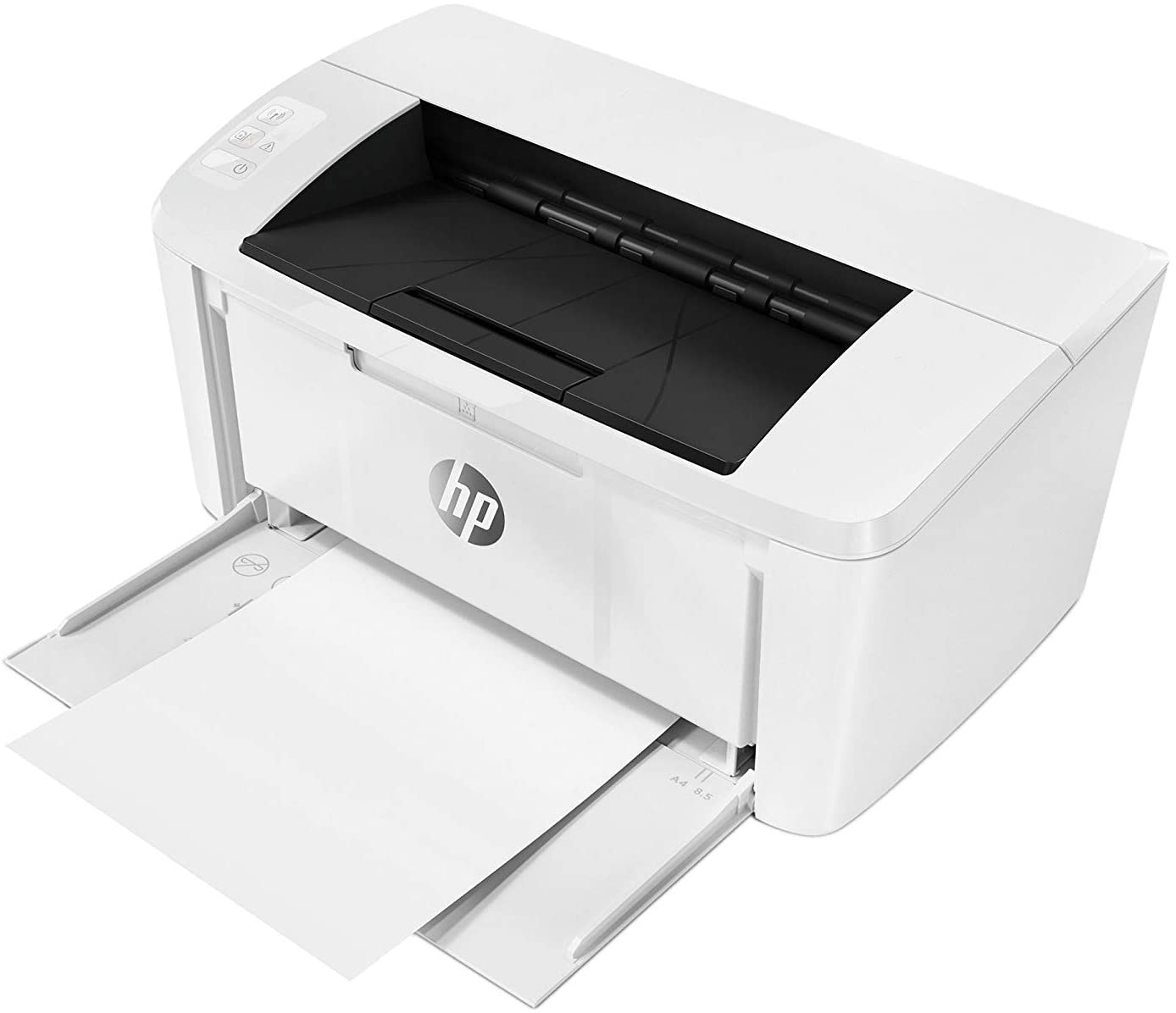
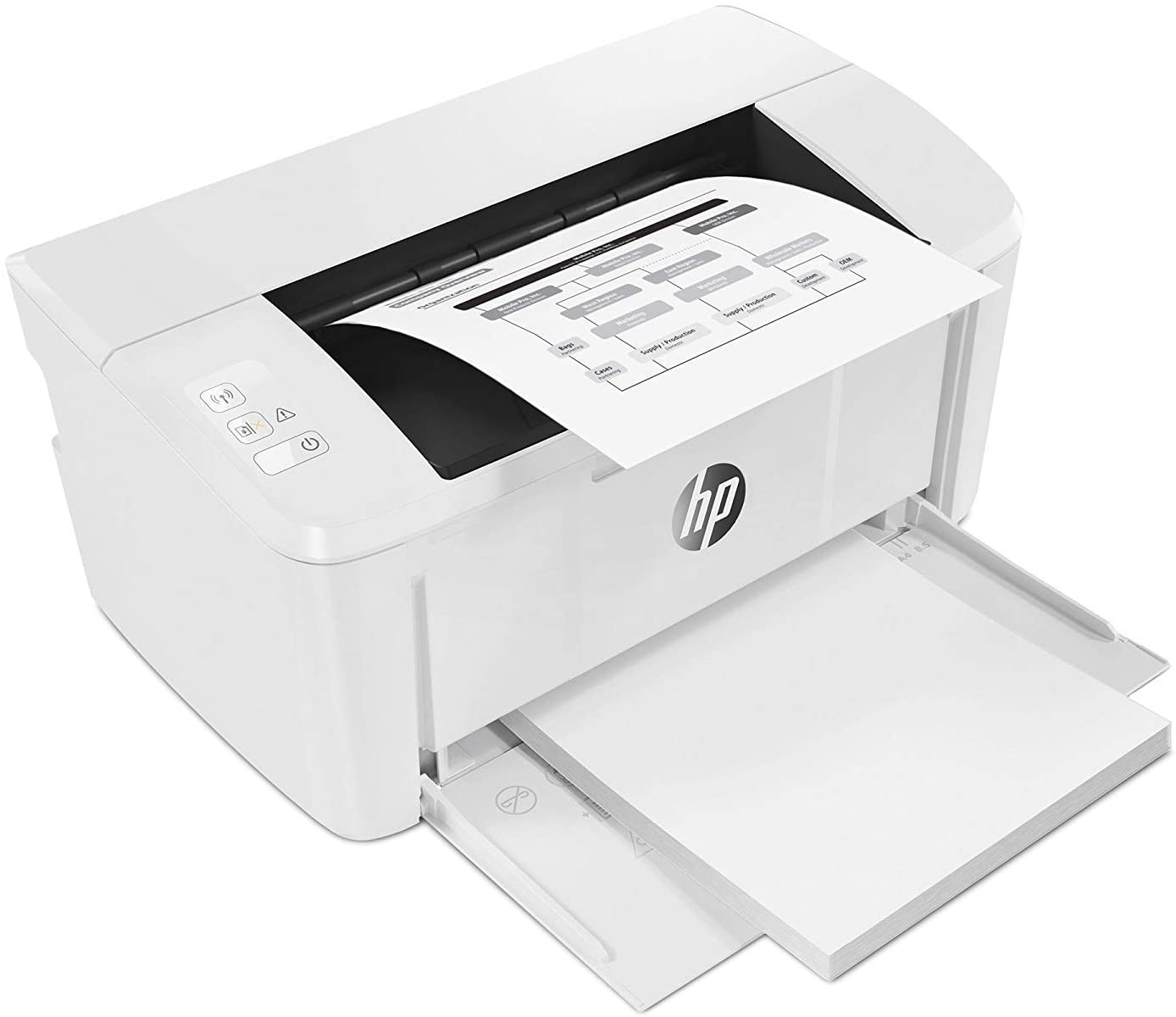
Main Features
- Wireless
- Black and white printouts
- Print Speed: 19 pages per minute
- First Page Out: 8.1 seconds
- Recommended Monthly Page Volume: 100 to 1000 pages
- Duty Cycle: 8000 pages
- 150 sheet input tray
- Wi-Fi Direct
- AirPrint
Specifications
General Specifications
Functions
Print speed, black (normal)
Printer page yield
First page out (ready) black
Resolution (black)
Resolution technology
Monthly duty cycle
Recommended monthly page volume
Print Technology
Display
Processor speed
Print languages
Automatic paper sensor
Paper trays, standard
Paper trays, maximum
Mobile Printing Capability
Connectivity, standard
Security management
Minimum system requirements
Windows® 10, 8.1, 8, 7: 32-bit or 64-bit, 2 GB available hard disk space, CD-ROM/DVD drive or Internet connection, USB port, Internet Explorer.
Compatible operating systems
Memory, standard
Memory, maximum
Printer management
Supported network protocols
Paper handling input, standard
Paper handling output, standard
Media sizes supported
Media sizes, custom
Media types
Supported media weight
Media weights by paper path
Power
Power consumption
Energy efficiency
Operating temperature range
Operating humidity range
Dimensions (W X D X H)
Dimensions Maximum (W X D X H)
 Download Manufacturer Specifications
Accessories

Reviews


Don't be in a rush with your printer as you can easily damage a printer, or even get hurt, if you do not follow the instructions in the user manual.
Is your printer feeding in the whole paper stack rather than just one piece at a time? Fan the paper before putting it in the tray to help separate the sheets. Also, store your paper in a cool, dry place as humidity can contribute to this problem.
Most printers have a built-in diagnostics program which can be very useful for troubleshooting problems and test-printing without a computer. They are usually initiated by pressing a button or two while turning on the printer.
MY ACCOUNT
INFO & POLICIES
SHOP EASY
PAYMENT OPTIONS



