



 Shopping Cart
 HP DesignJet Z6810 60 inch Photo Production Printer
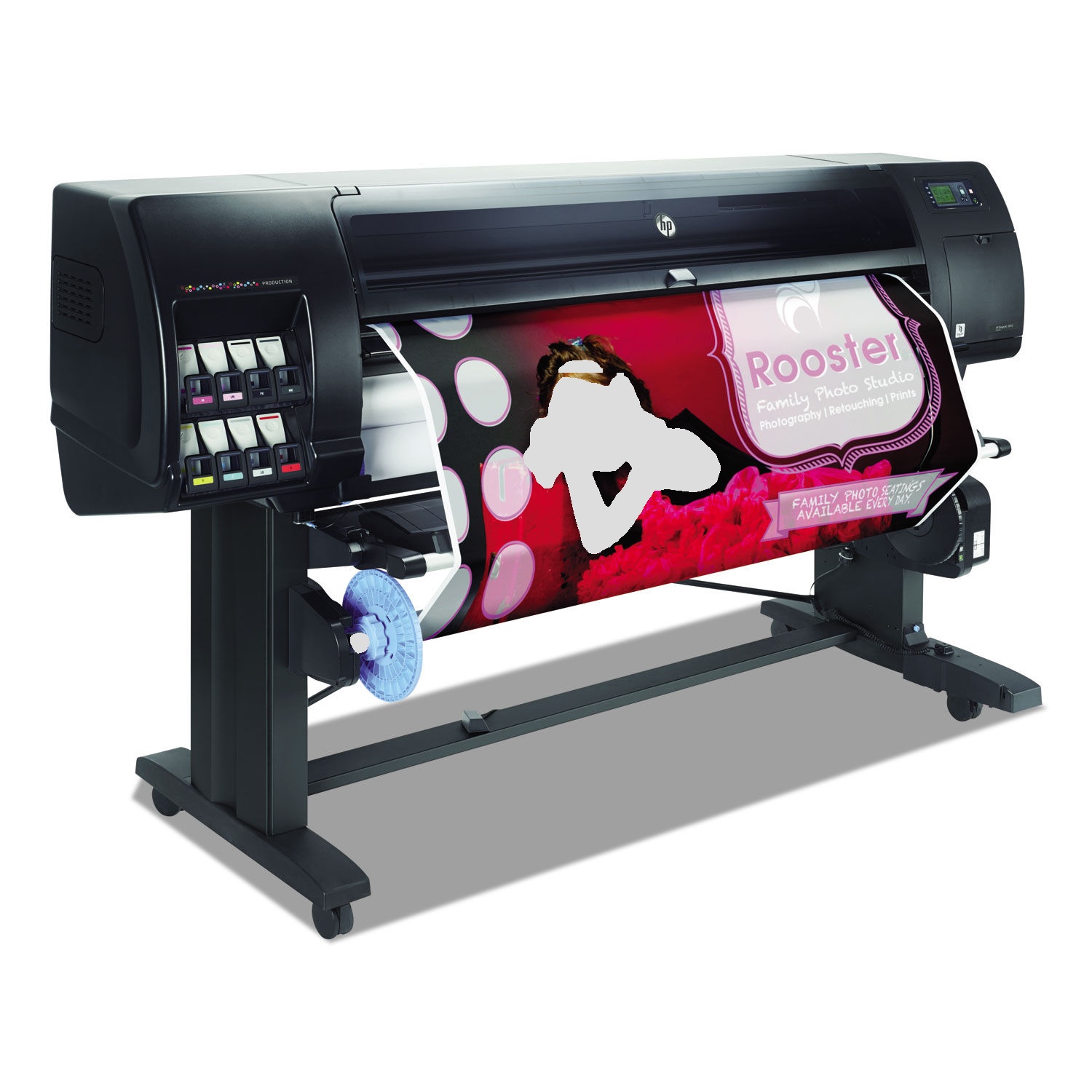


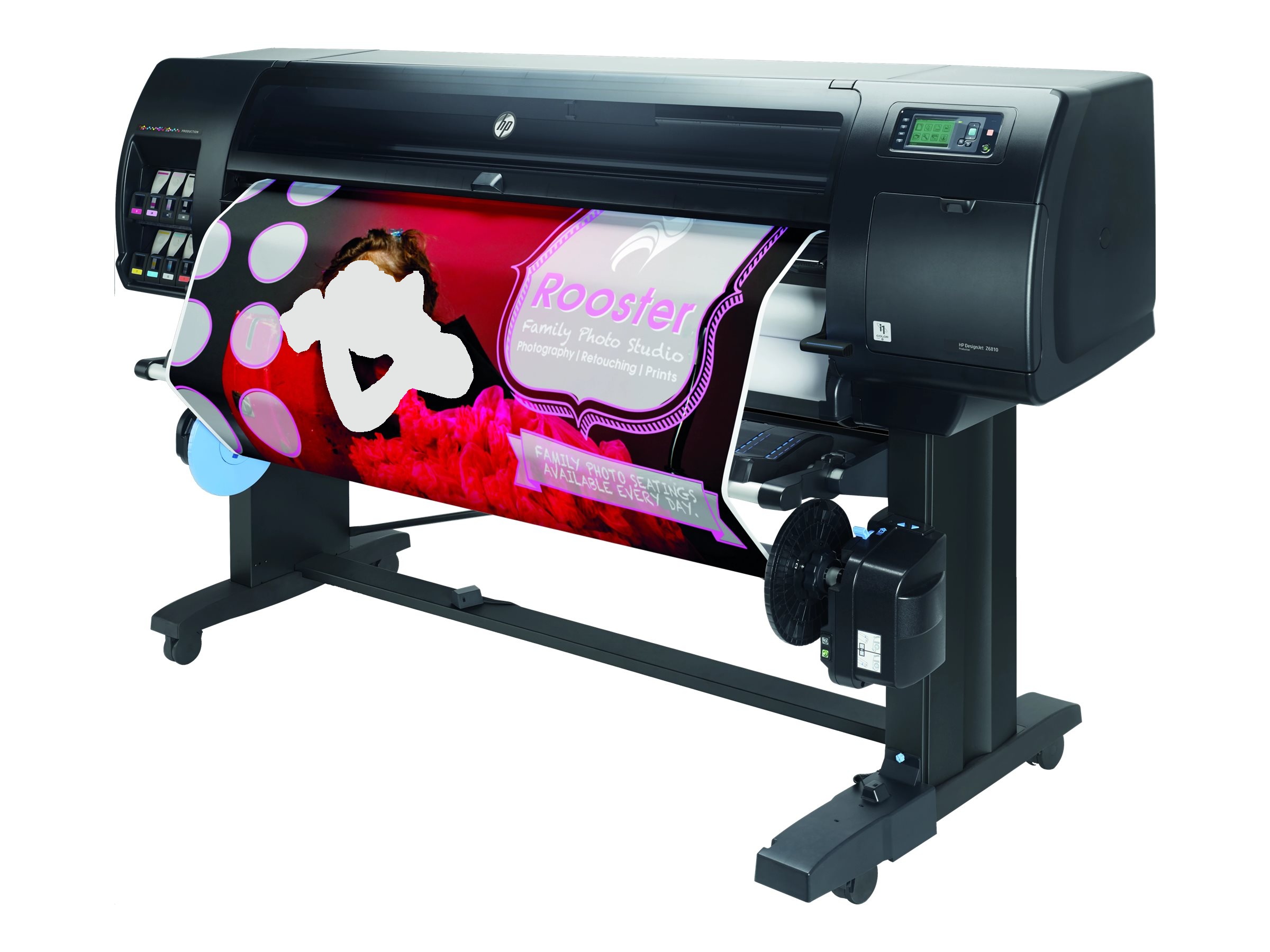

Images are for illustration purposes only and do not necessarily reflect the actual product.
Product Details
Specifications
Accessories
Reviews
Product Details
Main Features
- Includes HP 1 year warranty
- Includes Starter Inks and Printhead (s)
- Model size: 60 in
- Optimized Printheads for imactful and precise prints
- Embedded spectrophotometer for consistently accurate prints
- HP Professional PANTONE® color emulation for precise colors
- Print speeds up to 212 ft²/hr on glossy and 548 ft²/hr on plain paper
- 500 GB hard disk capacity.
- Long media rolls
- 775-ml HP ink cartridges
- Built-in take-up reel
- HP Click printing software enables one-click printing
Specifications
General
- Model size
- 60 in
- Functions
- Speed specifications
- Print time color image ISO N5 (best, D glossy paper)
- 3.2 min/page[2]
- Print time color image ISO N5 (normal, D glossy paper)
- 2.1 min/page[2]
- Print time color image ISO N5 (draft, D coated paper)
- 18 sec/page[2]
- Memory specifications
- Memory
-
- 64 GB (virtual)[7]
- Internal Storage
-
- 500 GB
- Technical specifications
- Print quality (best)
- Color: Up to 2400 x 1200 optimized dpi
- Print technology
- HP Thermal Inkjet
- Number of print cartridges
- 8 (magenta, yellow, matte black, photo black, chromatic red, cyan or light cyan, light gray, light magenta)
- Finished output handling
-
- Roll feed, automatic horizontal cutter, take-up reel
- Media types
- Bond and coated paper, technical paper, film, photographic paper, proofing paper, backlit, self-adhesive, banner and sign, fabric, fine art printing material
- Media sizes standard (sheets, rolls)
-
- 42-in: 11 to 42 in
- 60-in: 11 to 60 in (42-in: 279 to 1067 mm
- 60-in: 279 to 1524 mm)
Connectivity
- Connectivity, standard
-
- Gigabit Ethernet (1000Base-T)
- EIO Jetdirect accessory slot
- Print languages
- HP-GL/2, HP-RTL, CALS G4
Power and operating requirements
- Power consumption
- 270 W (printing); < 48 W (ready); < 5.3 W (sleep); < 0.3 W (off)
- Operating temperature range
- 41 to 104ºF (5 to 40ºC)
(5 to 40ºC )
- Operating humidity range
- 20 to 80% RH
Dimensions and weight
- Minimum dimensions (W x D x H)
- 42-in: 77.5 x 27.2 x 53.9 in; 60-in: 95.7 x 27.2 x 53.9 in (42-in: 1970 x 690 x 1370 mm; 60-in: 2430 x 690 x 1370 mm)
- Weight
- 42-in: 271 lb; 60-in 419 lb (42-in: 123 kg; 60-in: 190 kg)
Accessories

Reviews


Store your laser printer in a properly ventilated area where temperature and humidity do not change frequently. Avoid areas with heavy dust buildup.
Use a lightly dampened cloth to clean the outside of your laser printer. To clean the inside, use a dry, lint-free cloth to make sure that no liquid enters the inner parts of the printer.
Media settings on your printer determine how much ink will be used. Thinly coated glossy films require less ink, while plain paper soaks in more.
MY ACCOUNT
INFO & POLICIES
SHOP EASY
PAYMENT OPTIONS



* Images are for illustration purposes only.