Plustek eScan A350 SharePoint Document Scanner
*Images may show options not included in price.
Images are for illustration purposes only and do not necessarily reflect the actual product.
Product Details
Specifications
Accessories
Reviews
Product Details
Main Features
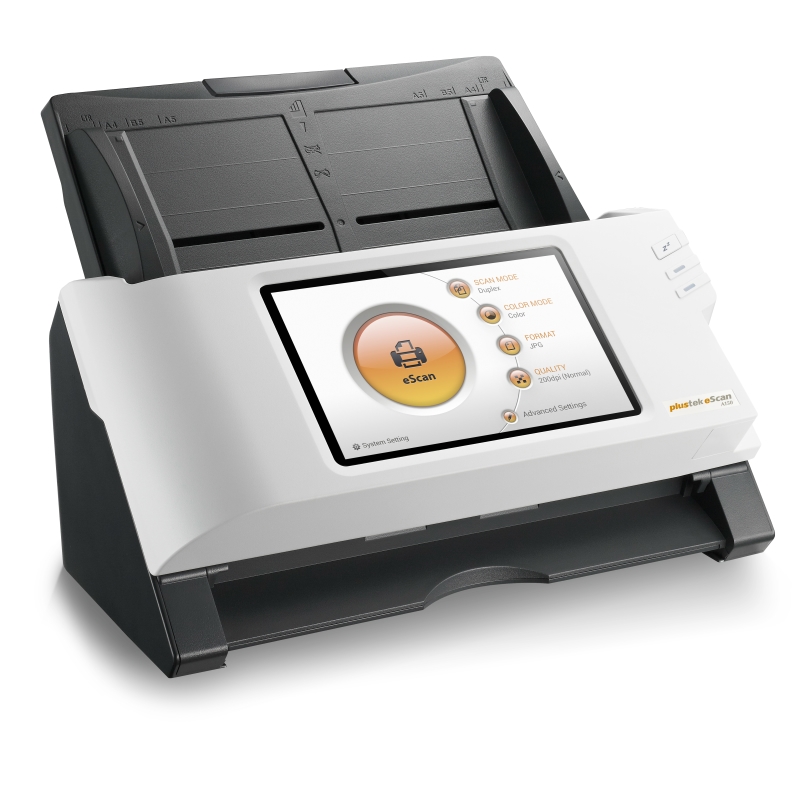
Built in Ethernet and Wi-Fi
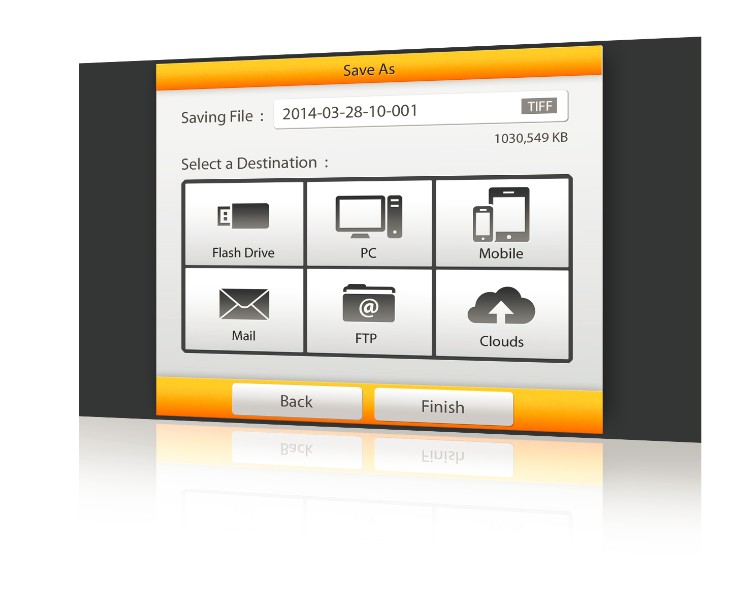
No PC or additional software is needed
ADF Capacity: 80 sheets
600 dpi optical resolution
Scanning speed 30 ppm/ 60 ipm
Daily duty scan: 6000 pages
Ultrasonic misfeed detection reduces data loss
Long paper mode scans pages up to 200” long
TWAIN connection via USB
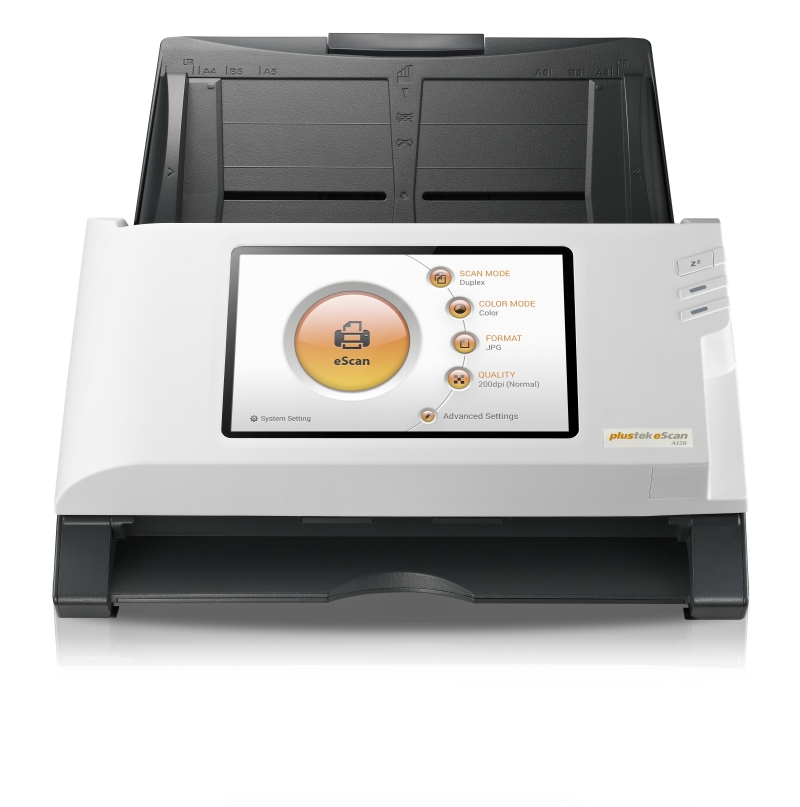
7” touch screen display
Specifications
General Specifications
Optical Resolution
600 dpi
Hardware Resolution
600 x 600 dpi
Scan Modes
Color: Input 48-bit, Output 24-bit
ADF Capacity
50 sheets (70 g/m², 18 Lbs)
Scanning Speed
25 ppm/ 50 ipm (color/grayscale, 300 dpi, A4 Portrait)
Scanning Area (W x L)
Max. 216 x 356 mm (8.5" x 14")
Acceptable Paper Sizes (W x L)
Max. 216 x 356 mm (8.5" x 14")
Acceptable Paper Weight (Thickness)
40 to 157 g/m² (12 to 40 Lbs)
Multi-feed Detection
With ultrasonic technology
Daily Duty Scan ( Sheets )
6,000
Roller Lifetime (Scans)
300,000
Pad Lifetime (Scans)
200,000
Power Supply
24 Vdc/ 2.7 A
Network Functions
Scan to Mobile Device
Interface
USB 2.0 x 2, USB 2.0 (Host) x 1, RJ45 (network connection) x 1
Net Weight
2.8 Kgs (6.17 Lbs)
Dimensions (W x D x H)
318 x 170 x 189 mm (12.53" x 6.69" x 7.45")
Operation Panel
CPU: RK3288 Quad-Core Cortex-A17 1.6GHz
OS
Windows XP / Vista / 7 / 8 / 10
Operating Temperature
+ 5 °C to +35°C
Accessories
Reviews
When looking at a scanners specifications, bear in mind that you can use a scanner at a lower resolution, but you cannot go higher.
Most MFPs are designed for scanning documents and so are best to avoid if you're looking for photo scanning. The few exceptions can be recognized if they feature scanning options that are clearly meant for photos, such as a color restore feature.
If you'll be happy with photo scans that can be viewed onscreen or reprinted at the same size, but with noticeable color shifts and loss of resolution, consider using an inexpensive sheet fed scanner.
PAYMENT OPTIONS
* Images are for illustration purposes only.




 Shopping Cart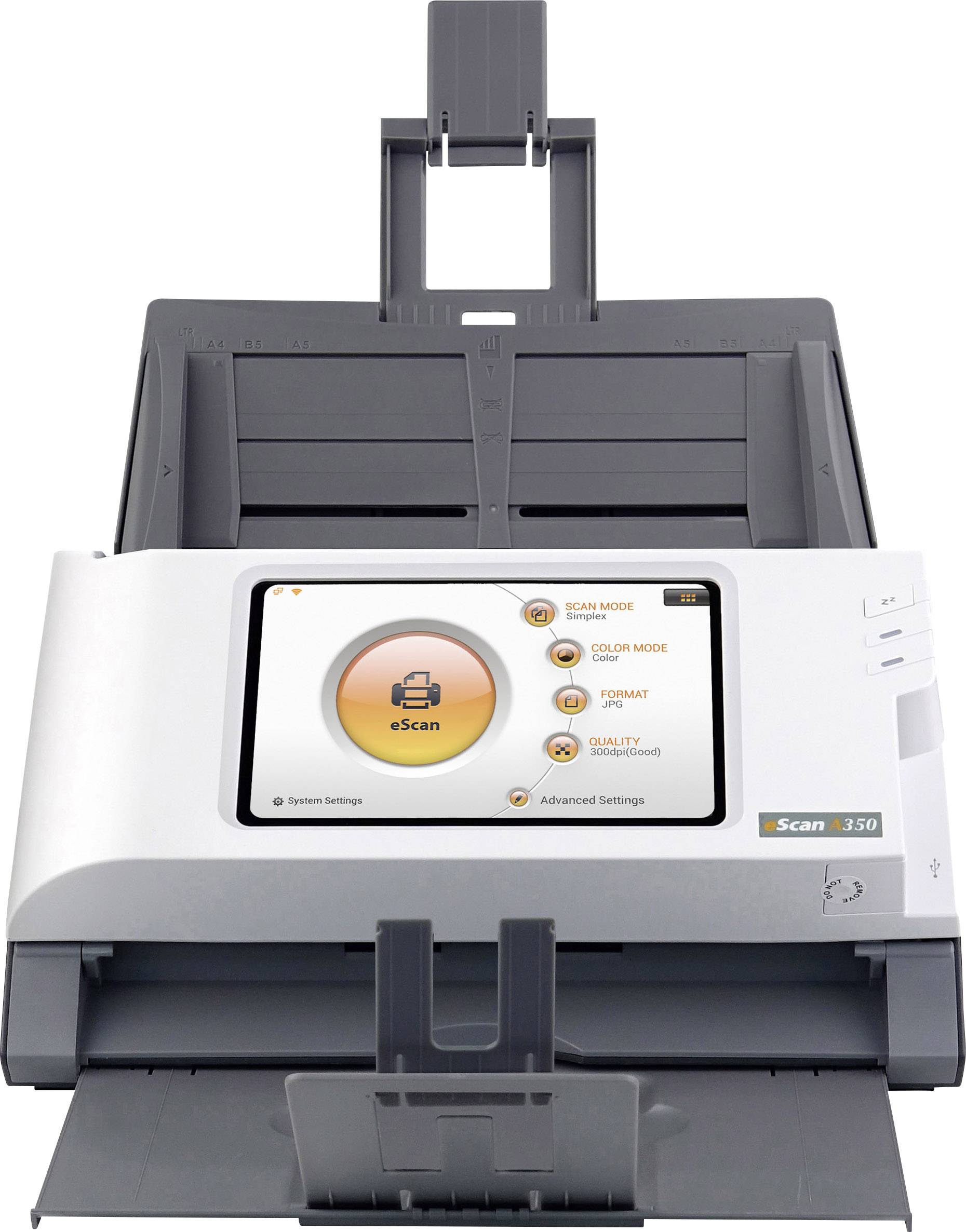



 Download Manufacturer Specifications





