



 Shopping Cart
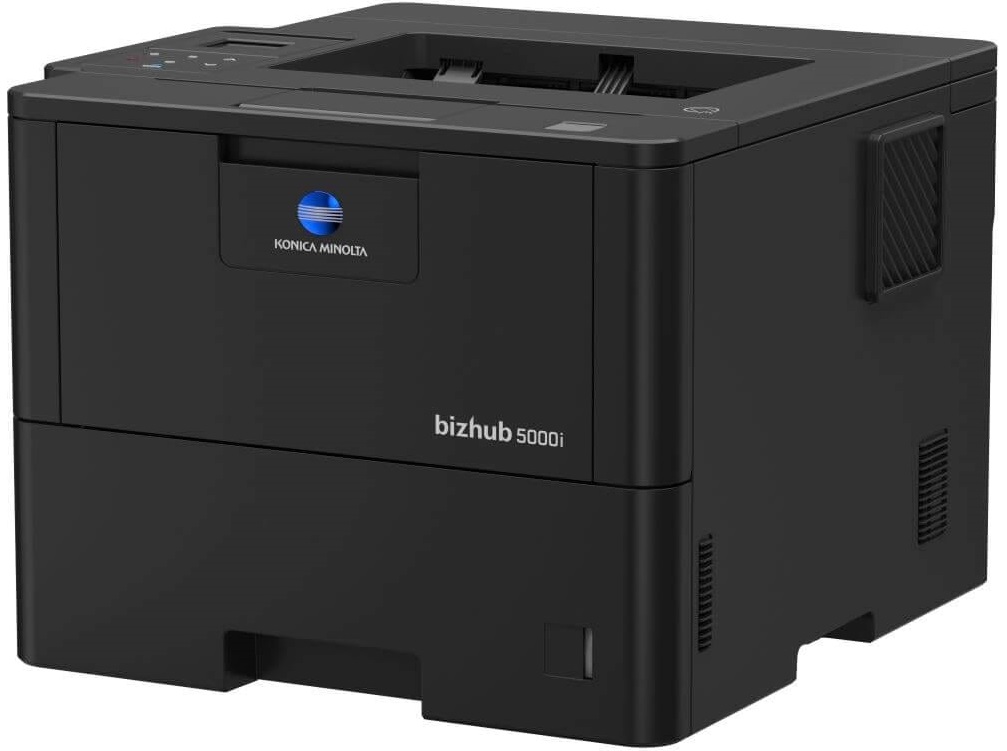
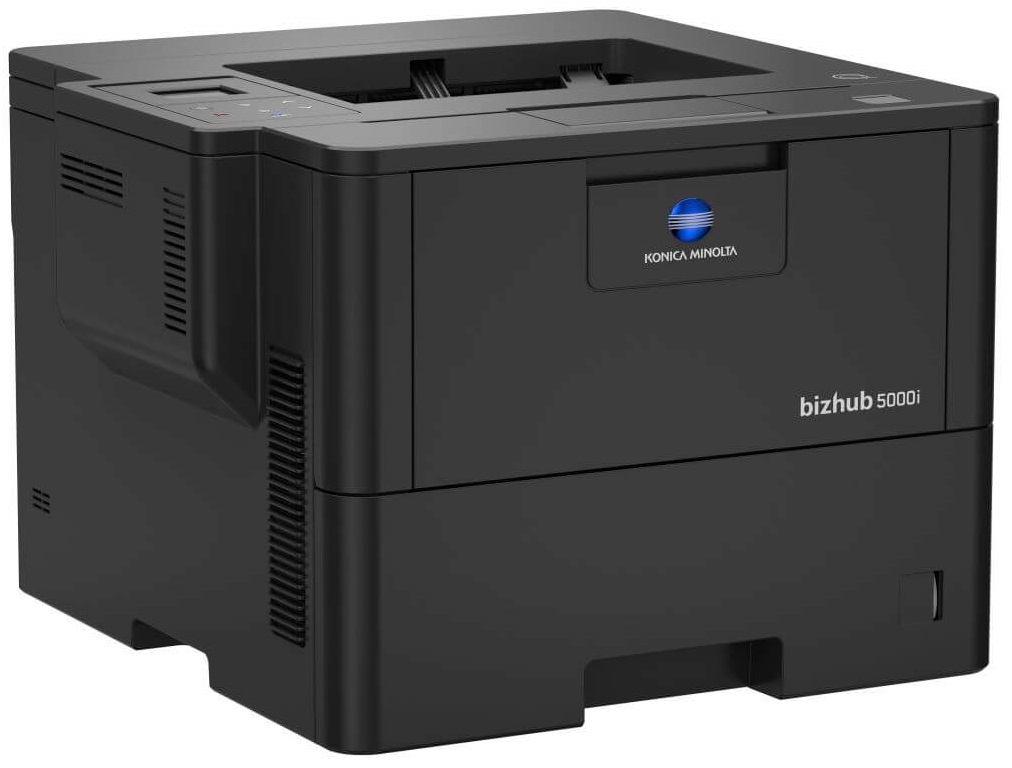
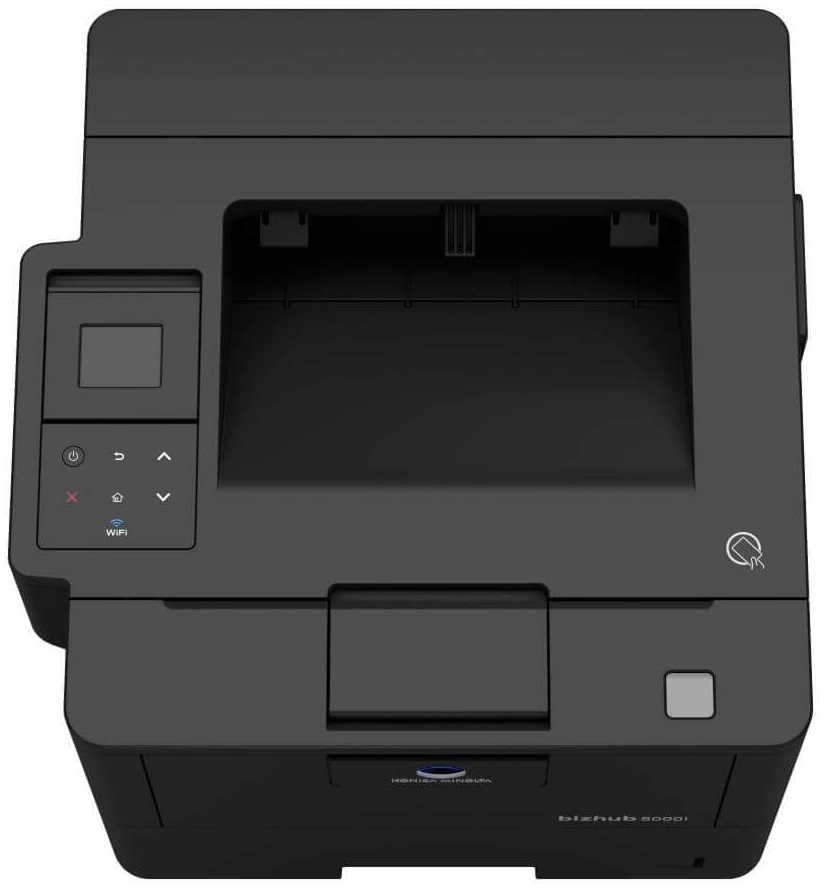
 Konica Minolta Bizhub 5000i Printer


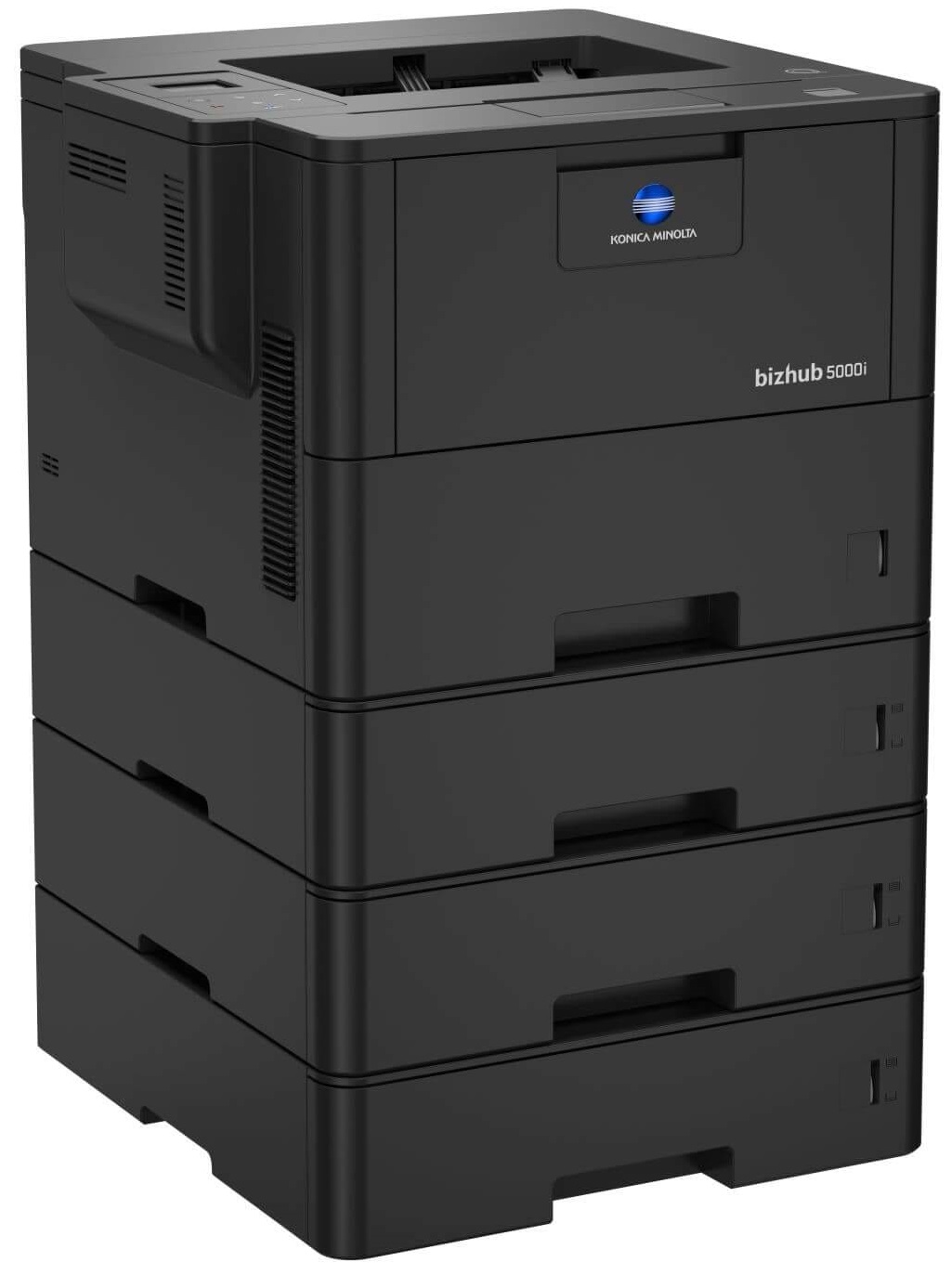
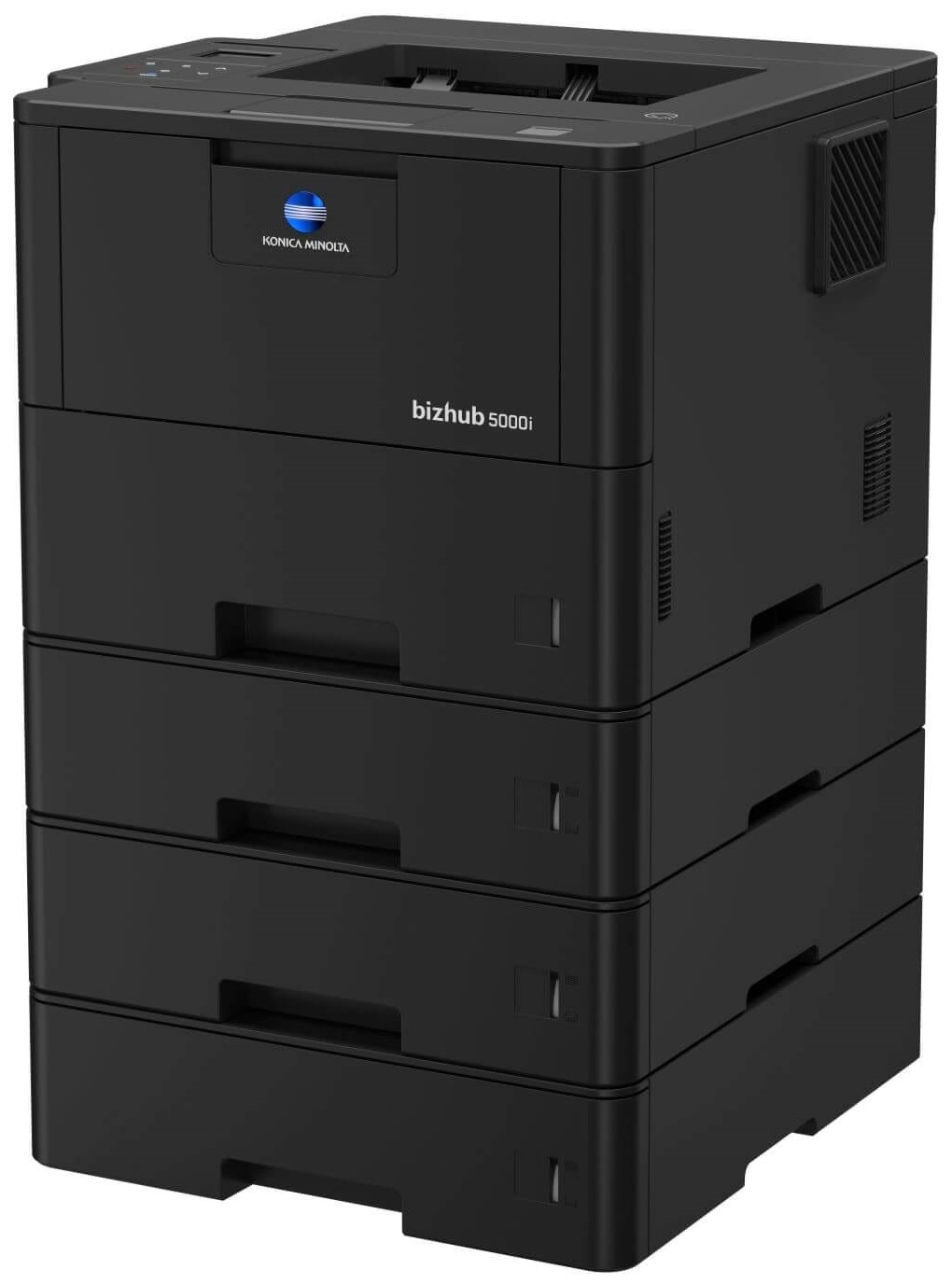


Product Details
Specifications
Accessories
Reviews
Product Details
Main Features
- Black and white printouts
- A6-A4 media size
- Compact design
- Mobile printing
- Quiet mode
- Security features
- USB port
- Wireless connectivity
Specifications
General Specifications
- System speed A4 Up to 50 ppm
- Autoduplex speed A4 Up to 24 ppm
- 1st page out time A4 7.5 sec.
- Warm-up time Approx. 25 sec.
- Imaging technology Laser
- Toner technology Polymerized Toner
- Panel size/resolution 1.8"
- System memory 512 MB (standard/max)
- Interface 10/100/1,000-Base-T Ethernet; USB 2.0; Wi-Fi 802.11 b/g/n
- Network protocols TCP/IP (IPv4 / IPv6); LPD; IPP; SNMP; HTTP; HTTP(S)
- Printable paper size A6-A4; customized paper sizes
- Printable paper weight 60-120 g/m²
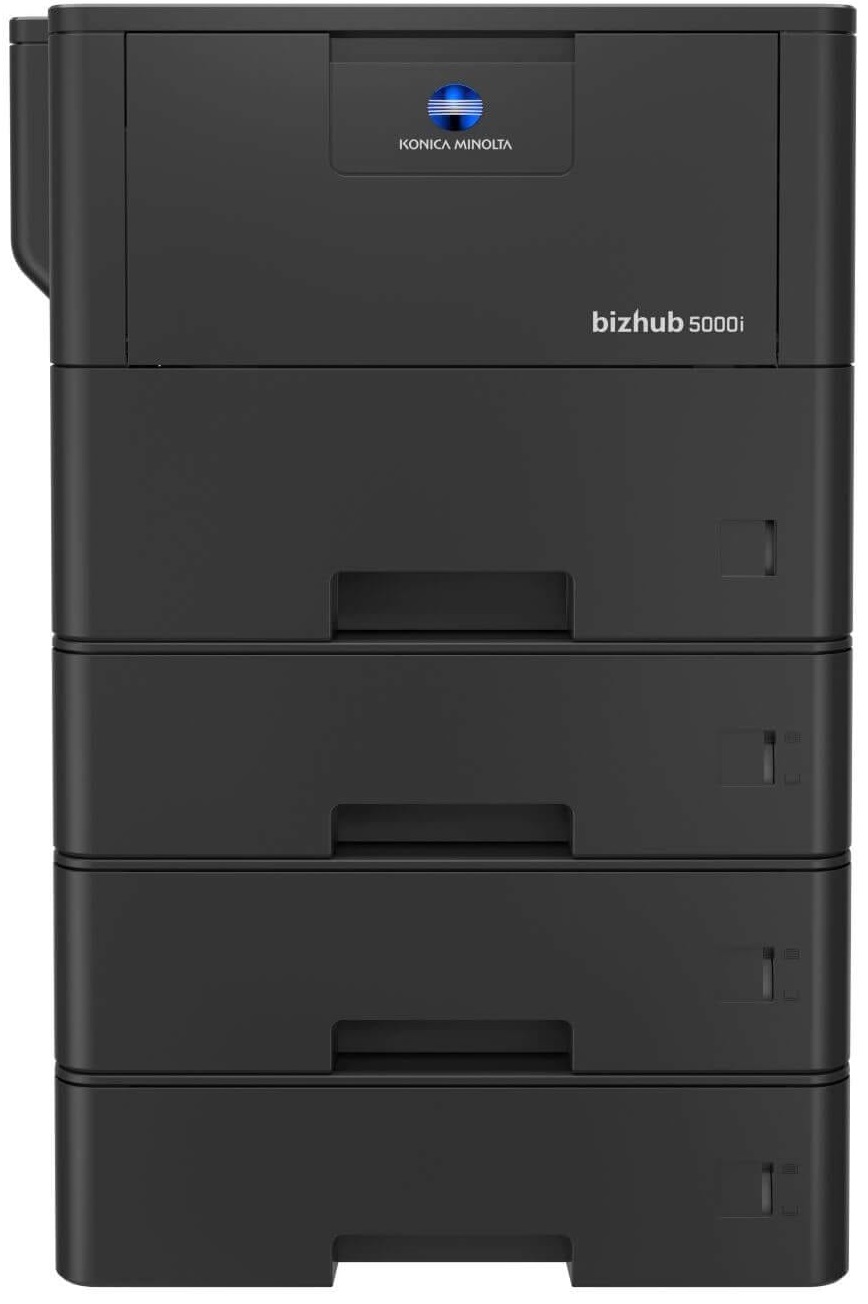
- Paper input capacity 570 sheets / 1,610 sheets (standard/max)
- Manual bypass 50 sheets; A6-A4; custom sizes; 60-200 g/m²
- Finishing modes (optional) Staple (offline)
- Automatic duplexing A4; 60-105 g/m²
- Output capacity Up to 250 sheets
- Duty cycle (monthly) Rec. 10,000 pages; Max.² 150,000 pages
- Toner lifetime Black up to 20,000 pages
- Power consumption 110-120V; Less than 770 W
- System dimension (W x D x H) 400 x 396 x 288 mm (without options)
- System weight Approx. 13.2 kg (without options)
 Download Manufacturer Specifications
Accessories

Reviews


Fed up of re-sorting your printouts? For those inkjets that don't have a reverse print feature in the driver, some programs offer printing in reverse order.
Media settings on your printer determine how much ink will be used. Thinly coated glossy films require less ink, while plain paper soaks in more.
Getting blank pages after you installed a new cartridge? Check that the sticker from the cartridge was properly removed. Alternatively, run the clean print head function to make sure all air bubbles are removed. Do not remove the cartridge once it has been installed.
MY ACCOUNT
INFO & POLICIES
SHOP EASY
PAYMENT OPTIONS



* Images are for illustration purposes only.