



 Shopping Cart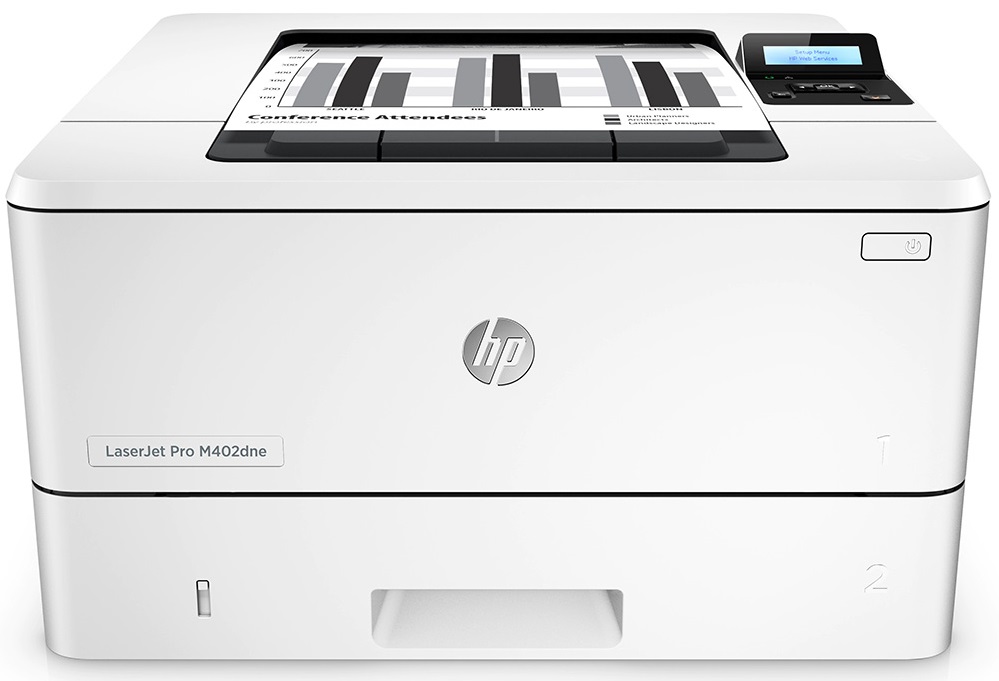



*** ALL TONERS AND SUPPLIES ARE IN STOCK AT DISCOUNTED PRICING , CALL +18882983095.
All reconditioned printers do not include supplies - toners , drums (Imaging Units) (where applicable) , printer cables , manuals , consumables, trays (where applicable). Power cables are included. Drivers can be downloaded from the manufacturers website. Please verify that drivers available are compatible with your software on the manufacturers site.
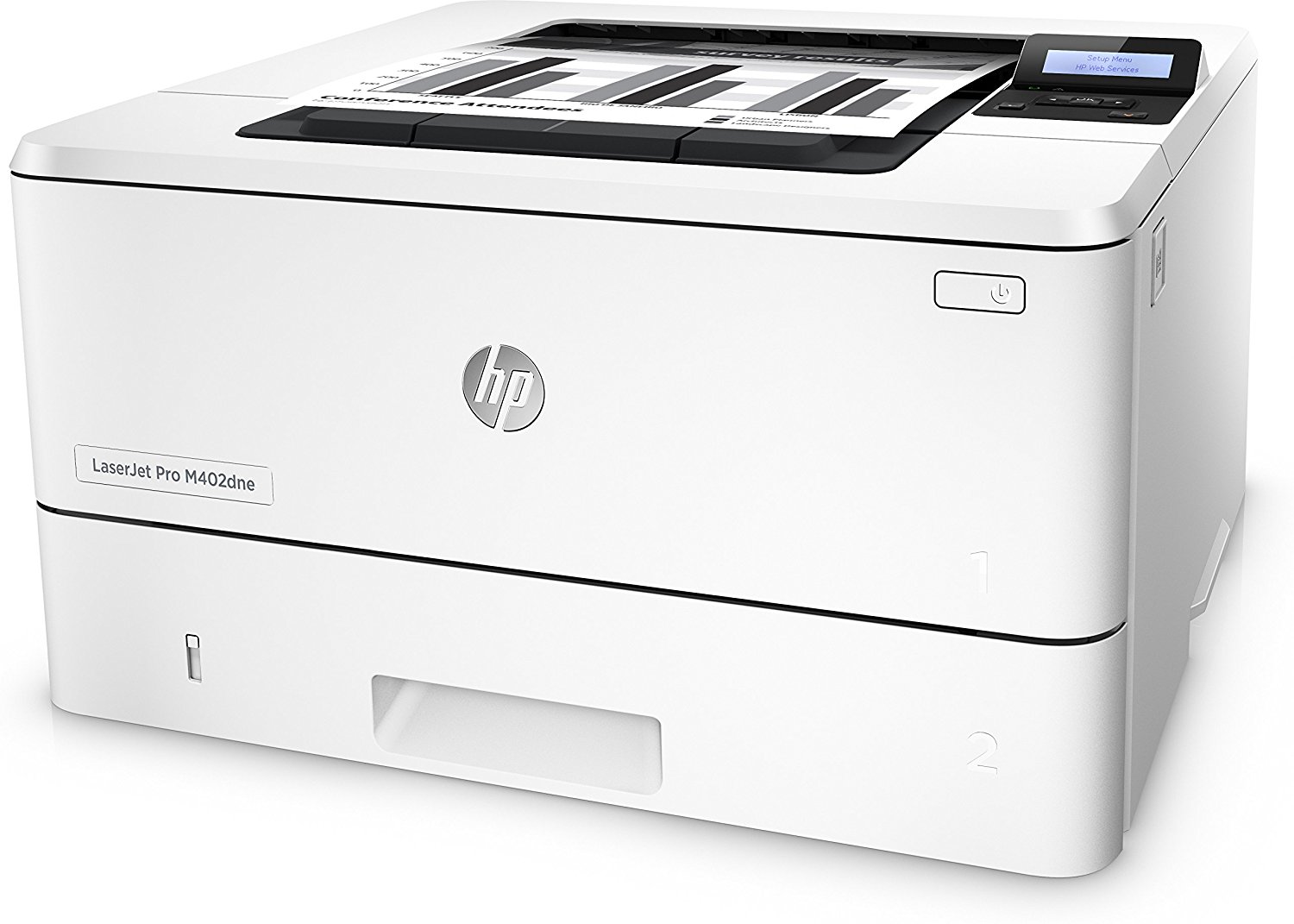
Images are for illustration purposes only and do not necessarily reflect the actual product.Product Details
Specifications
Accessories
Reviews
Product Details
Main Features
- Black and white printouts
- Print Speed: 40 pages per minute
- Print Resolution: 4800 x 600 dpi
- First Page Out: 5.6 seconds
- Supports various media sizes
- Automatic duplexing
- USB port
- Mobile printing
Specifications
General Specifications
| Functions |
| Printing Technology | Laser |
| Maximum Resolution | 4800 x 600 dpi |
| Print Speed | Simplex: 40 ppm Duplex: 32 ipm |
| First Print Out Speed | 5.6 seconds |
| Duplex Printing | Yes |
| Ink Palette | Black |
| Ink Cartridge Configuration | 1 individual cartridge |
| Duty Cycle | Monthly: 80,000 pages Recommended Monthly Volume: 750-4000 pages |
| Printer Language | HP PCL 6 HP PCL 5 HP PostScript Level 3 Emulation PDF v1.7 URF PCLM PWG |
| Paper Handling | Multipurpose Tray Input Tray 2 Output Tray |
| Paper Sizes | Multipurpose Tray: 3.0 x 5.0" to 8.5 x 14.0" / 7.6 x 12.7 cm to 21.6 x 35.6 cm Input Tray 2: 4.1 x 5.8" to 8.5 x 14" / 10.2 x 14.8 cm to 21.6 x 35.6 cm |
| Paper Weight | Multipurpose Tray: 16-46.6 lb / 60-175 gsm Input Tray 2: 16-32 lb / 60-120 gsm |
| Paper Capacity | Multipurpose Tray: 100 sheets Input Tray 2: 250 sheets Output Tray: 150 sheets |
| Interface | USB 2.0 Ethernet |
| Direct Printing | HP ePrint Apple AirPrint Google Cloud Print 2.0 Mopria Certified Mobile Apps |
| Processor | 1.2 GHz |
| Memory | 256 MB DRAM |
| Hard Drive | None |
| Compatible Operating Systems | Windows Mac OS X, macOS Linux UNIX |
| Control Panel | Two-line backlit LCD |
| Acoustic Noise | Pressure Emissions Active: 54 dB(A) Ready: Inaudible Power Emissions Active: 6.8 B(A) Ready: Inaudible |
| Power Requirements | 100-127 VAC, 50/60 Hz |
| Power Consumption | Maximum: 591 W Ready: 6.1 W Sleep: 2.8 W Auto-Off/Auto-On: 0.6 W Off: 0.1 W |
| Typical Power Consumption | 1.5 kWh/week |
| Operating Conditions | Temperature: 59 to 90.5°F / 15 to 32.5°C Humidity: 10 to 80% Recommended Temperature: 63.5 to 77°F / 17.5 to 25°C Recommended Humidity: 30 to 70% |
| Storage Conditions | Temperature: -4 to 140°F / -20 to 60°C Humidity: 10 to 90% |
| Dimensions (WxDxH) | 15.0 x 14.1 x 8.5" / 38.1 x 35.7 x 21.6 cm Maximum: 15.0 x 25.0 x 9.5" / 38.1 x 63.4 x 24.1 cm |
| Weight | 18.9 lb / 8.6 kg |
| Package Weight | 22.95 lb |
| Box Dimensions (LxWxH) | 18.2 x 17.2 x 11" |
Accessories

Reviews


Most printers will beep once or twice during or after initialization. If it beeps more than that or beeps constantly, it is telling you that something is wrong. Most printers beep when out of paper or out of ink.
Printing photos? Make sure that they are of print quality - meaning 300dpi. Anything lower than this will appear pixelated and lower than photo quality.
After installing a printer, go to the Windows dialog box and check the settings, so you won't be surprised by what happens the first time you print.
MY ACCOUNT
INFO & POLICIES
SHOP EASY
PAYMENT OPTIONS



