



 Shopping Cart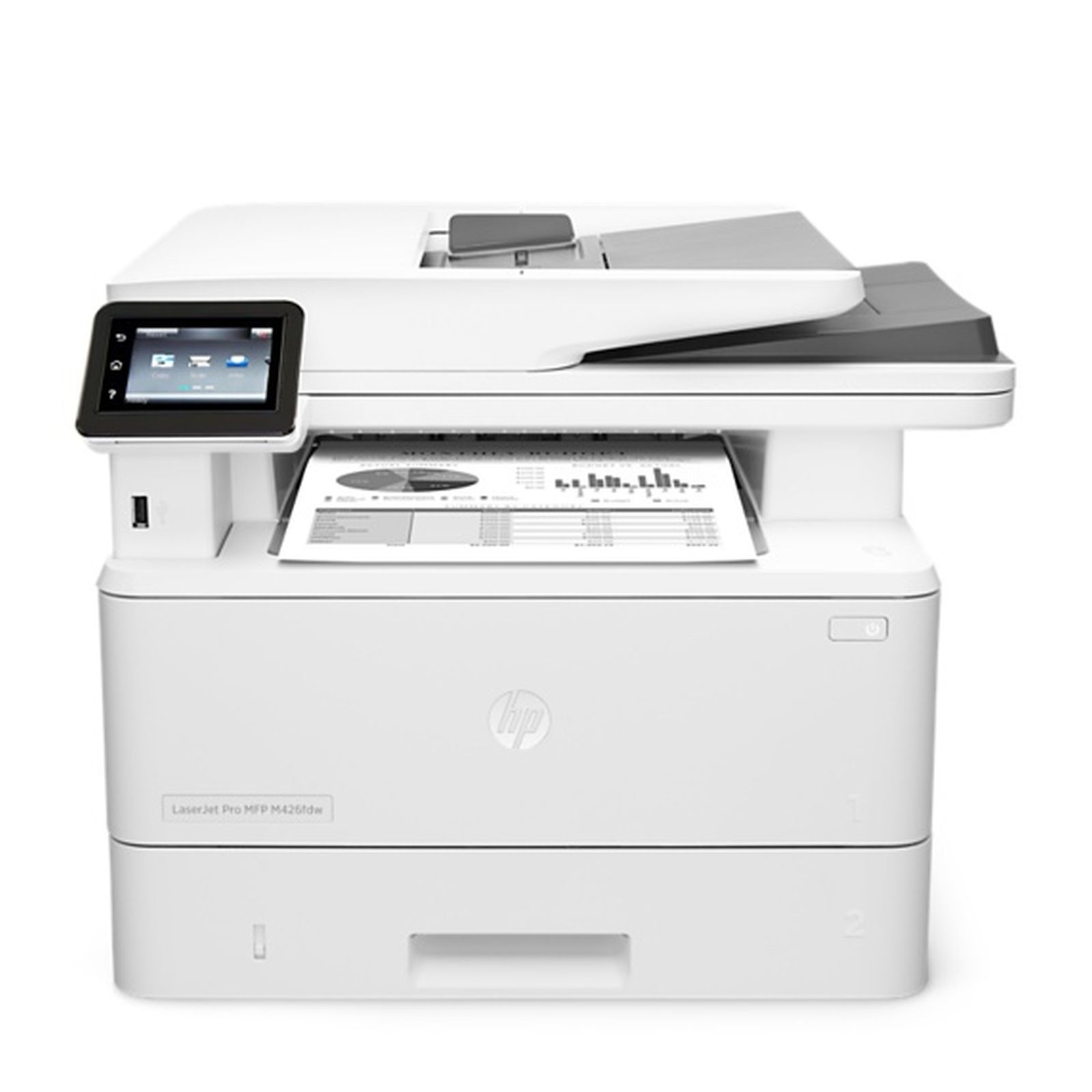



*** ALL TONERS AND SUPPLIES ARE IN STOCK AT DISCOUNTED PRICING , CALL +18882983095.
All reconditioned printers do not include supplies - toners , drums (Imaging Units) (where applicable) , printer cables , manuals , consumables, trays (where applicable). Power cables are included. Drivers can be downloaded from the manufacturers website. Please verify that drivers available are compatible with your software on the manufacturers site.
Product Details
Specifications
Accessories
Reviews
Product Details
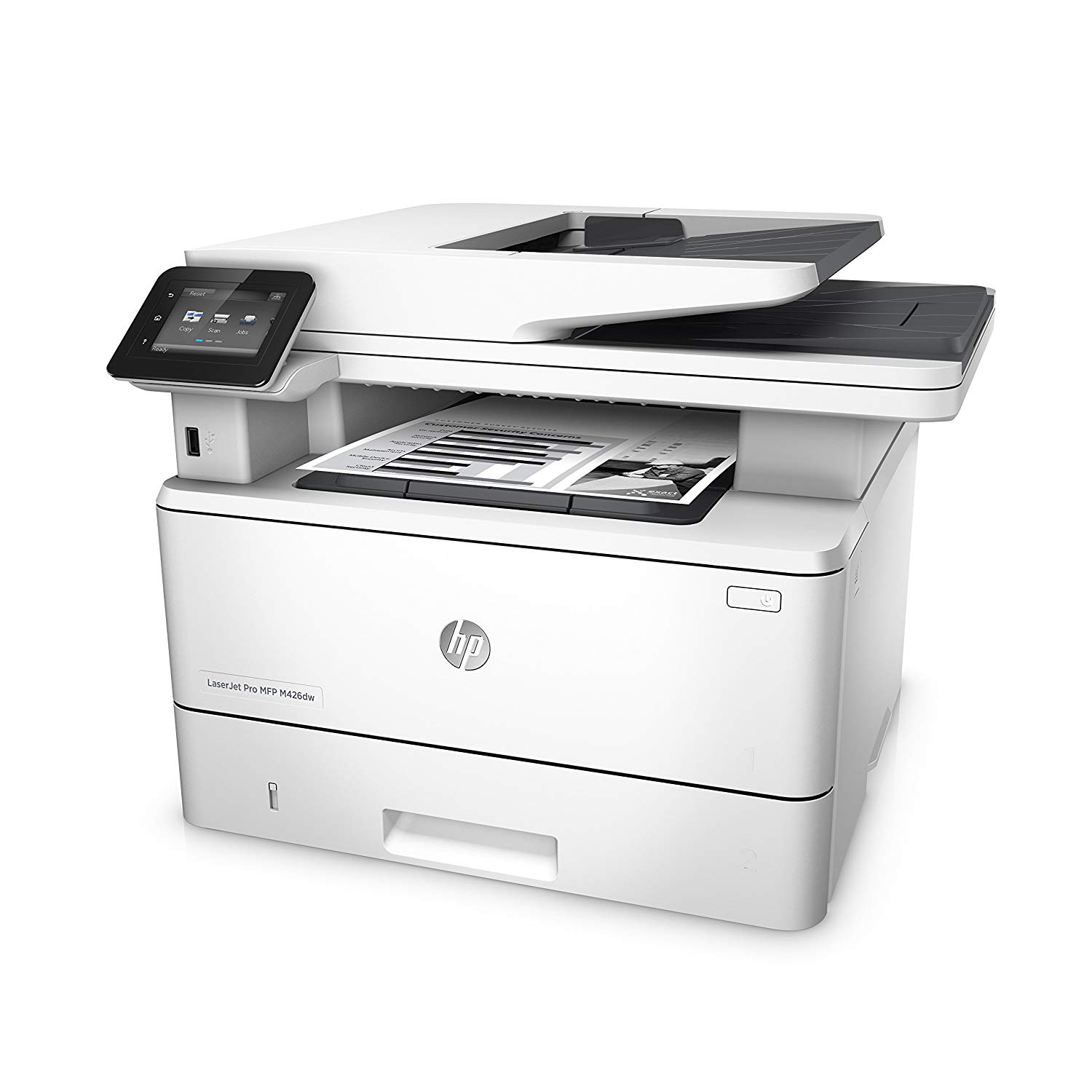
Main Features
- Print, Copy, Scan and Fax
- Print Speed: 40 ppm
- Automatic 2-sided printing
- Direct USB Print
- Wireless Capability
- Mobile Printing
- 3" intuitive color touchscreen
Specifications
General Specifications
|
Functions |
Print, Copy, Scan and Fax |
|
Print/Copy Speed |
40 ppm |
|
First Print Out |
5.4 seconds |
|
Duplex |
Automatic |
|
Scan Type |
Flatbed, ADF / Contact Image Sensor (CIS) |
|
Scan Size |
ADF: 8.5 x 14 in Maximum; 4 x 6 in Minimum; Flatbed: 8.5 x 11.7 in |
|
Scan Speed |
Up to 26 ppm/47 ipm (b&w), up to 21 ppm/30 ipm (color)16Duplex: Up to 47 ipm (b&w), up to 30 ipm (color) |
|
Copier Resize |
25 – 400% |
|
Copier Settings |
Light/Darker; Two Sided; ID copy; Optimize |
|
Fax Speed |
Up to: 4.2 kbps; Letter: 3 sec per page |
|
Network Ready |
Standard (built-in Ethernet, Wi-Fi) [Operates as both an AP (with Wi-Fi Direct) and STA] |
|
Wireless Capability |
Yes, built-in Wi-Fi; Authentication via WEP, WPA/WPA2, WPA Enterprise; encryption via AES or TKIP; WPS; Wi-Fi Direct |
|
Mobile Printing Capability |
HP ePrint, Apple AirPrint™, Wireless direct printing, Mopria-certified, Google Cloud Print 2.0, Mobile Apps |
|
Memory |
256 MB |
|
Processor Speed |
1200 MHz |
|
Dimensions |
W x D x H: 16.54 x 15.35 x 12.72 in2 ; Maximum: 16.93 x 25 x 12.8 in |
|
Weight |
28.35 lb |
|
Energy Efficiency Compliance |
ENERGY STAR® certified; Blue Angel; EPEAT® Silver |
 Download Manufacturer Specifications
Accessories

Reviews


Set your printer for the proper paper type and weight. Fine art papers are heavier than ordinary inkjet or bond papers so set the printer to thicker paper settings.
Printer not working? Be sure the paper is installed correctly and there is enough of it.
Media settings on your printer determine how much ink will be used. Thinly coated glossy films require less ink, while plain paper soaks in more.
MY ACCOUNT
INFO & POLICIES
SHOP EASY
PAYMENT OPTIONS



