



 Shopping Cart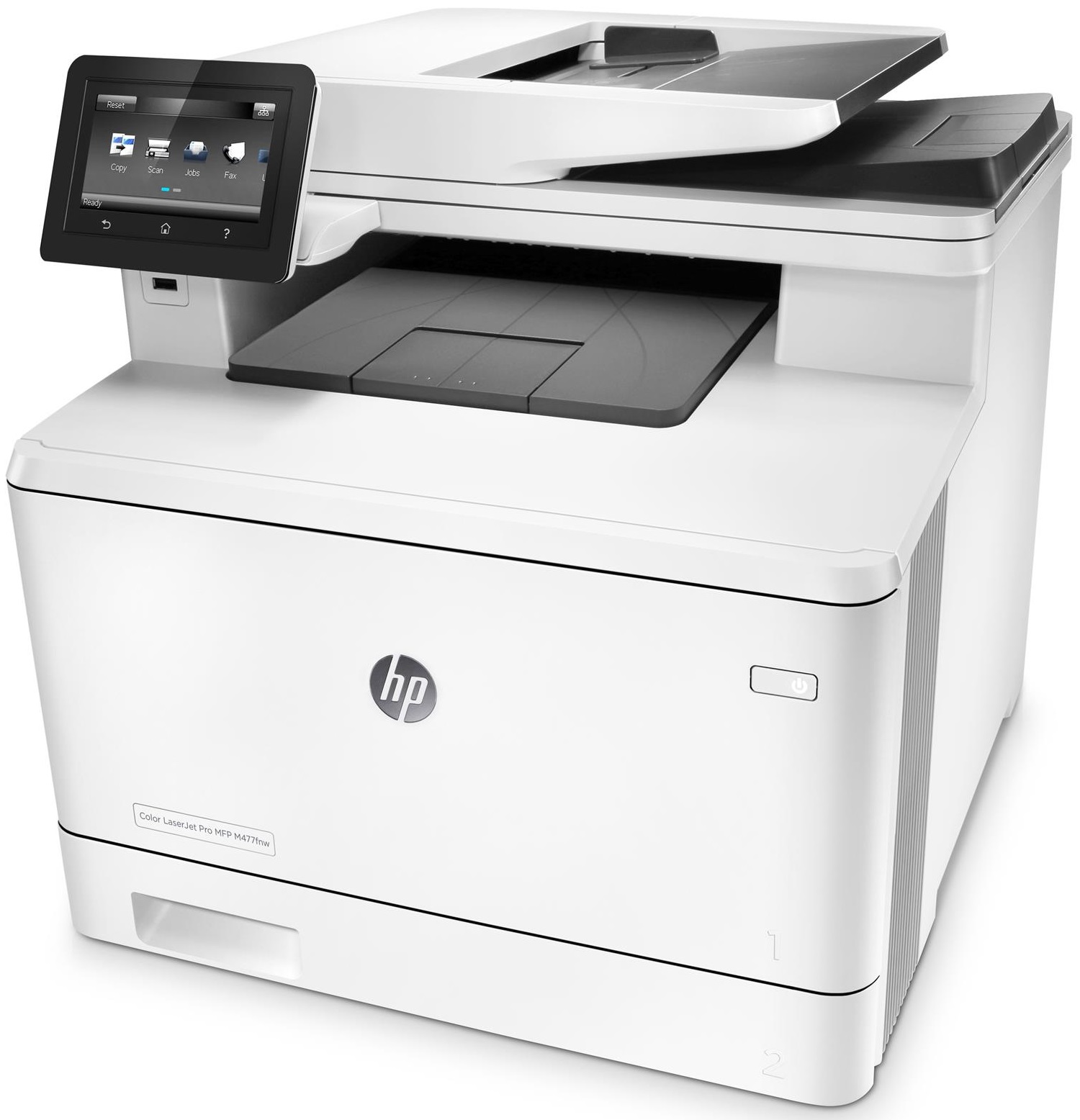



*** ALL TONERS AND SUPPLIES ARE IN STOCK AT DISCOUNTED PRICING , CALL +18882983095.
All reconditioned printers do not include supplies - toners , drums (Imaging Units) (where applicable) , printer cables , manuals , consumables, trays (where applicable). Power cables are included. Drivers can be downloaded from the manufacturers website. Please verify that drivers available are compatible with your software on the manufacturers site.
Product Details
Specifications
Accessories
Reviews
Product Details
Main Features
- 4 functions - print, copy, scan and fax
- Color printouts
- Wireless ready
- Double sided printing
- 4.3 inch color touchscreen
- Print Speed: 28 pages per minute
- 50 sheet automatic document feeder
- 300 sheet paper input capacity
Specifications
General Specifications
- Brand
- HP
- Descriptive Colour
- White
- Functions
- Printer, Copier, Scanner, Fax
- Model Number
- M477FDW
- Paper Size
- A4
- Printer Type
- Colour Laser Multifunction
- Printing Output Type
- Color
- Printing Technology
- Laser
- Product Dimensions (mm)
- 416W x 472D x 400H mm
- Product Weight (kg)
- 23.2 kg
Compatibility
- ePrint Application Supported
- HP ePrint
Connectivity
- AirPrint Compatible
- Yes
- Google Print Compatible
- Yes
- PC Connection
- Hi-Speed USB 2.0 port, Easy-access USB
- Printer Connectivity Technology
- Wired, Wireless, AirPrint, Mobile print
- Wi-Fi Direct Compatible
- Yes
Document and Media Handling
- Automatic Document Feeder Capacity
- 50 sheets
- Largest Print Size
- A4
- Standard Tray Capacity
- 300 sheets
Manufacturer
- Country of Manufacture
- Vietnam
- Part Number
- CF379A
Printer Performance
- 2-sided printing
- Yes
- Max Black and White Printing Speed
- 27 ppm
- Max Colour Printing Speed
- 27 ppm
- Print Resolution (DPI x DPI)
- 600 x 600 Print DPI
Refilling
- Compatible Consumables/Refills
- HP410X, HP410A
Scanner Features
- 2-sided scanning
- Yes
Accessories

Reviews


Store your laser printer in a properly ventilated area where temperature and humidity do not change frequently. Avoid areas with heavy dust buildup.
Make sure to keep your printer up to date by downloading drivers and patches from the manufacturer's site. Most manufacturers provide driver updates for their units which include patches that add fonts or fix incompatibilities.
Printer not working? Check if the heads of the toners are clean or not. They must be cleaned periodically.
MY ACCOUNT
INFO & POLICIES
SHOP EASY
PAYMENT OPTIONS



