



 Shopping Cart



*** ALL TONERS AND SUPPLIES ARE IN STOCK AT DISCOUNTED PRICING , CALL +18882983095.
All reconditioned printers do not include supplies - toners , drums (Imaging Units) (where applicable) , printer cables , manuals , consumables, trays (where applicable). Power cables are included. Drivers can be downloaded from the manufacturers website. Please verify that drivers available are compatible with your software on the manufacturers site.
Product Details
Specifications
Accessories
Reviews
Product Details
Main Features
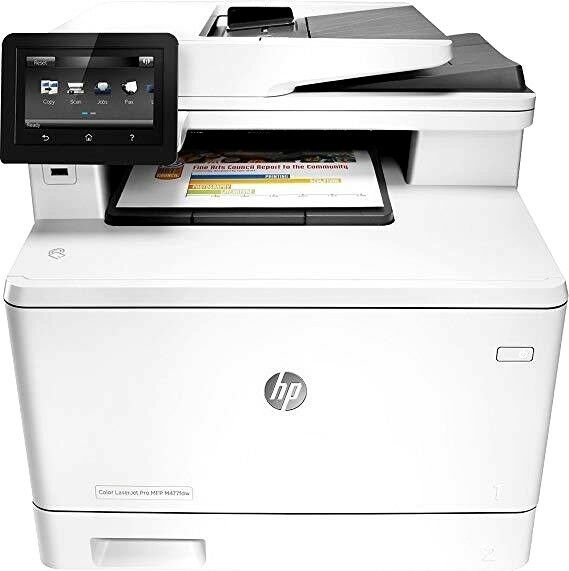
- Print, copy, scan and fax
- Color printouts
- Wireless connectivity
- Duplex printing
- Print from USB drive
- Scan to email
- Wireless ready
- Print / Copy Speed: 22 pages per minute
Specifications
General Specifications
Accessories

Reviews


Your ink is not going onto the paper properly or you notice uneven coverage? Try aligning the print heads before you bring out the big guns.
Looking to save paper and ink? Make sure to only print the pages you need of your document.
What is RAM? RAM or Buffer Memory holds the graphic information on the printer while the file is on its way to be printed. The larger the RAM, the faster the printer can print complex graphics.
MY ACCOUNT
INFO & POLICIES
SHOP EASY
PAYMENT OPTIONS



