



 Shopping Cart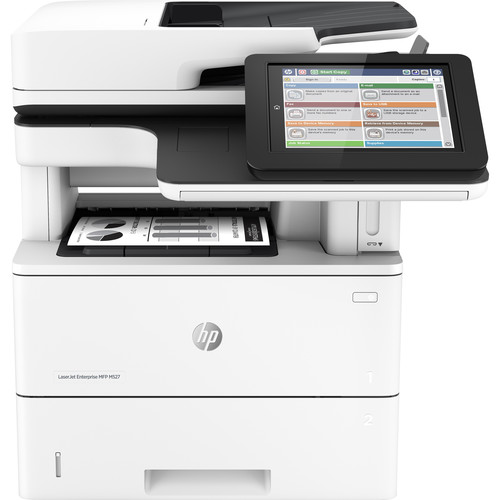


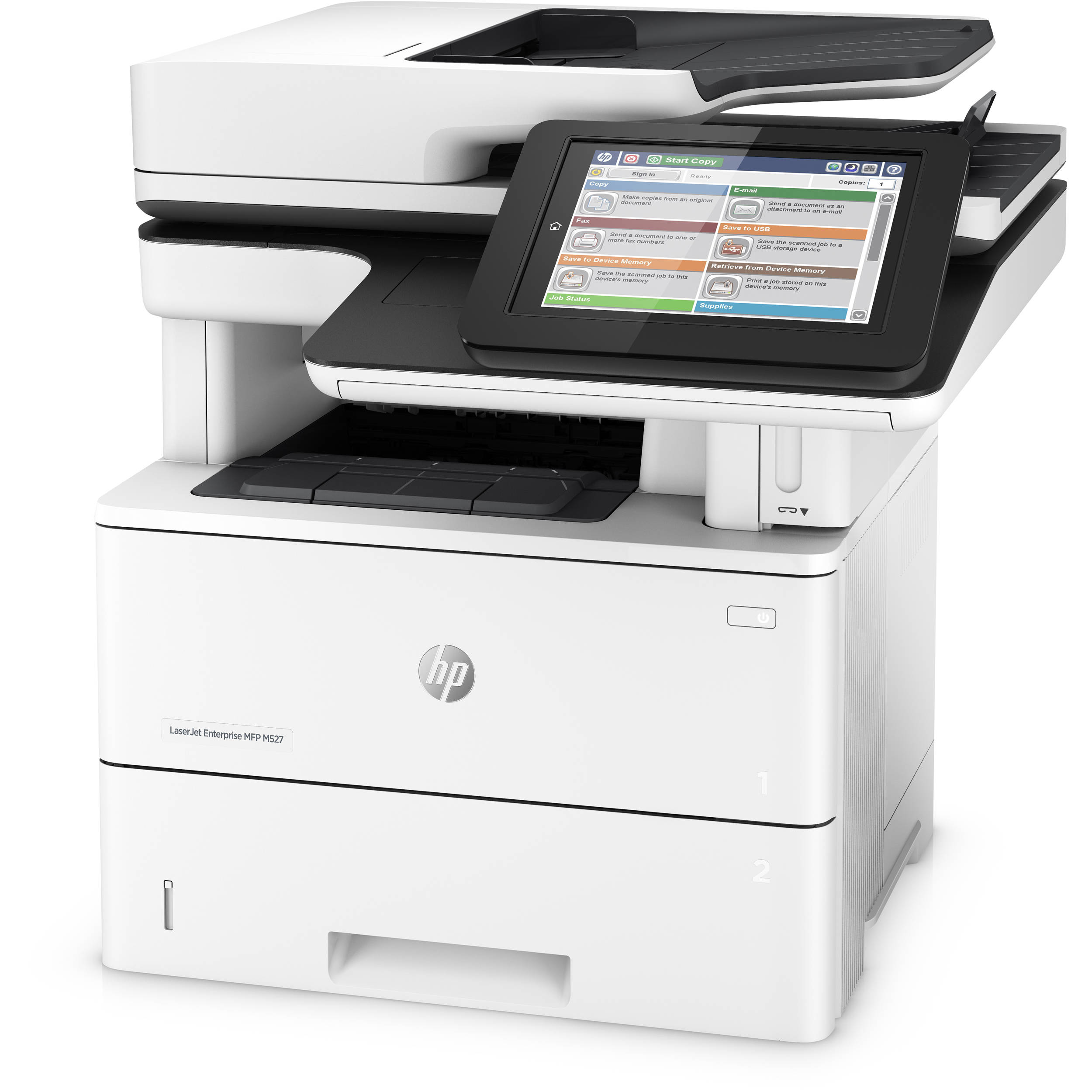

*** ALL TONERS AND SUPPLIES ARE IN STOCK AT DISCOUNTED PRICING , CALL +18882983095.
All reconditioned printers do not include supplies - toners , drums (Imaging Units) (where applicable) , printer cables , manuals , consumables, trays (where applicable). Power cables are included. Drivers can be downloaded from the manufacturers website. Please verify that drivers available are compatible with your software on the manufacturers site.
Product Details
Specifications
Accessories
Reviews
Product Details
Main Features
- Print, Copy, Scan
- Print Speed: 45 ppm
- Auto duplex printing
- 100-page ADF
- 2300 Sheet Maximum Capacity
- Multi-level device security
- Secure mobile print options
- Direct USB print
- Low energy use
Specifications
General Specifications
|
Functions |
Print,Copy, Scan |
|
Duty Cycle |
150,000 |
|
Print Speed |
45 ppm |
|
Print Resolution |
1200 x 1200 dpi |
|
Processor speed |
1.2 GHz |
|
Mobile printing capability |
HP ePrint |
|
Wireless Capability |
Optional |
|
Connectivity, standard |
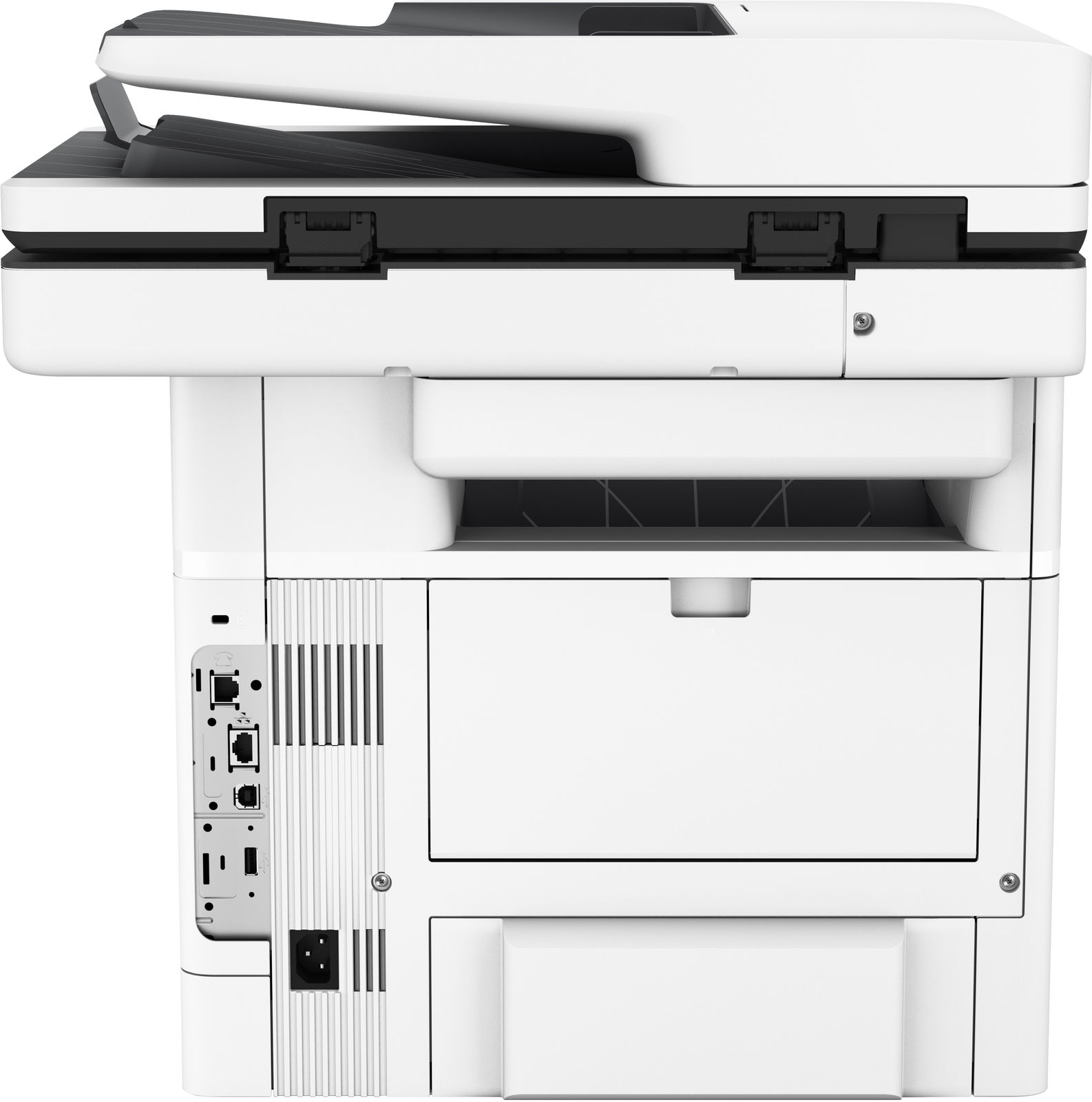
2 Hi-Speed USB 2.0 Host 1 Hi-Speed USB 2.0 Device 1 Gigabit Ethernet 10/100/1000T network
|
|
Network Ready |
Standard (built-in Gigabit Ethernet) |
|
Memory |
1.25 GB (Printer), 500 MB (Scanner) |
|
Maximum Memory |
2.0 GB (Printer), 500 MB (Scanner) |
|
Paper Handling input, standard |
1 x 550-sheet input tray; 1 x 100-sheet multipurpose tray; 3 x optional additional 550-sheet input trays |
|
Paper handling input, optional |
Optional 550-sheet tray (add up to 3 trays) |
|
Duplex Printing |
Automatic |
|
Scanner Type |
Flatbed, ADF (two-sided, single-pass) |
|
Optical Scan Resolution |
Up to 600 dpi |
|
Scan Speed |
Up to 43 ppm/43 ipm (b&w), up to 38 ppm/38 ipm (color) |
|
Duplex ADF Scanning |
Yes |
|
Minimum dimensions (W x D x H) |
18.98 x 19.52 x 19.55 in |
|
Maximum dimensions (W x D x H) |
19.96 x 24.83 x 19.55 in |
|
Weight |
49.1 lb |
 Download Manufacturer Specifications
Accessories

Reviews


Most printers will beep once or twice during or after initialization. If it beeps more than that or beeps constantly, it is telling you that something is wrong. Most printers beep when out of paper or out of ink.
Your printer is not a dumping ground. Don't pile documents or other things on top of it, as they could cause damage. Your printer could overheat and this could result in malfunctioning and even a reduction in the printer's life.
It is always better to use original branded ink cartridges to reduce chances of clogging, leaking and bleeding.
MY ACCOUNT
INFO & POLICIES
SHOP EASY
PAYMENT OPTIONS



