



 Shopping Cart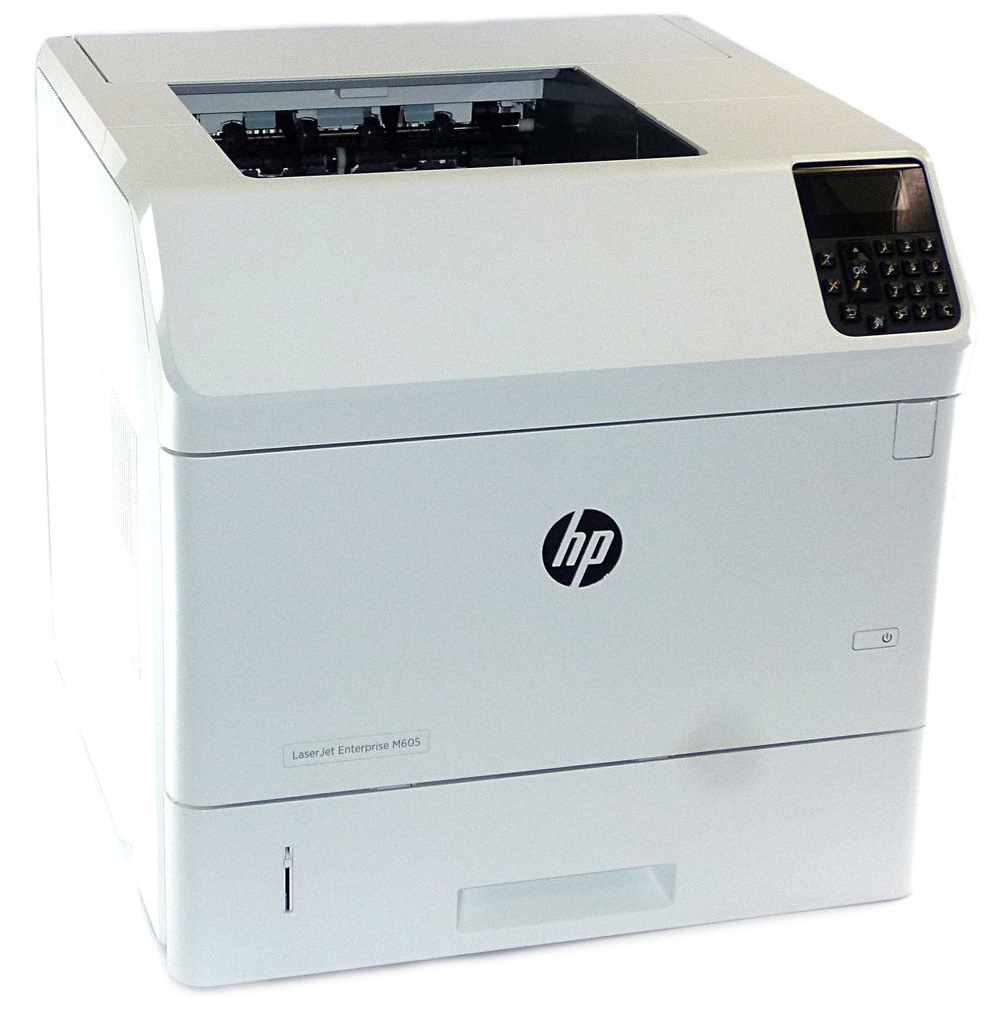



*** ALL TONERS AND SUPPLIES ARE IN STOCK AT DISCOUNTED PRICING , CALL +18882983095.
All reconditioned printers do not include supplies - toners , drums (Imaging Units) (where applicable) , printer cables , manuals , consumables, trays (where applicable). Power cables are included. Drivers can be downloaded from the manufacturers website. Please verify that drivers available are compatible with your software on the manufacturers site.
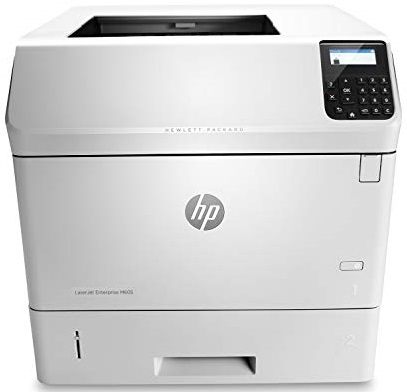
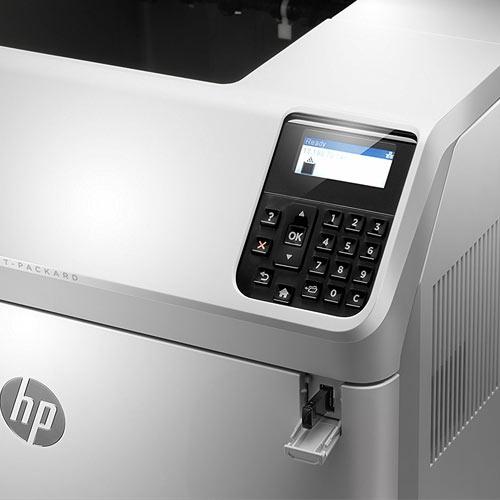
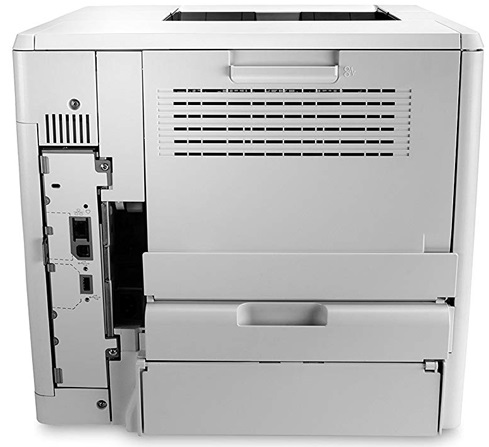
Images are for illustration purposes only and do not necessarily reflect the actual product.Product Details
Specifications
Accessories
Reviews
Product Details
Main Features
- Black and white prints
- Print Speed: 58 pages per minute
- First Page Out: 7 seconds
- Network
- USB port
- Paper Capacity: 600 sheets
Specifications
General Specifications
|
Type of Printer
|
Single-Function |
|
Print Technology
|
Laser |
|
Wireless Ready
|
Wireless Optional |
|
Printer Condition
|
New |
|
Printer Connectivity
|
USB & Network Ready |
|
Mobile Capability
|
Yes |
|
Photo Capable
|
Not Photo |
|
Number of Users
|
15+ Users |
|
Duplex Printing
|
Manual |
|
Output Type
|
Black & White |
|
Best Used For
|
Enterprise |
|
Maximum Printer Monthly Duty Cycle
|
Up to 225,000 pages |
|
(ADF)- Auto Document Feeder
|
No |
|
Printer Memory
|
512 MB |
|
Paper Input Capacity
|
Up to 900 sheets |
|
Printer Output Capacity
|
Up to 600 sheets |
|
Number of Paper Trays
|
2 |
|
Media Types Supported
|
Paper (plain, light, bond, recycled, mid-weight, heavy, extra heavy, glossy, cardstock), HP matte, HP soft gloss, HP glossy |
|
First Page Out (seconds)
|
As fast as 7 sec |
|
Mobile Printing Apps
|
HP ePrint, Apple AirPrint™, Mopria-certified |
|
Network Ready (Yes or No)
|
Yes |
|
Supported Paper Sizes
|
8.5 x 13 in, 3 x 5 in, 4 x 6 in, 5 x 7 in, 5 x 8 in |
|
Height in Inches
|
15.7 |
|
Width in Inches
|
16.7 |
|
Depth in Inches
|
17.8 |
|
Weight (lbs.)
|
56 |
|
True Color
|
Black |
|
Certification & Standards
|
ENERGY STAR |
Accessories

Reviews


Most printers have a paper-out detector. On most dot matrix printers it is a photo diode. If form-fed paper is not aligned correctly (usually on the left side) the diode won't see it.
Position your laser printer on a sturdy and level surface, allowing enough space around the printer for air flow.
Don't be in a rush with your printer as you can easily damage a printer, or even get hurt, if you do not follow the instructions in the user manual.
MY ACCOUNT
INFO & POLICIES
SHOP EASY
PAYMENT OPTIONS



