



 Shopping Cart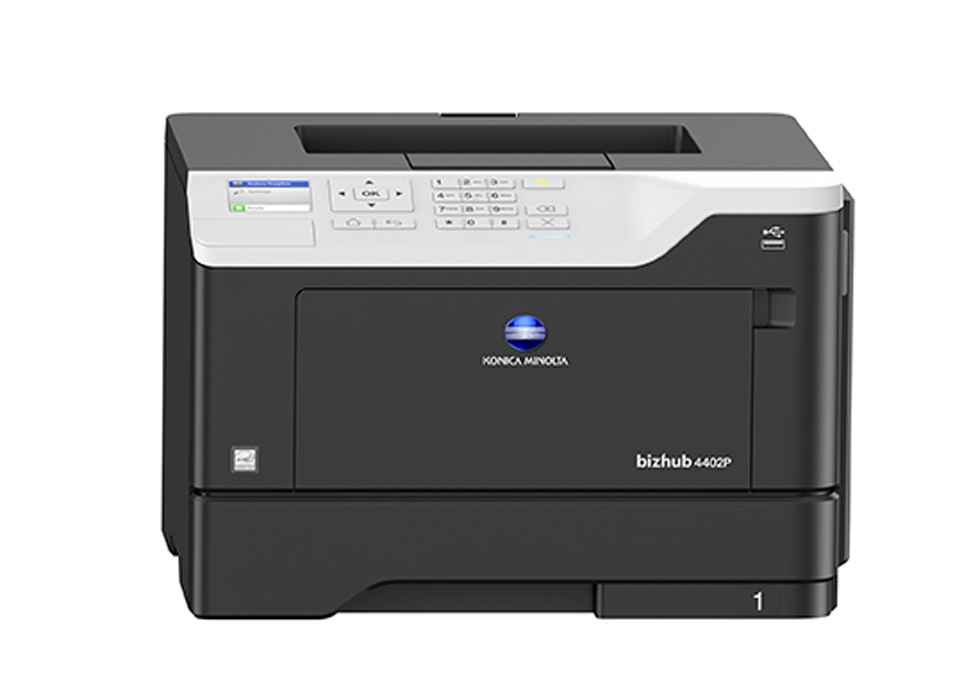


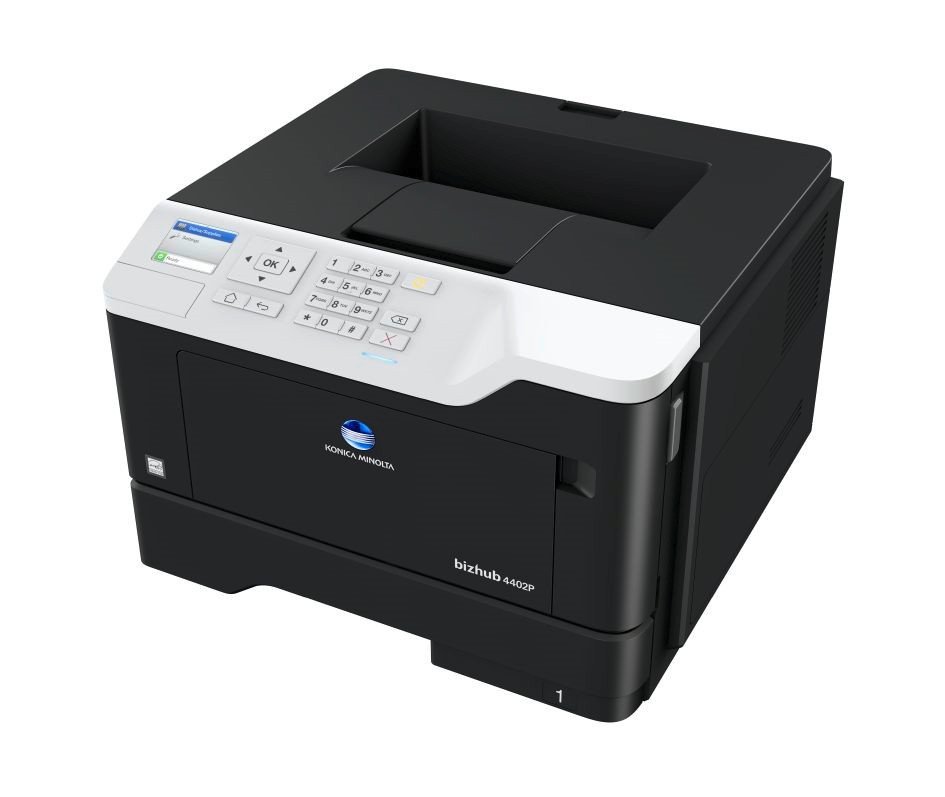
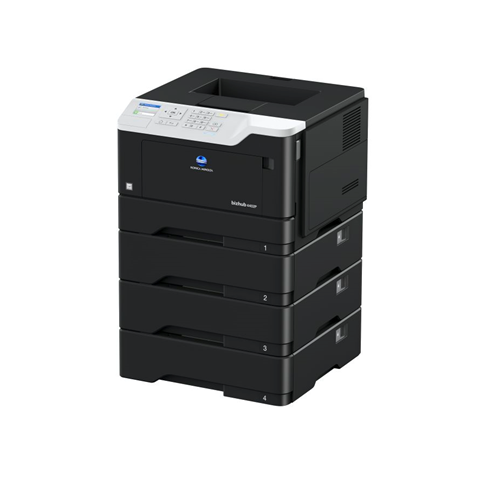
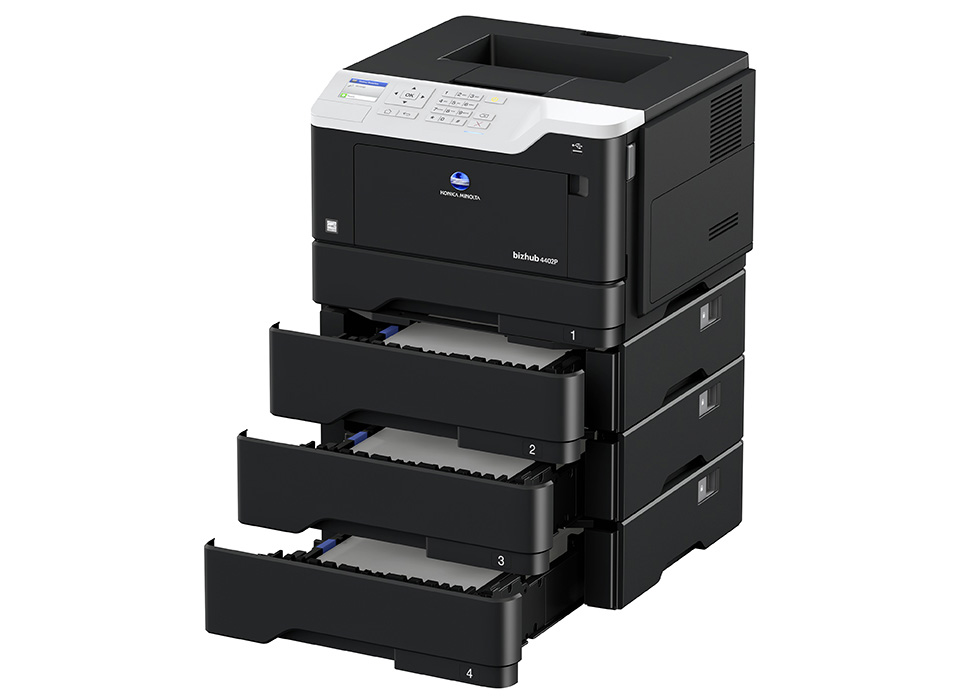

Product Details
Specifications
Accessories
Reviews
Product Details
Main Features
- Monochrome Laser Printer
- Print Speed: 44 ppm
- Print Resolution: 1200 x 1200 dpi
- Standard Duplex Printing
- Standard Paper Capacity: 350 Sheets
- Maximum Paper Capacity: 2000 Sheets
- Mobile Printing
- Secure Print
- 2.4-inch color LCD display
- Quiet Mode
Specifications
General Specifications
|
Print Speed |
44 ppm |
|
Print Resolution |
1200 x 1200 dpi |
|
Memory |
512 MB |
|
Interface |
10-Base-T/100-Base-TX/1,000-Base-T Ethernet; USB 2.0; |
|
Network Protocols |
TCP/IP (IPv4 / IPv6); AppleTalk; Bonjour; SMB; LPD; IPP; |
|
Printable Paper Sizes |
A6-A4, customized paper sizes |
|
Printable Paper Weight |
60 - 216 g/m² |
|
Standard Paper Capacity |
350 Sheets |
|
Maximum Paper Capacity |
2000 Sheets |
|
Monthly Print Volume |
Rec.: 7,000 pages |
|
Mobile Printing |
AirPrint (iOS), Mopria (Android), Google Cloud Print, Konica Minolta Mobile Print (iOS, Android and Windows 10 Mobile), Konica Minolta Print Service (Android) |
|
Dimensions (W x D x H) |
399 x 374 x 260 mm |
|
Weight |
Approx. 14 kg |
 Download Manufacturer Specifications
Accessories

Reviews


Don't be in a rush with your printer as you can easily damage a printer, or even get hurt, if you do not follow the instructions in the user manual.
Preview and proofread your documents on the screen before sending them to print. This will save you a lot of paper and re-printing.
Is your printer feeding in the whole paper stack rather than just one piece at a time? Fan the paper before putting it in the tray to help separate the sheets. Also, store your paper in a cool, dry place as humidity can contribute to this problem.
MY ACCOUNT
INFO & POLICIES
SHOP EASY
PAYMENT OPTIONS



