



 Shopping Cart
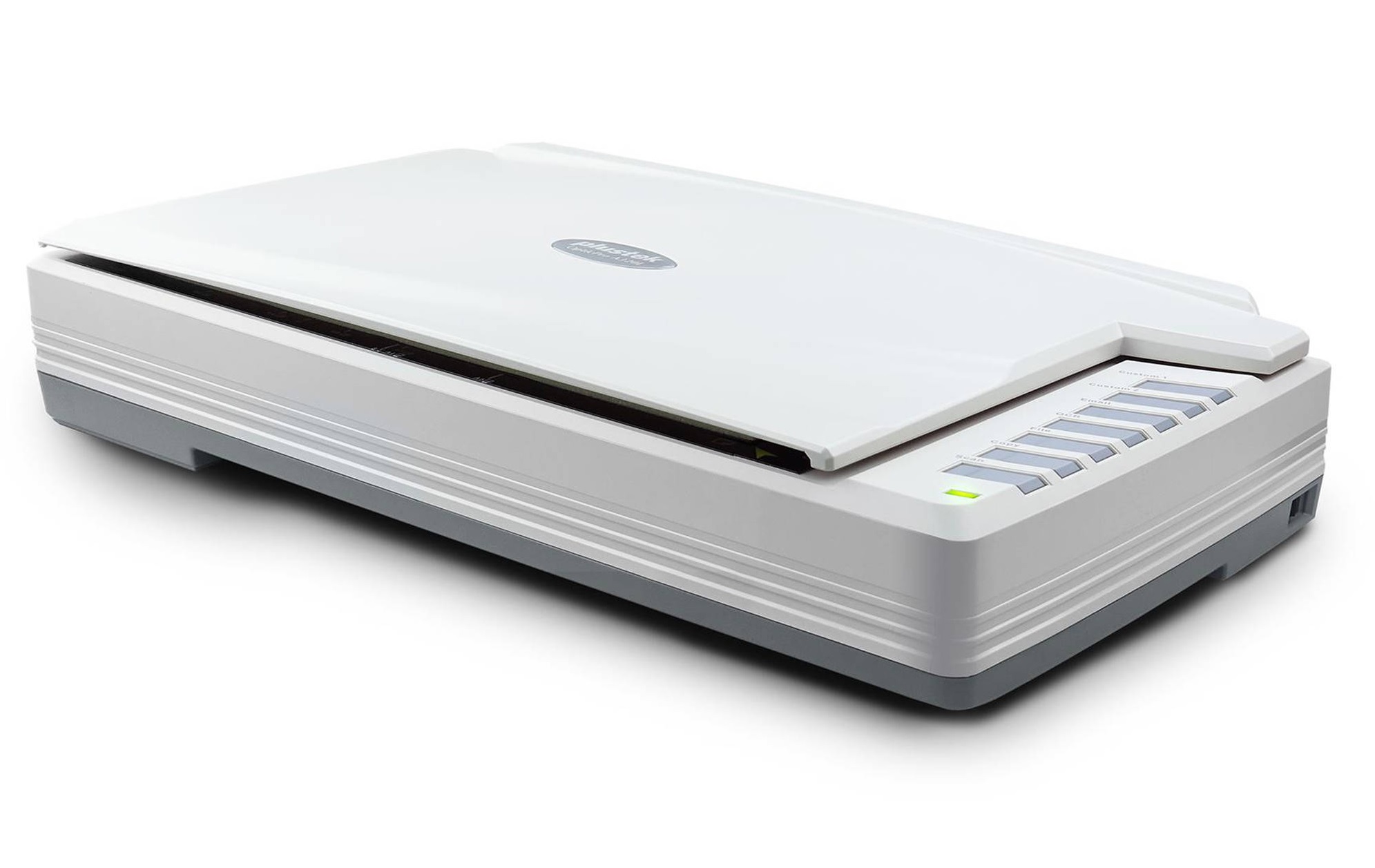
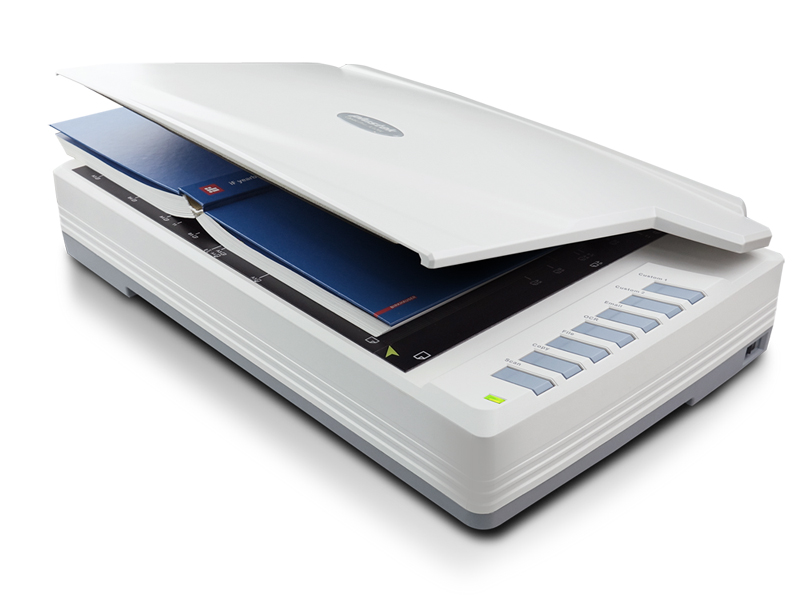
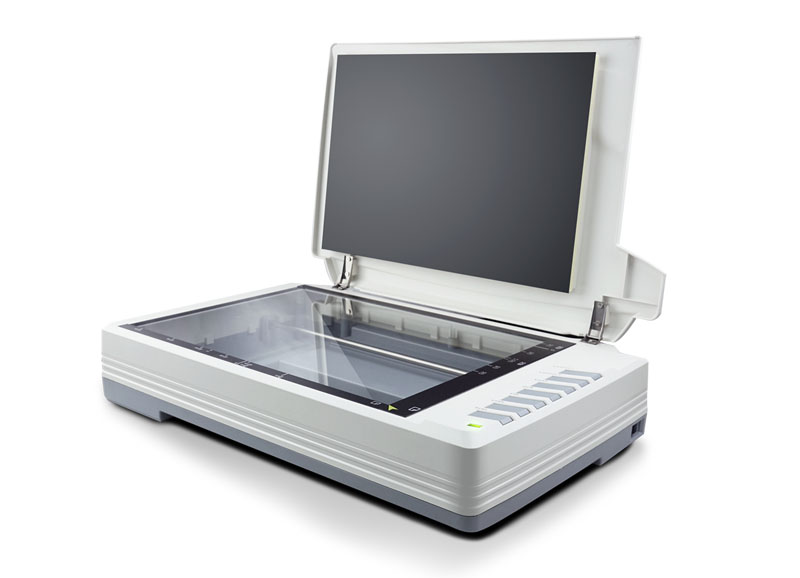
 Plustek OpticPro A320L Flatbed Scanner




Product Details
Specifications
Accessories
Reviews
Product Details
Main Features
- Scans up to ledger size / 12” x 17”
- Scan speed: Up to 7.8 seconds
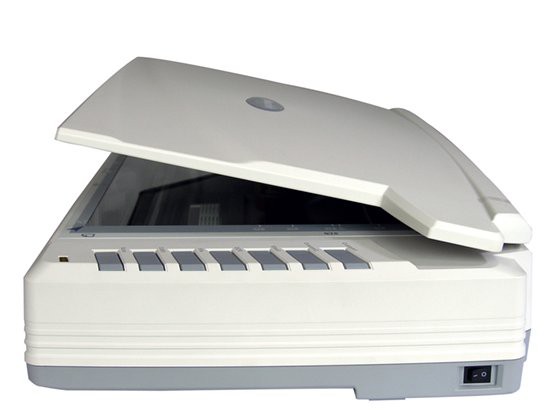
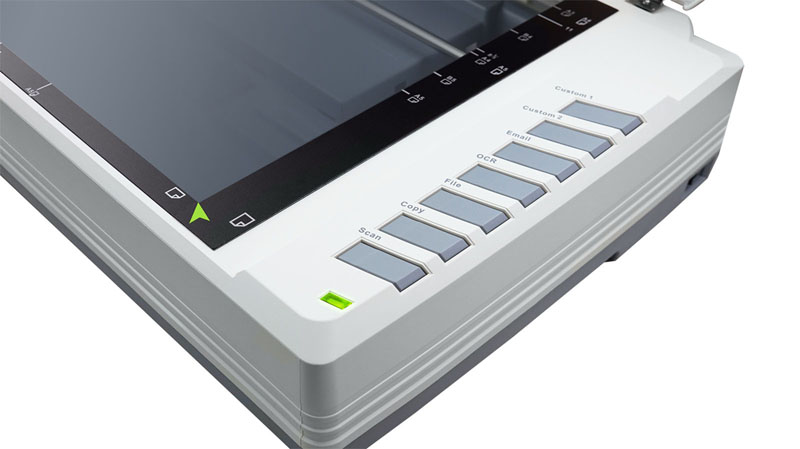
- One-touch buttons
- User friendly bundled software
- LED Light Source
- Optical resolution: Up to 1600 dpi
- Daily duty scan: 2500 sheets
- Dimensions (WxDxH): 623 x 400 x 140 mm (24.53” x 15.75” x 5.51”)
Specifications
General Specifications
| Image Sensor | CCD |
| Optical Resolution | 1600 dpi |
| Scan Modes | Color: 48-bit input, 24-bit output |
| Grayscale: 16-bit input, 8-bit output | |
| B/W: 1-bit output | |
| Color Depth | Input 48-bit; Output 24-bit |
| Scanning Speed | 7.8 sec (Color/ Grayscale/ B&W mode, 300dpi, A3) |
| Scanning Area (W x L) | Max. 304.8 mm × 431.8 mm (12" × 17"), A3 |
| Daily Duty Scan ( Sheets ) | 2,500 |
| Action Button | Scan, OCR, Copy, File, Email, Custom1 & Custom2 |
| Power Supply | 24 Vdc/ 1.25 A |
| Power Consumption | ≦ 30 W (operation), ≦ 5 W (idle), ≦ 0.5 W (standby) |
| Interface | USB 2.0 |
| Net Weight | 7.5 Kgs (16.52 Lbs) |
| Dimensions (W x D x H) | 623 x 400 x 140 mm (24.53” x 15.75” x 5.51”) |
| Protocol | TWAIN Compliant, WIA |
| OS | Windows 7 / 8 / 10 |
| Mac OS X 10.9.x/ 10.10.x/ 10.11.x/ 10.12.x/ 10.13.x | |
| LINUX SANE only for Systems Integrator. Please contact local sales | |
| Hardware Requirements | Intel Core i5 processor or higher |
| DVD-ROM Drive (for installing bundled software) | |
| One available USB 2.0 Port | |
| 4 GB RAM or higher recommended (For maximum A3 size@1600 dpi scanning, allocated 20 GB Virtual Memory at least.) | |
| Bundled Software | Plustek DocAction |
| Plustek MacAction | |
| ABBYY FineReader 12.0 Sprint Plustek DocTWAIN |
Accessories

Reviews


If you are scanning an image for your website, scan at 75-100 dpi. This will give you good quality, but small file size.
Most MFPs are designed for scanning documents and so are best to avoid if you're looking for photo scanning. The few exceptions can be recognized if they feature scanning options that are clearly meant for photos, such as a color restore feature.
If your scanner gives a ‘Scanner Access failed’ or a ‘Scanner not found’ message it may be because your scanner wasn't switched on before you started your computer.
MY ACCOUNT
INFO & POLICIES
SHOP EASY
PAYMENT OPTIONS



* Images are for illustration purposes only.