



 Shopping Cart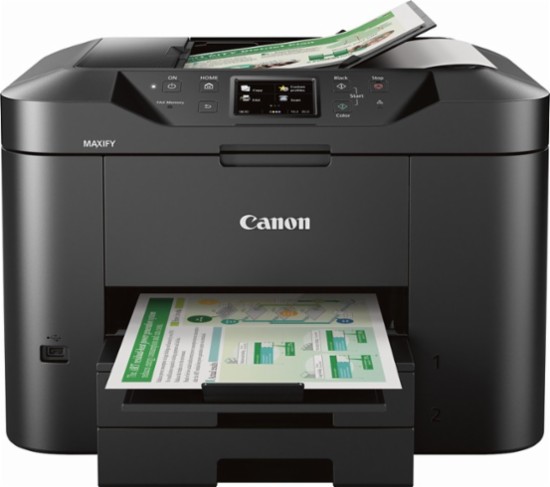



Product Details
Specifications
Accessories
Reviews
Product Details
Main Features
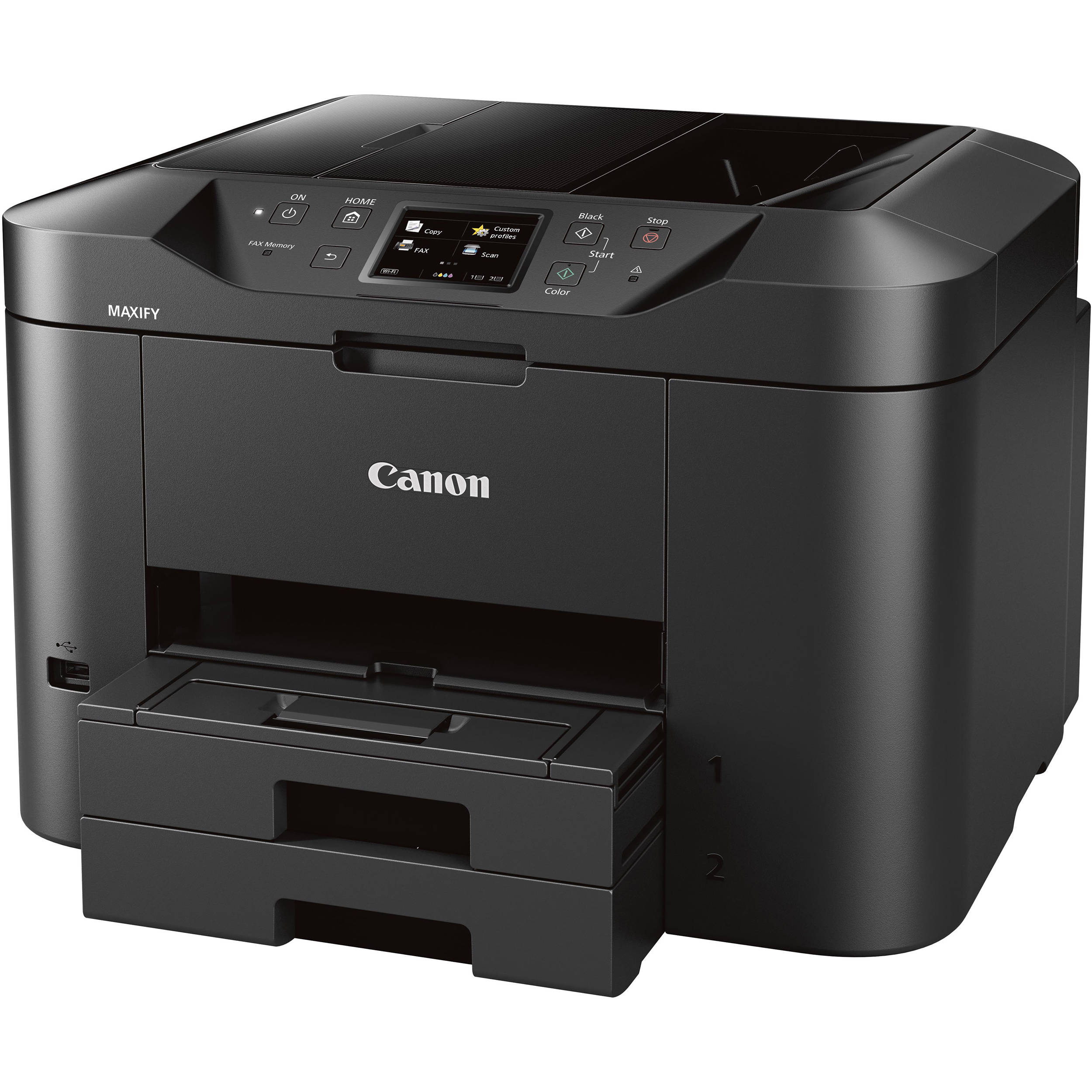
- Home Office All-In-One Printer
- 20,000 page duty cycle
- Fast print speeds up to 24 ipm (B&W)/15.5 ipm (Color)
- First print out time as fast as 6 seconds
- Low cost per print
- Large 500 sheet paper capacity
- Auto 2-sided print
- 3.0” touch LCD
- Scan to Email
- Mobile device printing
Specifications
General Specifications
Printer
Print Speed (up to)
Color:FPOT (Color): 7 Seconds - ESAT (Color): 15.5 ipm
Number of Nozzles
Print Resolution (Up to)
Ink Compatibility
PGI-1200 Cyan - 4.5 ml (Std) / 12.0 ml (XL)
PGI-1200 Magenta - 4.5 ml (Std) / 12.0 ml (XL)
PGI-1200 Yellow - 4.5 ml (Std) / 12.0 ml (XL)
Up to 1,200 Black & White / 900 Color Pages when using XL ink tanks.
Paper Sizes
Paper Compatibility
Glossy: Photo Paper Plus Glossy II, Photo Paper Glossy
Semi-Gloss: Photo Paper Plus Semi-Gloss, Photo Paper Pro Luster
Matte: Matte Photo Paper
Other: Business Card, Label Paper, U.S.#10 Envelopes
Printer Features
Output Tray Capacity
Lower Cassette: 250 Sheets Plain Paper (Letter or Legal)
Noise Level (Approx.)
Copier
Copy Speed (up to)
Reduction / Enlargement
Copy Features
Scanner
Scanning Element
Max. Resolutions
Interpolated:19,200 x 19,200 dpi (Interpolated)
Scanner Features
Color Depth
Max. Document Size
ADF: 8.5 x 14 (Legal); ADF - 10 Sheet Capacity
Fax
Modem Speed
Transmission Speed (approx.)
Color: Approx. 1 min. per page
Memory Capacity
Speed Dialing
Fax Features
General
Other Features
OS Compatibility
Windows:17,18 Windows® 10, Windows 8, Windows 8.1, Windows 7, Windows 7 SP1, Windows Vista® SP1, Vista SP2, Windows Server® 2012, 2012 R218, Windows Server®2008, 2008 R218
Mac:19 Mac OS® X v10.8.5 - 10.11
Mobile Operating Systems:20
iOS®, Android, Windows RT21 and Windows 10 Mobile
Standard Interface
Ethernet
USB Flash Memory
Hi-Speed USB
Software Included
MAXIFY MB2720 Printer Driver
Master Setup
PosterArtist Lite22 (Windows Only)
Scan Utility
My Printer (Windows Only)
Network Tool
Speed Dial Utility
Power Consumption (approx.)
Dimension (W x D x H)
Weight
Warranty
- 1-Year limited warranty with InstantExchange Program
- 1-Year toll-free 100% US-based technical phone support.
- Dedicated MAXIFY service email: MAXIFY@cits.canon.com
- Dedicated MAXIFY phone support at 1-844-4-MAXIFY:
- Monday - Friday: 8am - 10pm
- Saturday: 10am - 7pm
Recommended Monthly Print Volume
 Download Manufacturer Specifications
Accessories

Reviews


Most printers will beep once or twice during or after initialization. If it beeps more than that or beeps constantly, it is telling you that something is wrong. Most printers beep when out of paper or out of ink.
Paper jam? The best way to remove jammed paper is to gently pull the paper in the direction of the paper path - with power off, of course. Do not pull the paper backwards - you could damage your printer forever by doing so.
Is your printer feeding in the whole paper stack rather than just one piece at a time? Fan the paper before putting it in the tray to help separate the sheets. Also, store your paper in a cool, dry place as humidity can contribute to this problem.
MY ACCOUNT
INFO & POLICIES
SHOP EASY
PAYMENT OPTIONS



