



 Shopping Cart
 Fujitsu IX500 ScanSnap Scanner
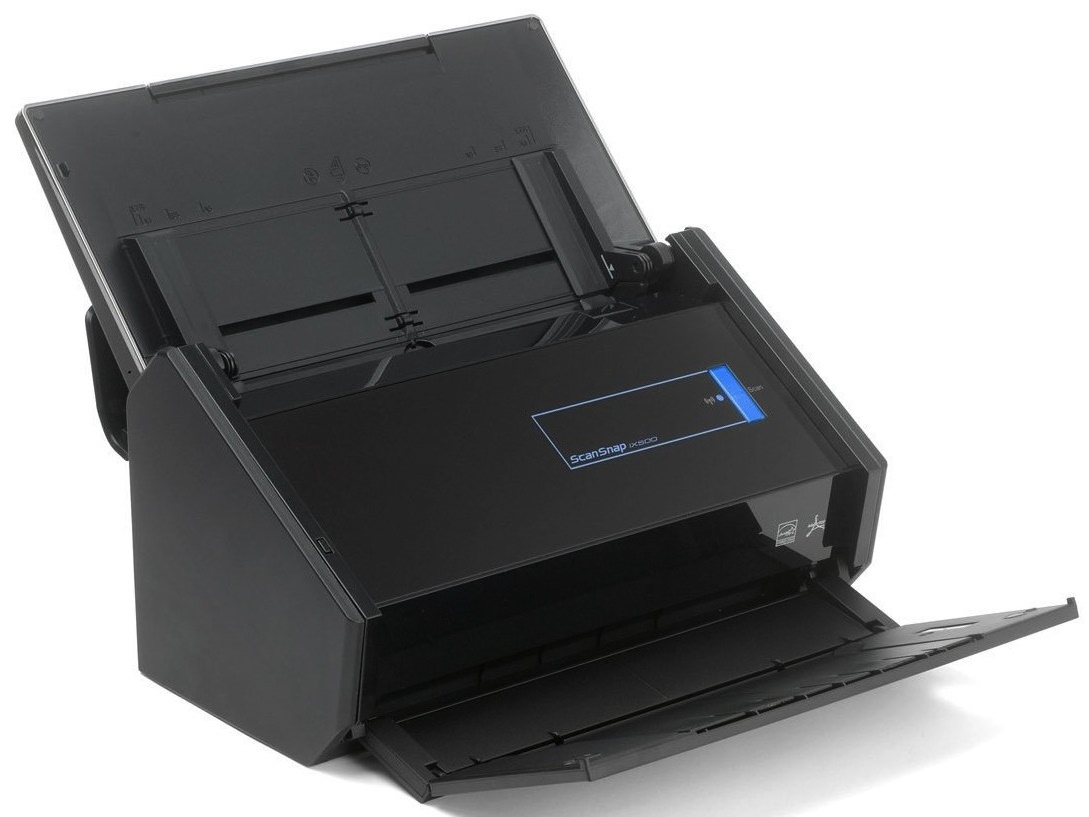


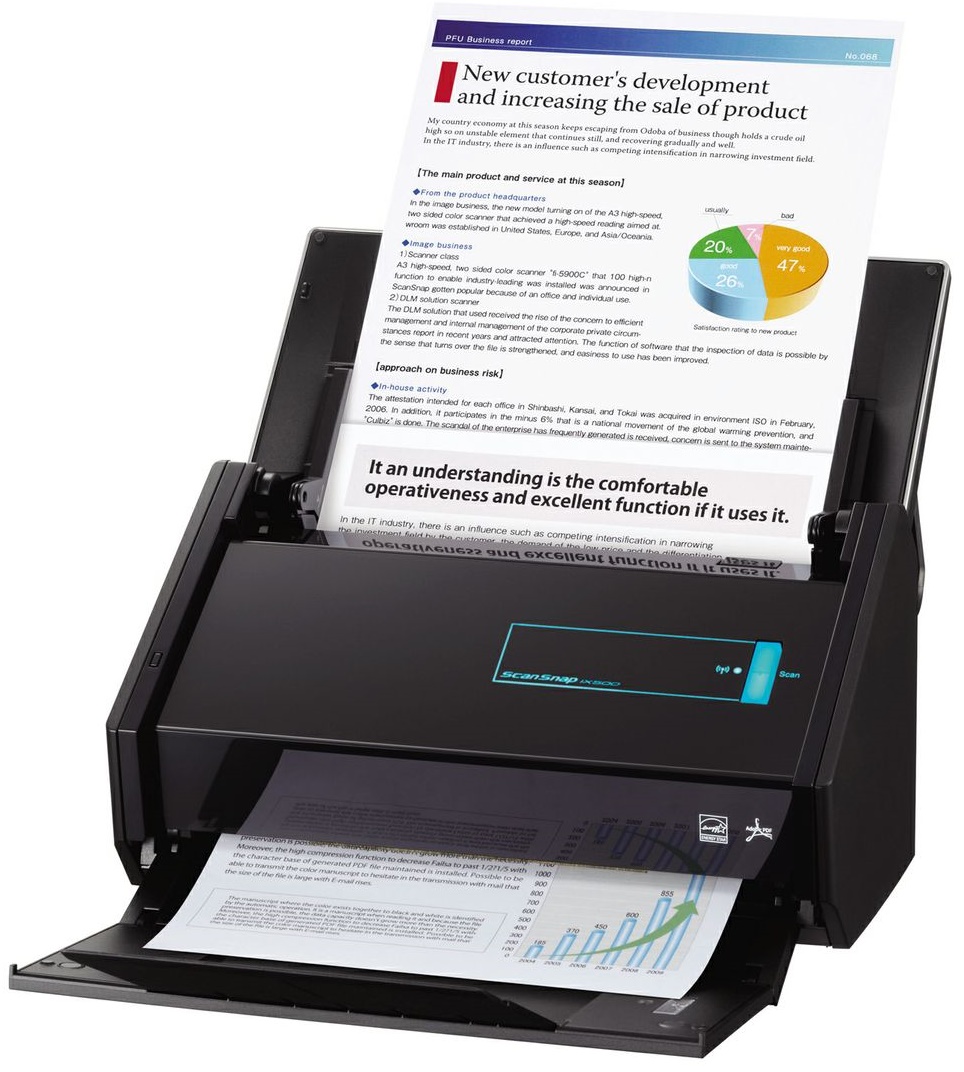
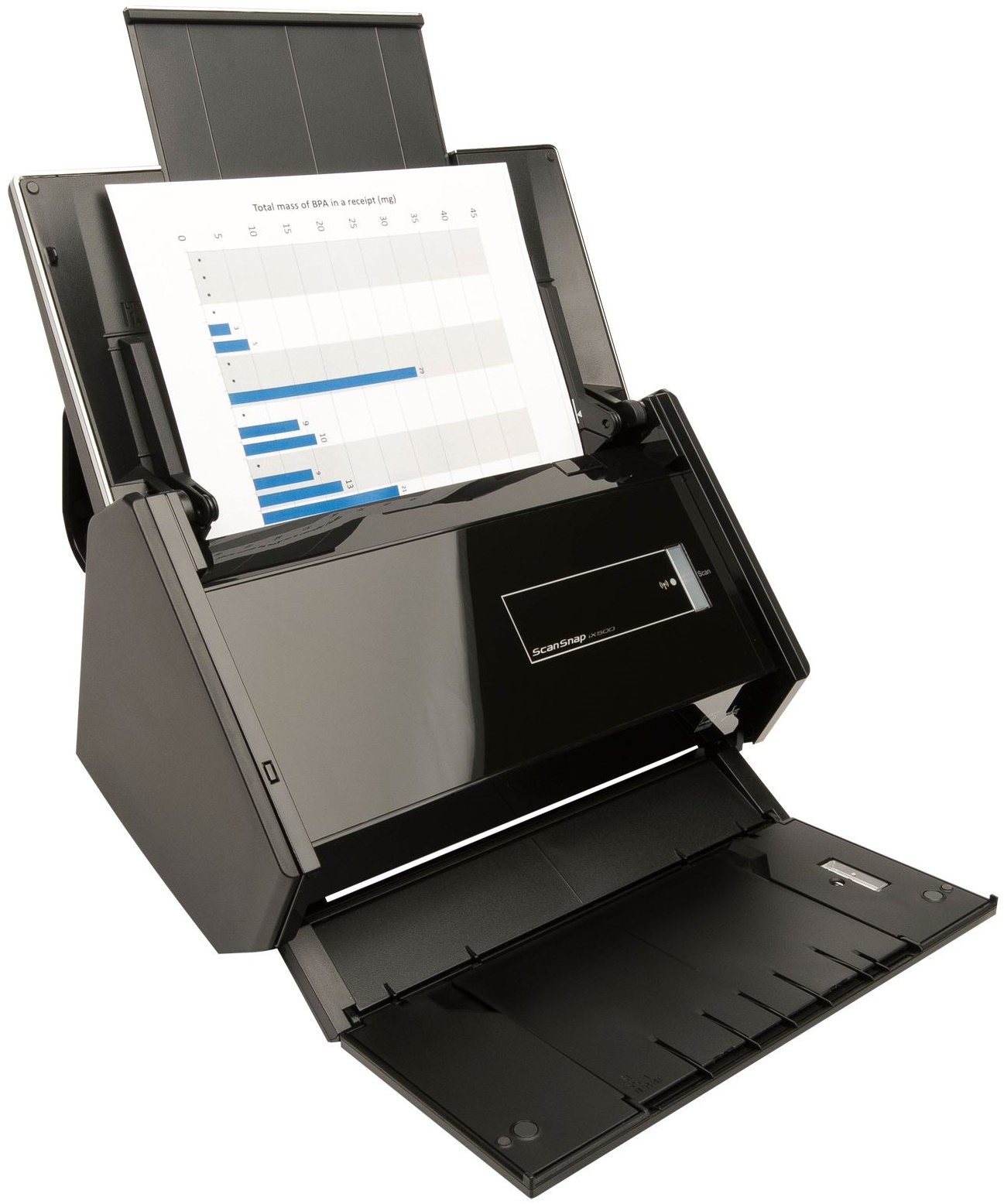
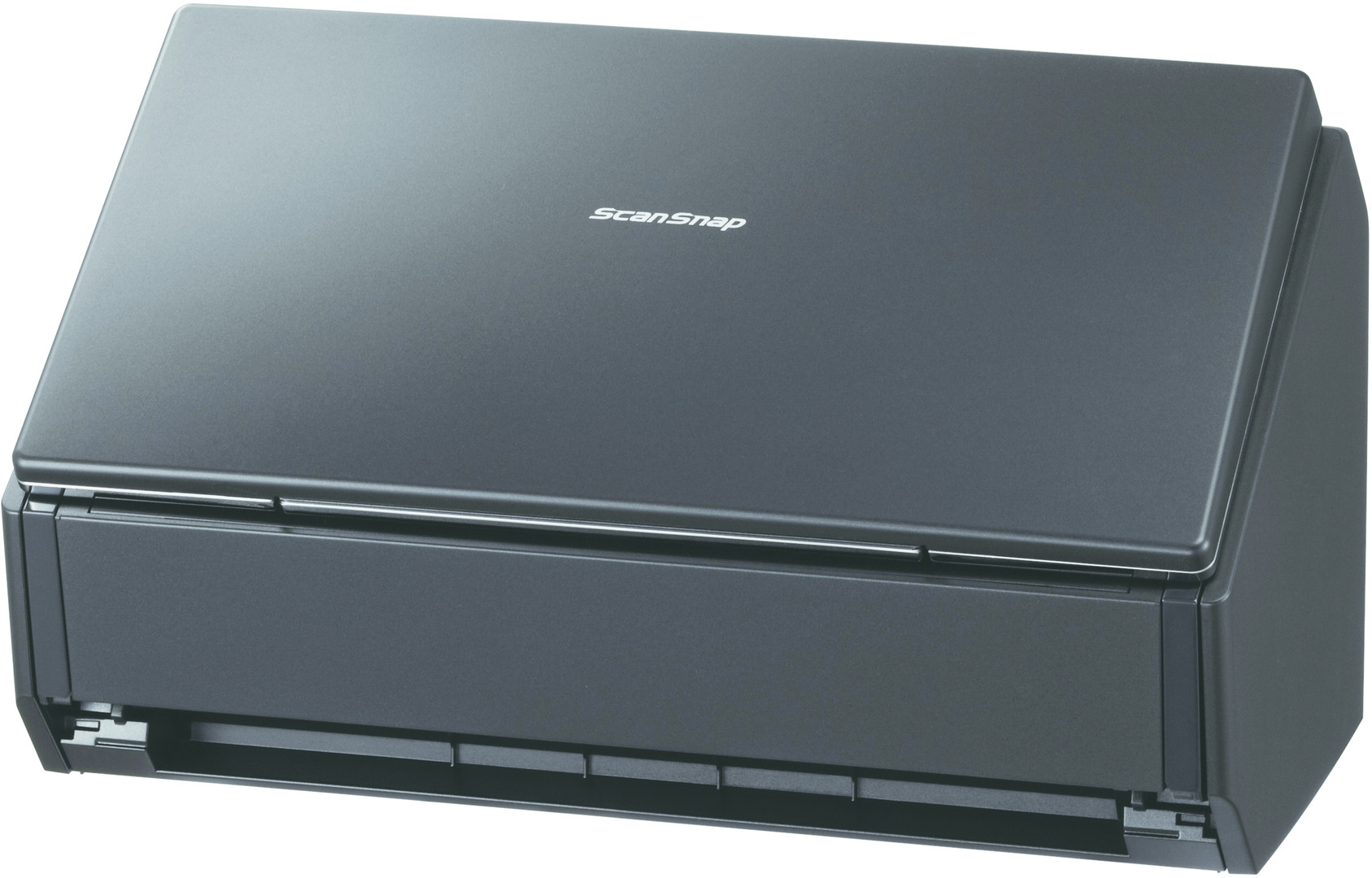
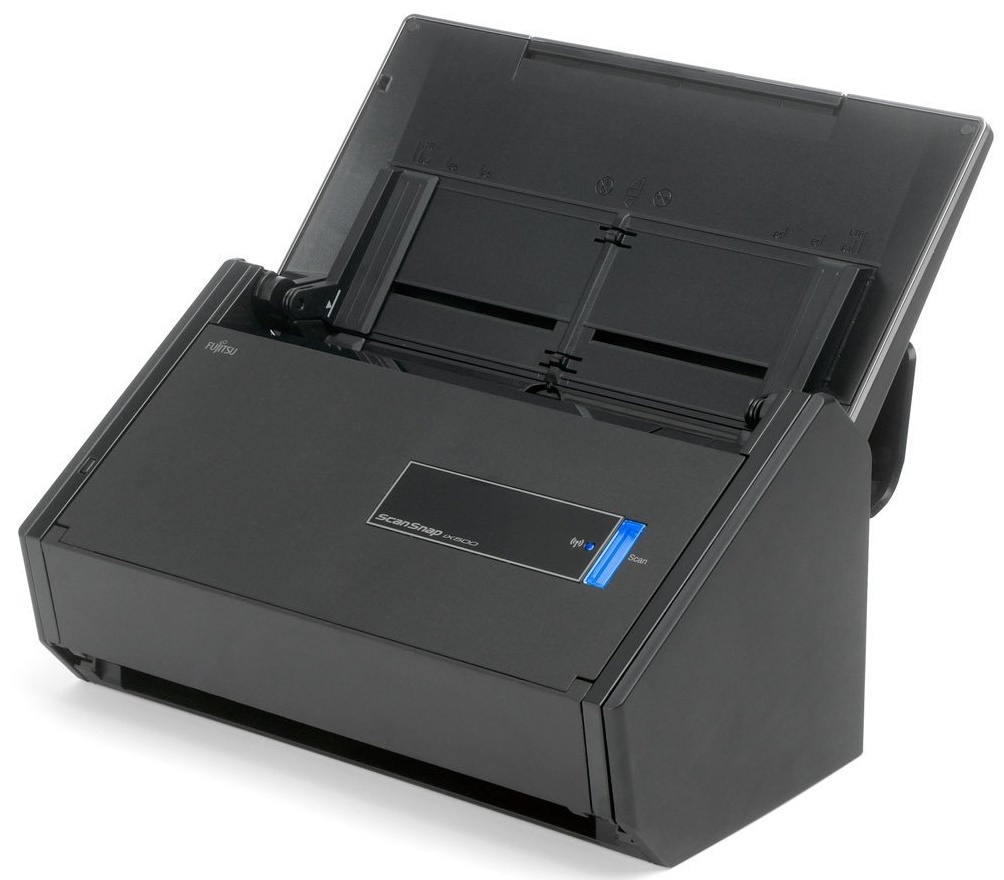
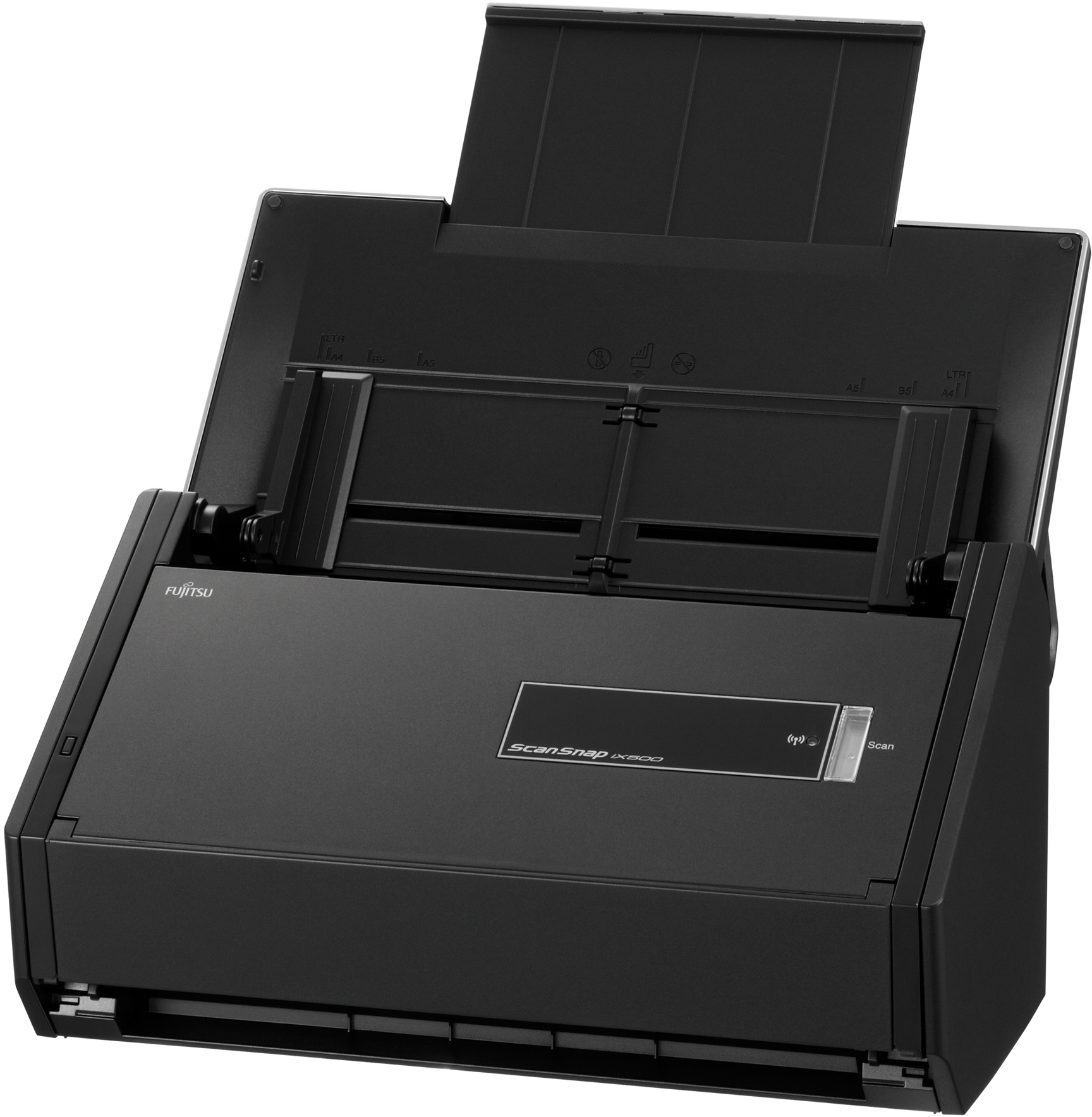


Images are for illustration purposes only and do not necessarily reflect the actual product.
Product Details
Specifications
Accessories
Reviews
Product Details
Main Features
- Advanced paper feeding system
- Blazing 25ppm color scanning
- 50-page Automatic Document Feeder (ADF)
- Built-in GI microprocessor
- PC-less scanning to iOS and Android mobile devices
- Comes with Adobe® Acrobat® X Standard for Windows®
- Faster searchable PDF creation
- More Quick Menu Productivity
Specifications
General Specifications
|
Scanner type
|
Automatic Document Feeder (ADF), Duplex Scanning
|
|
|
Scanning Modes
|
Color, Grayscale, Monochrome, Automatic (color / grayscale / monochrome detection)
|
|
|
Image Sensor
|
Color CIS (Contact Image Sensor) x 2 (front / back)
|
|
|
Light Source
|
3 Color LED (Red / Green / Blue)
|
|
|
Optical Resolution
|
600 x 600 dots per inch (dpi)
|
|
|
Scanning Speed (A4 portrait)
|
Auto mode
|
Simplex or Duplex, 25 pages per minute (ppm)
|
|
Normal mode
|
Color & Grayscale 150 dpi, Monochrome 300 dpi, Simplex/Duplex, 25 ppm
|
|
|
Better mode
|
Color & Grayscale 200 dpi, Monochrome 400 dpi, Simplex/Duplex, 25 ppm
|
|
|
Best mode
|
Color & Grayscale 300 dpi, Monochrome 600 dpi, Simplex/Duplex, 25 ppm
|
|
|
Excellent mode
|
Color & Grayscale 600 dpi, Monochrome 1200 dpi, Simplex/Duplex, 7 ppm
|
|
|
Document Size
|
Normal Mode without Carrier Sheet
|
A4, A5, A6, B5, B6, Business Card, Post Card, Letter, Legal and Custom Size.
Max: 8.5 X 14.17 in. (216 X 360 mm), Min: 2 X 2 in. (50.8 X 50.8 mm). Automatically recognizes document size. |
|
Normal Mode with Carrier Sheet
|
Use of a Carrier Sheet permits the scanning of A3, B4, 11 x 17 in. and photographs as well as the document sizes listed above.
|
|
|
Long Paper Scanning
|
34 inches in length (863 mm)
|
|
|
Multi-feed Detection
|
Supported (Standard) ultrasonic multi-feed detection sensor
|
|
|
Paper Weight (thickness)
|
11 to 56 lb (40 to 209 g/m²)
|
|
|
Paper Chute Capacity
|
Maximum 50 sheets (Letter size at 21 lb or 80 g/m2)
|
|
|
Interface
|
USB 3.0 (USB 2.0 / 1.1 Compatible)
|
|
|
Wi-Fi Interface
|
Observed Standards
|
IEEE802.11b / IEEE802.11g / IEEE802.11n
|
|
Communication Mode
|
Infrastructure Mode
|
|
|
Frequency
|
2.412 GHz to 2.462 GHz / 2.412 GHz to 2.472 GHz
|
|
|
Communication distance
|
Indoors, 50 m (Recommended: indoors, within 25 m)
*May vary depending on surrounding environment and the access point to be connected |
|
|
Security
|
WPA-PSK (TKIP / AES), WPA2-PSK (TKIP / AES),
WEP (64-bit / 128-bit) |
|
|
Easy Installation
|
WPS2.0 supported (button / PIN code)
|
|
|
Power Requirement
|
AC Adapter AC 100V to 240V, 50 / 60 Hz
|
|
|
Power Consumption / USB connected
|
Operating Mode
|
20 W or less
|
|
Standby Mode
|
1.6 W or less (Wi-Fi Switch Off)
|
|
|
Power Consumption / Wi-Fi connected
|
Operating Mode
|
20 W or less
|
|
Standby Mode
|
2.5 W or less
|
|
|
Operation Environment
|
Temperature
|
41°F to 95°F (5°C to 35°C)
|
|
Relative humidity
|
20 to 80% (non-condensing)
|
|
|
Dimensions (W x D x H)
|
11.5(W) x 6.2 (D) x 6.6(H) in. (292 x 159 x 168 mm)
|
|
|
Device weight
|
6.62 lb (3.0 kg)
|
|
|
Driver
|
Specific driver:
• Windows®: Does not support Twain/ISIS® • Mac OS: Does not support Twain |
|
|
Environmental Compliance
|
ENERGY STAR® compliant / ROHS
|
|
|
Part number
|
PA03656-B005
|
|
Accessories

Reviews


Backlight correction, featured on some scanners, can automatically improve photos that were taken with a bright light behind the person.
Make sure the scanning glass is clean and has no dust on it before you start scanning.
A scanner may cost more due to a lower noise CCD array that delivers cleaner dark colors.
MY ACCOUNT
INFO & POLICIES
SHOP EASY
PAYMENT OPTIONS



* Images are for illustration purposes only.