



 Shopping Cart
 Okidata ES8473c MFP Color Multifunction Printer
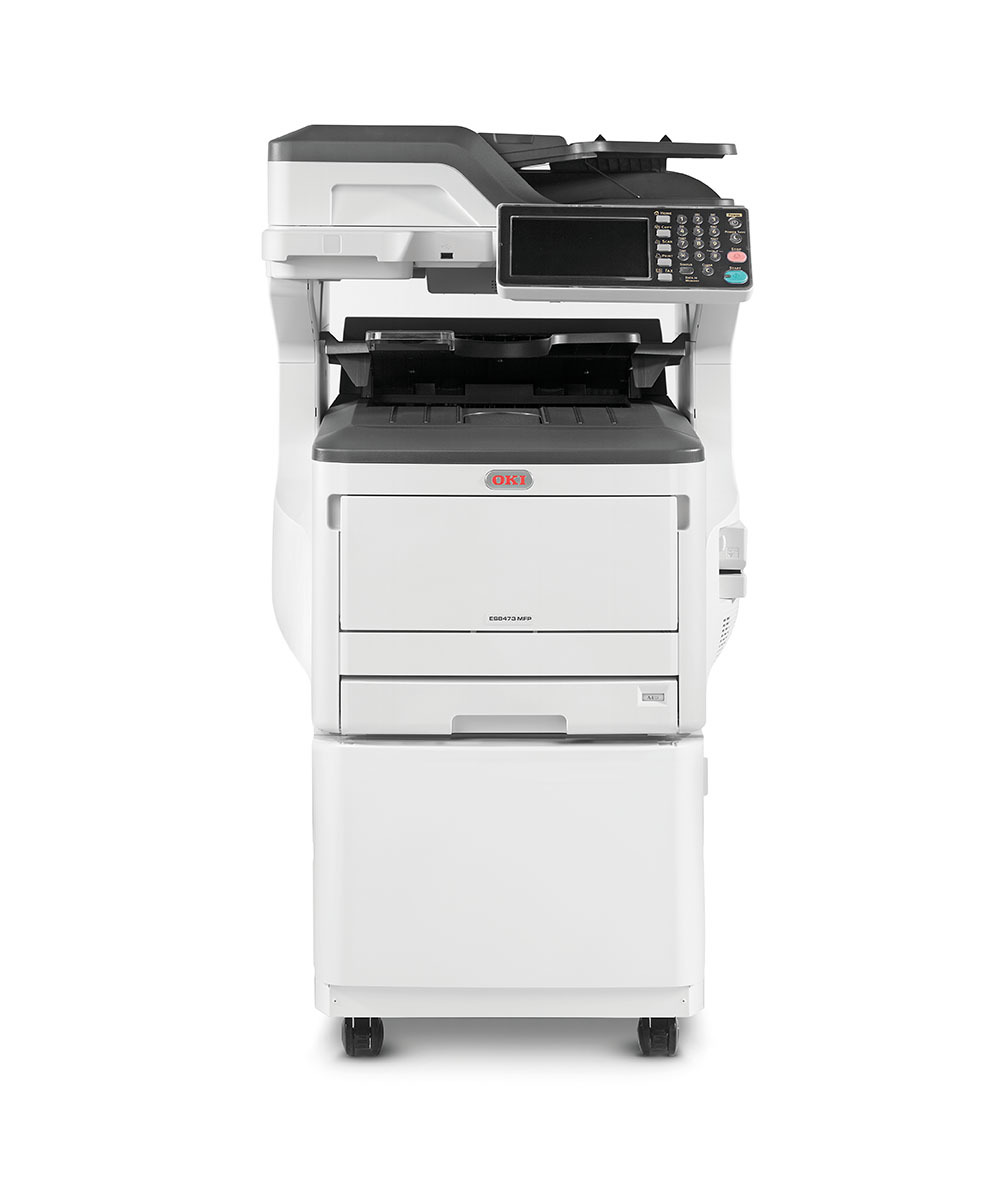



Images are for illustration purposes only and do not necessarily reflect the actual product.
Product Details
Specifications
Accessories
Reviews
Product Details
Main Features
- Print, copy, scan and fax functionality standard
- Up to 35 ppm/cpm in Color and Mono
- Time to first page as fast as 9.5 seconds
- 7" color, tilting touchscreen display for improved productivity
- Duplex (2-sided) printing standard
- Color scanning with send-to functionality
- 100-sheet duplex reversing automatic document feeder (RADF) – scans both sides
- Prints up to 11.7" x 52" banners, up to 256 gsm
- Wireless LAN connectivity (optional)
- Compatible with mobile printing apps such as AirPrint™, Google Cloud Print™ and the OKI Mobile Print app for Android®
- Encrypted Secure Print ensures document confidentiality
- USB Direct Print
- 1.25 GB memory; 250 GB HDD
- 800 MHz CPU processor
- Job separator/2nd output bin standard
- Convenience stapler standard
- ENERGY STAR® compliant
Specifications
 Download Manufacturer Specifications
Accessories

Reviews


Media settings on your printer determine how much ink will be used. Thinly coated glossy films require less ink, while plain paper soaks in more.
Pages per minute (ppm) is the average print speed for black and white pages only. Actual speed may be different based on the amount of graphics on each page.
Printer not working? Check that the ink and toner are there and properly filled.
MY ACCOUNT
INFO & POLICIES
SHOP EASY
PAYMENT OPTIONS



* Images are for illustration purposes only.