



 Shopping Cart
 Okidata ES5473 MFP Color Multifunction Printer
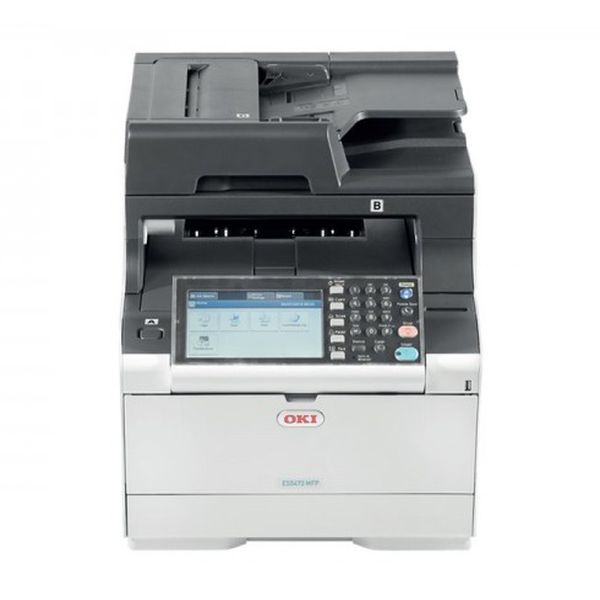


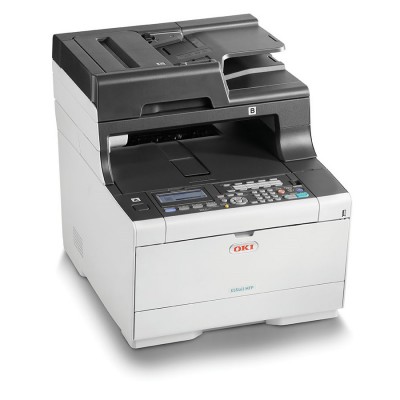
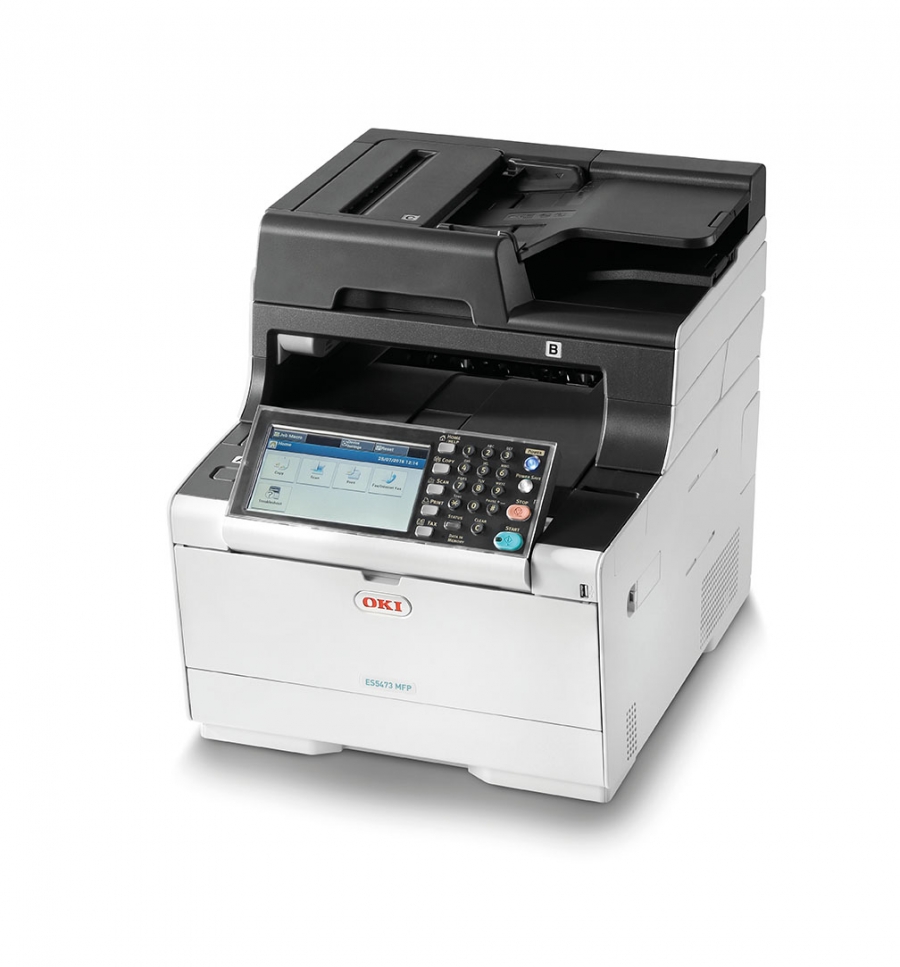

Images are for illustration purposes only and do not necessarily reflect the actual product.
Product Details
Specifications
Accessories
Reviews
Product Details
Main Features:
- HD Color LED print technology
- Print, Copy, Scan, Fax
- Print/Copy Speed: 31 ppm
- 7" Color LCD touch screen
- 1GB RAM memory, ensuring trouble-free printing of graphics-intensive documents
- Large 1,410-sheet paper capacity with optional 2nd and 3rd trays
- Duplex printing
- Cloud enabled
- Advanced security features
- Front facing USB port
Specifications
 Download Manufacturer Specifications
Accessories

Reviews


What is Tray Capacity? Tray Capacity or Paper Capacity is the maximum number of pages that can be stored in the printer before you have to refill it.
Don't move a print head unless the instructions direct it. You can damage the belt or other parts.
Most printers will beep once or twice during or after initialization. If it beeps more than that or beeps constantly, it is telling you that something is wrong. Most printers beep when out of paper or out of ink.
MY ACCOUNT
INFO & POLICIES
SHOP EASY
PAYMENT OPTIONS



* Images are for illustration purposes only.