



 Shopping Cart
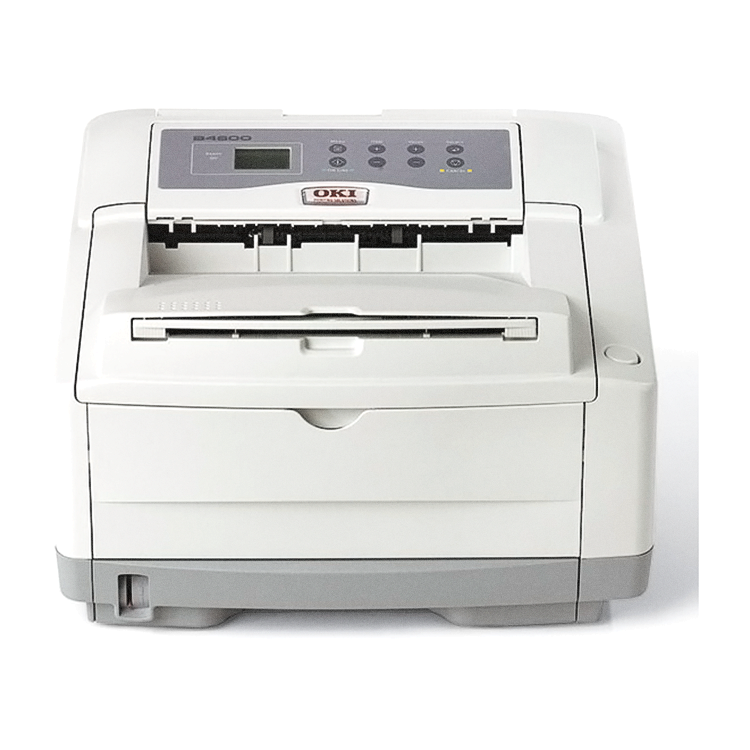
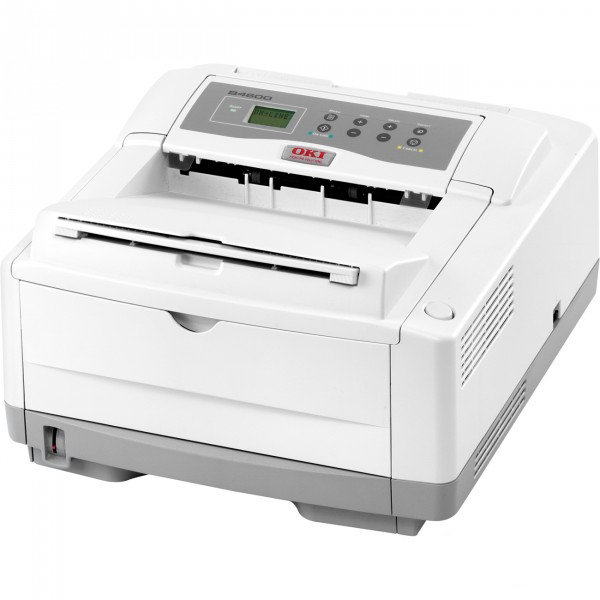
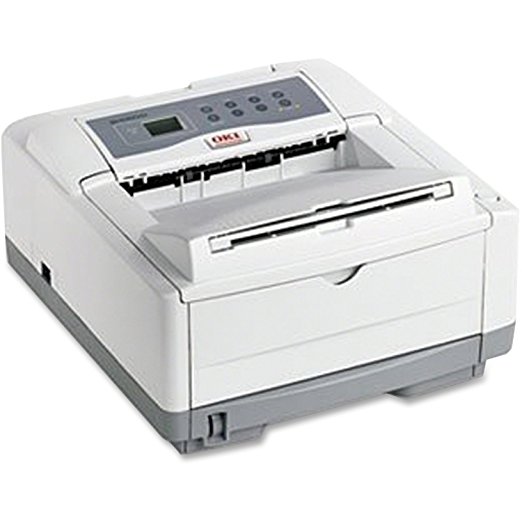
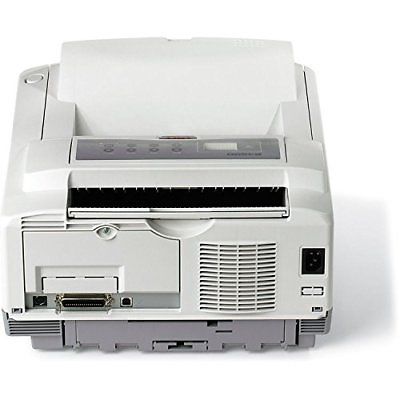
 Okidata B4600 Laser Printer (Beige)



Product Details
Specifications
Accessories
Reviews
Product Details
Main Features
- B/W output of 27 ppm
- First page out in 5 seconds
- 600 x 2400 print resolution
- Separate toner and image drum configuration for lower operating costs
- Standard RAM of 32 MB
- Maximum RAM of 288 MB
- Standard Paper Capacity: 250 Sheets
- Maximum Paper Capacity: 750 Sheets
- Flexible media handling
Specifications
General Specifications
 Download Manufacturer Specifications
Accessories

Reviews


After installing a printer, go to the Windows dialog box and check the settings, so you won't be surprised by what happens the first time you print.
Misplaced your printer manual? You can usually find a replacement manual online at the manufacturer's website.
Use a lightly dampened cloth to clean the outside of your laser printer. To clean the inside, use a dry, lint-free cloth to make sure that no liquid enters the inner parts of the printer.
MY ACCOUNT
INFO & POLICIES
SHOP EASY
PAYMENT OPTIONS



* Images are for illustration purposes only.