



 Shopping Cart
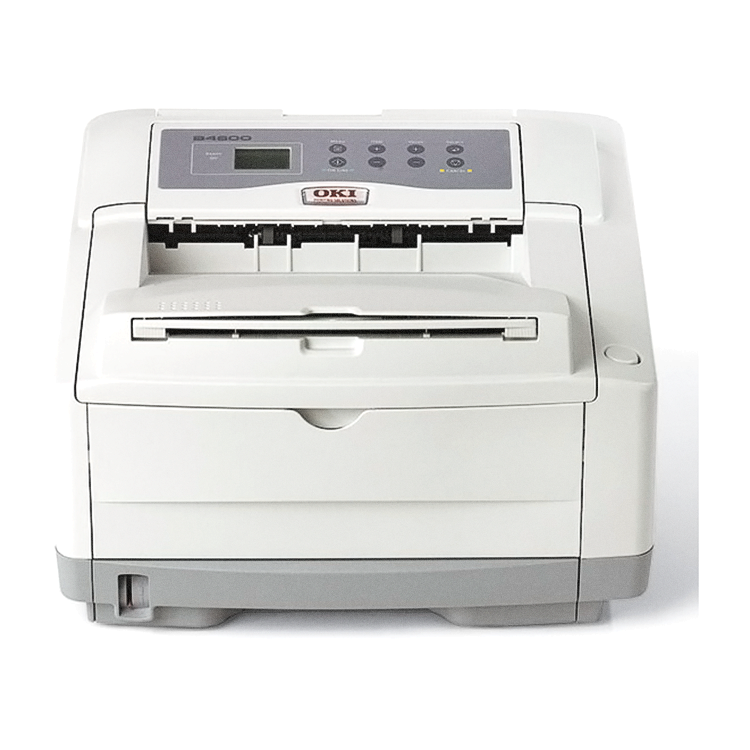
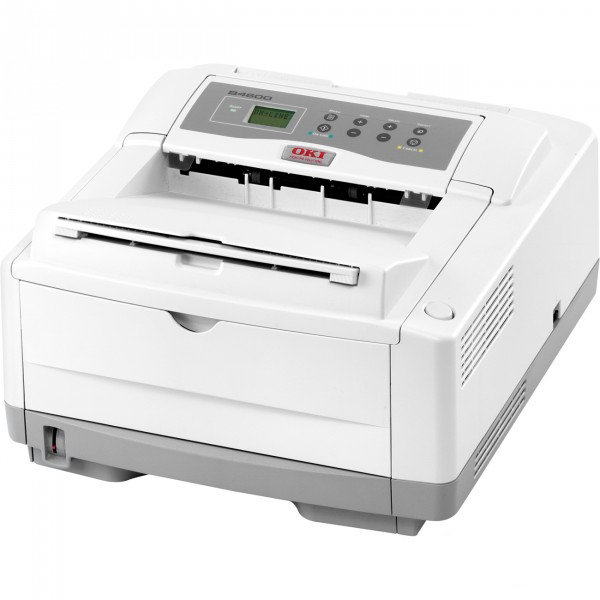
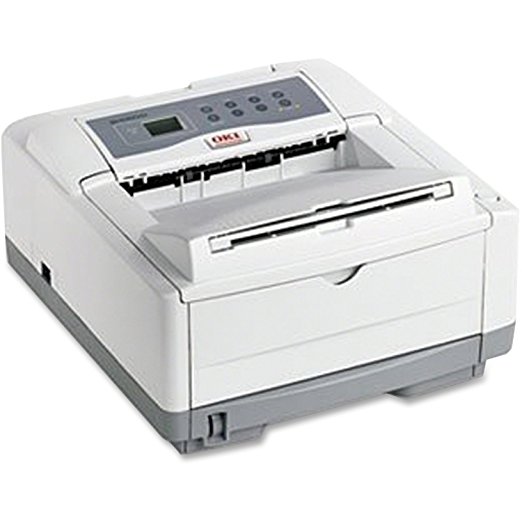
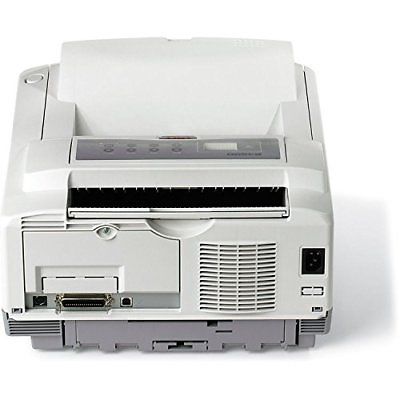
 Okidata B4600 Laser Printer (Beige)



Product Details
Specifications
Accessories
Reviews
Product Details
Main Features
- B/W output of 27 ppm
- First page out in 5 seconds
- 600 x 2400 print resolution
- Separate toner and image drum configuration for lower operating costs
- Standard RAM of 32 MB
- Maximum RAM of 288 MB
- Standard Paper Capacity: 250 Sheets
- Maximum Paper Capacity: 750 Sheets
- Flexible media handling
Specifications
General Specifications
 Download Manufacturer Specifications
Accessories

Reviews


Paper jam? The best way to remove jammed paper is to gently pull the paper in the direction of the paper path - with power off, of course. Do not pull the paper backwards - you could damage your printer forever by doing so.
Are you getting diminished color and print quality? If all your images start to look a bit purple, blue or orange, one of your ink wells may be running low. Replace the whole printer ink cartridge, unless you can refill the individual ink wells.
Your ink is not going onto the paper properly or you notice uneven coverage? Try aligning the print heads before you bring out the big guns.
MY ACCOUNT
INFO & POLICIES
SHOP EASY
PAYMENT OPTIONS



* Images are for illustration purposes only.