



 Shopping Cart
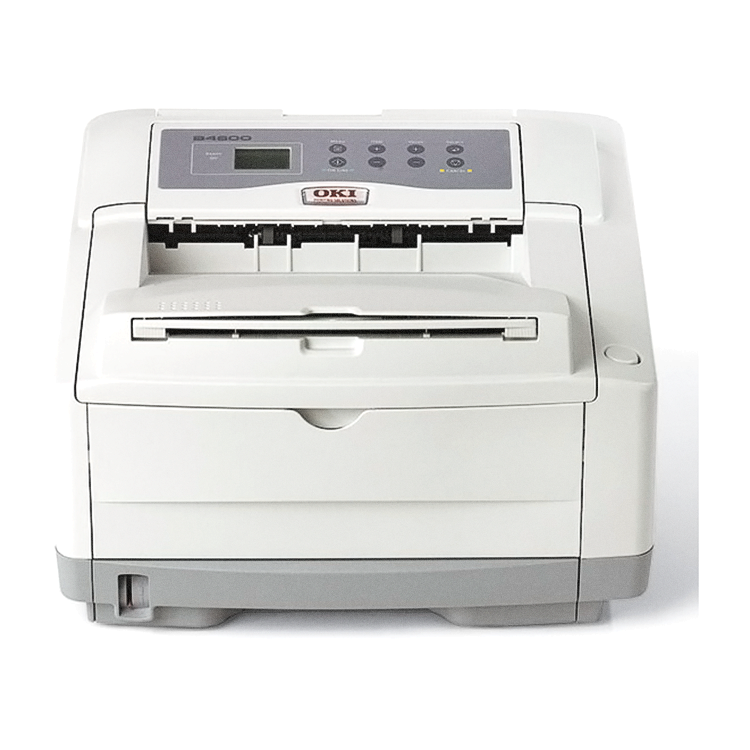
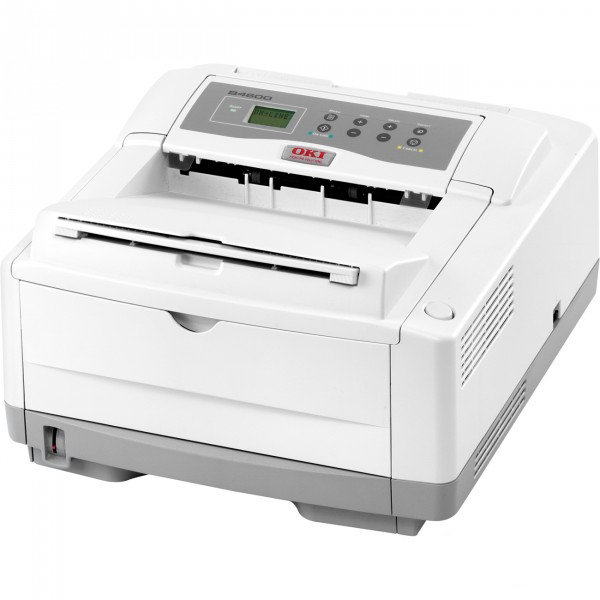
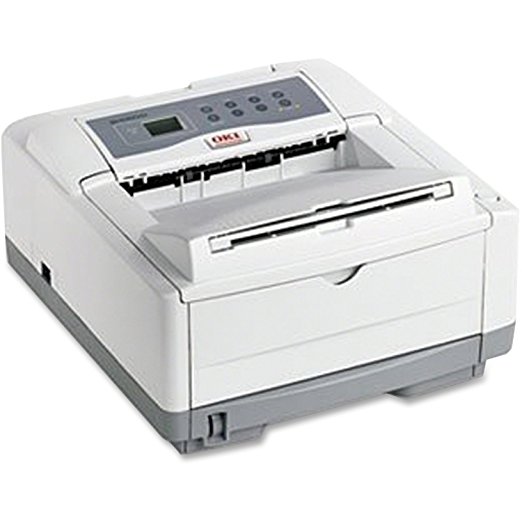
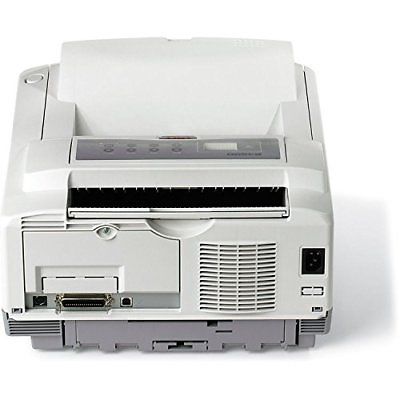
 Okidata B4600 Laser Printer (Beige)



Product Details
Specifications
Accessories
Reviews
Product Details
Main Features
- B/W output of 27 ppm
- First page out in 5 seconds
- 600 x 2400 print resolution
- Separate toner and image drum configuration for lower operating costs
- Standard RAM of 32 MB
- Maximum RAM of 288 MB
- Standard Paper Capacity: 250 Sheets
- Maximum Paper Capacity: 750 Sheets
- Flexible media handling
Specifications
General Specifications
 Download Manufacturer Specifications
Accessories

Reviews


Printer not working? The printer memory could be full and not getting prints or the prints may be stuck in the print queue. Turn-off the printer, wait a few seconds and turn it back on.
Flashing light on your printer? Each printer has a different reason for a blinking or orange light but in general it is due to a paper jam, an empty paper tray, a printer cartridge problem or a problem with the printer hardware.
After installing a printer, go to the Windows dialog box and check the settings, so you won't be surprised by what happens the first time you print.
MY ACCOUNT
INFO & POLICIES
SHOP EASY
PAYMENT OPTIONS



* Images are for illustration purposes only.