



 Shopping Cart
 Ricoh Aficio SP 325DNW B&W Laser Printer
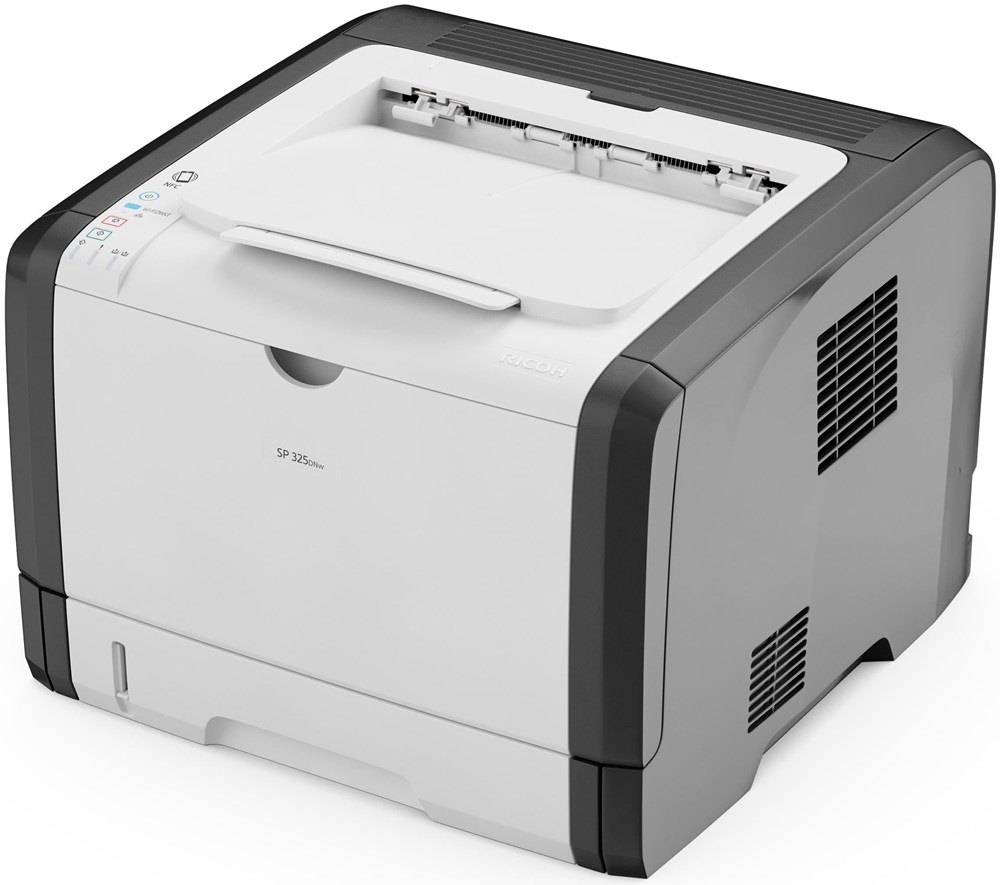


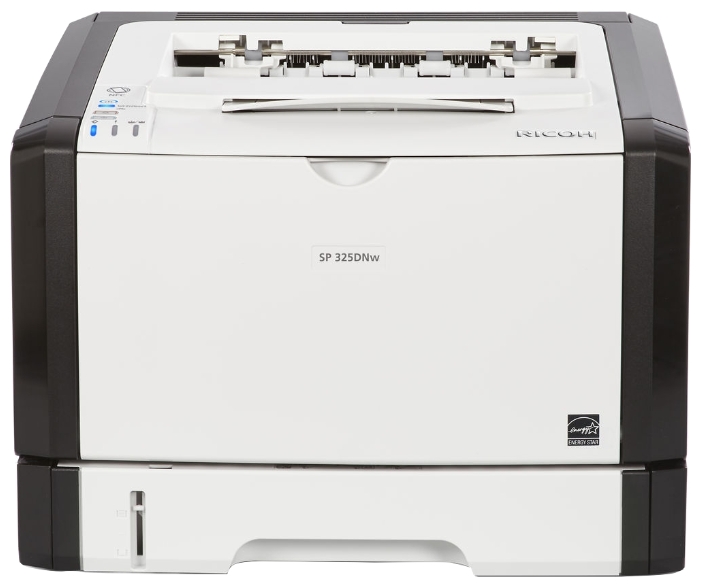

Images are for illustration purposes only and do not necessarily reflect the actual product.
Product Details
Specifications
Accessories
Reviews
Product Details
Main Features
- Black and white output
- Print Speed: 30 pages per minute
- Easy to use
- Compact design
- Resolution: 1200 x 1200 dpi
- Total Paper Capacity: 300 sheets
Specifications
General Specifications
| Warm-up time | 26 seconds |
| First output speed | 8 seconds |
| Print speed | 28 pages per minute |
| Memory - Standard | 128 MB |
| Duty cycle | 35000 prints per month |
| Life | 5 years or 350000 output |
| Duplex | Yes |
| Dimensions (W x D x H) | 376 x 392 x 262 mm |
| Weight | 13 kg |
| Power source | 220 - 240 V, 50/60 Hz |
| All-in-one cartridge capacity (high yield) - Black | 3500 prints |
| All-in-one cartridge capacity (ultra high yield) - Black | 6400 prints |
| Starter toner - Black | 1000 prints |
| Power consumption - Maximum | 890 W |
| Power consumption - Ready mode | 120 W |
| Power consumption - Sleep mode | Less than 1 W |
| Recommended paper size | A4, A5, A6, B5, B6 |
| Paper input capacity - Maximum | 300 sheets |
| Paper output capacity - Maximum | 125 sheets |
| Paper weight - Paper tray(s) | 52 - 162 g/m² |
| Paper weight - Bypass tray | 52 - 162 g/m² |
| Paper weight - Duplex | 60 - 105 g/m² |
| Printer language - Standard | PCL5e, PCL6 |
| Print resolution | 600 x 600 dpi, 1,200 x 600 dpi, 1,200 x 1,200 dpi |
| Fonts - PCL | 45 fonts |
| Interface - Standard | USB 2.0, Ethernet 10 base-T/100 base-TX, Wireless LAN (IEEE 802.11b/g/n) |
| Network protocol | TCP/IP |
| Windows® environments | Windows® Vista, Windows® 7, Windows® 8, Windows® 8.1, Windows® 10, Windows® Server 2008, Windows® Server 2012 |
| Mac OS environments | Macintosh OS X v10.8 - v10.11 |
| Other supported environments | Linux environment |
 Download Manufacturer Specifications
Accessories

Reviews


Printer not working? The printer memory could be full and not getting prints or the prints may be stuck in the print queue. Turn-off the printer, wait a few seconds and turn it back on.
Fed up of re-sorting your printouts? For those inkjets that don't have a reverse print feature in the driver, some programs offer printing in reverse order.
Paper coatings are designed to control ink absorption and spread, producing brilliant, sharp images with less ink.
MY ACCOUNT
INFO & POLICIES
SHOP EASY
PAYMENT OPTIONS



* Images are for illustration purposes only.