



 Shopping Cart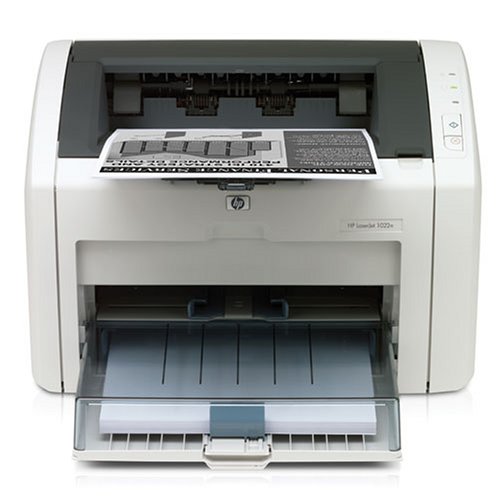



*** ALL TONERS AND SUPPLIES ARE IN STOCK AT DISCOUNTED PRICING , CALL +18882983095.
All reconditioned printers do not include supplies - toners , drums (Imaging Units) (where applicable) , printer cables , manuals , consumables, trays (where applicable). Power cables are included. Drivers can be downloaded from the manufacturers website. Please verify that drivers available are compatible with your software on the manufacturers site.
Images are for illustration purposes only and do not necessarily reflect the actual product.Product Details
Specifications
Accessories
Reviews
Product Details
Main Features
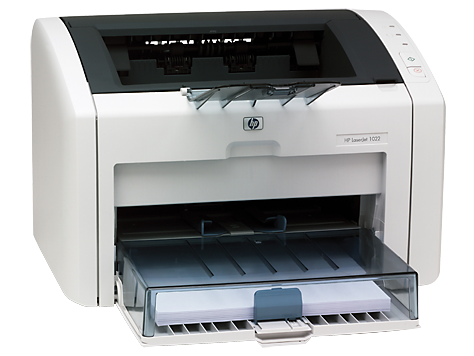
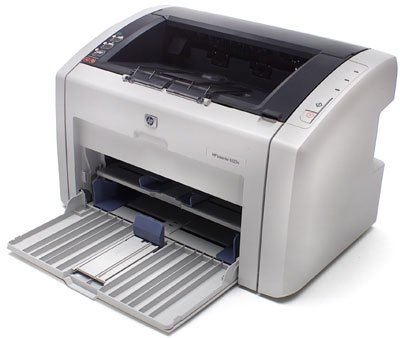
- Monochrome Laser Printer
- Compact design
- Print speed of 19 ppm
- Delivers first page in less than 8 seconds
- 1200 x 1200 dpi
- 8 MB RAM
- Supports a wide range of media
Specifications
General Specifications
|
Print Speed |
Up to 19 ppm (letter) |
|
First Page Out |
Less than 8 Seconds |
|
Resolution |
1200 x 1200 dpi |
|
Processor |
266 MHz |
|
Memory |
8 MB RAM |
|
Duty Cycle |
8000 Pages |
|
Media Input |
250-sheet input tray, 10-sheet priority input tray for specialty paper |
|
Media Output |
150-sheet face down bin |
|
Media Sizes |
3 by 5 in to 8.5 by 14 in (76 by 127 mm to 216 by 356 mm); letter, legal, executive, postcard, envelopes (No. 10, Monarch) |
|
Media Weights |
250-sheet tray: 16 to 28 lb (60 to 105 g/m2 ), 10-sheet input tray: 16 to 43 lb (60 to 163 g/m2 ) |
|
Media Types |
Paper (plain, HP LaserJet, photo), envelopes, transparencies, labels, cardstock, postcards, rough paper, vellum |
|
Connectivity |
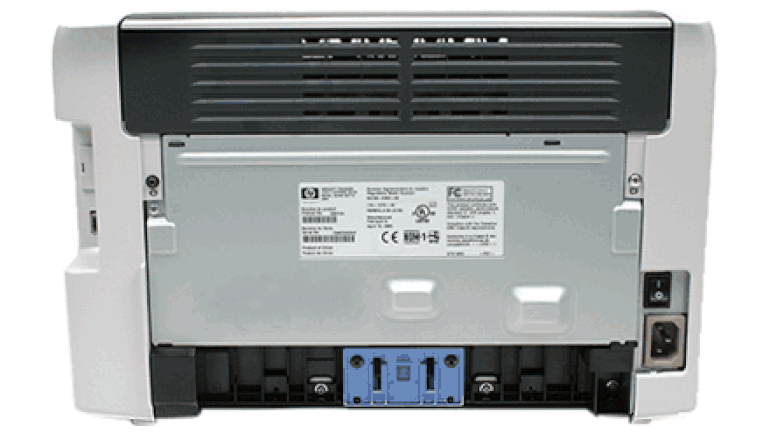
Hi-Speed USB 2.0 port, 10/100 Fast Ethernet embedded print server |
|
Dimensions (W by D by H) |
14.6 by 9.6 by 9.5 in (370 by 245 by 241 mm) |
|
Weight |
12.1 lb (5.5 kg) |
 Download Manufacturer Specifications
Accessories

Reviews


Use a lightly dampened cloth to clean the outside of your laser printer. To clean the inside, use a dry, lint-free cloth to make sure that no liquid enters the inner parts of the printer.
If debris is the primary cause of failures, toner is the primary cause of debris. All toner cartridges release a small amount of toner powder into the machine. This is why it's important to clean the machine when you change the cartridge.
Are you getting diminished color and print quality? If all your images start to look a bit purple, blue or orange, one of your ink wells may be running low. Replace the whole printer ink cartridge, unless you can refill the individual ink wells.
MY ACCOUNT
INFO & POLICIES
SHOP EASY
PAYMENT OPTIONS



