



 Shopping Cart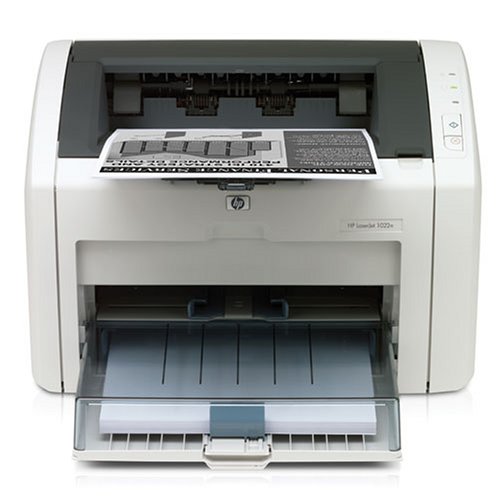



*** ALL TONERS AND SUPPLIES ARE IN STOCK AT DISCOUNTED PRICING , CALL +18882983095.
All reconditioned printers do not include supplies - toners , drums (Imaging Units) (where applicable) , printer cables , manuals , consumables, trays (where applicable). Power cables are included. Drivers can be downloaded from the manufacturers website. Please verify that drivers available are compatible with your software on the manufacturers site.
Product Details
Specifications
Accessories
Reviews
Product Details
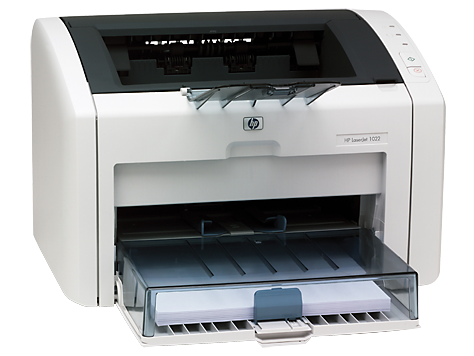
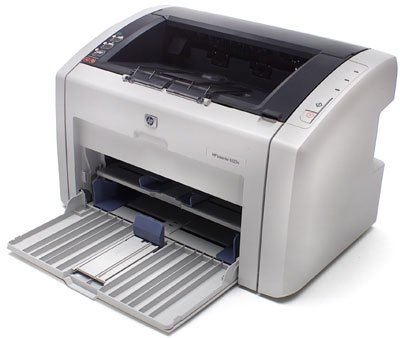
Main Features
- Monochrome Laser Printer
- Compact design
- Print speed of 19 ppm
- Delivers first page in less than 8 seconds
- 1200 x 1200 dpi
- 8 MB RAM
- Supports a wide range of media
Specifications
General Specifications
|
Print Speed |
Up to 19 ppm (letter) |
|
First Page Out |
Less than 8 Seconds |
|
Resolution |
1200 x 1200 dpi |
|
Processor |
266 MHz |
|
Memory |
8 MB RAM |
|
Duty Cycle |
8000 Pages |
|
Media Input |
250-sheet input tray, 10-sheet priority input tray for specialty paper |
|
Media Output |
150-sheet face down bin |
|
Media Sizes |
3 by 5 in to 8.5 by 14 in (76 by 127 mm to 216 by 356 mm); letter, legal, executive, postcard, envelopes (No. 10, Monarch) |
|
Media Weights |
250-sheet tray: 16 to 28 lb (60 to 105 g/m2 ), 10-sheet input tray: 16 to 43 lb (60 to 163 g/m2 ) |
|
Media Types |
Paper (plain, HP LaserJet, photo), envelopes, transparencies, labels, cardstock, postcards, rough paper, vellum |
|
Connectivity |
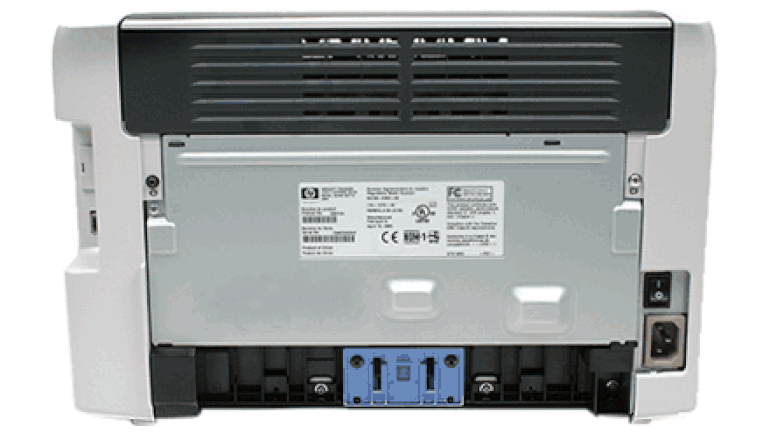
Hi-Speed USB 2.0 port, 10/100 Fast Ethernet embedded print server |
|
Dimensions (W by D by H) |
14.6 by 9.6 by 9.5 in (370 by 245 by 241 mm) |
|
Weight |
12.1 lb (5.5 kg) |
 Download Manufacturer Specifications
Accessories

Reviews


What is RAM? RAM or Buffer Memory holds the graphic information on the printer while the file is on its way to be printed. The larger the RAM, the faster the printer can print complex graphics.
If you are not getting the results you expect, don't give up on your printer until you manually set the driver for the paper that you are using.
Most printers will beep once or twice during or after initialization. If it beeps more than that or beeps constantly, it is telling you that something is wrong. Most printers beep when out of paper or out of ink.
MY ACCOUNT
INFO & POLICIES
SHOP EASY
PAYMENT OPTIONS



