



 Shopping Cart
 Ricoh Aficio SP C440DN Color Laser Printer
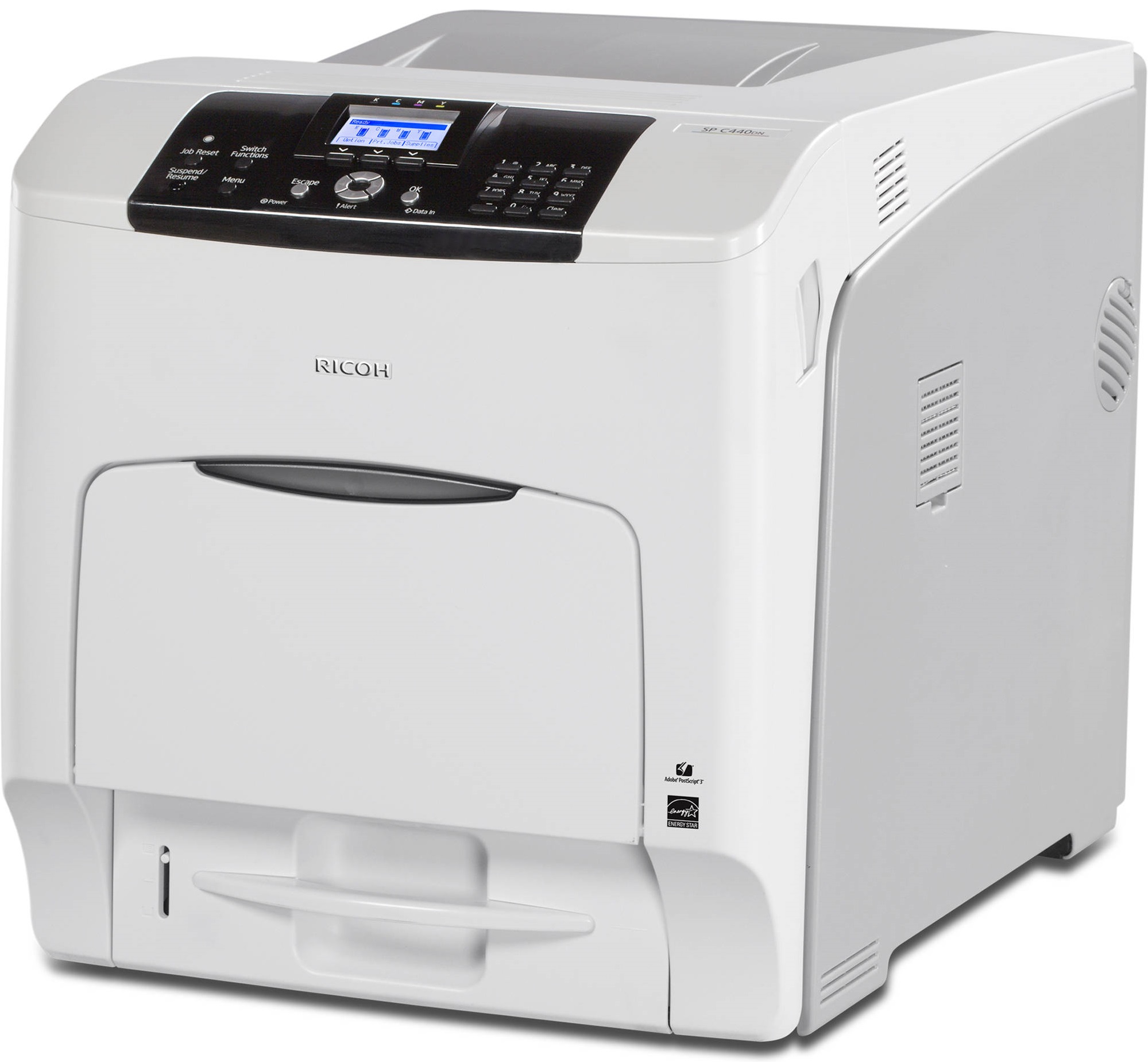


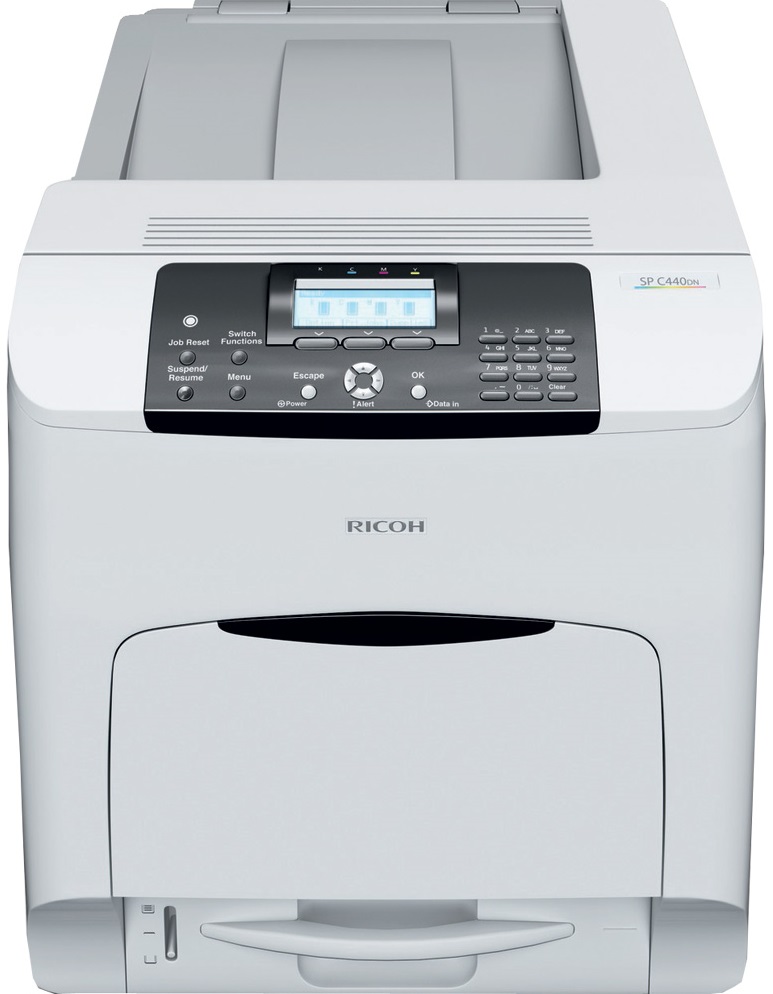

Images are for illustration purposes only and do not necessarily reflect the actual product.
Product Details
Specifications
Accessories
Reviews
Product Details
Main Features
- Single print function
- Print Resolution: 1200 x 1200 dpi
- Media Type: Paper, envelopes, labels
- Automatic duplexing
- USB port
- 2 SD card slots
- Ethernet connectivity
- 533 MHz processor
- Max Paper Capacity: 2,300 pages
- Print Speed: 42 pages per minute
| Technology | Laser |
| Warm-up time | 46 seconds |
| First output speed - Full colour | 15 seconds |
| First output speed - B/W | 10 seconds |
| Print speed - Full colour | A4,40 pages per minute, A4 duplex,40 pages per minute |
| Print speed - B/W | A4,40 pages per minute, A4 duplex,40 pages per minute |
| CPU - RM7035 | 533 MHz |
| Memory - Standard | 1 GB |
| Memory - Maximum | 1 GB |
| HDD - Option | 320 GB |
| Duty cycle | 150000 prints per month |
| Duplex | Yes |
| Dimensions (W x D x H) | 444 x 658 x 490 mm |
| Weight | 57 kg |
| Power source | 220 - 240 V, 50/60 Hz |
| Toner capacity - Black | 21000 prints |
| Toner capacity - Cyan | 24000 prints |
| Toner capacity - Magenta | 24000 prints |
| Toner capacity - Yellow | 24000 prints |
| Starter toner - Black | 3000 prints |
| Starter toner - Cyan | 3000 prints |
| Starter toner - Magenta | 3000 prints |
| Starter toner - Yellow | 3000 prints |
| Declared yield value | Declared yield value in accordance with ISO/IEC 19798 |
| Power consumption - Maximum | 1650 W |
| Power consumption - Operating power | B/W print,22.84/25.56/26.75 W, Colour print,N/A |
| Power consumption - Ready mode | 4.1/8.1/9.4 W |
| Power consumption - Sleep mode | 1.2/0.78/2.7 W |
| Power consumption - TEC (Typical Electricity Consumption) | N/A |
| Hard Disk Drive | 320 GB |
| Recommended paper size - Standard paper tray(s) | A4, A5, A6, B5, B6, Legal, Letter, Half Letter, Executive, F/GL, Foolscap, Folio, 16 KAI |
| Recommended paper size - Bypass tray | A4, A5, A6, B5, B6, Legal, Letter, Half Letter, Executive, F/GL, Foolscap, Folio, 16 KAI |
| Paper input capacity - Standard | 550 sheets |
| Paper input capacity - Maximum | 2300 sheets |
| Paper input capacity - Bypass tray | 100 sheets |
| Paper output capacity - Maximum | 500 sheets |
| Paper weight - Paper tray(s) | 52 - 220 g/m² |
| Paper weight - Bypass tray | 52 - 256 g/m² |
| Media capability | Plain paper, Middle thick paper, Thick paper, Recycled paper, Letterhead, Pre-printed paper, Thin paper, Special paper, Label paper, Envelopes, Coated paper, Glossy paper |
| Printer language - Standard | PCL5c, PCL6, Adobe® PostScript® 3™, PDF, PDF Direct from Adobe® |
| Printer language - Option | XPS, IPDS, PictBridge |
| Print resolution | 600 x 600 dpi, 1,200 x 1,200 dpi |
| Fonts - PCL | 45 fonts, International fonts: 13 Intellifonts |
| Fonts - IPDS | 108 fonts |
| Fonts - PS3/PDF | 136 fonts |
| Interface - Standard | USB 2.0, SD slot, Ethernet 10 base-T/100 base-TX, Gigabit Ethernet |
| Interface - Option | Bi-directional IEEE 1284, Wireless LAN (IEEE 802.11a/b/g/n), NIC2 Port |
| Network protocol - TCP/IP | IP v4, IP v6 |
| Windows® environments | Windows® Vista, Windows® 7, Windows® 8, Windows® 8.1, Windows® Server 2008, Windows® Server 2008R2, Windows® Server 2012R2 |
| Mac OS environments | Macintosh OS X v10.8 - v10.11 |
| UNIX environments - UNIX Sun® Solaris | 2.9, 2.10 |
| UNIX environments - HP-UX | 11.x, 11i v2, 11i v3 |
| UNIX environments - SCO OpenServer | 5.0.7, 6.0 |
| UNIX environments - RedHat® Linux Enterprise | 4, 5, 6 |
| UNIX environments - IBM® AIX | 5L v5.3, 5L v6.1, 5L v7.1 |
| SAP® R/3® environments | SAP® R/3® |
<tr style="box-sizing: border-box; margin: 0px; padding: 0px; bord
Specifications
General Specifications
| Technology | Laser |
| Warm-up time | 46 seconds |
| First output speed - Full colour | 15 seconds |
| First output speed - B/W | 10 seconds |
| Print speed - Full colour | A4,40 pages per minute, A4 duplex,40 pages per minute |
| Print speed - B/W | A4,40 pages per minute, A4 duplex,40 pages per minute |
| CPU - RM7035 | 533 MHz |
| Memory - Standard | 1 GB |
| Memory - Maximum | 1 GB |
| HDD - Option | 320 GB |
| Duty cycle | 150000 prints per month |
| Duplex | Yes |
| Dimensions (W x D x H) | 444 x 658 x 490 mm |
| Weight | 57 kg |
| Power source | 220 - 240 V, 50/60 Hz |
| Hard Disk Drive | 320 GB |
| Power consumption - Maximum | 1650 W |
| Power consumption - Operating power | B/W print,22.84/25.56/26.75 W, Colour print,N/A |
| Power consumption - Ready mode | 4.1/8.1/9.4 W |
| Power consumption - Sleep mode | 1.2/0.78/2.7 W |
| Power consumption - TEC (Typical Electricity Consumption) | N/A |
| Recommended paper size - Standard paper tray(s) | A4, A5, A6, B5, B6, Legal, Letter, Half Letter, Executive, F/GL, Foolscap, Folio, 16 KAI |
| Recommended paper size - Bypass tray | A4, A5, A6, B5, B6, Legal, Letter, Half Letter, Executive, F/GL, Foolscap, Folio, 16 KAI |
| Paper input capacity - Standard | 550 sheets |
| Paper input capacity - Maximum | 2300 sheets |
| Paper input capacity - Bypass tray | 100 sheets |
| Paper output capacity - Maximum | 500 sheets |
| Paper weight - Paper tray(s) | 52 - 220 g/m² |
| Paper weight - Bypass tray | 52 - 256 g/m² |
| Media capability | Plain paper, Middle thick paper, Thick paper, Recycled paper, Letterhead, Pre-printed paper, Thin paper, Special paper, Label paper, Envelopes, Coated paper, Glossy paper |
| Printer language - Standard | PCL5c, PCL6, Adobe® PostScript® 3™, PDF, PDF Direct from Adobe® |
| Printer language - Option | XPS, IPDS, PictBridge |
| Print resolution | 600 x 600 dpi, 1,200 x 1,200 dpi |
| Fonts - PCL | 45 fonts, International fonts: 13 Intellifonts |
| Fonts - IPDS | 108 fonts |
| Fonts - PS3/PDF | 136 fonts |
| Interface - Standard | USB 2.0, SD slot, Ethernet 10 base-T/100 base-TX, Gigabit Ethernet |
| Interface - Option | Bi-directional IEEE 1284, Wireless LAN (IEEE 802.11a/b/g/n), NIC2 Port |
| Network protocol - TCP/IP | IP v4, IP v6 |
| Windows® environments | Windows® Vista, Windows® 7, Windows® 8, Windows® 8.1, Windows® Server 2008, Windows® Server 2008R2, Windows® Server 2012R2 |
| Mac OS environments | Macintosh OS X v10.8 - v10.11 |
| UNIX environments - UNIX Sun® Solaris | 2.9, 2.10 |
| UNIX environments - HP-UX | 11.x, 11i v2, 11i v3 |
| UNIX environments - SCO OpenServer | 5.0.7, 6.0 |
| UNIX environments - RedHat® Linux Enterprise | 4, 5, 6 |
| UNIX environments - IBM® AIX | 5L v5.3, 5L v6.1, 5L v7.1 |
| SAP® R/3® environments | SAP® R/3® |
| Authentication | Windows® authentication, LDAP authentication, Basic authentication, User code authentication, 802.1.x wired authentication |
| Standard | Web Image Monitor |
| Optional | SmartDeviceMonitor, Remote Communication Gate S Pro |
 Download Manufacturer Specifications
Accessories

Reviews


Is your printer smearing immediately after changing a cartridge? Check that the protective tape over the nozzles is completely removed.
Printer not working? Check that the ink and toner are there and properly filled.
After installing a printer, go to the Windows dialog box and check the settings, so you won't be surprised by what happens the first time you print.
MY ACCOUNT
INFO & POLICIES
SHOP EASY
PAYMENT OPTIONS



* Images are for illustration purposes only.