



 Shopping Cart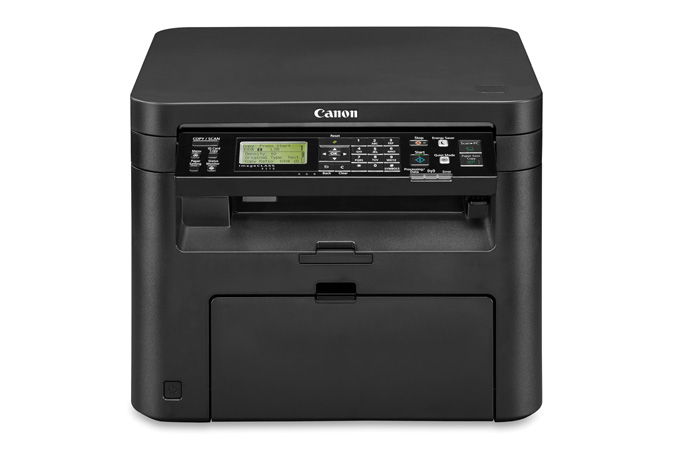


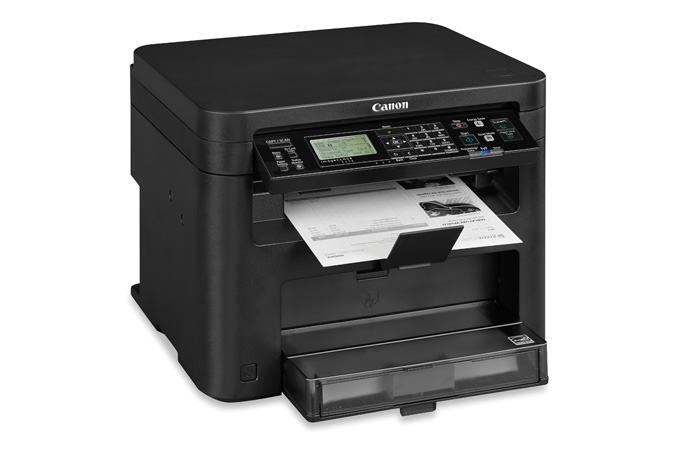
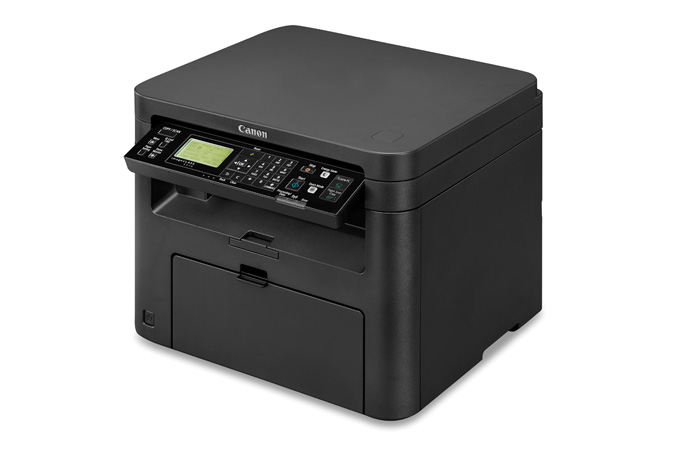

Product Details
Specifications
Accessories
Reviews
Product Details
Main Features
- Functions: Print, Scan, Copy
- Monthly duty cycle of 15,000 Pages
- WiFi Direct Connection
- Print speed of 28 pages per minute
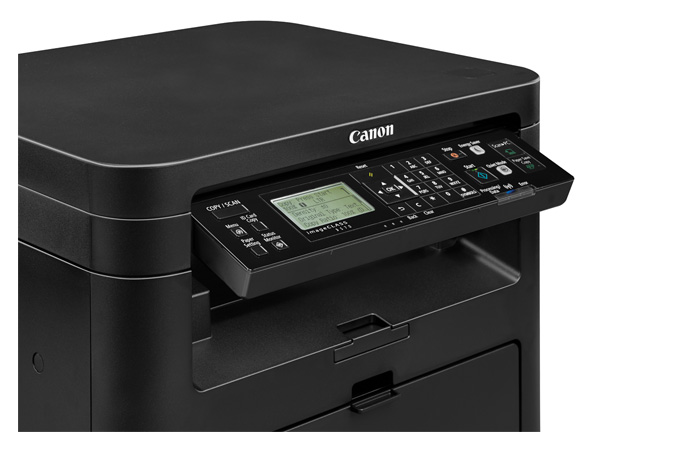
- User-friendly, tiltable, 5-Line LCD Panel
- Duplex printing
- Variety of easy to use mobile features for printing on the go
- Low energy consumption
Specifications
General Specifications
|
Functions |
Print, Scan, Copy |
|
Replaces |
D550, D530 |
|
Print Speeds |
Up to 28 ppm (1-sided, plain paper, Letter) Up to 16 ppm (2-sided, plain paper, Letter) |
|
Connectivity |
USB 2.0 High-Speed, 10/100Base-T Ethernet (Network), Wi-Fi 802.11 b/g/n Wireless |
|
Standard Cassette |
Up to 250 Sheets |
|
Multipurpose Tray |
Up to 1 Sheet |
|
Output Tray |
100 Sheets (face down) |
|
Duplex |
Yes |
|
Duty Cycle |
Up to 15,000 pages per month |
|
First Print Time |
Approx. 6 Seconds |
|
Print Resolution |
Up to 600 x 600 dpi 1200 x 1200 dpi quality |
|
Print Memory |
512 MB shared |
|
Mobile Print |
Canon PRINT Business, Apple AirPrint, Mopria Print Service, Google Cloud Print |
|
First Copy Time |
9 seconds |
|
Copy Resolution |
Up to 600 x 600 dpi |
|
Copy Memory |
512 MB shared |
|
Scan Type |
Color Contact Image Sensor (CIS) |
|
Scan Resolution |
Up to 600 x 600 dpi (optical) |
|
Scan Features |
Push Scan, Pull Scan: USB and Network |
|
Dimensions (W x D x H) |
15.4" x 14.6" x 12.3" |
|
Weight |
Approx. 23.8 lb. |
|
Energy Star |
Yes |
 Download Manufacturer Specifications
Accessories

Reviews


Paper left in the feed tray of the copier for a long time can dry and curl causing jams.
The advantage of a document feeder is that it allows you to feed multiple pages at once as opposed to copying each page individually.
Do not store paper on its side as this will allow the edges to start curling.
MY ACCOUNT
INFO & POLICIES
SHOP EASY
PAYMENT OPTIONS



