



 Shopping Cart
 Canon ImageClass D1520 Multifunction Copier
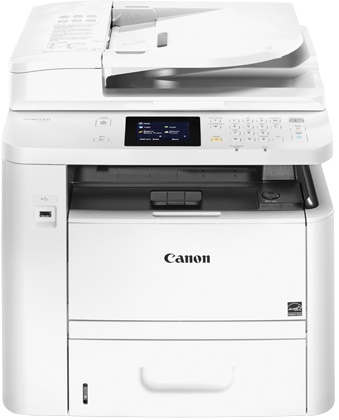


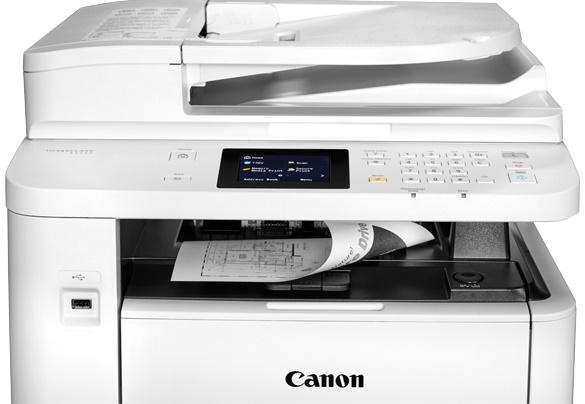
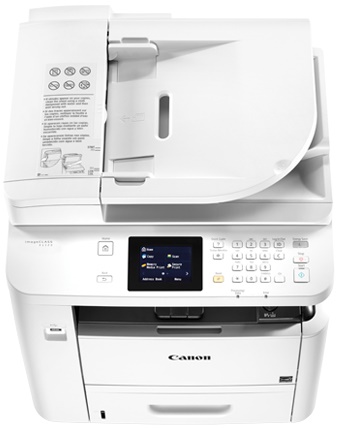
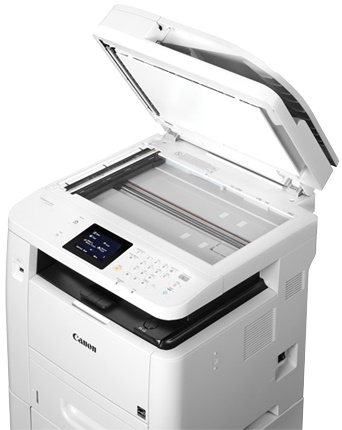
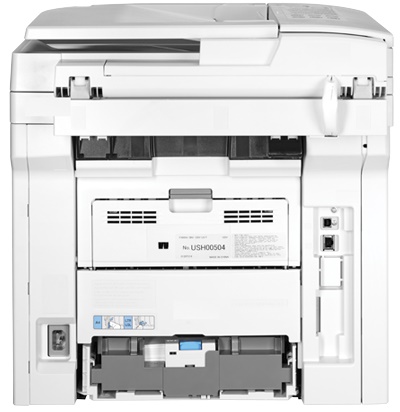
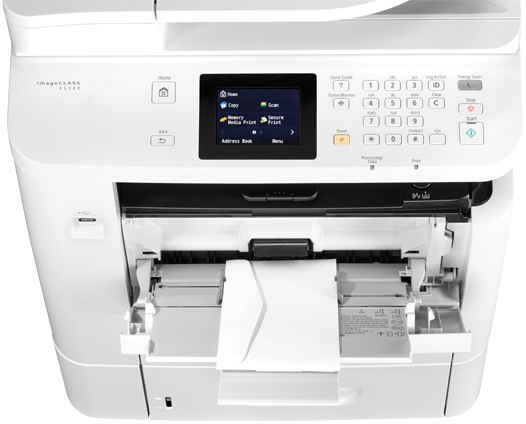


Images are for illustration purposes only and do not necessarily reflect the actual product.
Product Details
Specifications
Accessories
Reviews
Product Details
Main Features
- Functions: Copy, print and scan
- Black and white print output
- Print Speed: 35 pages per minute
- First Page Out: 6.3 seconds
- 3.5 inch Color Touch LCD Display
- Range of mobile solutions
- Automatic duplexing
- Maximum Paper Capacity: 1050 sheets
- Print and scan from and to your USB flash drive in JPEG, TIFF and PDF formats
Specifications
General Specifications
| Functions | Print, scan, copy |
| Scanner | |
|---|---|
| Type | Flatbed, ADF |
| Optical Resolution | 600 x 600 dpi |
| Maximum Scan Area | Flatbed & ADF: 8.5 x 14" / 21.6 x 35.6 cm |
| Duplex Scanning | Yes |
| Scanner Features | Scan to USB |
| Copier | |
|---|---|
| Maximum Resolution | 600 x 600 dpi |
| First Copy-Out Time | 10 sec or less |
| Duplex Copying | Yes |
| Copy Features | Frame erase, memory sort, 2-on-1, 4-on-1, ID card copy |
| Media Handling | |
|---|---|
| Paper Handling | Multipurpose tray Input tray Duplexing ADF |
| Paper Capacity | Multipurpose Tray: 50 sheets Input Tray: 500 sheets ADF: 50 sheets |
| Paper Sizes | Up to 8.5 x 14" / 21.6 x 35.6 cm |
 Download Manufacturer Specifications
Accessories

Reviews


Before purchasing your copier think about the finishing options you want to include such as collating, stapling or hole punching.
Look out for a copier with an Energy Saving mode which will hibernate into a “sleep” mode when not being used, in order to save electricity.
Paper left in the feed tray of the copier for a long time can dry and curl causing jams.
MY ACCOUNT
INFO & POLICIES
SHOP EASY
PAYMENT OPTIONS



* Images are for illustration purposes only.