



 Shopping Cart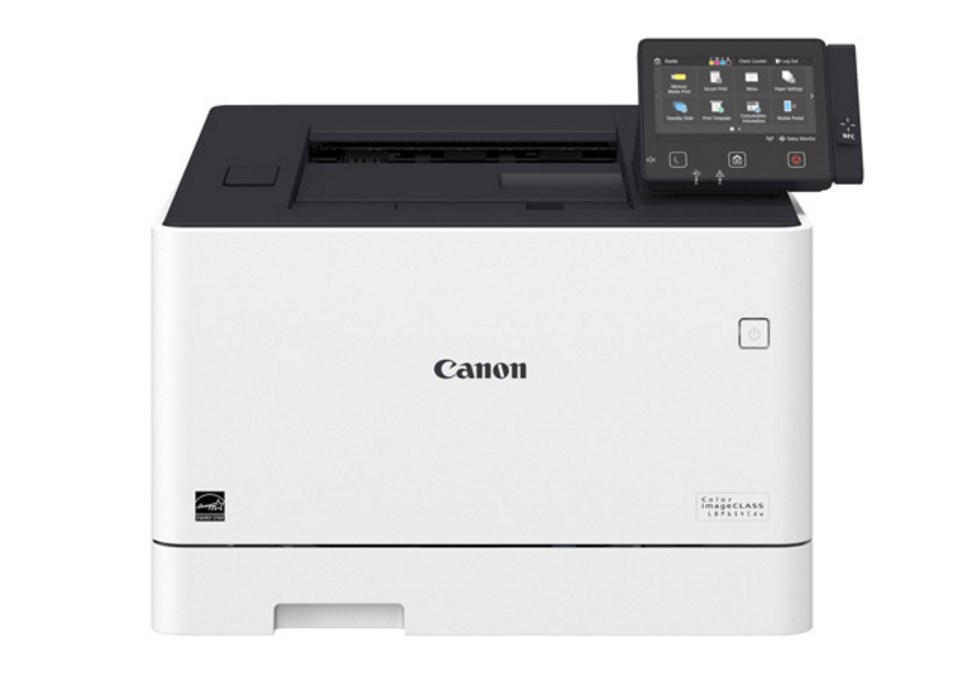



*** ALL TONERS AND SUPPLIES ARE IN STOCK AT DISCOUNTED PRICING , CALL +18882983095..
Printers do not include supplies - toners , drums (Imaging Units) (where applicable) , printer cables , manuals , consumables , trays (where applicable). Power cables are included. Drivers can be downloaded at www.hp.com. Please verify that drivers available are compatible with your software on HP’s site.
Images are for illustration purposes only and do not necessarily reflect the actual product.Product Details
Specifications
Accessories
Reviews
Product Details
Main Features
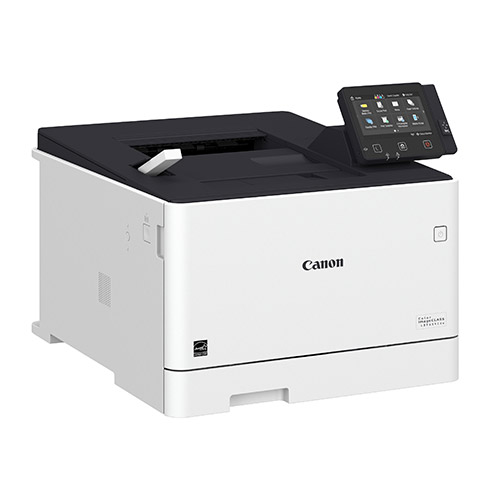
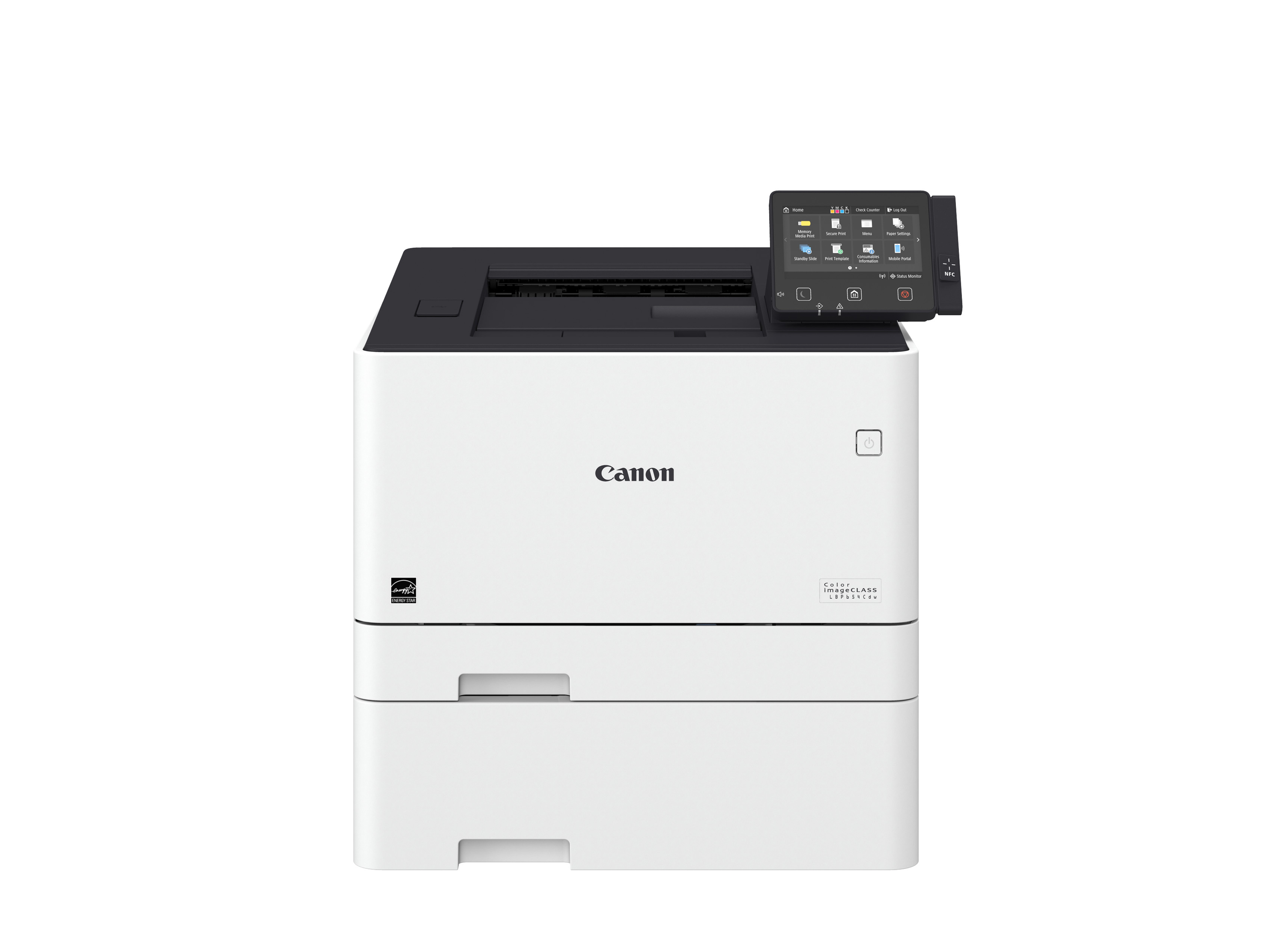
- Color, Duplex, Wireless Laser Printer
- Print speed of 28 ppm
- First print out in 9 seconds
- Duplex printing
- Direct USB print
- Mobile print capabilities
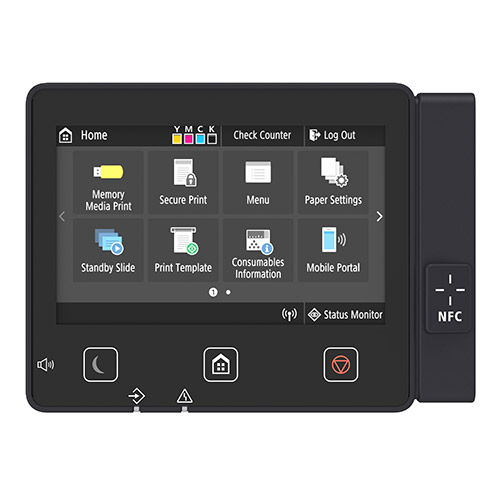
- Touch and Print with Near Field Communication
- Maximum paper capacity of 850 sheets
- 5-inch, Color Touch LCD Panel
- Low energy consumption
Specifications
General Specifications
|
Functions |
|
|
Print Speeds |
Up to 28 ppm* (1-sided, plain paper letter) Up to 23 ppm* (2-sided, plain paper letter) |
|
Connectivity |
USB 2.0 High-Speed, 10/100/1000Base-T Ethernet (Network), , Wi-Fi 802.11 b/g/n Wireless |
|
Standard Cassette |
Up to 250 Sheets |
|
Multipurpose Tray |
Up to 50 Sheets |
|
Optional Cassette |
Up to 550 Sheets |
|
Output Tray |
150 Sheets (face down) |
|
Duplex |
Yes |
|
Duty Cycle |
Up to 50,000 pages per month |
|
First Print Time |
Color/Black: 9 Seconds |
|
Print Resolution |
Up to 600 x 600 dpi; 1200 x 1200 dpi Quality |
|
Print Memory |
1 GB |
|
Mobile Print |
Canon PRINT Business, Apple AirPrint, Mopria Print Service, Google Cloud Print |
|
Dimensions (W x D x H) |
18.7" x 18.5" x 15" |
|
Weight |
Approx. 41.9 lb. |
|
Energy Star |
Yes |
 Download Manufacturer Specifications
Accessories

Reviews


Most printers have a paper-out detector. On most dot matrix printers it is a photo diode. If form-fed paper is not aligned correctly (usually on the left side) the diode won't see it.
When power is applied, you should hear the print mechanism initialize and most printers have at least one light which will be illuminated when it is on.
Is your printer smearing immediately after changing a cartridge? Check that the protective tape over the nozzles is completely removed.
MY ACCOUNT
INFO & POLICIES
SHOP EASY
PAYMENT OPTIONS



