



 Shopping Cart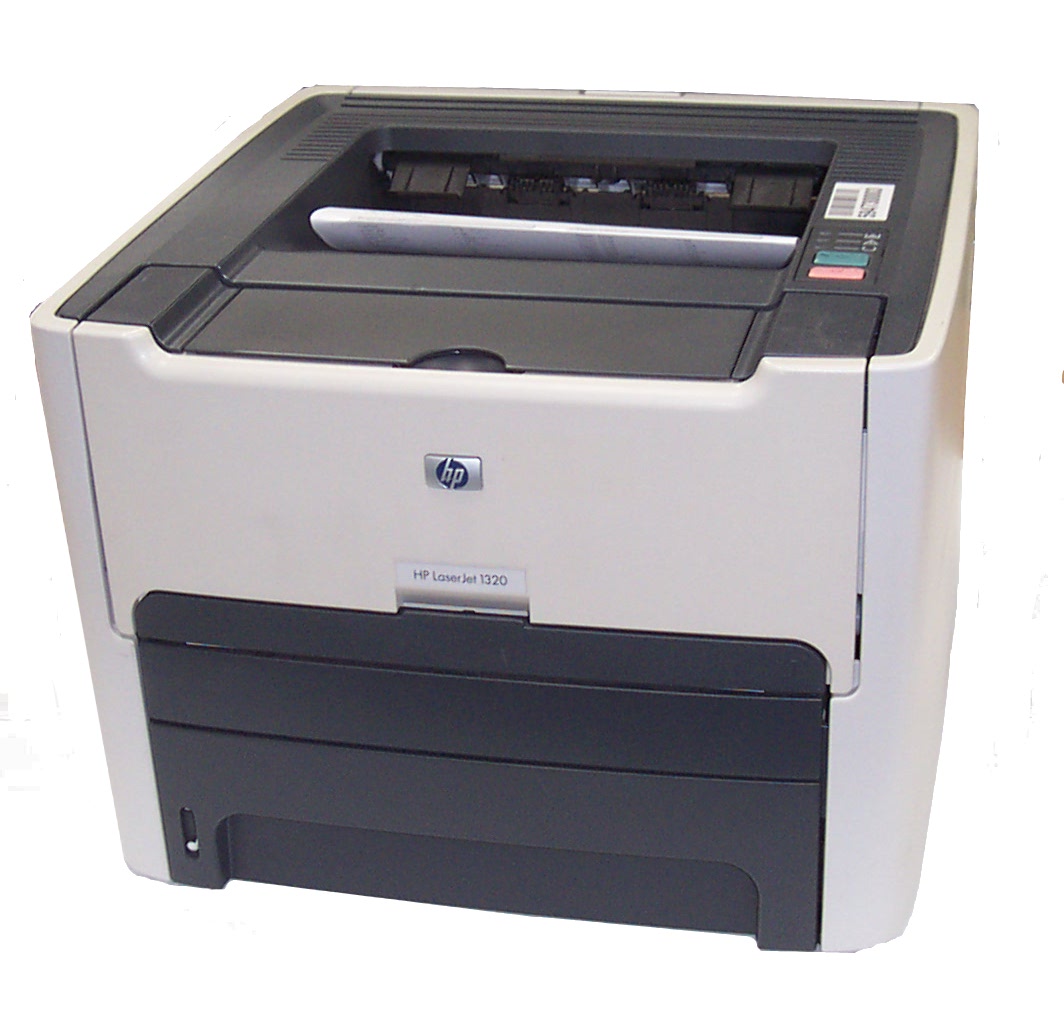

*** ALL TONERS AND SUPPLIES ARE IN STOCK AT DISCOUNTED PRICING , CALL +18882983095.
All reconditioned printers do not include supplies - toners , drums (Imaging Units) (where applicable) , printer cables , manuals , consumables, trays (where applicable). Power cables are included. Drivers can be downloaded from the manufacturers website. Please verify that drivers available are compatible with your software on the manufacturers site.
Images are for illustration purposes only and do not necessarily reflect the actual product.Product Details
Specifications
Accessories
Reviews
Product Details
Main Features
- Printer Type - Workgroup printer - laser - monochrome.
- Localization - English / United States
- Connectivity Technology - Wired
- Interface - Parallel, USB
- Compatibility - PC, Mac
- Print Speed - Up to 22 ppm - Letter A Size (8.5 in x 11 in) Up to 21 ppm - A4 (8.25 in x 11.7 in)
- Max Resolution ( B&W ) - 1200 dpi x 1200 dpi
- Weight - 24.7 lbs
FULLY REFURBISHED WITH A 1 YEAR WARRANTY
Specifications
General Specifications
| PostScript Support | Standard |
| Language Simulation | PCL 5E, PostScript 2, PCL 6 |
| Processor | Motorola ColdFire 4 133 MHz |
| RAM Installed ( Max ) | 16 MB / 144 MB (max) |
| Technology / Form Factor | DIMM 100-pin |
| Media Type | Envelopes, transparencies, labels, plain paper, index cards, heavy-weight paper, bond paper, recycled paper |
| Max Media Size (Custom) | 8.5 in (Legal) x 14 in (Legal) |
| Media Sizes | Letter A Size (8.5 in x 11 in), Legal (8.5 in x 14 in), Executive (7.25 in x 10.5 in), A4 (8.25 in x 11.7 in), A5 (5.83 in x 8.25 in), B5 (6.93 in x 9.83 in), A6 (4.13 in x 5.83 in), B6 (4.92 in x 6.93 in) |
| Envelope Sizes | US No 10 (4.1 in x 9.5 in), International DL (4.33 in x 8.66 in), International C5 (6.38 in x 9 in), Monarch (3.87 in x 7.5 in) |
| Total Media Capacity | 250 sheets |
| Media Feeder(s) | 1 x autoload - 250 sheets |
| Max Media Capacity | 250 sheets |
| Monthly Duty Cycle (Users Qty) | 10000 - 19999 (1-3 users) |
| Model | HP LaserJet 1320 (Q5927A) |
Accessories

Reviews


Your ink is not going onto the paper properly or you notice uneven coverage? Try aligning the print heads before you bring out the big guns.
All other things being equal, whiter, brighter paper makes text and line graphics crisper and colors more vibrant.
When power is applied, you should hear the print mechanism initialize and most printers have at least one light which will be illuminated when it is on.
MY ACCOUNT
INFO & POLICIES
SHOP EASY
PAYMENT OPTIONS



