



 Shopping Cart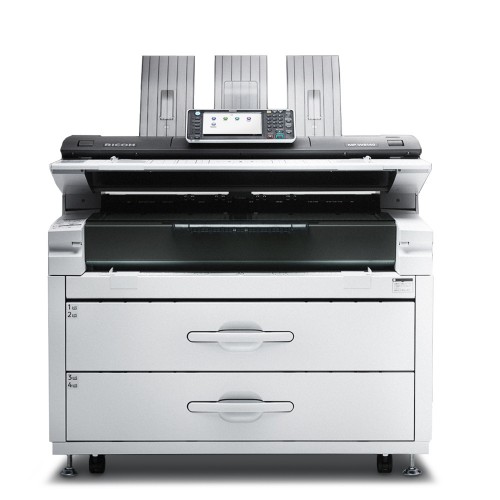




*** ALL TONERS AND SUPPLIES ARE IN STOCK AT DISCOUNTED PRICING , CALL +18882983095.
Printers do not include supplies - toners , drums (Imaging Units) (where applicable) , printer cables , manuals , consumables , trays (where applicable). Power cables are included. Drivers can be downloaded from the manufacturers website. Please verify that drivers available are compatible with your software on the manufacturers site.
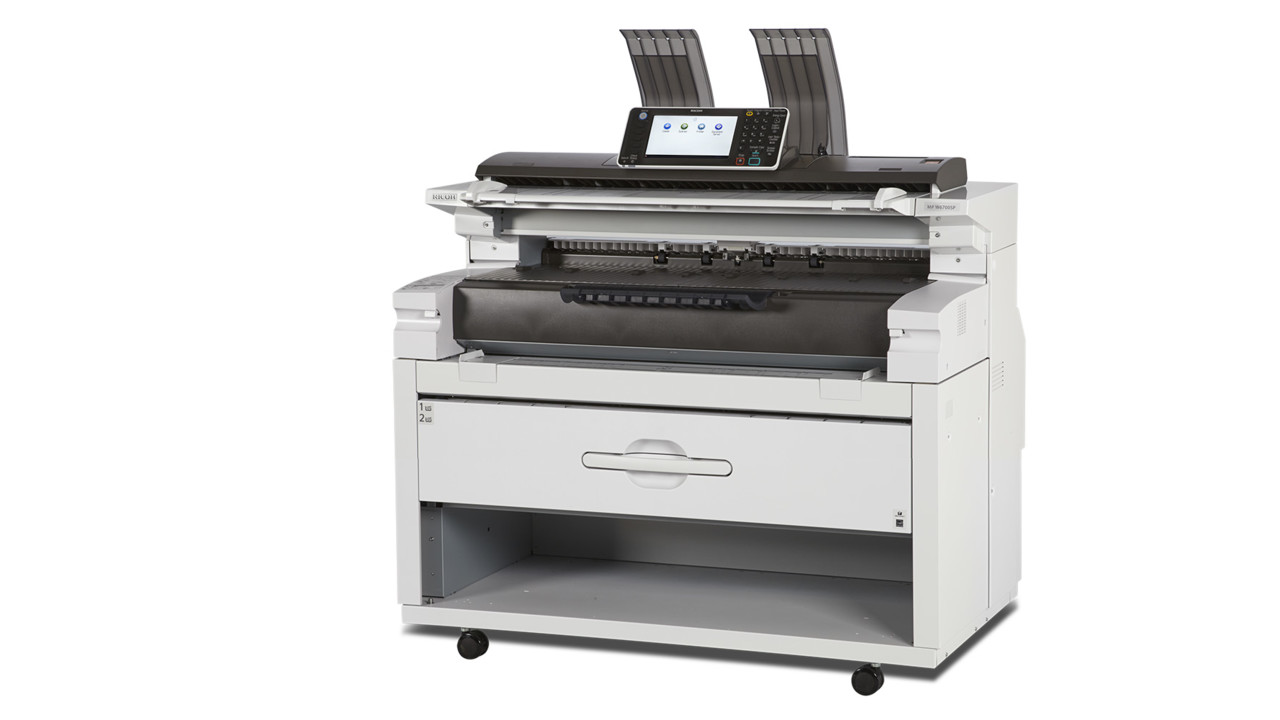
Images are for illustration purposes only and do not necessarily reflect the actual product.Product Details
Specifications
Accessories
Reviews
Product Details
Main Features
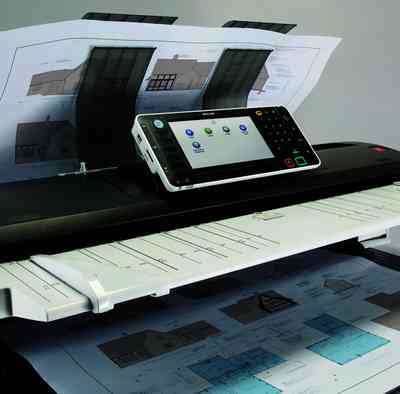
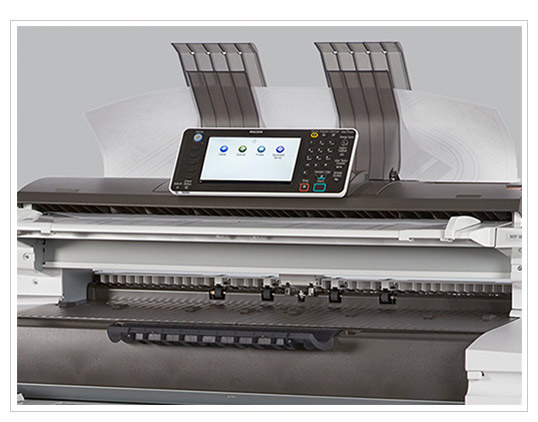
- Wide Format Digital Imaging System
- Functions: Print, Copy, Scan
- Compact Space-saving Design
- Print Speed: 6.7 ppm D-size, 3.3 ppm E-size
- Print Resolution: Up to 600 dpi
- Memory Capacity : 2.5 GB
- HDD: 320GB
- Directly print from or scan-to a USB or SD Card
- Built in Color Scanner
- Standard 2-Roll Drawer
- User Replaceable Toner
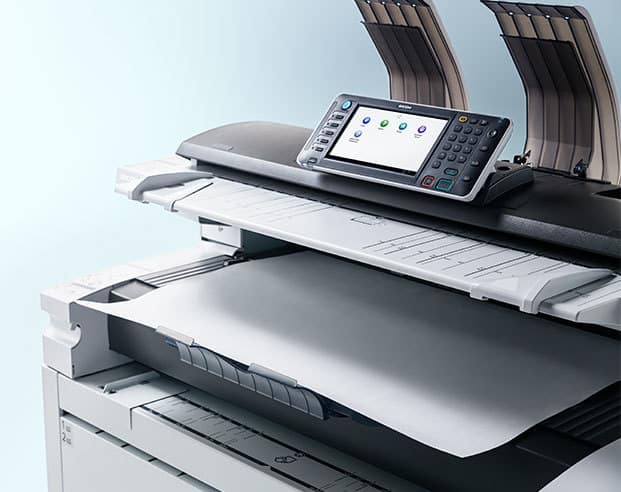
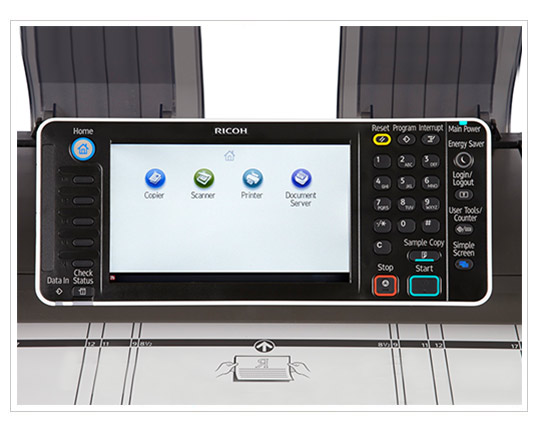
- 9-inch, full-color touch screen LCD control panel
- Advanced Security Features
Specifications
General Specifications
|
Configuration |
Console |
|
Copy/Printing Process |
Electro-photographic printing |
|
Paper Source |
2-roll paper feeder |
|
Warm-Up Time |
Less than 120 Seconds |
|
First Copy |
19 seconds (D-size) |
|
Copying Speed |
6.7 ppm (D-size) |
|
Resolution |
600 dpi x 600 dpi |
|
Grayscale |
256 levels |
|
Grayscale Printing |
2 levels |
|
Scanning Reduction/ Enlargement |
18 presets; 25% to 400% by 0.1% increments |
|
Zoom |
25% to 400% by 0.1% increments |
|
Memory Capacity |
2.5 GB |
|
Hard Disk Drive |
320 GB (shared with copier/printer/ scanner) |
|
Color Scan |
Standard |
|
Scan-to-Multimedia |
Standard |
|
Media-to-Print |
Standard |
|
Scan Speed |
Color: 26.7 mm/s or 1.05 ips Monochrome: 80 mm/s or 3.15 ips |
|
Power Source |
120 V, 20A (max), 60 Hz |
|
Dimensions (WxDxH) |
49.2" x 29.7" x 47.8" |
|
Weight |
507 lbs. |
 Download Manufacturer Specifications
Accessories

Reviews


Are you getting diminished color and print quality? If all your images start to look a bit purple, blue or orange, one of your ink wells may be running low. Replace the whole printer ink cartridge, unless you can refill the individual ink wells.
Is your printer smearing immediately after changing a cartridge? Check that the protective tape over the nozzles is completely removed.
Handle inkjet papers like photographic papers - hold them by the edges to avoid oil deposits and fingerprints.
MY ACCOUNT
INFO & POLICIES
SHOP EASY
PAYMENT OPTIONS



