



 Shopping Cart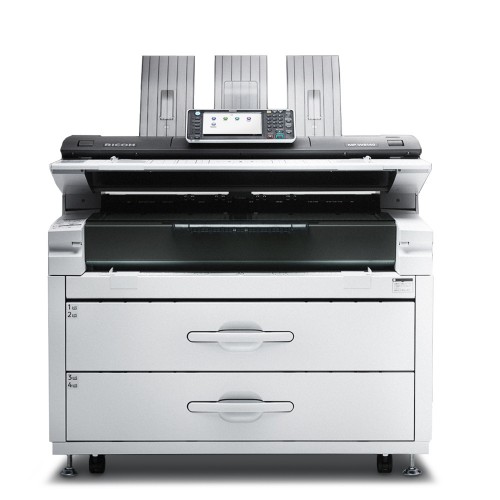




*** ALL TONERS AND SUPPLIES ARE IN STOCK AT DISCOUNTED PRICING , CALL +18882983095.
Printers do not include supplies - toners , drums (Imaging Units) (where applicable) , printer cables , manuals , consumables , trays (where applicable). Power cables are included. Drivers can be downloaded from the manufacturers website. Please verify that drivers available are compatible with your software on the manufacturers site.
Product Details
Specifications
Accessories
Reviews
Product Details
Main Features
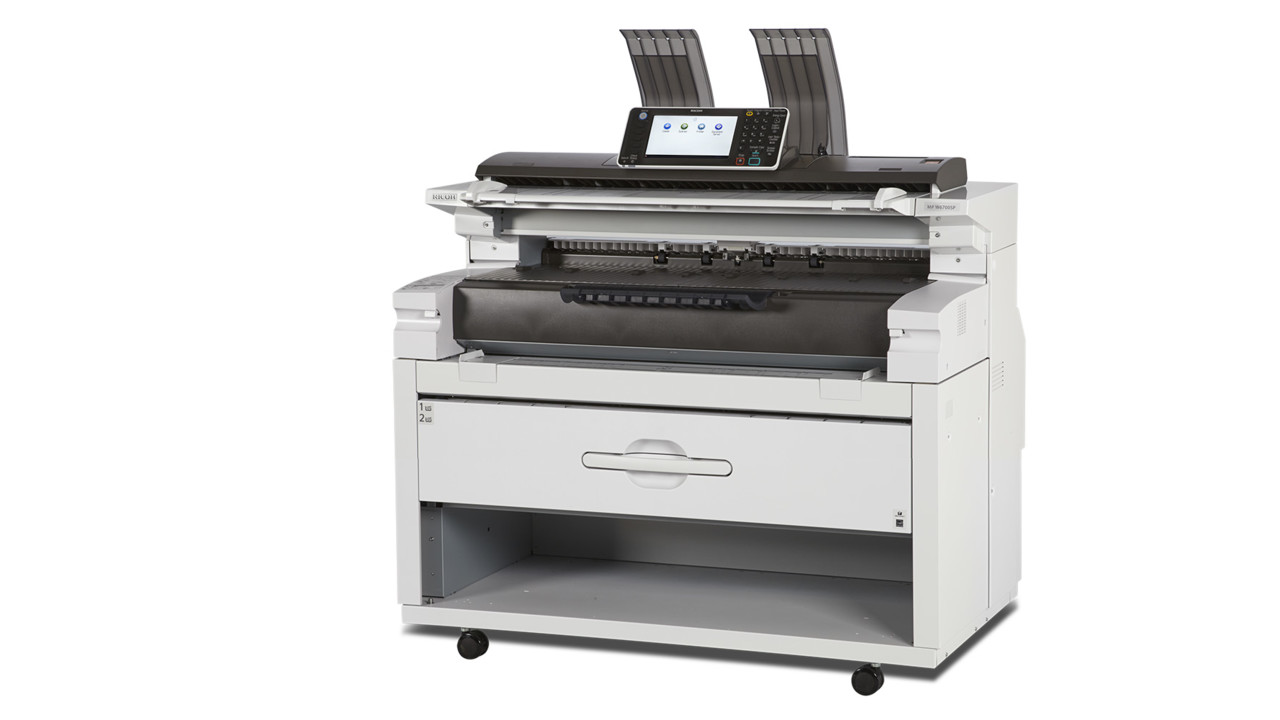
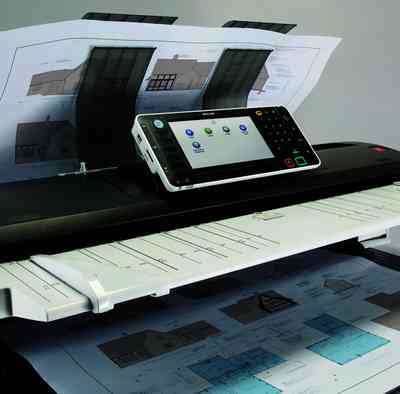
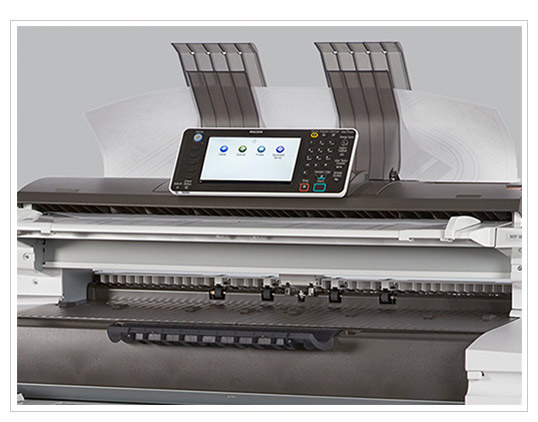
- Wide Format Digital Imaging System
- Functions: Print, Copy, Scan
- Compact Space-saving Design
- Print Speed: 6.7 ppm D-size, 3.3 ppm E-size
- Print Resolution: Up to 600 dpi
- Memory Capacity : 2.5 GB
- HDD: 320GB
- Directly print from or scan-to a USB or SD Card
- Built in Color Scanner
- Standard 2-Roll Drawer
- User Replaceable Toner
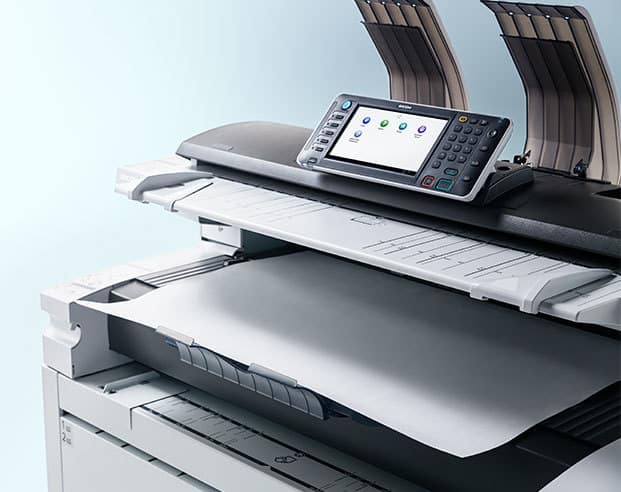
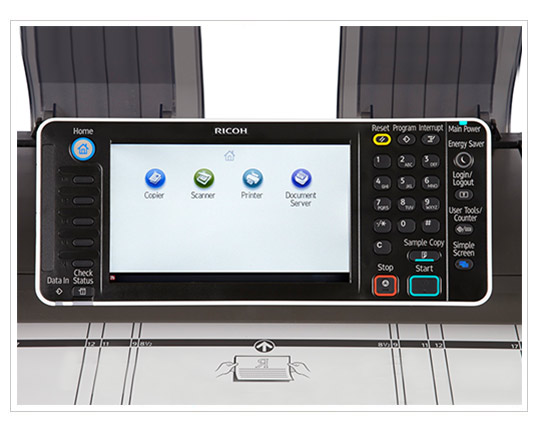
- 9-inch, full-color touch screen LCD control panel
- Advanced Security Features
Specifications
General Specifications
|
Configuration |
Console |
|
Copy/Printing Process |
Electro-photographic printing |
|
Paper Source |
2-roll paper feeder |
|
Warm-Up Time |
Less than 120 Seconds |
|
First Copy |
19 seconds (D-size) |
|
Copying Speed |
6.7 ppm (D-size) |
|
Resolution |
600 dpi x 600 dpi |
|
Grayscale |
256 levels |
|
Grayscale Printing |
2 levels |
|
Scanning Reduction/ Enlargement |
18 presets; 25% to 400% by 0.1% increments |
|
Zoom |
25% to 400% by 0.1% increments |
|
Memory Capacity |
2.5 GB |
|
Hard Disk Drive |
320 GB (shared with copier/printer/ scanner) |
|
Color Scan |
Standard |
|
Scan-to-Multimedia |
Standard |
|
Media-to-Print |
Standard |
|
Scan Speed |
Color: 26.7 mm/s or 1.05 ips Monochrome: 80 mm/s or 3.15 ips |
|
Power Source |
120 V, 20A (max), 60 Hz |
|
Dimensions (WxDxH) |
49.2" x 29.7" x 47.8" |
|
Weight |
507 lbs. |
 Download Manufacturer Specifications
Accessories

Reviews


If you are not getting the results you expect, don't give up on your printer until you manually set the driver for the paper that you are using.
Media settings on your printer determine how much ink will be used. Thinly coated glossy films require less ink, while plain paper soaks in more.
Is your printer feeding in the whole paper stack rather than just one piece at a time? Fan the paper before putting it in the tray to help separate the sheets. Also, store your paper in a cool, dry place as humidity can contribute to this problem.
MY ACCOUNT
INFO & POLICIES
SHOP EASY
PAYMENT OPTIONS



