



 Shopping Cart
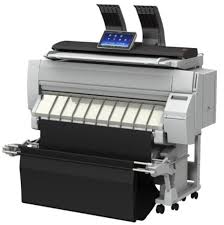
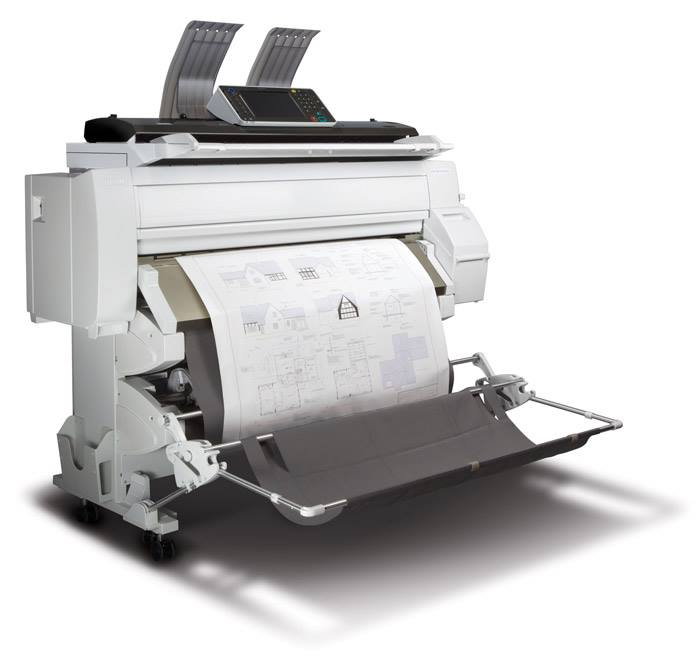
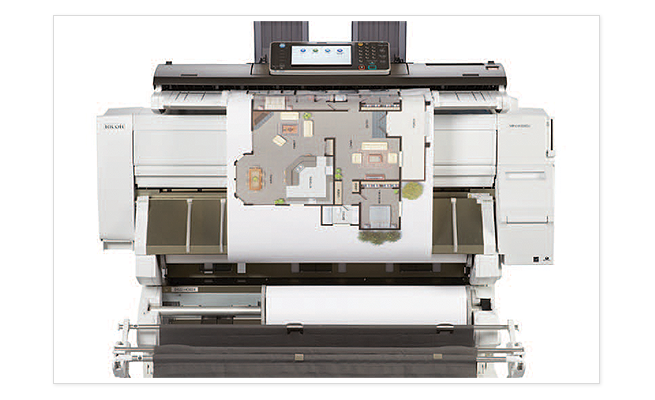
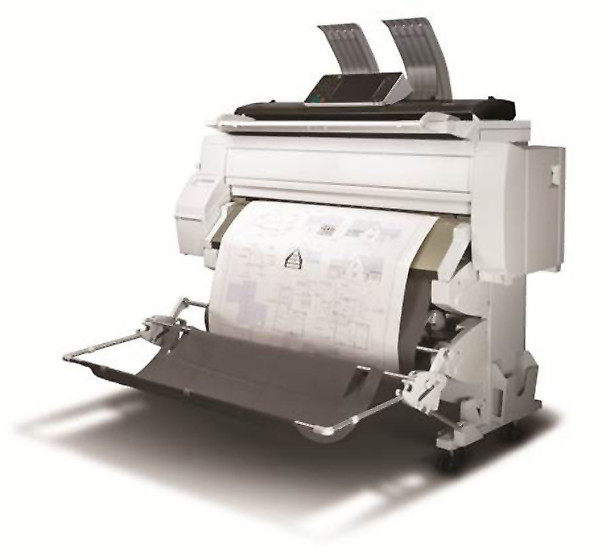
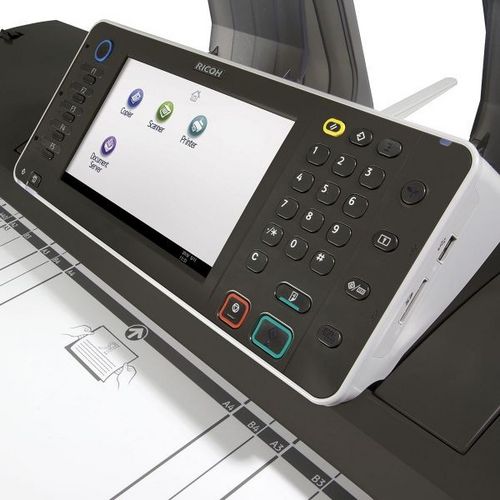
 Ricoh MP CW2200SP Wide Format Printer




Product Details
Specifications
Accessories
Reviews
Product Details
Main Features
- Wide Format Color Digital Imaging System
- Functions: Print, Copy, Scan
- Print Speeds: Monochrome- 3.2 ppm; Color- 1.1 ppm
- Print Resolution: 1200 x 1200 dpi
- Copy/Scan Resolution: 600 x 600 dpi
- System Memory: 3GB RAM
- HDD: 250GB
- Directly print from or scan-to a USB or SD Card
- Advanced Security Features
Specifications
 Download Manufacturer Specifications
Accessories

Reviews


Be sure that you are printing on the 'right' side of the paper - that is - the coated side.
Your printer is not a dumping ground. Don't pile documents or other things on top of it, as they could cause damage. Your printer could overheat and this could result in malfunctioning and even a reduction in the printer's life.
Getting blank pages after you installed a new cartridge? Check that the sticker from the cartridge was properly removed. Alternatively, run the clean print head function to make sure all air bubbles are removed. Do not remove the cartridge once it has been installed.
MY ACCOUNT
INFO & POLICIES
SHOP EASY
PAYMENT OPTIONS



* Images are for illustration purposes only.