



 Shopping Cart
 Ricoh MP CW2200SP Wide Format Printer
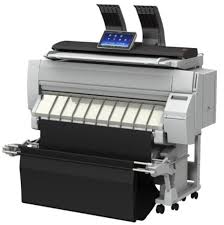


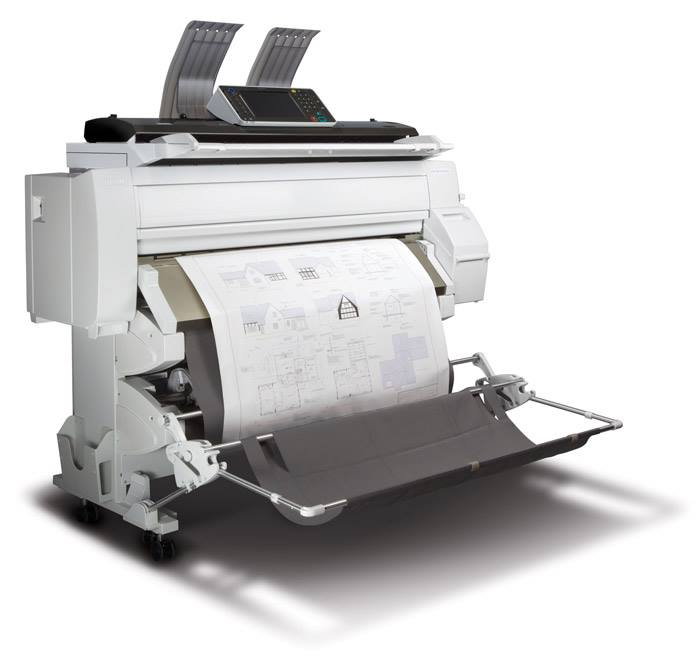
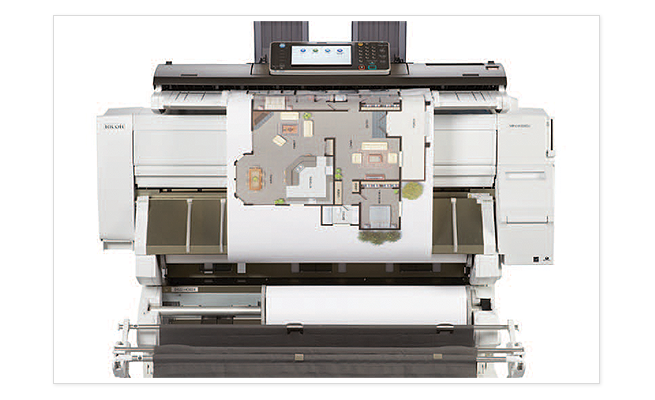
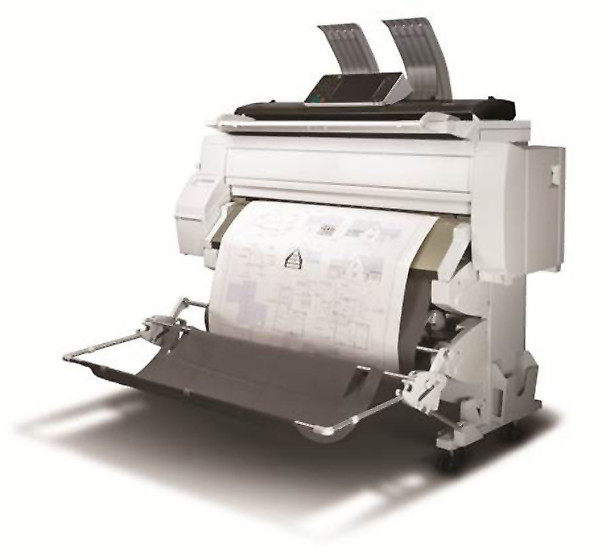
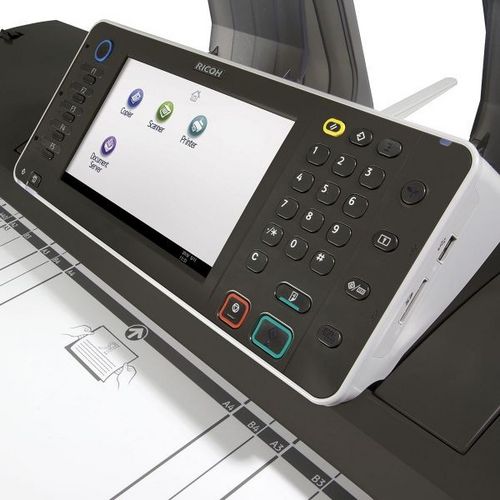


Images are for illustration purposes only and do not necessarily reflect the actual product.
Product Details
Specifications
Accessories
Reviews
Product Details
Main Features
- Wide Format Color Digital Imaging System
- Functions: Print, Copy, Scan
- Print Speeds: Monochrome- 3.2 ppm; Color- 1.1 ppm
- Print Resolution: 1200 x 1200 dpi
- Copy/Scan Resolution: 600 x 600 dpi
- System Memory: 3GB RAM
- HDD: 250GB
- Directly print from or scan-to a USB or SD Card
- Advanced Security Features
Specifications
 Download Manufacturer Specifications
Accessories

Reviews


Flashing light on your printer? Each printer has a different reason for a blinking or orange light but in general it is due to a paper jam, an empty paper tray, a printer cartridge problem or a problem with the printer hardware.
Store your laser printer in a properly ventilated area where temperature and humidity do not change frequently. Avoid areas with heavy dust buildup.
Are you getting diminished color and print quality? If all your images start to look a bit purple, blue or orange, one of your ink wells may be running low. Replace the whole printer ink cartridge, unless you can refill the individual ink wells.
MY ACCOUNT
INFO & POLICIES
SHOP EASY
PAYMENT OPTIONS



* Images are for illustration purposes only.