



 Shopping Cart
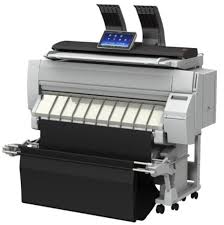
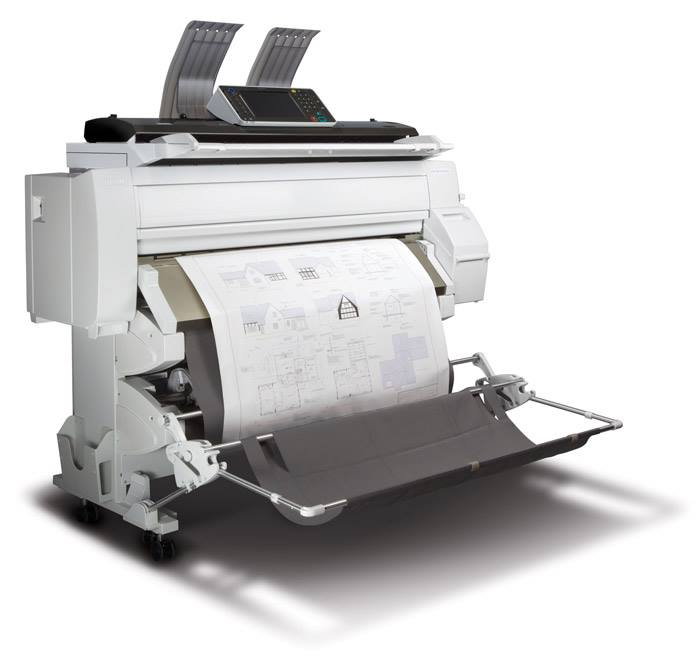
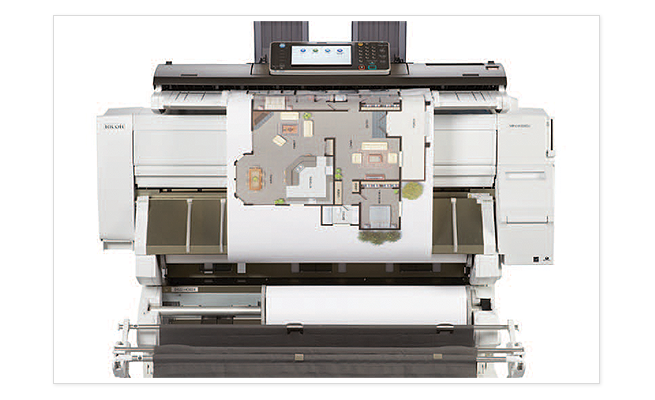
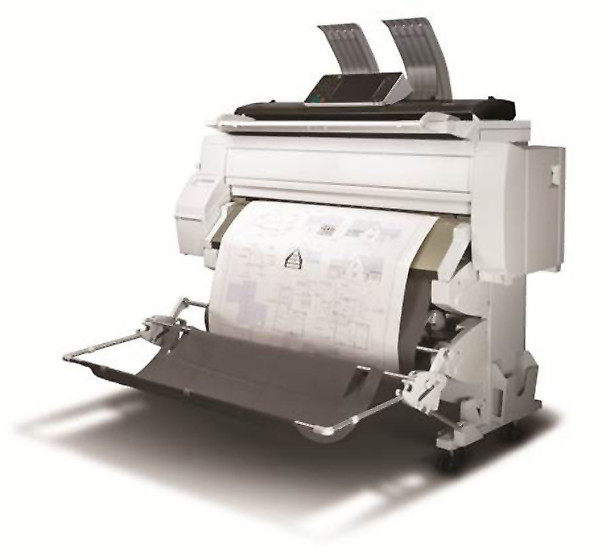
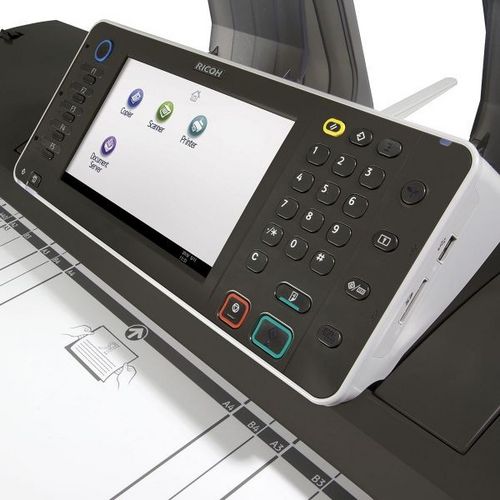
 Ricoh MP CW2200SP Wide Format Printer




Product Details
Specifications
Accessories
Reviews
Product Details
Main Features
- Wide Format Color Digital Imaging System
- Functions: Print, Copy, Scan
- Print Speeds: Monochrome- 3.2 ppm; Color- 1.1 ppm
- Print Resolution: 1200 x 1200 dpi
- Copy/Scan Resolution: 600 x 600 dpi
- System Memory: 3GB RAM
- HDD: 250GB
- Directly print from or scan-to a USB or SD Card
- Advanced Security Features
Specifications
 Download Manufacturer Specifications
Accessories

Reviews


Printing photos? Make sure that they are of print quality - meaning 300dpi. Anything lower than this will appear pixelated and lower than photo quality.
Use a lightly dampened cloth to clean the outside of your laser printer. To clean the inside, use a dry, lint-free cloth to make sure that no liquid enters the inner parts of the printer.
Are you getting diminished color and print quality? If all your images start to look a bit purple, blue or orange, one of your ink wells may be running low. Replace the whole printer ink cartridge, unless you can refill the individual ink wells.
MY ACCOUNT
INFO & POLICIES
SHOP EASY
PAYMENT OPTIONS



* Images are for illustration purposes only.