



 Shopping Cart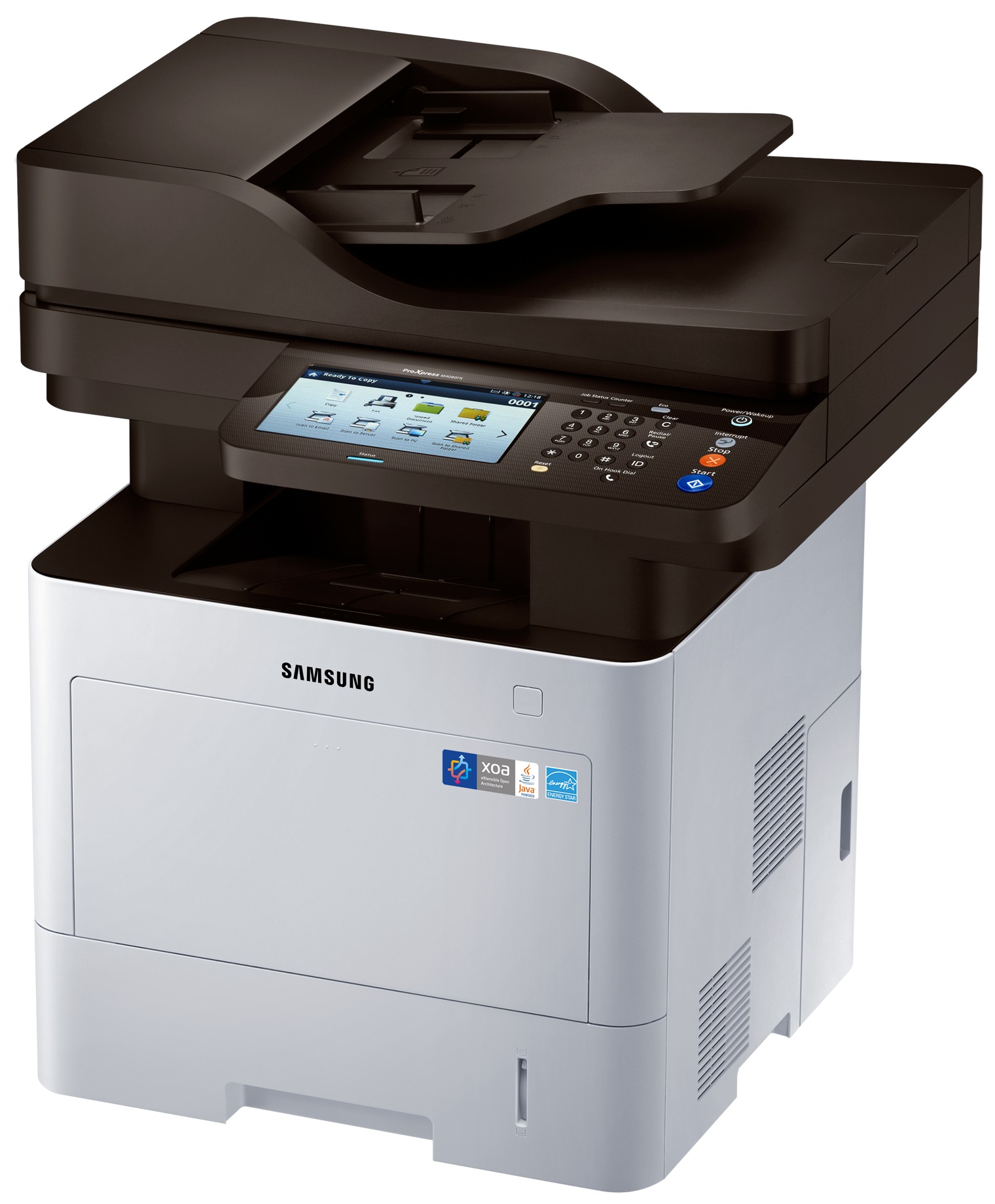



*** ALL TONERS AND SUPPLIES ARE IN STOCK AT DISCOUNTED PRICING , CALL +18882983095..
Printers do not include supplies - toners , drums (Imaging Units) (where applicable) , printer cables , manuals , consumables , trays (where applicable). Power cables are included. Drivers can be downloaded at www.hp.com. Please verify that drivers available are compatible with your software on HP’s site.
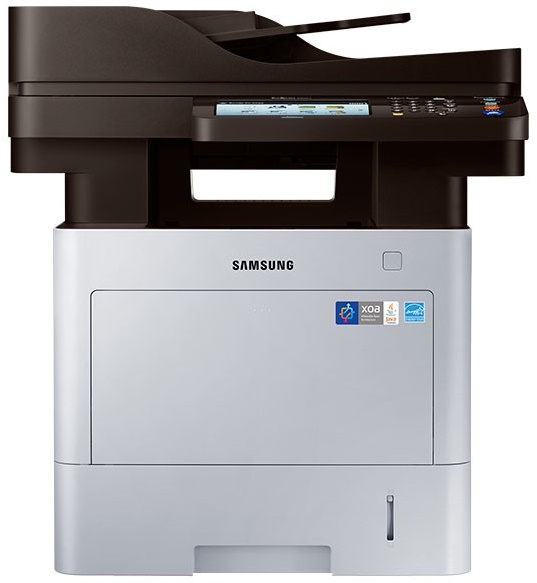
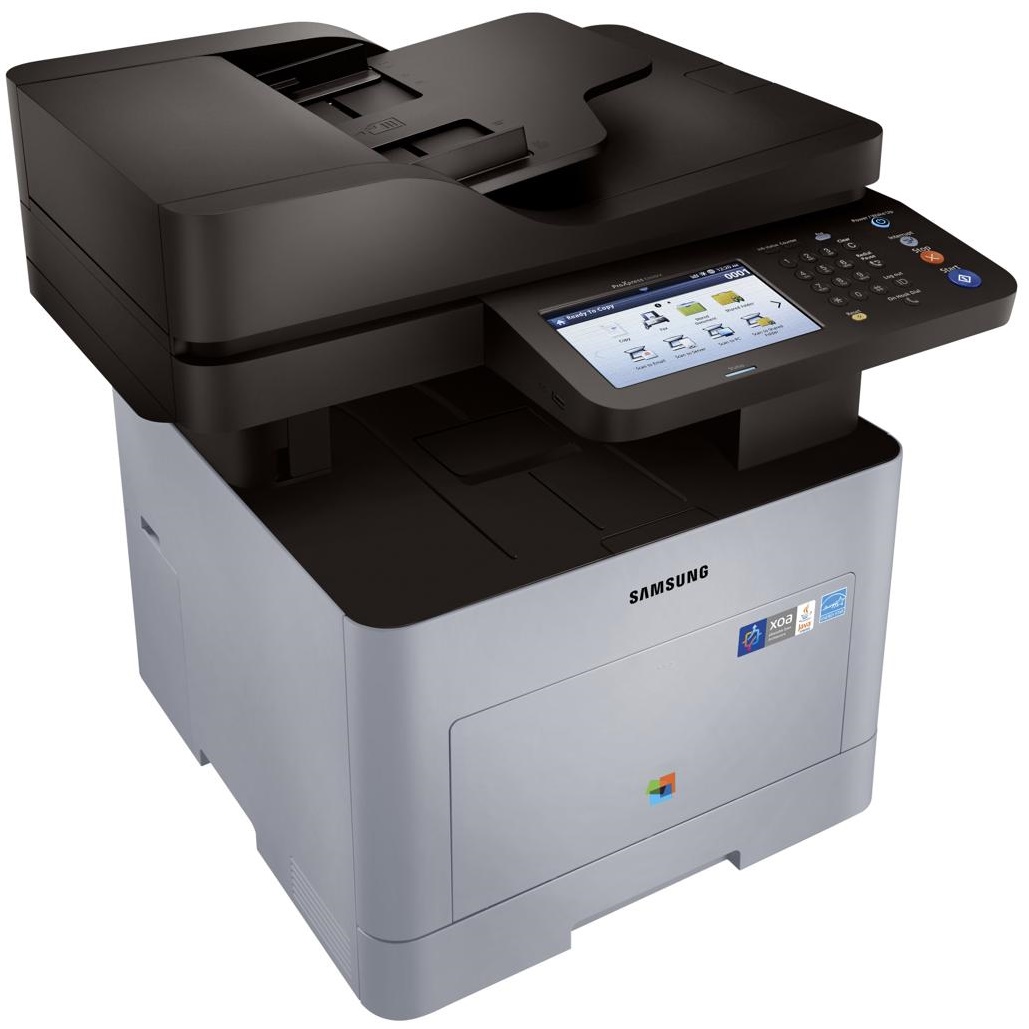
Images are for illustration purposes only and do not necessarily reflect the actual product.Product Details
Specifications
Accessories
Reviews
Product Details
Main Features
- Black and white printouts
- Print Speed: 40 pages per minute
- Laser printer
- Copy, print, scan and fax functions
- Easy to navigate 7 inch touchscreen
- Maximum paper handling: 2,300 paper
Specifications
General Specifications
-
Standard Functions
Print, Copy, Scan, Fax -
Processor
1 GHz (Dual Core) -
Operational Panel
7" Color Touch Screen Panel -
Memory (Standard)
1 GB -
Memory (Maximum)
2 GB -
Hard Disk Drive
320 GB (User Available Space : 279 GB) -
Interface (Standard)
USB Device, USB Host x 2, Ethernet 10/100/1000 Base TX -
Interface (Optional)
IEEE 802.11 b/g/n (NFC Active Type) -
Warm-up Time (From Power On)
45sec -
Warm-up Time (From Sleep)
30sec -
Power Requirements
AC 220 - 240 V, 50 / 60 Hz, AC 110 - 127 V, 50 / 60 Hz (Not dual voltage, power supply varies by country) -
Power Consumption
700 W (Printing), 700 W (Copying), 50 W (Ready), 1.21 W (Sleep), 2.08 kWh (TEC) -
Noise Level
Less than 54 dBA (Printing), Less than 56 dBA (Copying), Less than 30 dBA (Ready) -
Dimension (WxDxH)
530 x 481.4 x 576 mm (20.9" x 19" x 22.7" ) -
Weight
Set Only : 23.9 kg (52.7 lb)Set with Supplies : 25 kg (55.1 lb) -
Max. Monthly Duty Cycle
120,000pages -
Recommended Monthly Print Volume
2,000 - 12,000pages -
Network Security
SSL/TLS, IPv6, IPSec, SNMPv3, IEEE 802.1x, Kerberos, SMB, LDAP, Protocol&Port Management, IP/MAC Filtering, HDD Overwrite, HDD Encryption, Common Criteria Certification (ISO 15408), Audit Log, Access Control
-
Speed (Mono)
Up to 40 ppm in A4 (42 ppm in Letter) -
First Print Out Time (Mono)
As fast as 6sec -
Resolution
Up to 1,200 x 1,200 dpi Effective Output -
Print Languages
PCL5, PCL6, PS3, PDF V1.7 -
Duplex Print
Built-in -
Client OS Support
Windows : XP (32/64 bit), 2003 Server (32/64 bit), Vista (32/64 bit), 2008 Server (32/64 bit), Windows 7 (32/64 bit), 2008 Server R2 (64 bit), Windows 8 (32/64 bit), Windows 8.1 (32/64 bit), Windows Server 2012 (64 bit), Windows Server 2012 R2 (64 bit), Windows 10 (32/64 bit) Linux : RedHat Enterprise Linux 5, 6, Fedora 12, 13, 14, 15, 16, 17, 18, 19, 20, OpenSuSE 11.2, 11.3, 11.4, 12.1, 12.2, 12.3, 13.1, Ubuntu 10.04, 11.04, 11.10, 12.04, 12.10, 13.04, 13.10, 14.04, SuSE Linux Enterprise Desktop 10, 11, Debian 6, 7, Mint 13, 14, 15, 16 Unix : Sun Solaris 9, 10, 11 (x86, SPARC), HP-UX 11.0, 11i v1, 11i v2, 11i v3 (PA-RISC, Itanium), IBM AIX 5.1, 5.2, 5.3, 5.4, 6.1, 7.1 (PowerPC) Mac : OS 10.6 - 10.11 -
Network Protocols
TCP/IPv4, IPv6, DHCP, BOOTP, AutoIP, DNS, DDNS, WINS, Standard TCP/IP, LPR/LPD, IPP, ThinPrint, Google Cloud Print, AirPrint, WSD print, FTP print, HTTP, SNMP (v1/2c/3), Telnet, SLP, Bonjour, UPnP (SSDP), WSD Discovery, SMTP, FTP, LDAP, SMB, Kerberos -
Direct Print Support
JPEG, PDF, PRN, TIFF, XPS -
Print Features
WSD Print, Secure Print, Stored Print, Booklet Print, N-up, Cover Page Print, Barcode Print, Eco Print, Skip Blank Pages, Poster Print, Watermark, Tray Priority Settings, Auto Tray Switching, Tray Protection, Direct Print from USB, Secure PDF Print
 Download Manufacturer Specifications
Accessories

Reviews


Don't move a print head unless the instructions direct it. You can damage the belt or other parts.
Most printers have a built-in diagnostics program which can be very useful for troubleshooting problems and test-printing without a computer. They are usually initiated by pressing a button or two while turning on the printer.
When power is applied, you should hear the print mechanism initialize and most printers have at least one light which will be illuminated when it is on.
MY ACCOUNT
INFO & POLICIES
SHOP EASY
PAYMENT OPTIONS



